Base
Hardened build
minimal ports, security patches applied at build time
2FAuth, a self hosted vault for your two factor authentication accounts that stores the secrets and generates the one time codes in a browser.
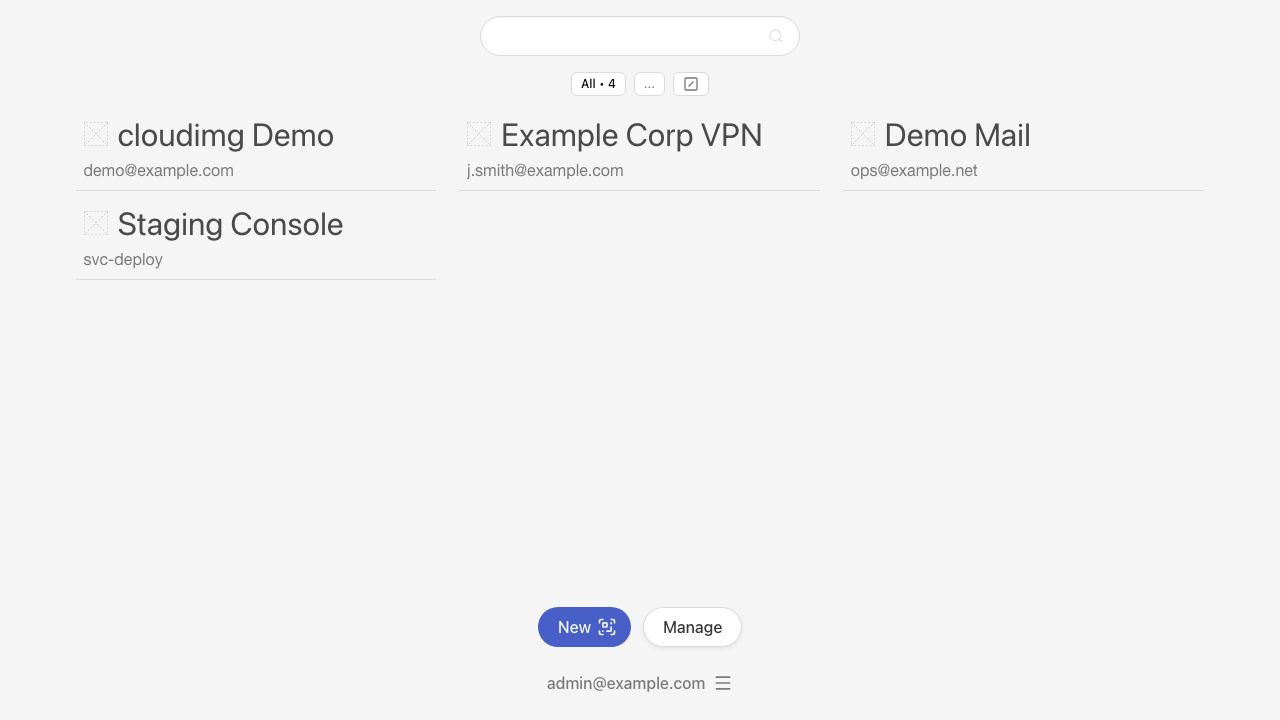
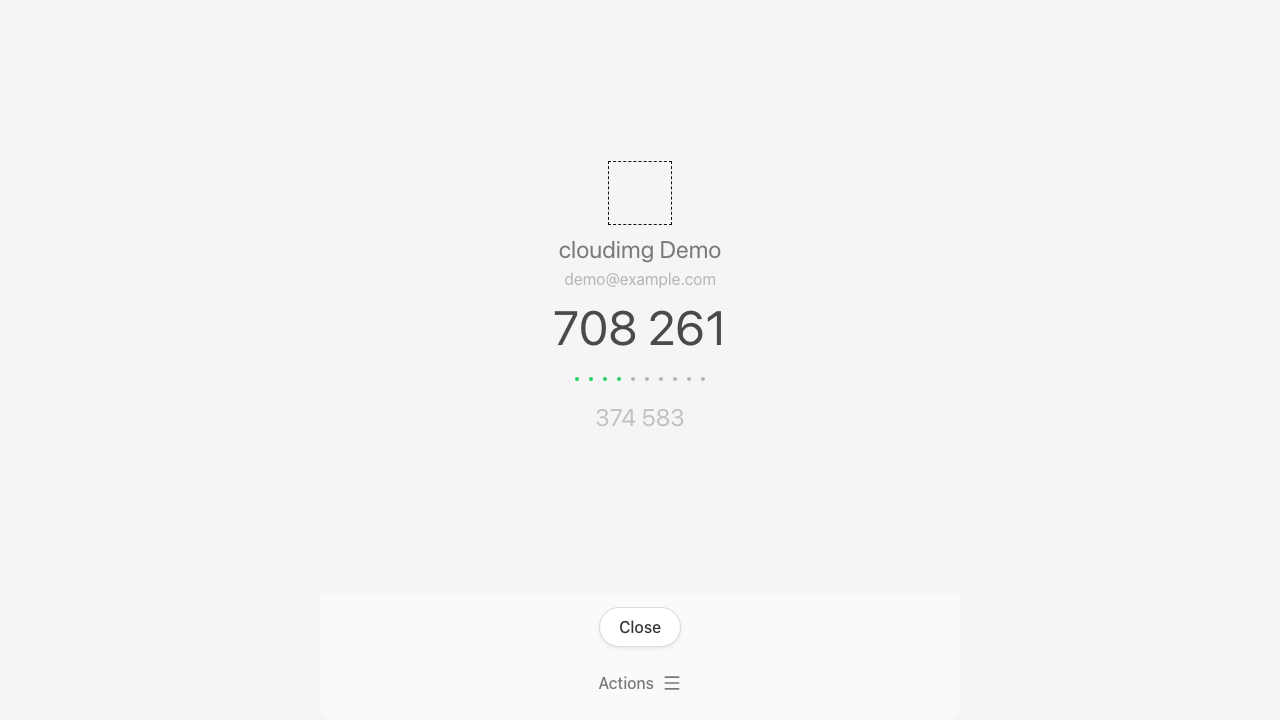
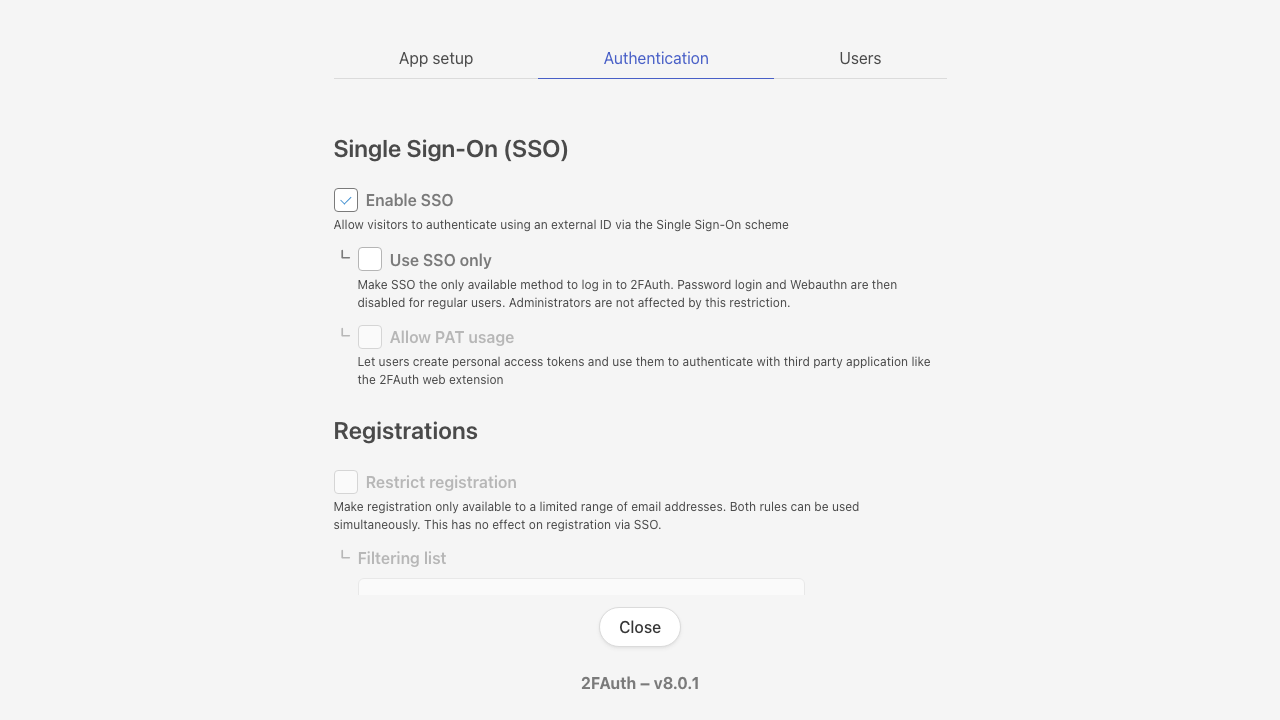
2FAuth is an open source, self hosted web app for managing two factor authentication accounts. It holds the shared secrets behind your TOTP, HOTP and Steam one time passwords, shows the live code with its countdown so you can copy it in one action, and reads the QR codes services hand out during enrolment so adding an account takes seconds. Accounts can be grouped, searched, reordered and given icons, and the whole collection can be exported and imported when you move. Because it runs in a browser on infrastructure you control, your second factors are no longer stranded on one handset: they survive a lost or replaced phone, and a small team can share one instance with separate accounts. A documented REST API with personal access tokens covers the same operations for automation, and signing in to 2FAuth itself can be protected with WebAuthn passkeys or single sign on.
Upstream hands ownership of a new instance to whoever registers on it first, so cloudimg closes that window before the port is ever public: the image ships with no accounts at all and self registration already switched off, and first boot creates the administrator with a random password written to a root only file. Nothing usable is baked in, so no two instances share a secret. First boot also mints a fresh application encryption key and fresh API token signing keys per instance, and stored secrets are encrypted at rest with that key. The vault itself lives on a dedicated data volume kept apart from the operating system disk, so a backup is a single directory and the secrets survive instance replacement. Every deployment ships fully patched, with a paired deploy guide and 24/7 cloudimg support.
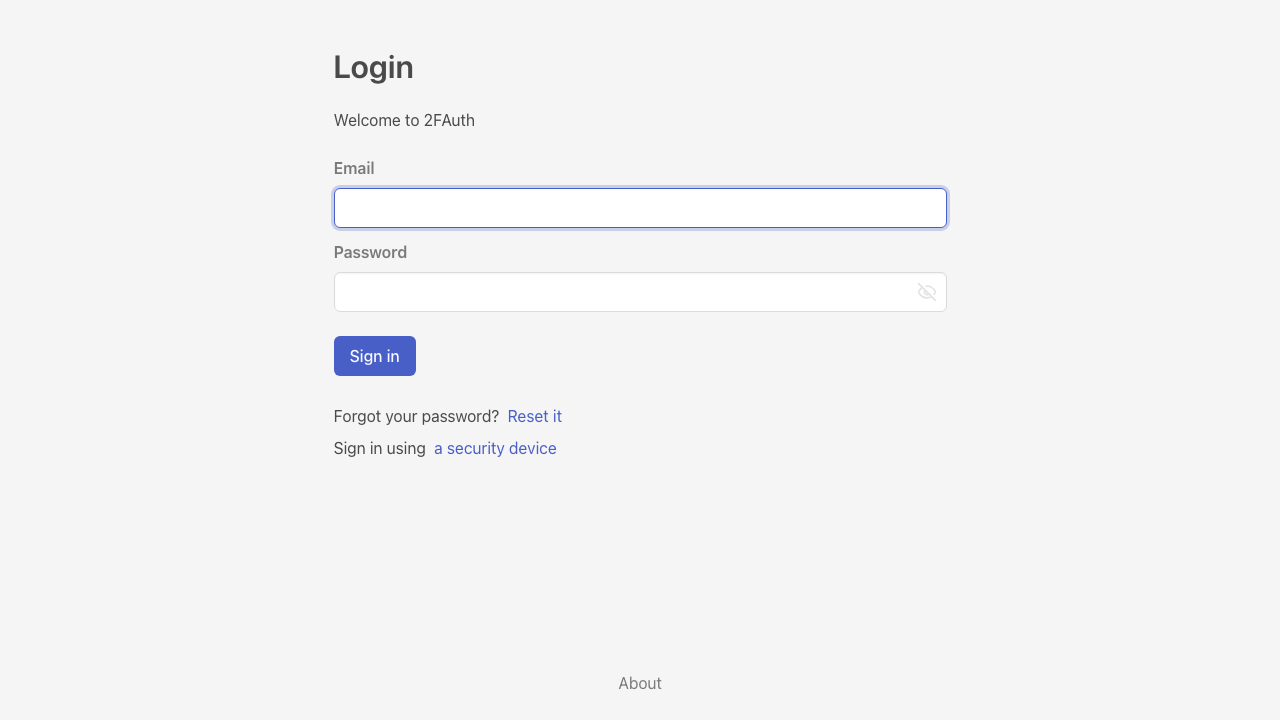
Real screenshots taken while testing this image against its deployment guide.

What cloudimg adds to every version - Every image is built by cloudimg on a fully patched base with the latest security ...

What cloudimg adds to every version - Every image is built by cloudimg on a fully patched base with the latest security ...

What cloudimg adds to every version - Every image is built by cloudimg on a fully patched base with the latest security ...

What cloudimg adds to every version - Every image is built by cloudimg on a fully patched base with the latest security ...

What cloudimg adds to every version - Every image is built by cloudimg on a fully patched base with the latest security ...
The image installs acme-dns 2.0.2 from the official upstream release (github.com/acme-dns/acme-dns, the project formerly...