Base
Hardened build
minimal ports, security patches applied at build time

a self hosted graphql ide, build, send and inspect graphql queries in your browser, ready the moment it boots.
Altair GraphQL Client is an open source GraphQL IDE for building, sending and inspecting GraphQL requests. It gives you a full featured query editor with syntax highlighting, autocompletion and inline documentation driven by live schema introspection, so you can explore an API's types, queries, mutations and subscriptions as you write. You can set custom headers and variables, run queries, mutations and real time subscriptions, view formatted responses, keep a searchable history of what you have run, and organise reusable requests into collections.
The self hosted build is a purely client side web app: it runs entirely in your own browser and connects directly to whatever GraphQL endpoint you point it at, so nothing you send passes through a third party service. It suits backend and frontend developers, API teams and testers who want a private, self hosted GraphQL client they fully control.
cloudimg delivers Altair as the official pre built self hosted bundle served as static files behind nginx, so the GraphQL IDE answers in the browser the moment the instance boots. Because the self hosted build is purely client side there is no login, no account and no server side data: every request is sent straight from your own browser to the endpoint you choose, so nothing you paste in is stored on the machine. The image is hardened and fully patched, pinned to a known release, and every deployment is paired with a step by step deploy guide and backed by 24/7 cloudimg support.
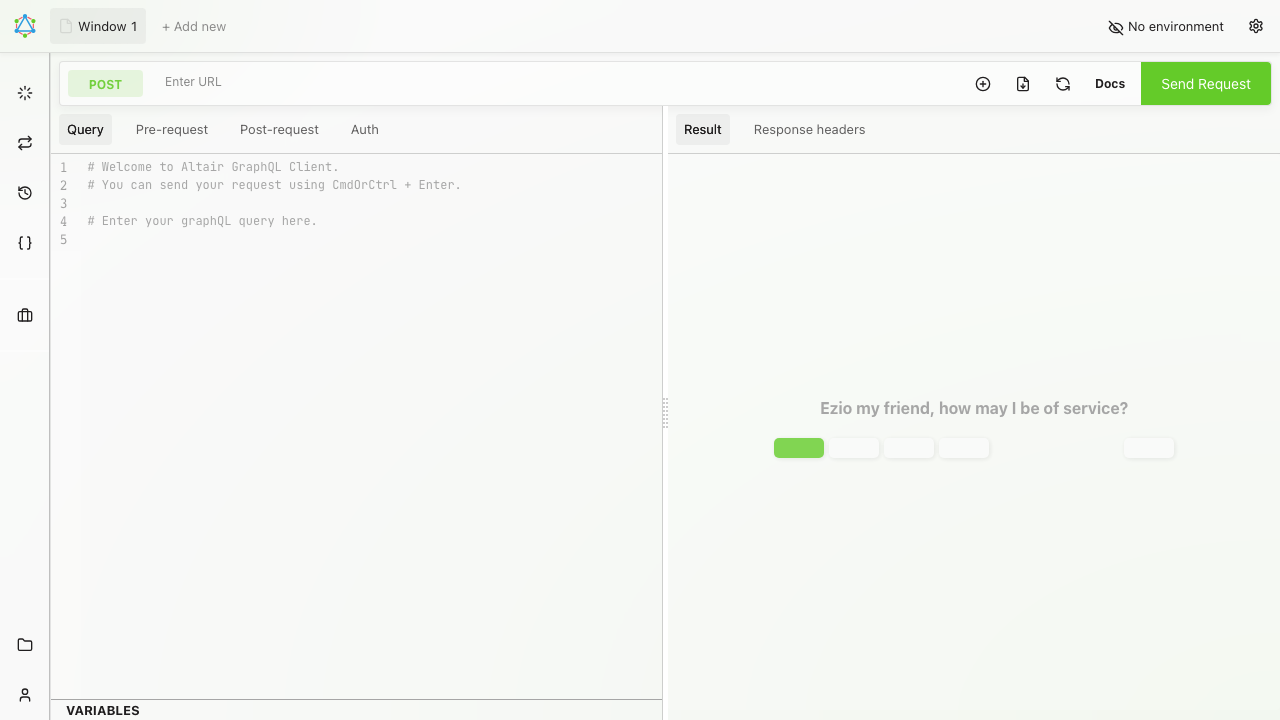
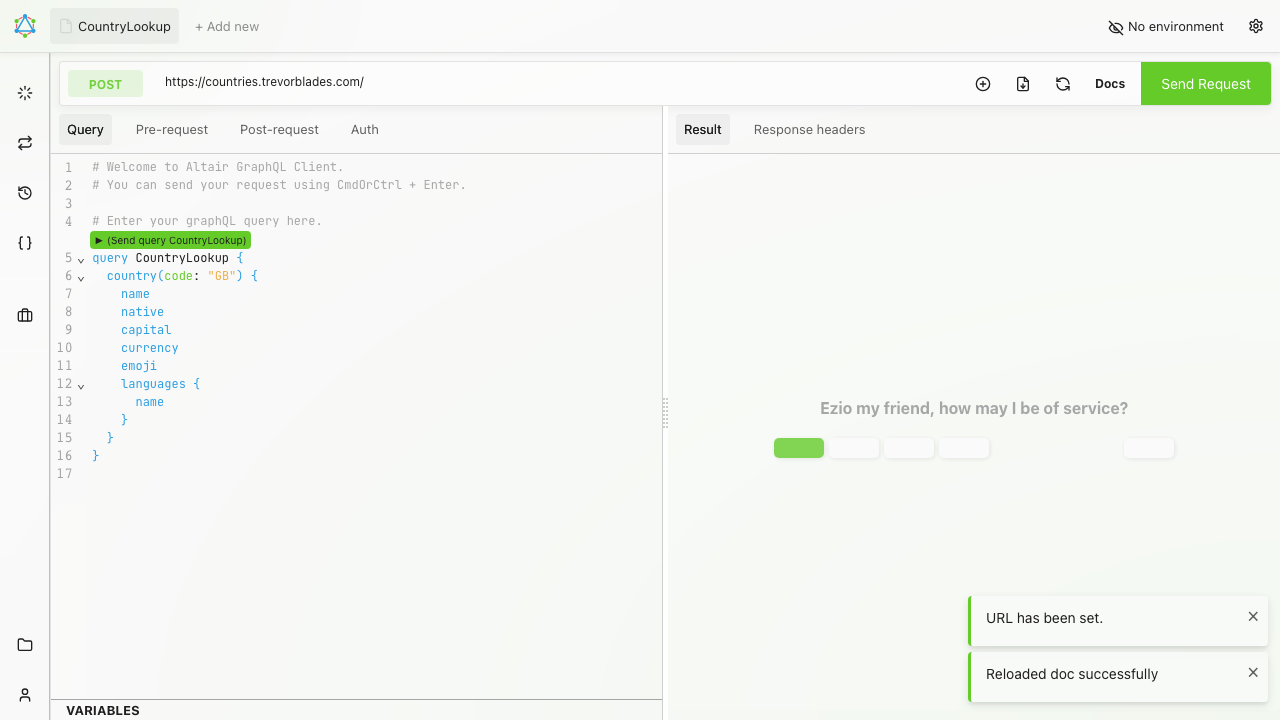
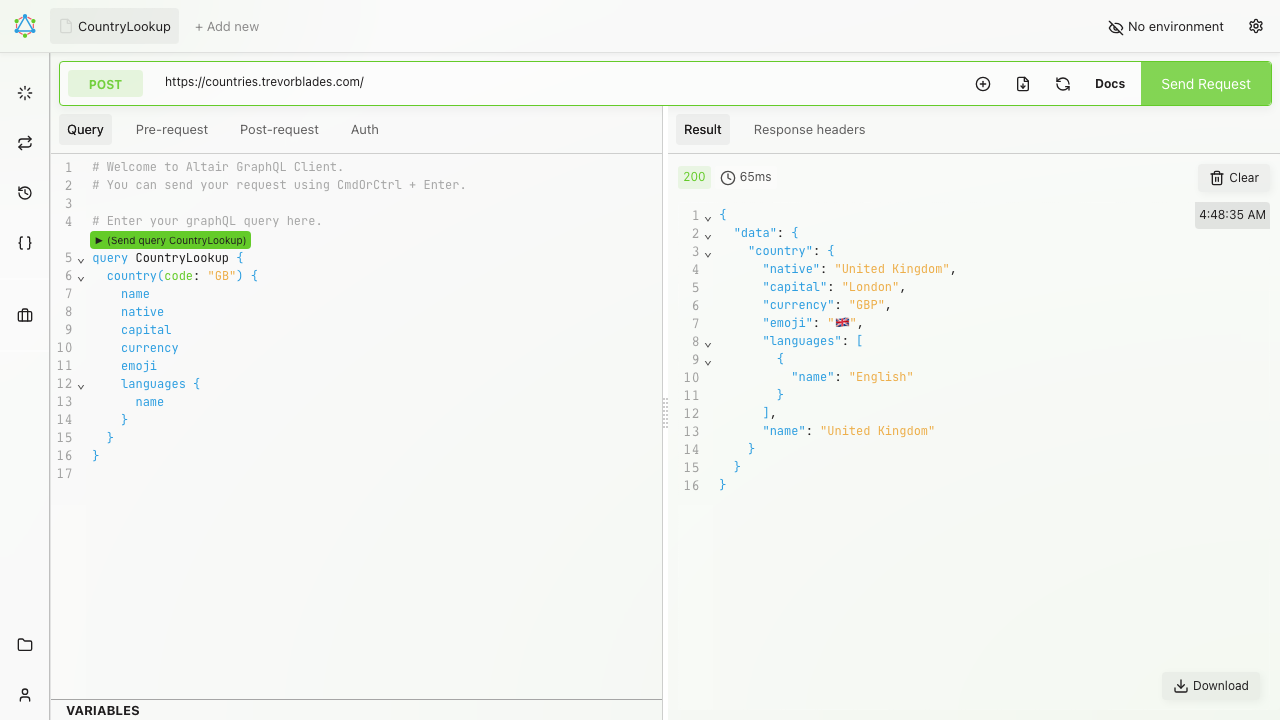
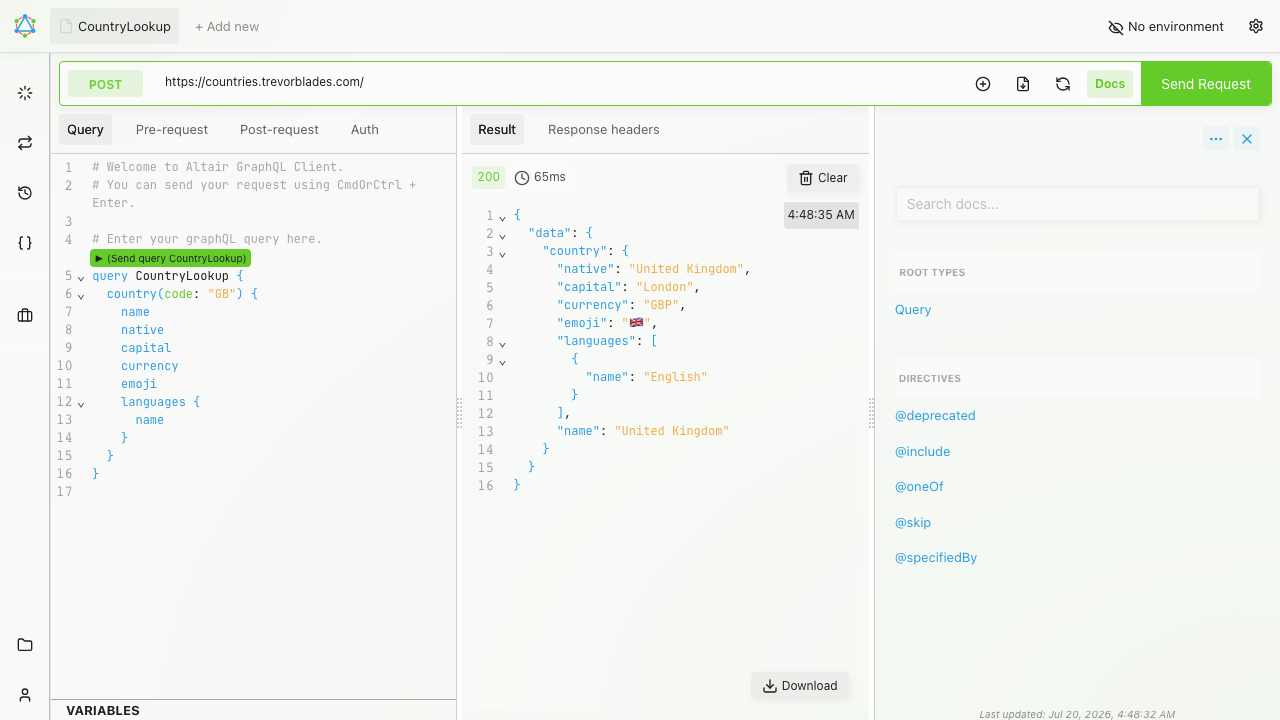
Real screenshots taken while testing this image against its deployment guide.

Docker Community Edition is the free, open source container runtime that allows you to package applications and their de...
Docker Community Edition preconfigured across several Linux variants, running containers within minutes of launch.

Around that core it adds a side by side editor with comments and a review state for each key, conflict detection when a ...
Apache Allura is the open source project hosting platform, or forge, that powers SourceForge.

A control node is the machine those playbooks actually run from. This image is that machine, and it ships ready rather t...
Apache Archiva is a build artifact repository manager for Maven, used to host, proxy and manage release artifacts. This ...