
Apache CouchDB NoSQL Database
Overview
Launch a production-ready CouchDB document database in minutes - no default credentials, no manual setup. Includes Fauxton admin UI and24/7 cloudimg support.
See it running
Real screenshots of this software running on the cloudimg image, taken while testing the deployment guide.
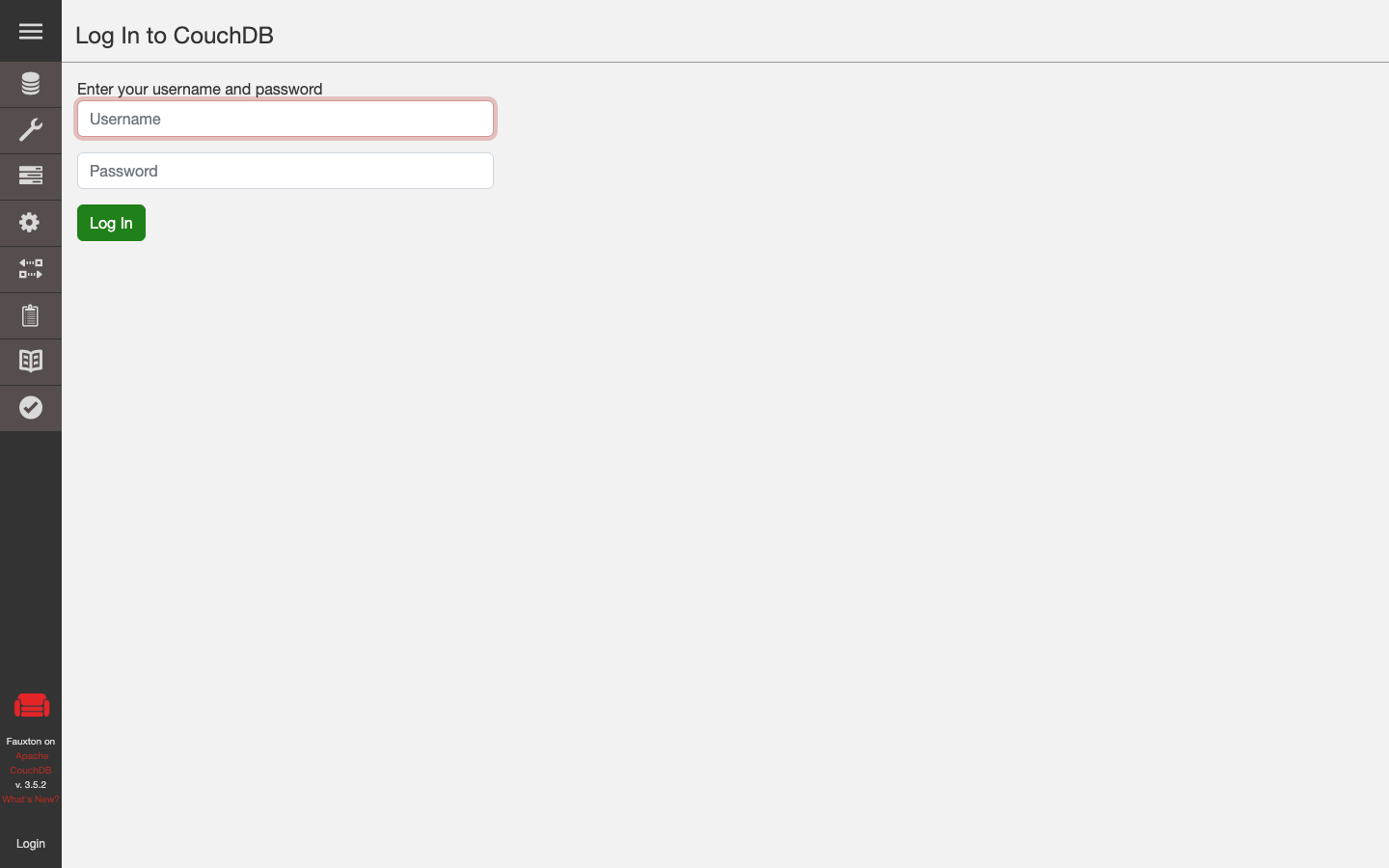
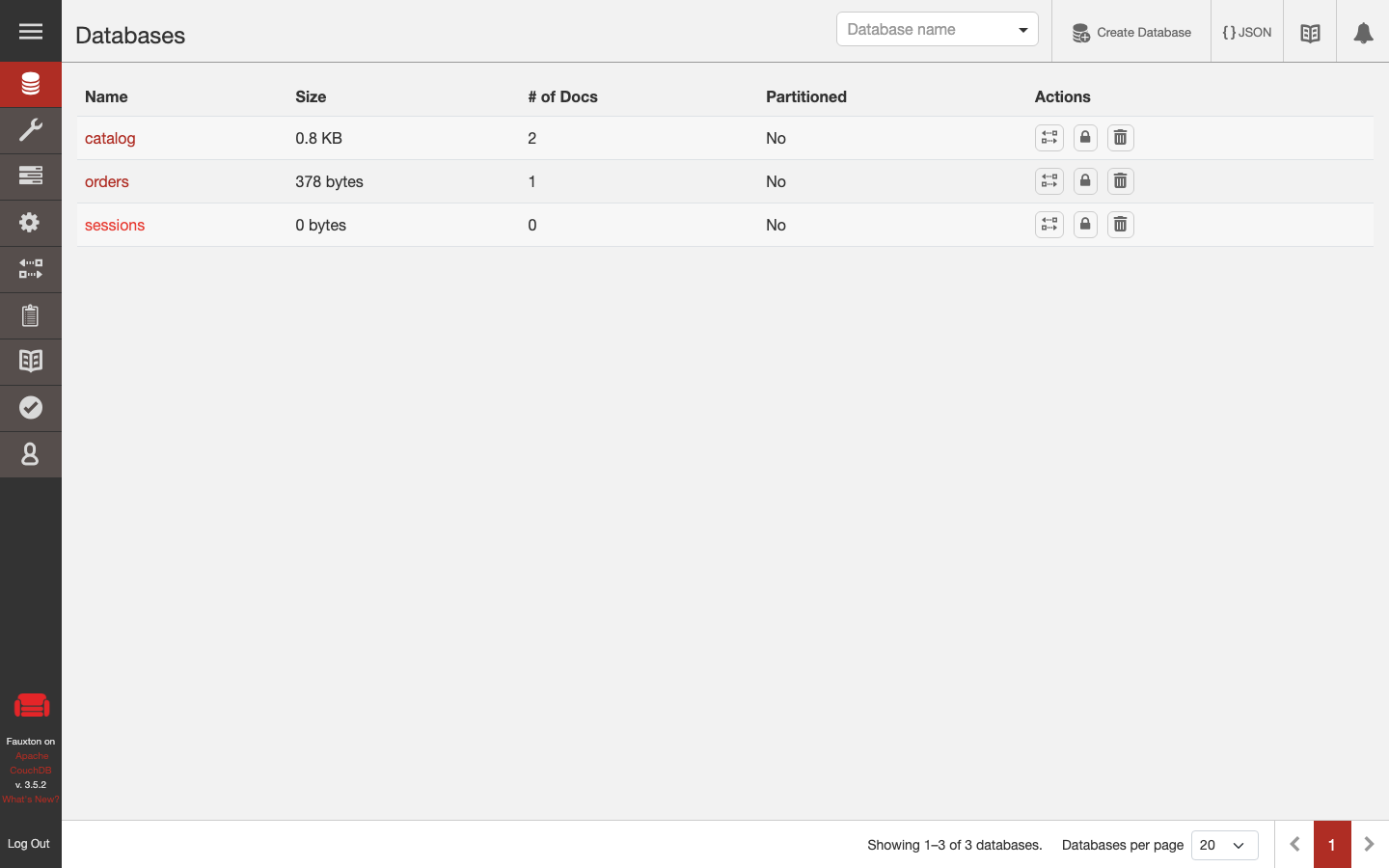
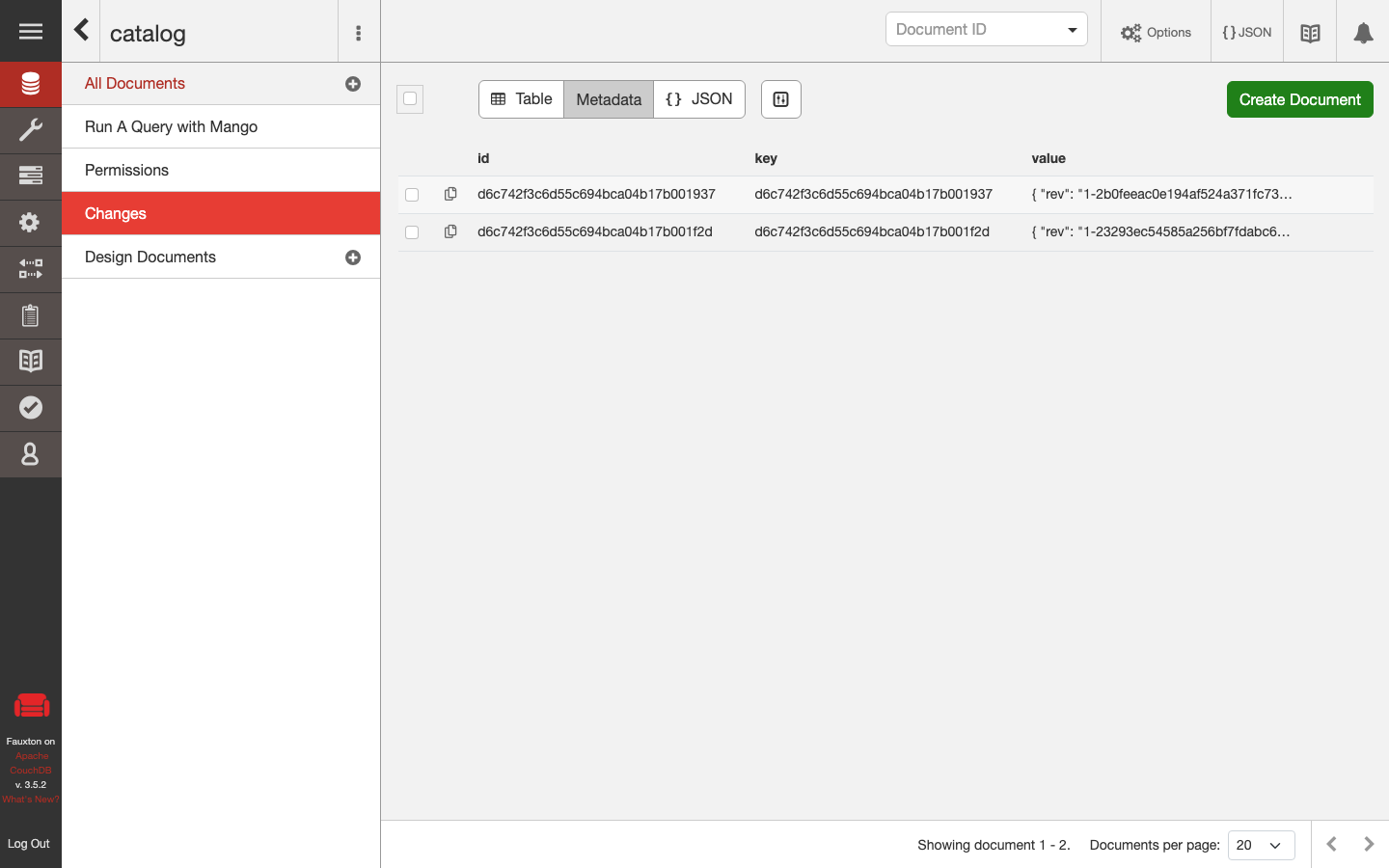
Description
This is a repackaged open source software product wherein additional charges apply for cloudimg support services.
## Overview
Apache CouchDB is an open source, document-oriented NoSQL database that stores data as JSON documents, exposes every operation over a RESTful HTTP API, and ships with the Fauxton browser-based admin interface. This AMI delivers CouchDB fully installed and configured so you have a production-ready document database running within minutes of launch - no manual installation, no separate runtime dependencies, and no insecure defaults. The current release available is CouchDB 3.
## Why This AMI Over a Manual Install
Unlike bare CouchDB packages or competing AMIs that ship in insecure "admin party" mode with shared default credentials, this image generates a unique administrator password on every first boot. You skip the multi-step installation of Erlang, CouchDB, and configuration hardening entirely. There is no Java dependency and no separate runtime to manage - the Erlang virtual machine is bundled inside the CouchDB package.
## Database Stack
Apache CouchDB runs as a systemd service in single-node mode. The HTTP REST API, the Fauxton admin interface, and the replication protocol all listen on a single port (5984), simplifying firewall rules and load balancer configuration. Database files are stored on a dedicated, independently resizable EBS data disk so you can scale storage without touching the root volume.
## AWS Integration Points
- Amazon CloudWatch - Configure CouchDB log forwarding to CloudWatch Logs for centralized monitoring and alerting on database events.
- Amazon S3 - Schedule automated backups of your CouchDB data directory to S3 for durable, cost-effective disaster recovery.
- Application Load Balancer - Place an ALB in front of CouchDB instances to distribute HTTP API traffic and terminate TLS.
- PouchDB - CouchDB's native replication protocol integrates directly with PouchDB for offline-first mobile and web applications that sync data when connectivity returns.
## Secure First Boot
On the first boot of your instance, a one-shot systemd service generates a fresh CouchDB administrator password unique to that instance, writes it into the CouchDB configuration, and stores the plain-text value in a root-only file at /opt/couchdb/etc/local.d/admin_password. No shared or default credentials ship in the image. Without this mechanism, CouchDB would run in insecure admin party mode where any user has full administrative access.
## Getting Started
1. Launch the AMI in your VPC with a security group allowing inbound TCP on port 5984.
2. SSH into the instance and read the generated admin password: sudo cat /opt/couchdb/etc/local.d/admin_password
3. Browse to http://your-instance-ip:5984/_utils to open the Fauxton admin interface.
4. Log in with username "admin" and the retrieved password.
5. Create your first database and begin storing JSON documents immediately.
Recommended instance types: t3.medium for development and testing, m5.large or larger for production workloads with sustained throughput.
## Use Cases
- Field service mobile sync - A fleet of tablets running PouchDB collects inspection data offline and syncs automatically to CouchDB when connectivity returns, ensuring zero data loss for distributed field teams.
- Document and content stores - Store, version, and retrieve JSON documents with built-in conflict resolution.
- Catalogue and configuration data - Serve product catalogues or application configuration via the HTTP API.
- Event and audit logging - Append-only document writes with document-level ACID semantics.
- Multi-master replication across AWS regions - CouchDB's native replication protocol enables active-active deployments across multiple regions for high availability.
## cloudimg Support
24/7 technical support by email and live chat. Our engineers provide expert assistance with CouchDB deployment architecture, upgrades, replication topology design, performance tuning, and database administration. Critical issues receive a one-hour average response time.
To discuss your deployment requirements or request a guided walkthrough of CouchDB replication setup, contact our team at support@cloudimg.co.uk.
## Evaluation
We encourage you to launch an instance and explore the Fauxton interface and REST API to evaluate fit for your workload before committing to production use.
All product and company names are trademarks or registered trademarks of their respective holders. Use of them does not imply any affiliation with or endorsement by them.
Key Features
- Production-ready in minutes with zero manual setup - CouchDB 3, the Fauxton web admin interface, and the full HTTP REST API all run on a single port (5984). Unlike manual installations requiring separate Erlang setup and multi-step configuration, this AMI launches a complete document database with no runtime dependencies and no Java. Database files reside on a dedicated EBS data disk you can resize independently without downtime.
- Secure by default where alternatives are not - every instance generates a unique administrator password on first boot and stores it in a root-only file. Competing CouchDB images often ship in insecure admin party mode with shared default credentials, exposing your data to unauthorized access. This AMI eliminates that risk automatically so your database is hardened from the moment it starts accepting connections.
- 24/7 expert support from cloudimg with one-hour average response for critical issues. Our engineers assist with CouchDB deployment architecture, replication topology across AWS regions, performance tuning, upgrades, and integration with AWS services like Amazon CloudWatch and Amazon S3. You get dedicated database expertise rather than generic community forums.
Related Technologies
Related Products

Apache Cassandra NoSQL Database
This image runs Apache Cassandra, the open source distributed NoSQL database built for scalability and high availability...
Chroma Vector Database for AI
This image runs Chroma 1.5, the open source vector database for AI - store embeddings and run fast similarity search for...

ClickHouse Analytics Database
This image runs ClickHouse, the open source column oriented analytics database, on a single node.
Apache Cassandra NoSQL Database
Once your instance is running and has passed both status checks (2/2), connect using SSH:

Elasticsearch Single-Node Search and Analytics
This image runs Elasticsearch 8.x, the open source distributed search and analytics engine, fully installed and configur...

MariaDB Community Server - Managed Support
This image runs MariaDB Community Server, the popular open source relational database, a community developed fork of the...