Base
Hardened build
minimal ports, security patches applied at build time

asciinema server, a self hosted home for terminal session recordings that replay as real, selectable text rather than video
asciinema server is the self hosted server half of the asciinema ecosystem. You record a terminal session with the asciinema command line tool, upload it to your own server, and get back a link that replays the session in a real terminal player: the text stays selectable and copyable, so a viewer can lift a command straight out of the playback instead of retyping what they see in a video.
Because a recording is stored as timed text rather than pixels, it stays small, it loads instantly, and the server can search the actual terminal content as well as titles and descriptions. Around that it gives you a browsable library with per recording visibility, secret sharing links, embeddable players, downloadable transcripts, live terminal streaming and an administration panel. It suits teams who want product demos, incident walkthroughs, onboarding material and support transcripts to live on infrastructure they control rather than a public service.
The cloudimg image is the whole appliance rather than the application alone: the upstream release pinned to an immutable image digest so the version never drifts, PostgreSQL co hosted on the same machine, and nginx already fronting the application as the only entry point. Recordings, the render cache and the database all sit on a dedicated, independently resizable data volume that is re provisioned with every instance. It is secure by default rather than open on arrival: upstream asciinema server hands administrator rights to the first account that registers and leaves public sign up open, so instead every launch closes sign up before the server accepts a single connection and claims the administrator account for itself during first boot, and the web front door stays shut until that lock down has completed. A unique session signing key, database password and command line upload token are generated per instance and written to a root only file, so no two deployments share a secret. Each instance learns its own address on first boot, so the share links it hands back to the command line tool are correct and reachable immediately, and because no mail relay is needed a root only helper mints a fresh sign in link on demand. The upstream administration panel authenticates nobody on its own, so it is kept off the network entirely and reached only behind an administrator session. Every image comes with a step by step deployment guide written and executed against the running product, and 24/7 support from cloudimg.
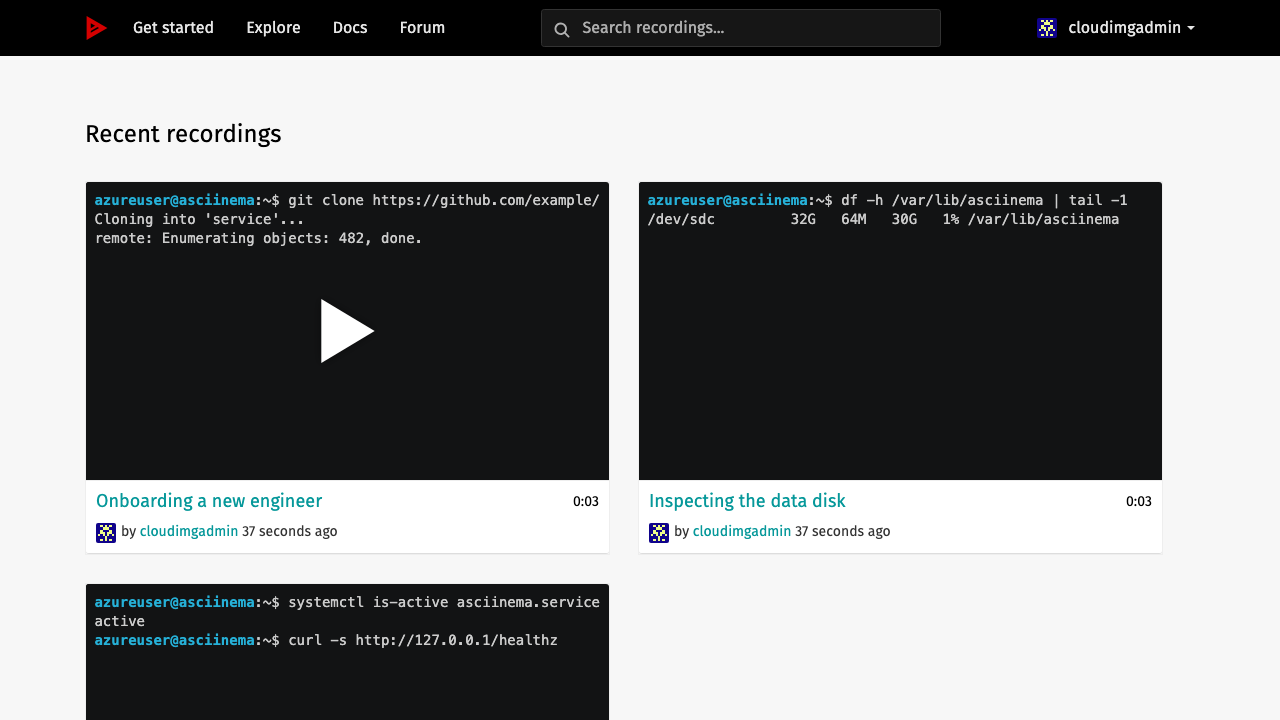
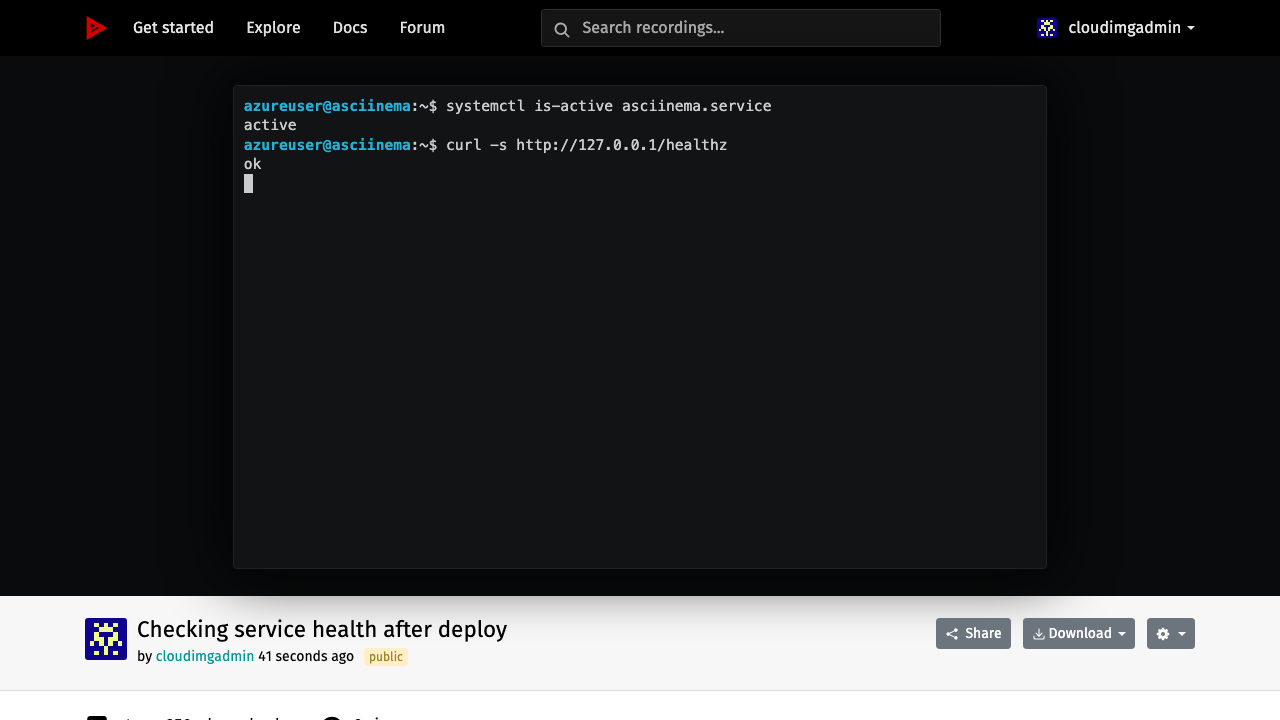
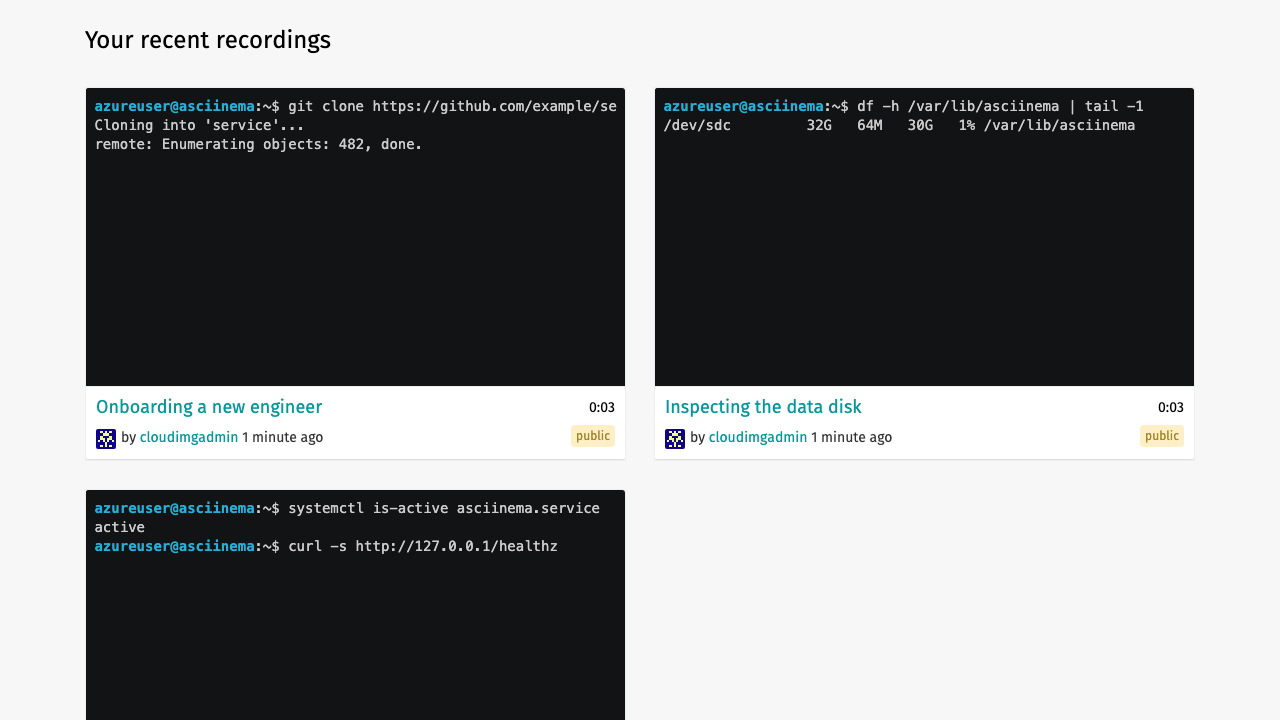
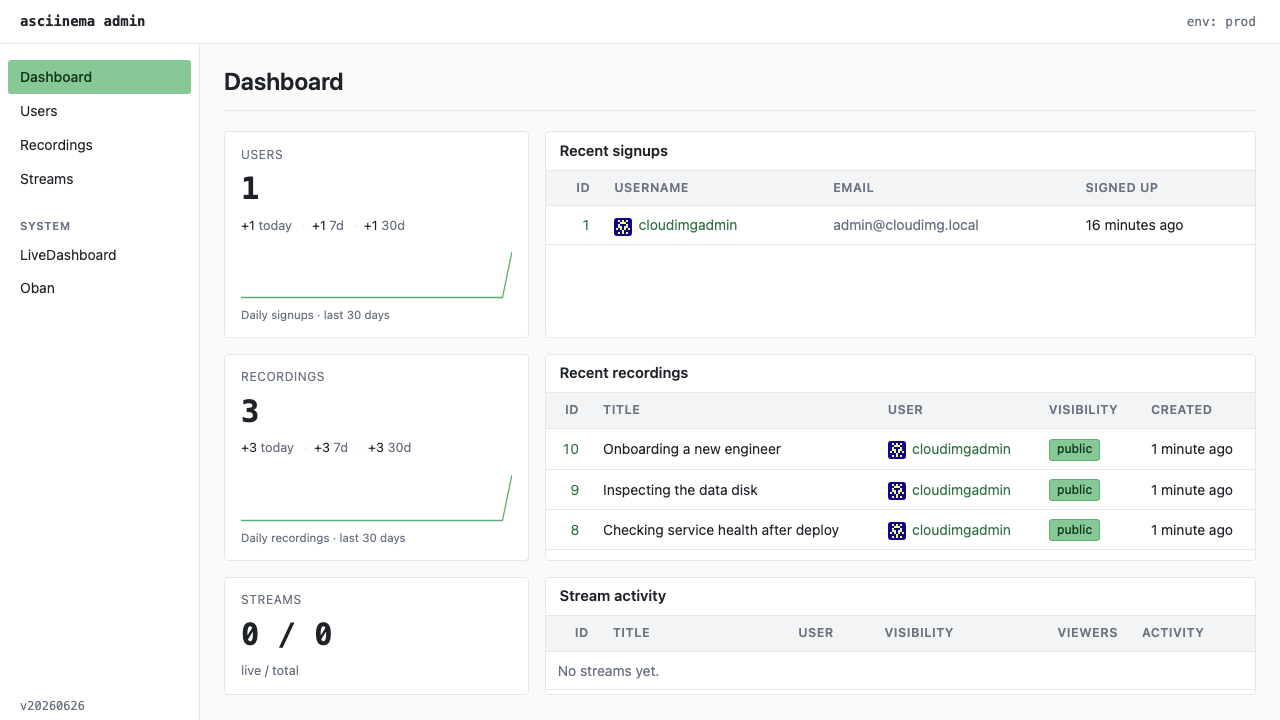
Real screenshots taken while testing this image against its deployment guide.

Docker Community Edition is the free, open source container runtime that allows you to package applications and their de...
Docker Community Edition preconfigured across several Linux variants, running containers within minutes of launch.

What cloudimg adds to every version - Every image is built by cloudimg on a fully patched base with the latest security ...

What cloudimg adds to every version - Every image is built by cloudimg on a fully patched base with the latest security ...

What cloudimg adds to every version - Every image is built by cloudimg on a fully patched base with the latest security ...

What cloudimg adds to every version - Every image is built by cloudimg on a fully patched base with the latest security ...