Base
Hardened build
minimal ports, security patches applied at build time

CDash, Kitware's open source software testing dashboard for CMake and CTest, aggregates build, test and coverage results from your whole team into one sortable dashboard.
CDash is a free, open source, web based software testing server from Kitware, the companion dashboard to CMake and CTest. Your build machines submit their configure, build, test, coverage and dynamic analysis results, and CDash aggregates them into a single sortable dashboard so the whole team can see the health of every branch and platform at a glance, spot regressions the moment they land, and drill into the exact failing test or compiler warning.
It integrates directly with an existing CMake and CTest workflow: point ctest_submit at the server and nightly, continuous and experimental dashboards populate automatically. CDash supports build grouping, per project access control, email and pull request notifications, GitHub and GitLab status checks, and authentication against local accounts or an LDAP directory, making it a practical, self hosted home for a team's continuous integration results.
cloudimg delivers CDash fully installed on an nginx, PHP and PostgreSQL stack with its frontend already compiled into the image, so the dashboard is ready as soon as the instance boots with nothing fetched at runtime. The image is secure by default: it ships with no users and no application key, and on the first boot of every instance a one shot service generates a unique encryption key, rotates the database password and creates a strong administrator password written to a root only file. The web server stays offline until that finishes, so no instance is ever reachable with a build time secret and no two deployments share credentials. Every image is paired with a step by step deployment guide and backed by 24/7 support.
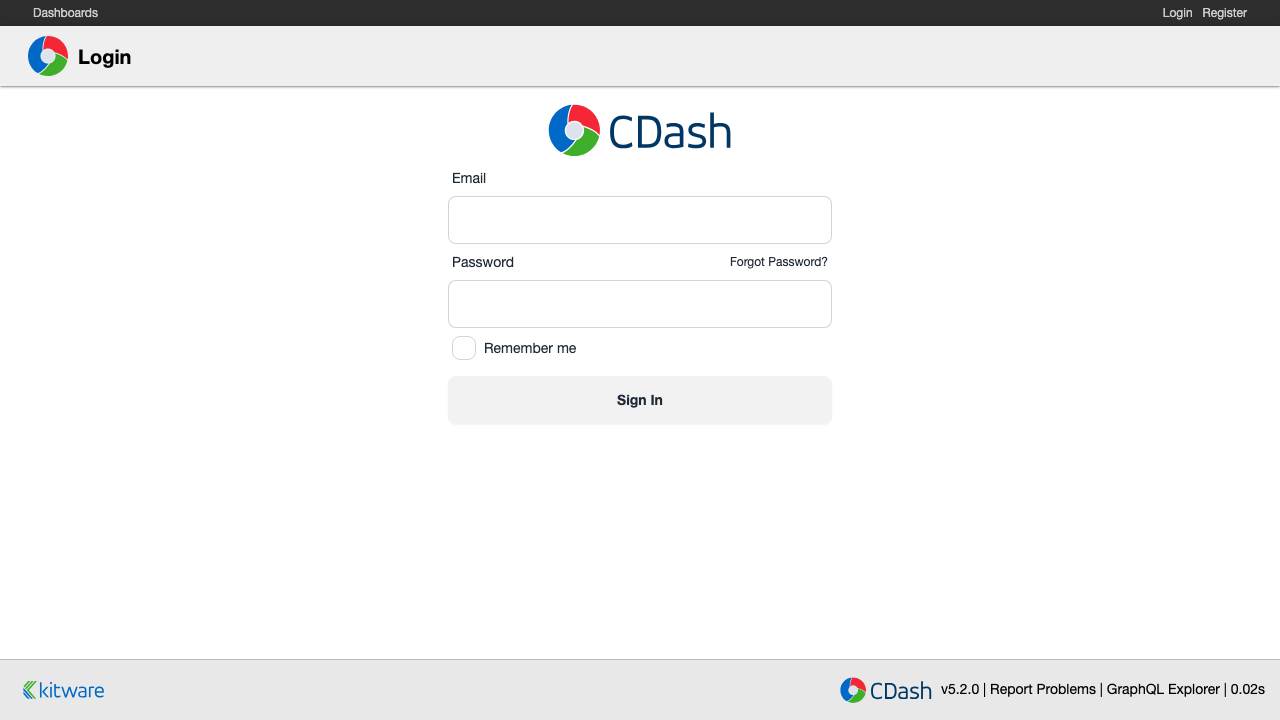
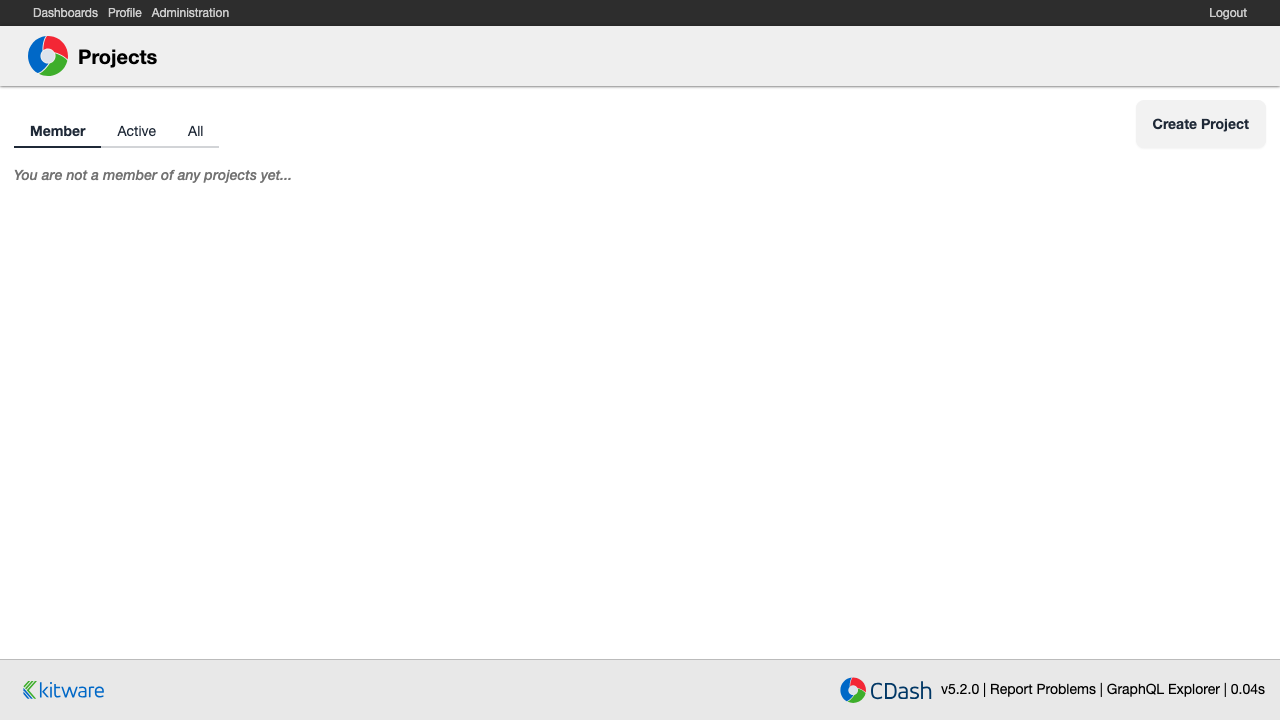
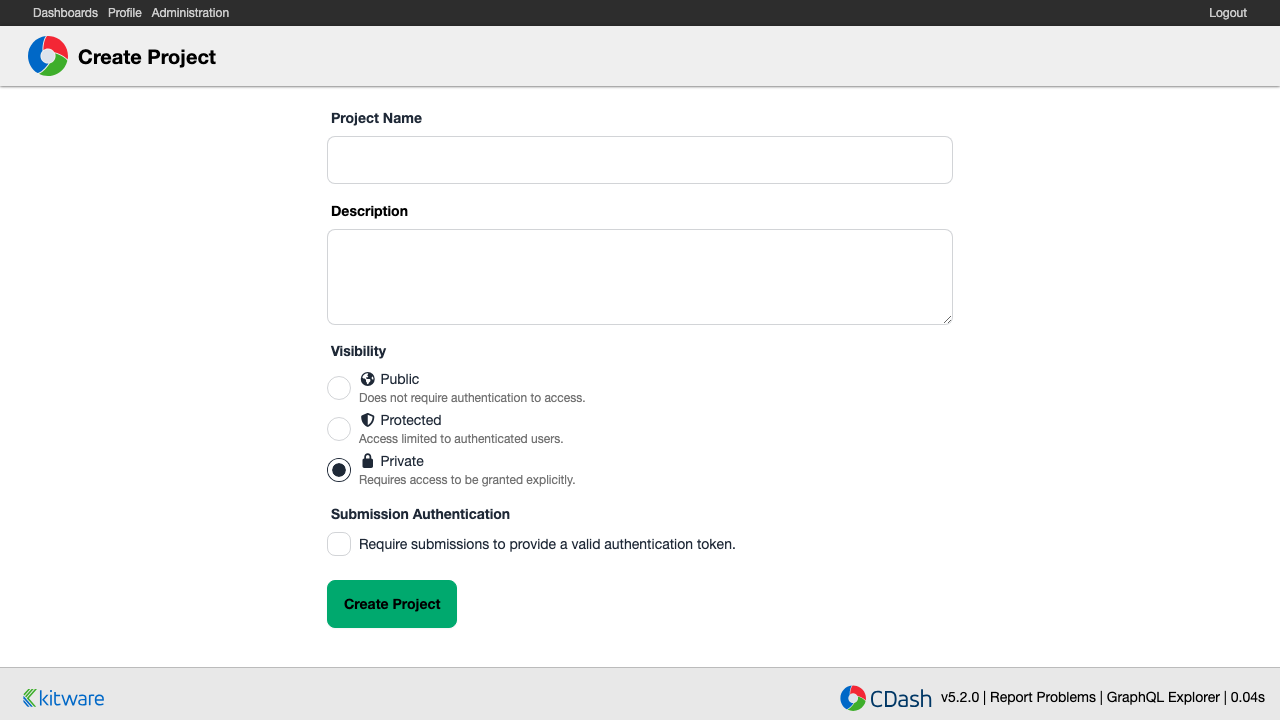
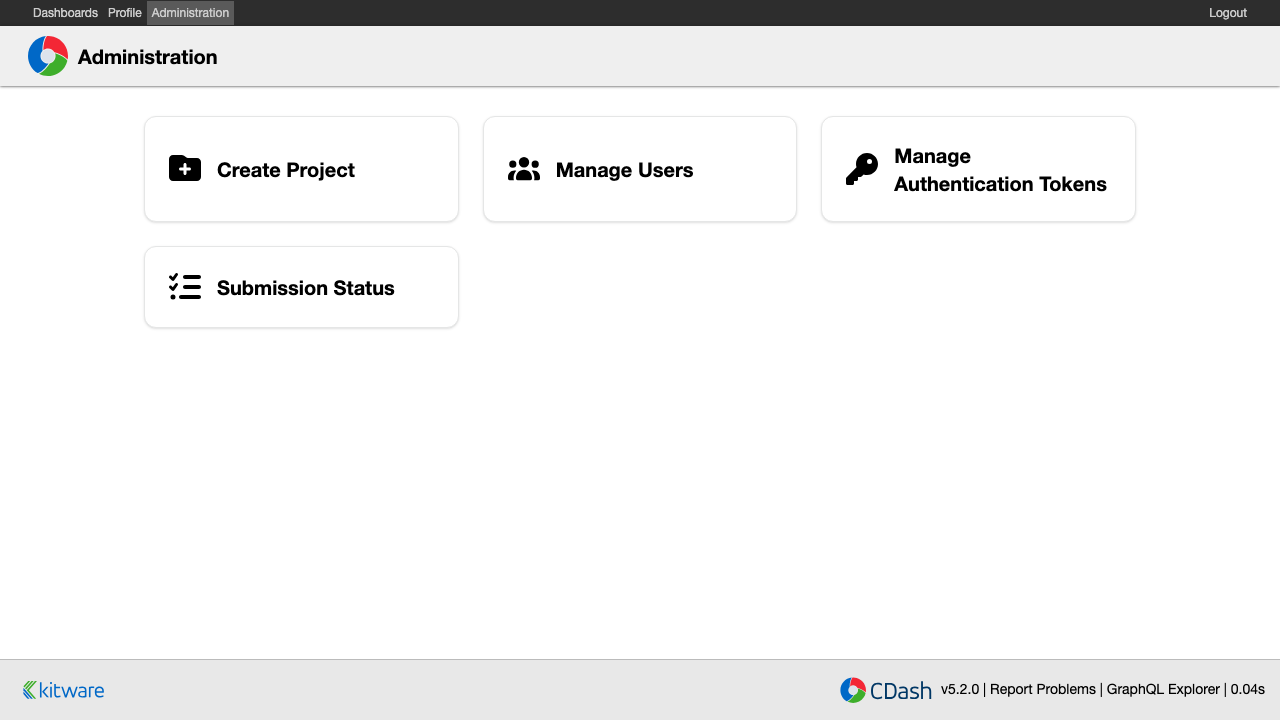
Real screenshots taken while testing this image against its deployment guide.

Docker Community Edition is the free, open source container runtime that allows you to package applications and their de...
Docker Community Edition preconfigured across several Linux variants, running containers within minutes of launch.

What cloudimg adds to every version - Every image is built by cloudimg on a fully patched base with the latest security ...

What cloudimg adds to every version - Every image is built by cloudimg on a fully patched base with the latest security ...

What cloudimg adds to every version - Every image is built by cloudimg on a fully patched base with the latest security ...

What cloudimg adds to every version - Every image is built by cloudimg on a fully patched base with the latest security ...