Base
Hardened build
minimal ports, security patches applied at build time

Cloud Commander, a web based file manager with a built in editor, secured with per instance login.
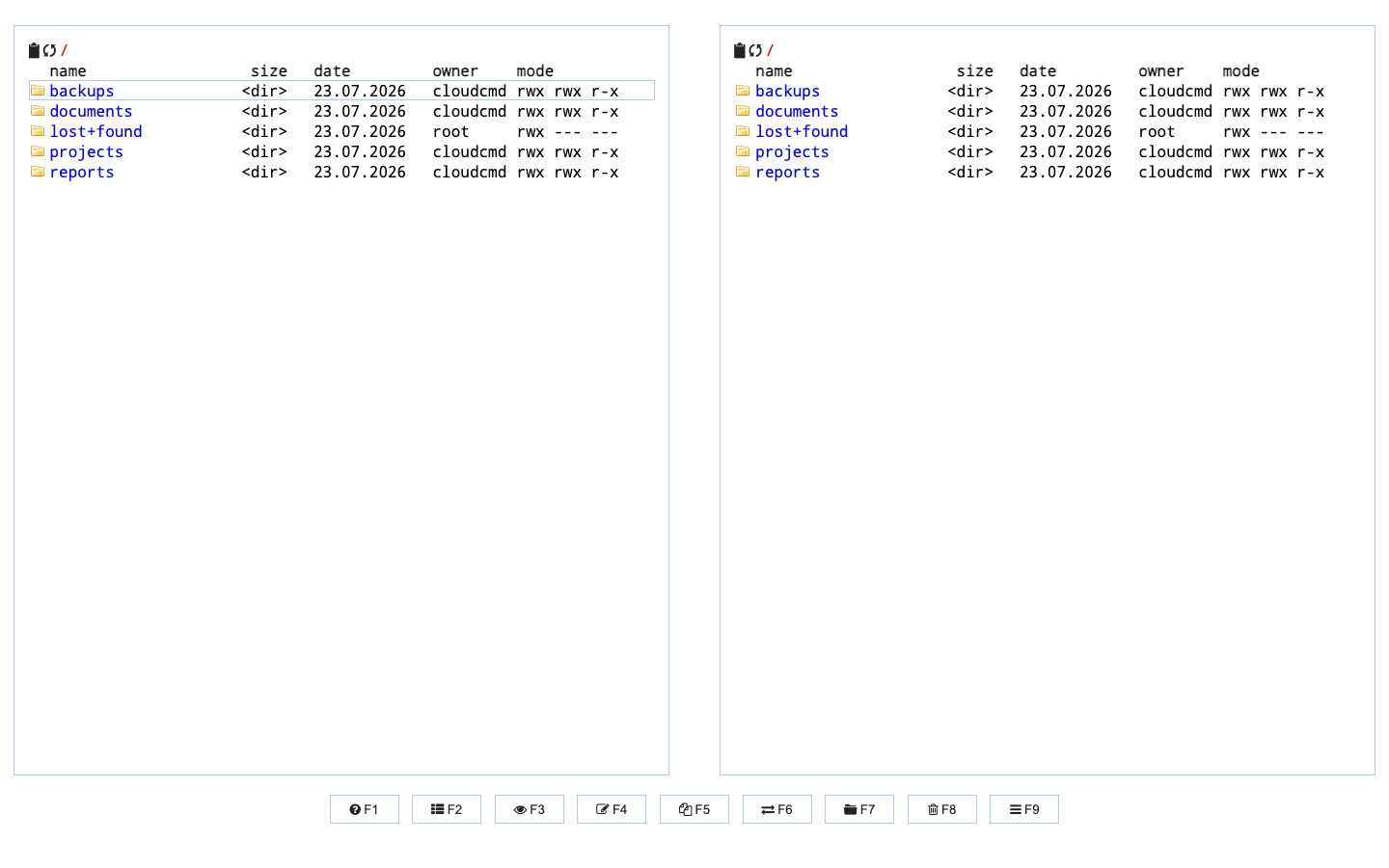
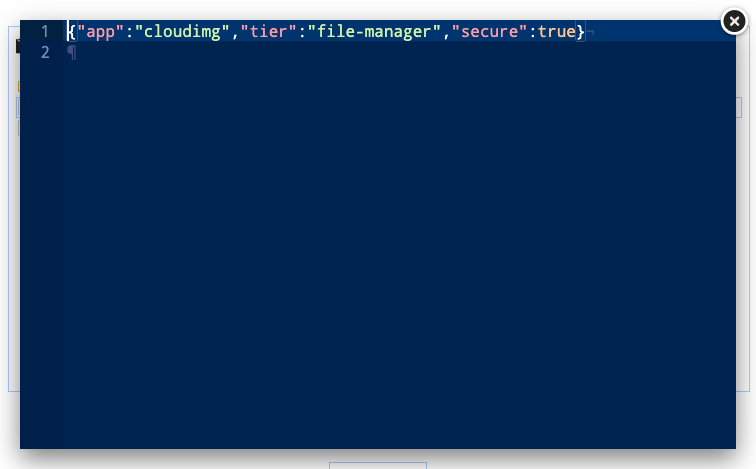
Cloud Commander is an open source, web based file manager with the classic two panel layout and a built in text editor. Browse, edit, upload, download, rename, copy, move and pack files on a server from any browser, without exposing SSH or a remote desktop.
cloudimg delivers Cloud Commander hardened and fully patched, served over TLS with a self signed certificate regenerated on first boot. Authentication is on by default and a unique admin credential is generated per instance, with only the one way hash stored in the server config. The service binds to loopback behind an nginx reverse proxy, the file workspace lives on its own resizable volume, and the built in terminal and console are disabled to keep the attack surface minimal. Backed by 24/7 support.
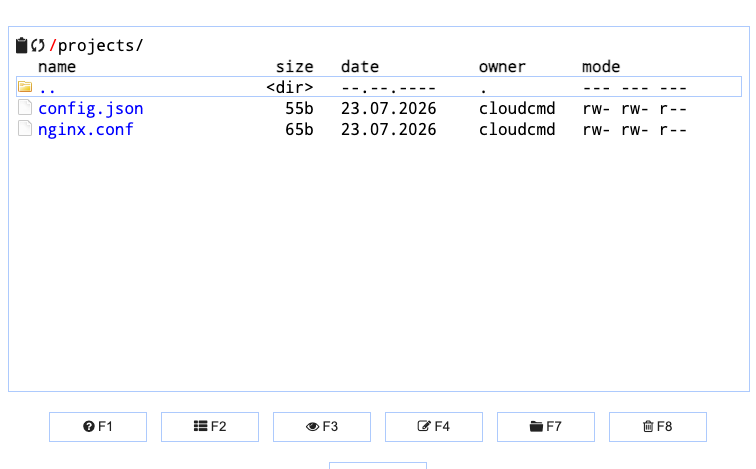
Real screenshots taken while testing this image against its deployment guide.
This is a repackaged open source software product wherein additional charges apply for cloudimg support services.
## Why This AMI Instead of Self-Deploying?
Cloud Commander is a popular open source, web based file manager. It presents the classic two panel (orthodox) layout in the browser, with a built in text editor and the full set of file operations: browse, create, rename, copy, move, delete, pack and unpack, upload and download. It is an ideal way to manage files on a server from any device with a browser, without exposing SSH or a desktop. Deploying it yourself means installing Node.js at the right major version, wiring a systemd service, hardening an nginx TLS reverse proxy, generating certificates and secure credentials, and maintaining the stack over time. This AMI eliminates that effort: a working, secured file management endpoint is operational within minutes of launch.
## Secure By Default
Unlike a bare deployment, this image is secure by default. Cloud Commander ships with authentication turned off and a well known default login, which means an unprotected deployment is open to anyone who can reach it. This image turns authentication on and generates a unique administrator credential on each instance's first boot. Only a one way hash of the password is written to the server configuration, while the plain password is placed in a root only file for the administrator to read. There are no shared or default credentials and nothing is baked into the image, so no two deployments are ever the same.
## Application Stack
The file manager is served over HTTPS on port 443 by nginx, which terminates TLS with a self signed certificate that is regenerated for the specific instance on first boot, and reverse proxies to Cloud Commander bound to the loopback interface only. Port 80 redirects to HTTPS. The service runs as an unprivileged system user under systemd for automatic restarts and clean logging, and its file manager root is a dedicated managed workspace on its own independently resizable storage volume rather than the whole operating system filesystem. The built in terminal and console are disabled to keep the attack surface minimal; the deployment guide explains how to enable them behind the same authentication if you need them.
## What You Avoid By Using This AMI
## cloudimg Support
24/7 technical support by email and live chat, with a one hour average response for critical issues. Our engineers help with deployment, enabling a CA signed certificate and a real domain, changing the file manager root, enabling the built in terminal safely, and scaling.
## Use Cases
Cloud Commander is a trademark of its respective owner. All product and company names are trademarks or registered trademarks of their respective holders. Use of them does not imply any affiliation with or endorsement by them.

Apache Ozone is the scalable, distributed object store for Hadoop and cloud-native workloads. It exposes both an S3-comp...

Backrest is a popular open source web interface and orchestrator for restic, the fast, secure, deduplicating backup prog...

This image runs Barman (Backup and Recovery Manager), the open source disaster-recovery manager for PostgreSQL from Ente...
Cyberduck is a libre file transfer client for FTP, SFTP, WebDAV, Amazon S3, Google Cloud Storage, Microsoft Azure, OpenS...
This image runs File Browser, the open source, self-hosted web file manager - browse, upload, download, edit, preview an...
This image runs a production ready network file server built on the operating system's own kernel NFS server, the file s...