Base
Hardened build
minimal ports, security patches applied at build time

Countly, an open source, self hosted product and mobile and web analytics platform, ready to capture sessions and events the moment it boots.
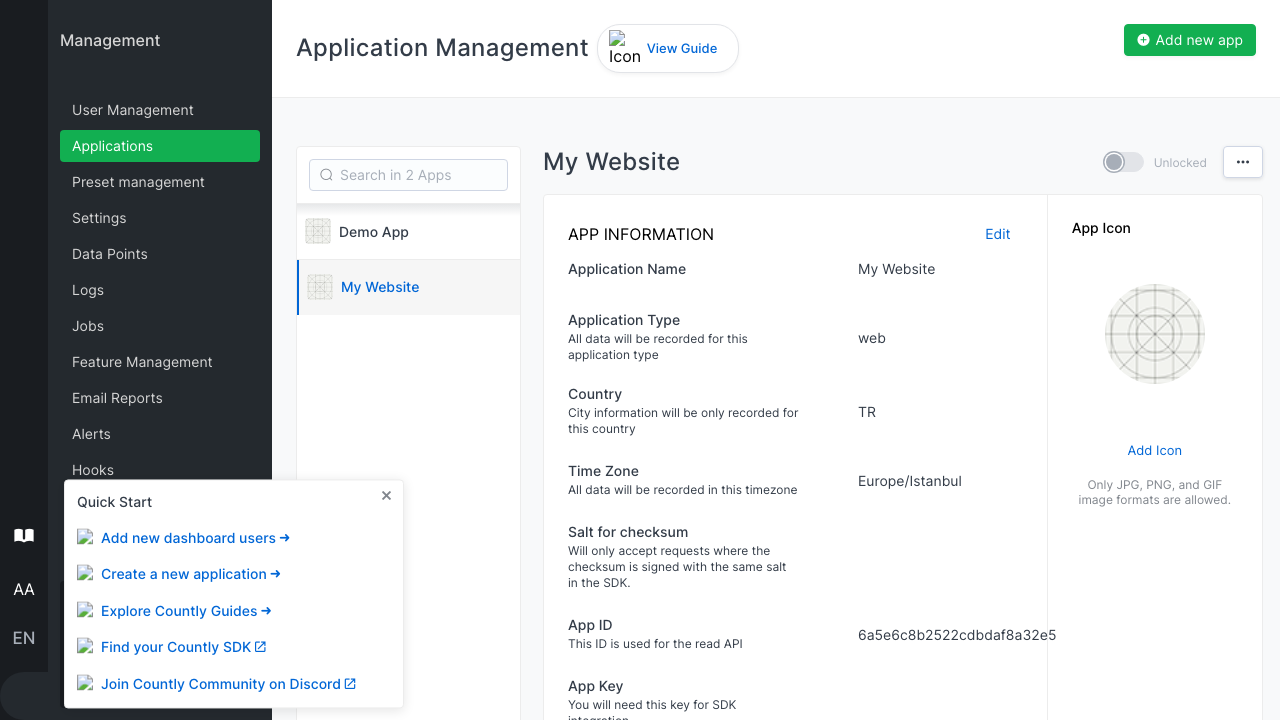
Countly Community Edition is an open source, self hosted analytics and engagement platform for mobile apps, websites and desktop software, and a privacy conscious alternative to sending your product data to a third party service. You create one or more applications, each with its own app key, then send sessions, custom events, view durations, crashes and user properties from your apps and sites using Countly's SDKs or a simple HTTP call. Every metric, from active users and retention to the exact in product actions you choose to measure, is aggregated and kept on infrastructure you control.
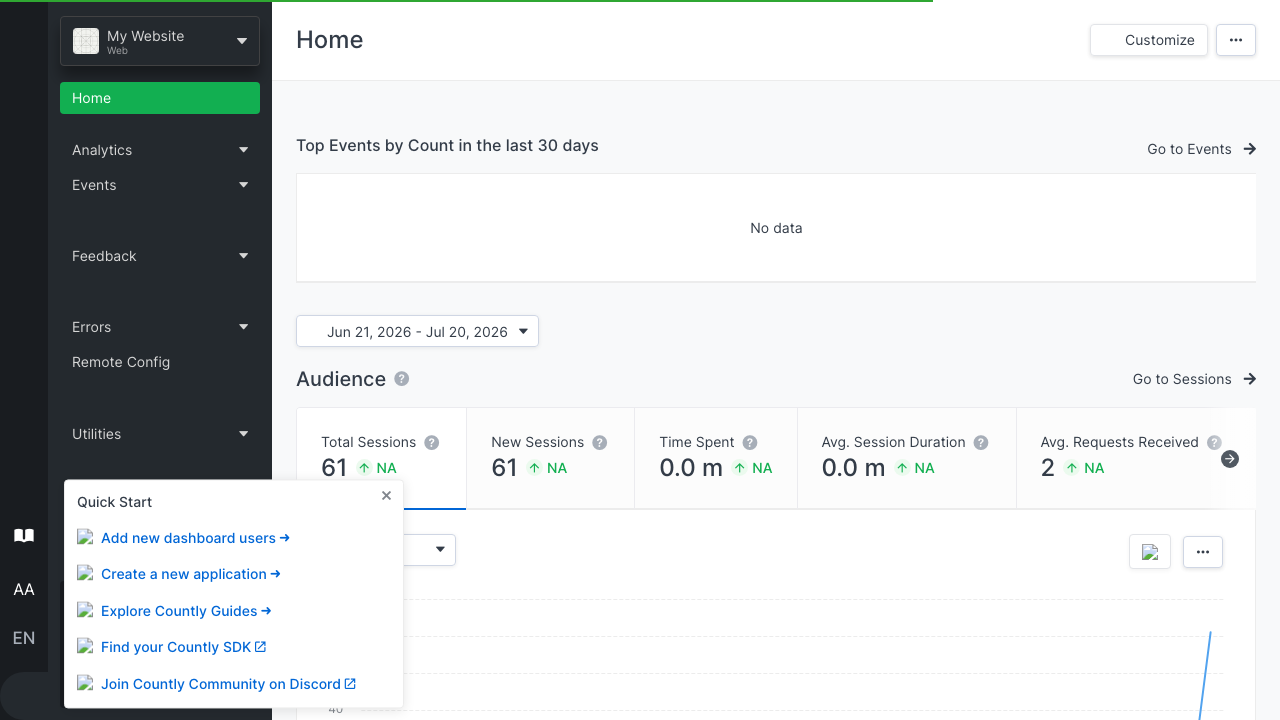
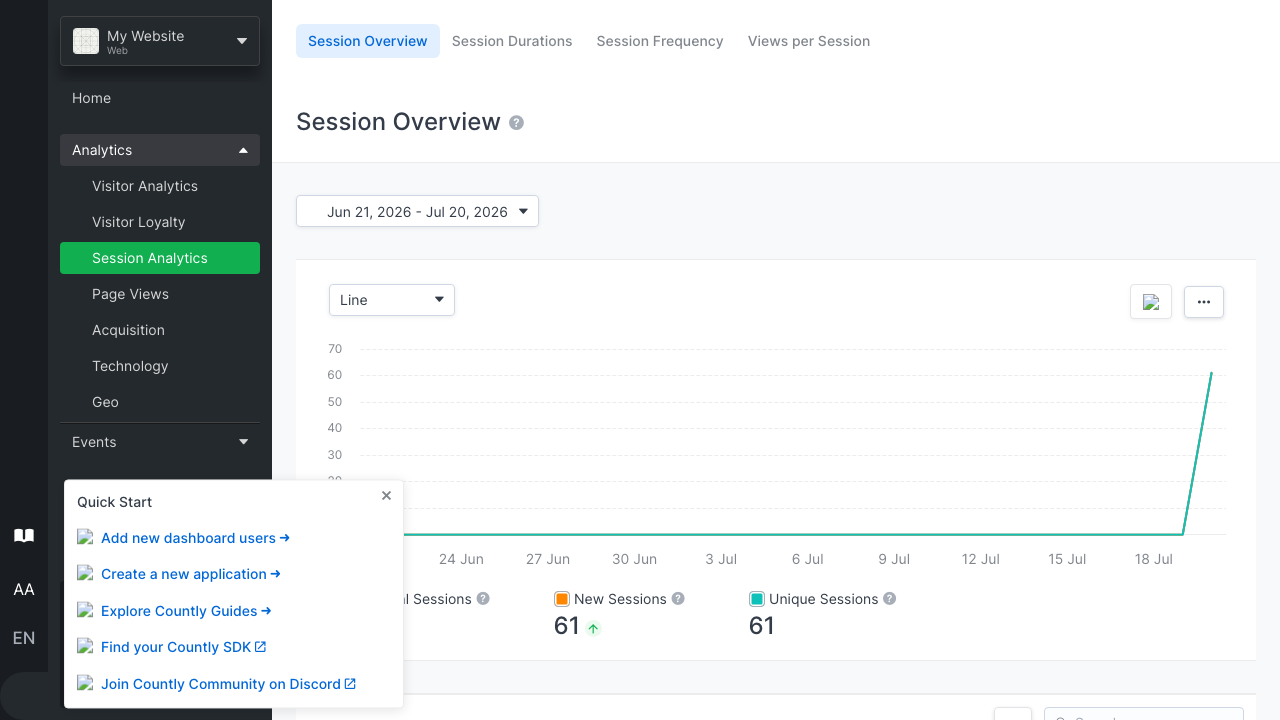
Everything is presented through a rich web dashboard where teams explore audience, behaviour and technology breakdowns, build funnels and segments, and drill into individual events in real time. It suits product teams, mobile developers and agencies who want deep analytics they run themselves, keeping every session and event private rather than handing it to an external vendor. Because it is self hosted you decide exactly what is collected, how long it is retained and who can see it.
cloudimg delivers the whole Countly stack, the ingest and read API, the dashboard and the MongoDB datastore, installed and wired together so the dashboard answers the moment the instance boots, with no install scripts or compose files to assemble by hand. The image is secure by default and bakes no credential: upstream ships with no admin account at all, and on the first boot of every instance a unique admin password, session secret and password secret are generated fresh, a single administrator is created from them, and the credentials are written to a root only file, so no two instances share a login and the public dashboard is only opened once that per instance admin exists. The database is bound to the instance only and never exposed, the base is fully patched with unattended security upgrades enabled, and every deployment is paired with a step by step deploy guide and backed by 24/7 cloudimg support.
Real screenshots taken while testing this image against its deployment guide.

This image runs Ackee 3.6.0, the open source, privacy-friendly web analytics tool - a cookie-free, self-hosted alternati...

Apache DolphinScheduler is a distributed, easy-to-extend visual workflow scheduler for big-data and ETL pipelines.
Apache Drill is the open-source, schema-free distributed SQL query engine for big data exploration.

Apache Flink is the leading open-source stream-processing engine for stateful computations over unbounded and bounded da...

Apache Hadoop is the open-source framework for distributed storage (HDFS) and distributed processing (YARN + MapReduce) ...

Apache Hive is the open-source data warehouse and SQL query engine that lets you read, write and manage large datasets s...