Base
Hardened build
minimal ports, security patches applied at build time

Crafty Controller, a web control panel for running and administering Minecraft and other game servers, ready with a unique admin password on first boot.
Crafty Controller is a self hosted, browser based control panel for creating, running and administering Minecraft and other game servers. From one dashboard your team can create servers, start, stop and restart them, watch a live console and send commands, edit configuration and files, schedule automated tasks and backups, set per server CPU and memory limits, and share access with role based multi user accounts. It gives game server operators a private, self hosted alternative to hosting control panels, with a REST API for automation and bundled Java runtime handling for the servers it manages.
cloudimg ships Crafty Controller secure by default with no baked login. Crafty generates a fresh, random administrator password uniquely on the first boot of every instance, and cloudimg writes it to a root only file on the VM for you to retrieve, so no two deployments share a credential and no known password ever ships in the image. The panel is published only on the loopback interface behind an nginx reverse proxy that terminates TLS, systemd keeps it running with automatic restarts, the base is fully patched with unattended security upgrades enabled, and every deployment is paired with a step by step guide and backed by 24/7 cloudimg support.
Real screenshots taken while testing this image against its deployment guide.
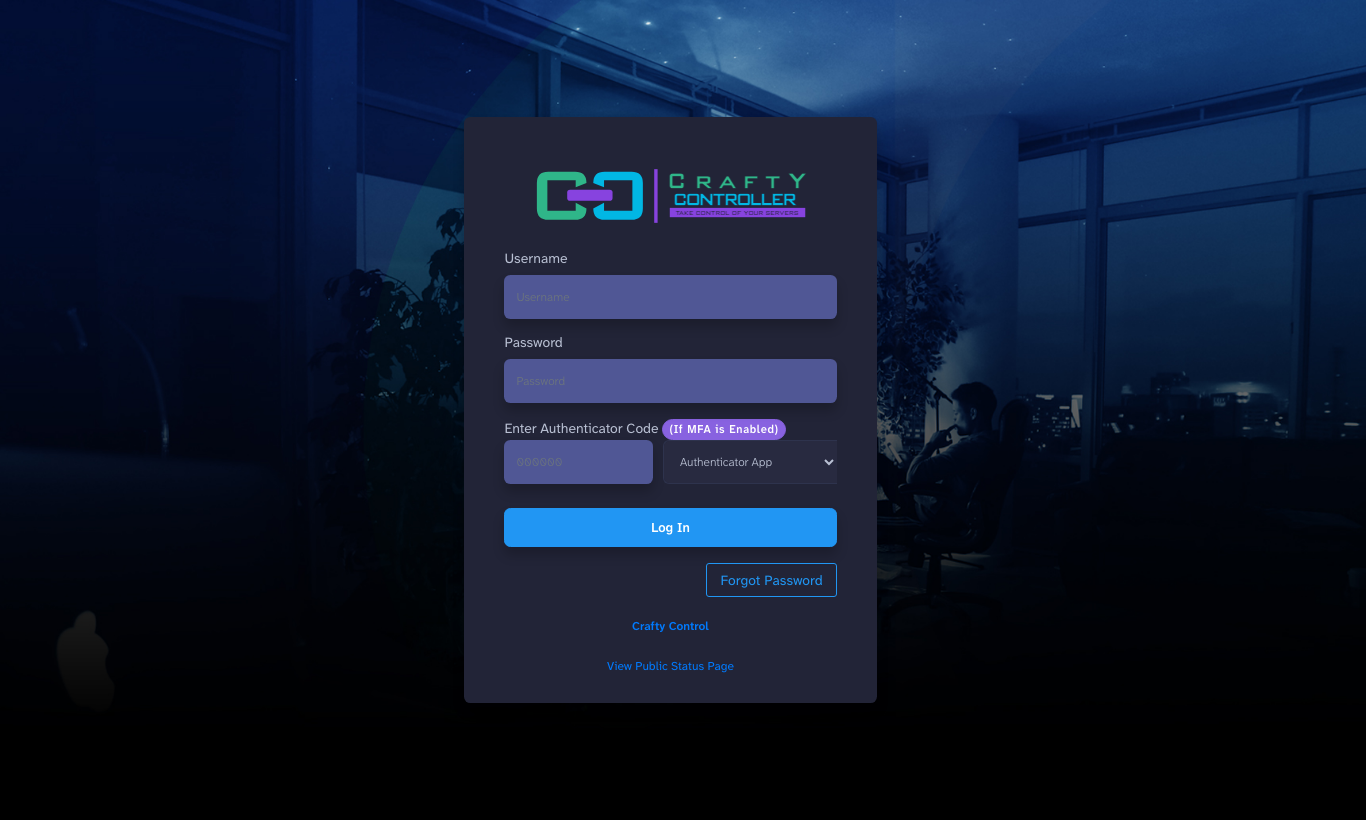
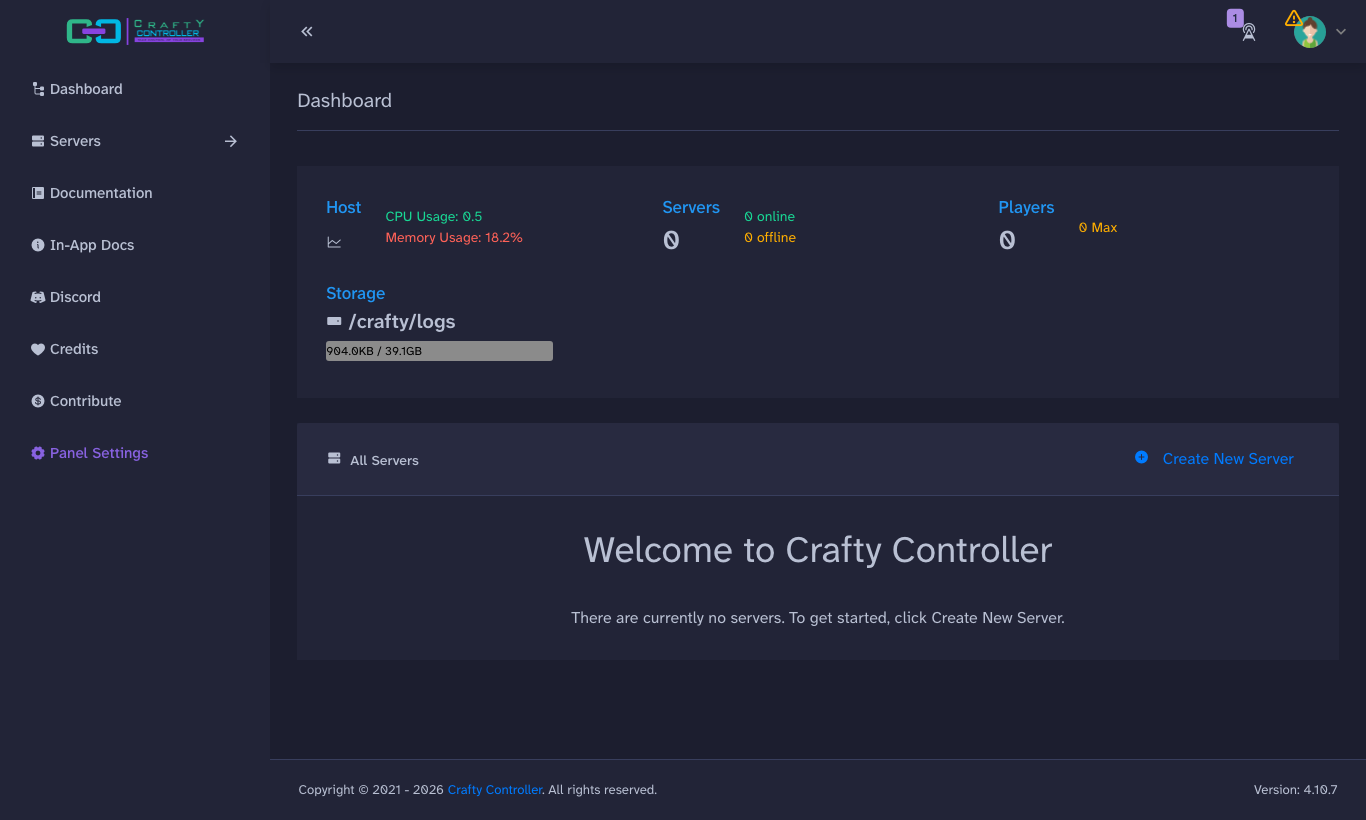
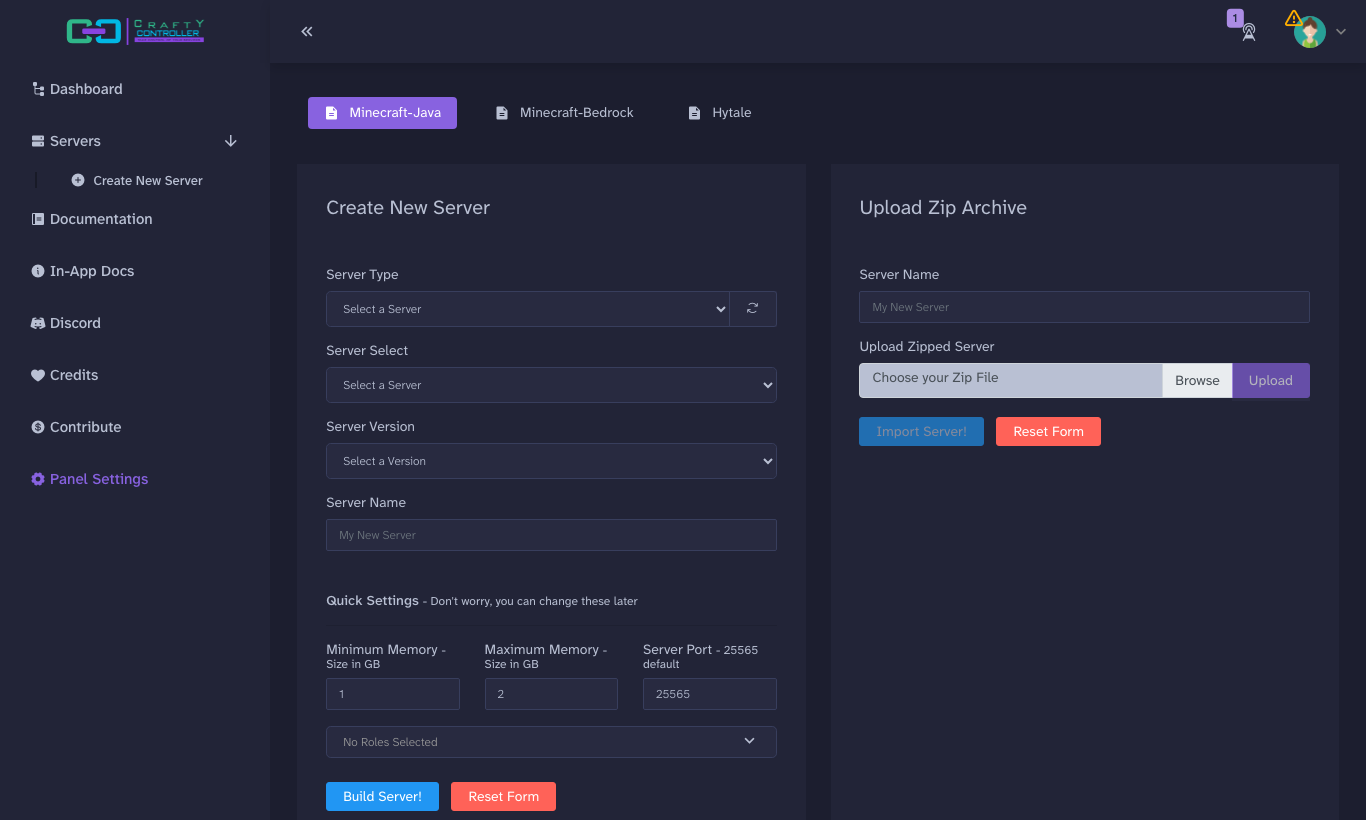
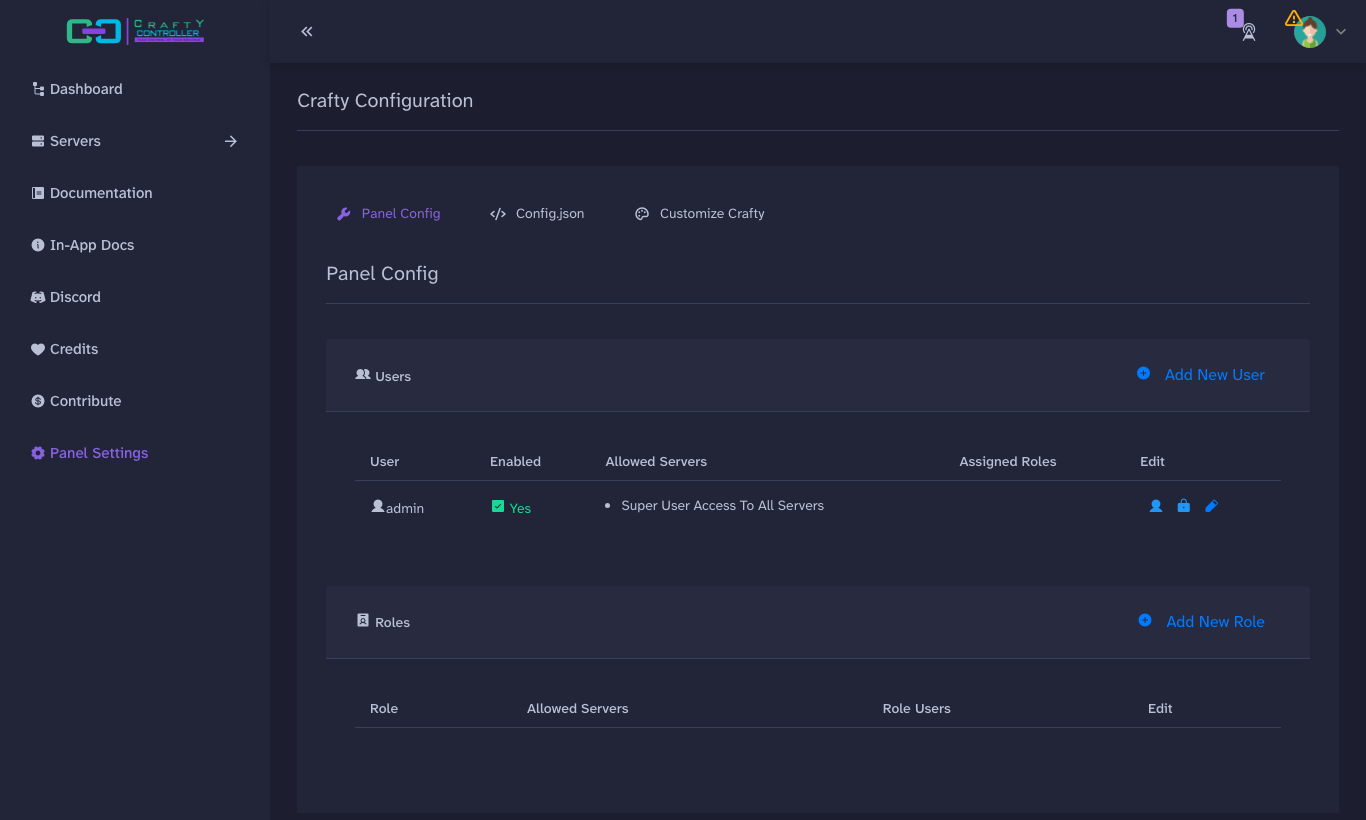
This is a repackaged open source software product wherein additional charges apply for cloudimg support services.
## Overview
Crafty Controller is an open-source, self-hosted control panel for running and administering Minecraft and other game servers from your browser. This pre-hardened AMI by cloudimg delivers Crafty Controller fully installed and reverse-proxied behind nginx with TLS, so your private game-server control panel is operational within minutes of launch - no manual Docker setup, no dependency troubleshooting, and no reverse-proxy configuration required.
## The Problem This AMI Solves
Crafty ships as a container that generates a random administrator password on its first database initialisation and serves HTTPS on a self-signed certificate by default. Running it safely yourself means standing up Docker, wiring the panel to persistent storage, capturing that first-boot password before it scrolls out of a log, and putting an encrypted, WebSocket-aware front door in front of it. This image completes every one of those steps at build time so you can focus on running game servers, not configuring infrastructure.
## Key Capabilities
## Security Hardening
This image follows a defence-in-depth approach:
## No Game Server Is Bundled
This image ships the Crafty Controller panel only. No Minecraft server software is included, and no end-user licence is accepted on your behalf. You choose and download a server through the panel and accept the relevant licence yourself at run time. The panel bundles the Java runtime required to run the servers you create.
## AWS Integration
Deploy on any EC2 instance type; the recommended size is m5.large. Terminate TLS at an Application Load Balancer with your own certificate, or keep the per-instance self-signed certificate. Back up game worlds and the panel database using EBS snapshots or AWS Backup, and resize the dedicated data volume independently of the OS disk as your servers grow.
## About cloudimg
cloudimg provides pre-hardened, production-ready AMIs with 24/7 technical support by email and live chat. Every image is built with security best practices including unique per-instance credentials, TLS by default, and minimal attack surface.
## Get Started
Launch the AMI, retrieve your unique admin password from the root-only file, and log in to the Crafty panel over HTTPS. From there, create your first game server, configure scheduled backups, and invite your team with role-based permissions - all from your browser.
For pre-purchase questions or a guided deployment walkthrough, contact cloudimg support at any time.