Base
Hardened build
minimal ports, security patches applied at build time

Dashy, a highly customizable self hosted dashboard and start page that brings all your homelab apps, services and links onto one page, with sections, icons, themes, search and a built in visual editor.
Dashy is an open source, self hosted dashboard for your homelab, servers and applications. It brings all of your links, apps and bookmarks together on one customizable start page, organised into sections with icons, themes, search, keyboard shortcuts, live status checks and a built in visual editor for changing the layout directly from the browser. Configuration is a single human readable file, so a dashboard is easy to version, back up and reproduce.
It suits anyone who runs more than a handful of self hosted services and wants a single, private front door to everything, kept on infrastructure they control rather than a third party service.
cloudimg delivers Dashy fully built from source and hardened, so a working dashboard answers the moment the instance boots, with no memory heavy build to run yourself. The image is secure by default: Dashy's own login is a client side gate that is off by default, so instead Dashy binds only to loopback behind an nginx reverse proxy that enforces HTTP basic authentication over TLS on every request. A unique administrator credential is generated on each instance's first boot and only its one way hash is stored, with the plain password written to a root only file, so there is no shared or default login and nothing usable is baked into the image. A starter dashboard is preloaded so the interface is populated the moment you sign in, and everything is backed by a paired deploy guide and 24/7 support.
Real screenshots taken while testing this image against its deployment guide.
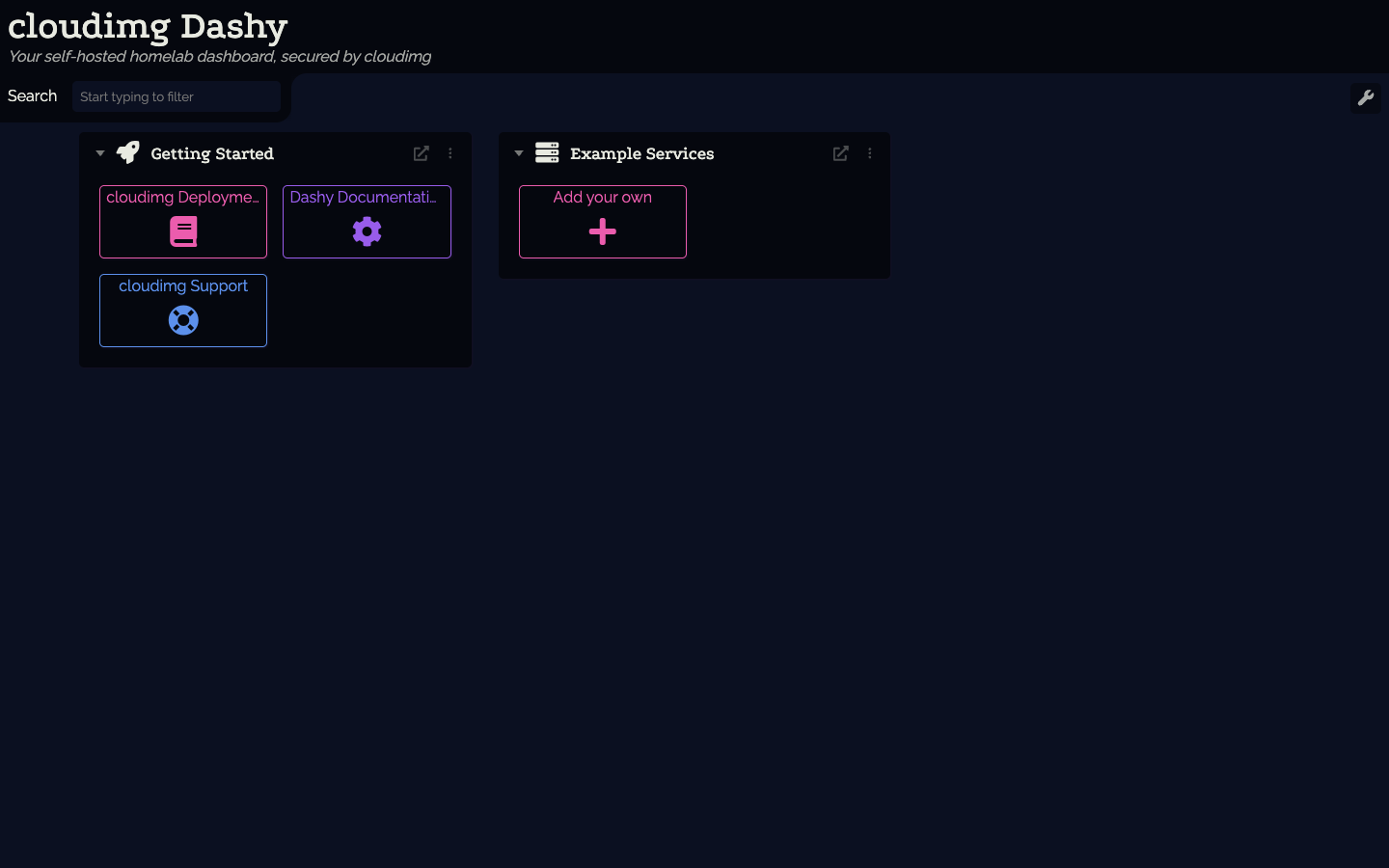
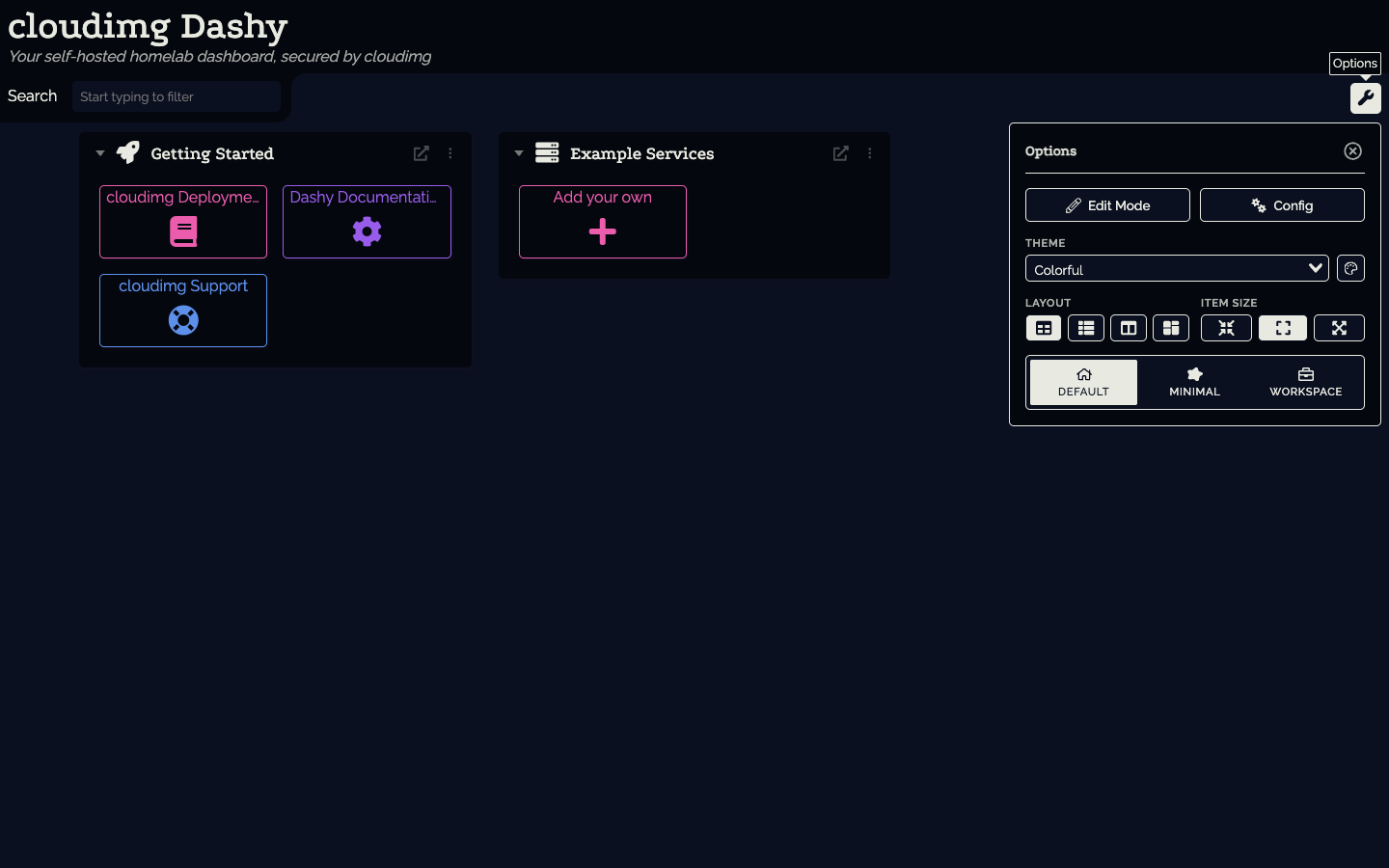
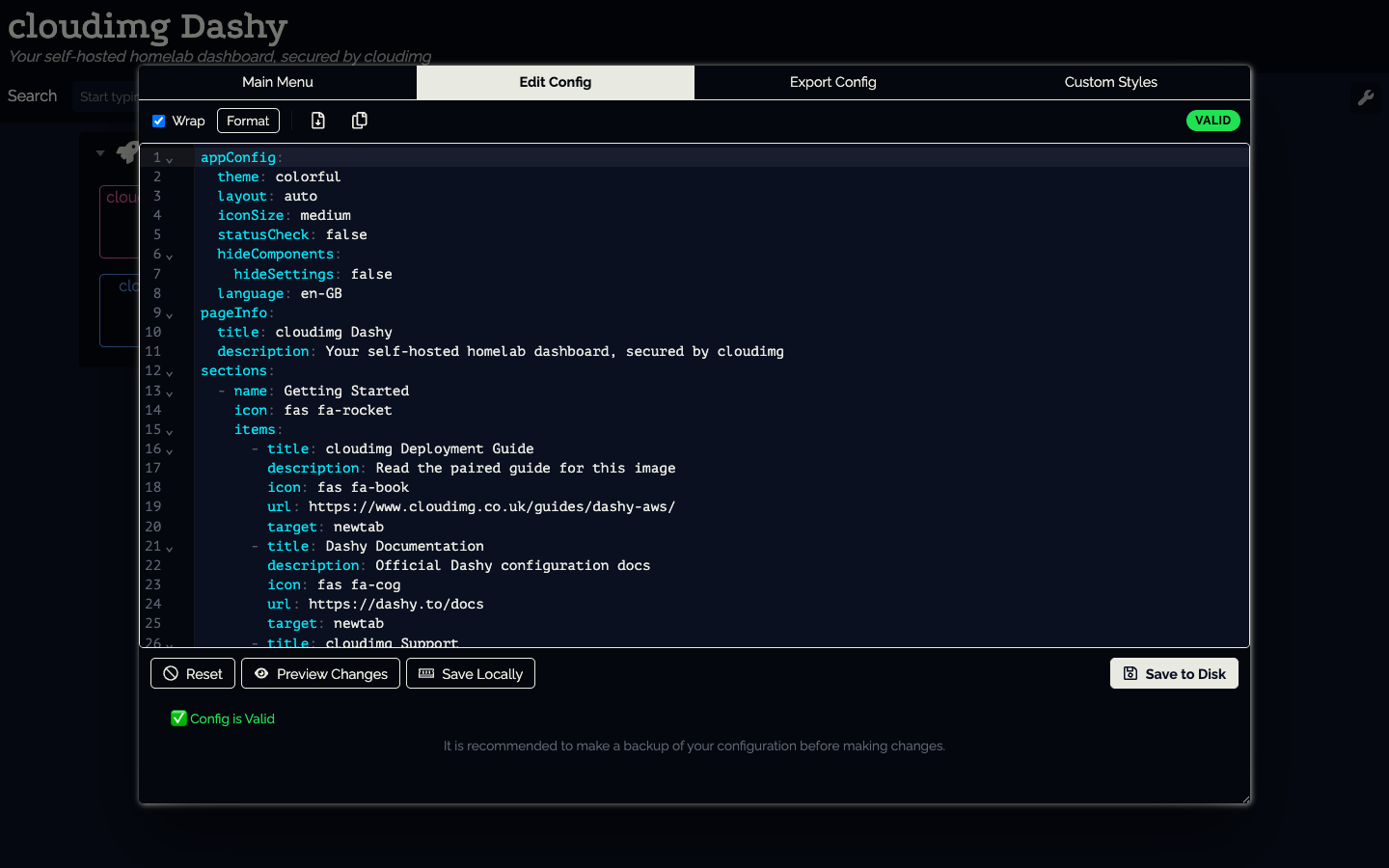
This is a repackaged open source software product wherein additional charges apply for cloudimg support services.
## Overview
Dashy is a popular open source, self-hosted dashboard with over 18,000 GitHub stars and an active community of contributors. It brings all of your links, apps and bookmarks together on one customizable start page, organised into sections with icons, themes, search, keyboard shortcuts, live status checks and a built-in visual editor for changing the layout from the browser. It is an ideal single front door to everything you run, kept privately on infrastructure you control. This image delivers Dashy fully built and secured so a working dashboard is operational within minutes of launch.
## Why This Image vs a Manual Install
Compared to deploying Dashy yourself from source or Docker, this image eliminates the manual Node.js build process, nginx configuration, TLS certificate generation and credential setup. What typically requires multiple steps across package management, reverse-proxy configuration and security hardening is completed for you at image build time. You launch the instance, read your unique credential, and start adding services.
## Application Stack
Dashy is built from source at a pinned stable release and runs as an unprivileged system user under systemd on the Node.js runtime. It is bound to the loopback interface only and fronted by an nginx reverse proxy that terminates TLS and enforces authentication. systemd starts the dashboard and the web server on boot and restarts them on failure, and the memory-heavy build is done for you so there is no toolchain to run yourself.
## Security Hardening
This image follows a defence-in-depth approach with the following hardening measures applied:
Buyers requiring formal compliance documentation should contact cloudimg to discuss specific requirements.
## Ready to Use
Read your credential from the root-only file, open the dashboard in your browser, and start adding your own services. Organise links into sections, choose a theme, enable live status checks, and edit the layout from the built-in visual editor or by editing a single configuration file.
## AWS Integration
Deploy on any EC2 instance type. Use the unauthenticated health endpoint with an Application Load Balancer for availability monitoring. Pair with AWS Certificate Manager and a custom domain to replace the self-signed certificate with a trusted one. Back up your configuration using EBS snapshots or AWS Backup.
## Use Cases
## cloudimg Support
24/7 technical support by email and chat. Help with deployment, reverse-proxy and TLS termination with your own domain and certificate, dashboard configuration, adding status checks and widgets, and backup planning.
All product and company names are trademarks or registered trademarks of their respective holders. Use of them does not imply any affiliation with or endorsement by them.
This image runs Apache Archiva, the open source build-artifact repository manager - a central, governed store for the bi...

This image runs Appsmith Community Edition, the open source low-code platform for building internal tools, admin panels,...

This image runs Atlantis 0.46 (Apache-2.0), the open source server that automates Terraform and OpenTofu pull request wo...

This image runs Beszel, the open source, lightweight server and container monitoring hub - a clean web dashboard with hi...
This image runs changedetection.io, the self-hosted service that monitors web pages for changes and notifies you when so...

Docker Community Edition is the free, open source container runtime that allows you to package applications and their de...