Base
Hardened build
minimal ports, security patches applied at build time

DBLab Engine, a database branching engine for PostgreSQL, shipped as a complete thin cloning appliance with its own copy on write pool and a bundled source database.
DBLab Engine takes a snapshot of a PostgreSQL database and then hands out thin clones of it: full size, fully writable PostgreSQL instances that are created in seconds and cost almost nothing on disk, because each clone shares its unchanged blocks with the snapshot and stores only what you modify. A migration can be rehearsed against real data and thrown away, a slow query can be tuned against a real plan on a real dataset, and every engineer or continuous integration job can hold a private copy of a database that would be far too large to duplicate conventionally.
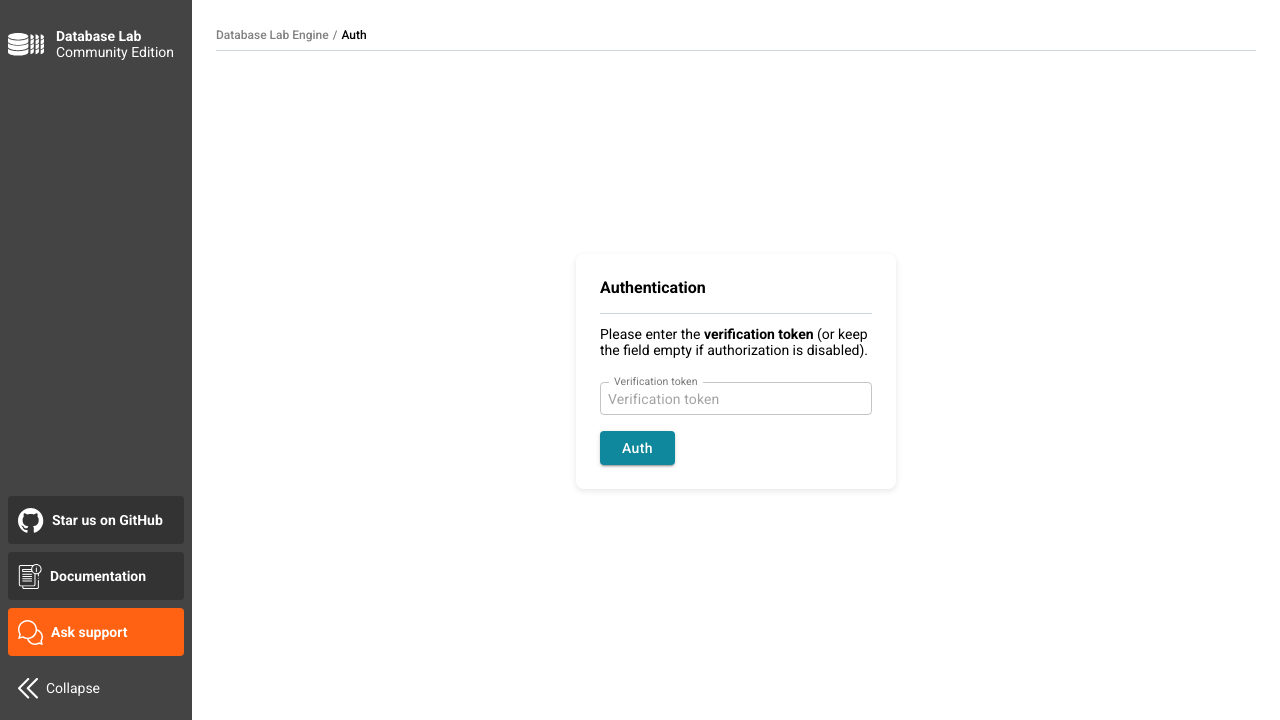
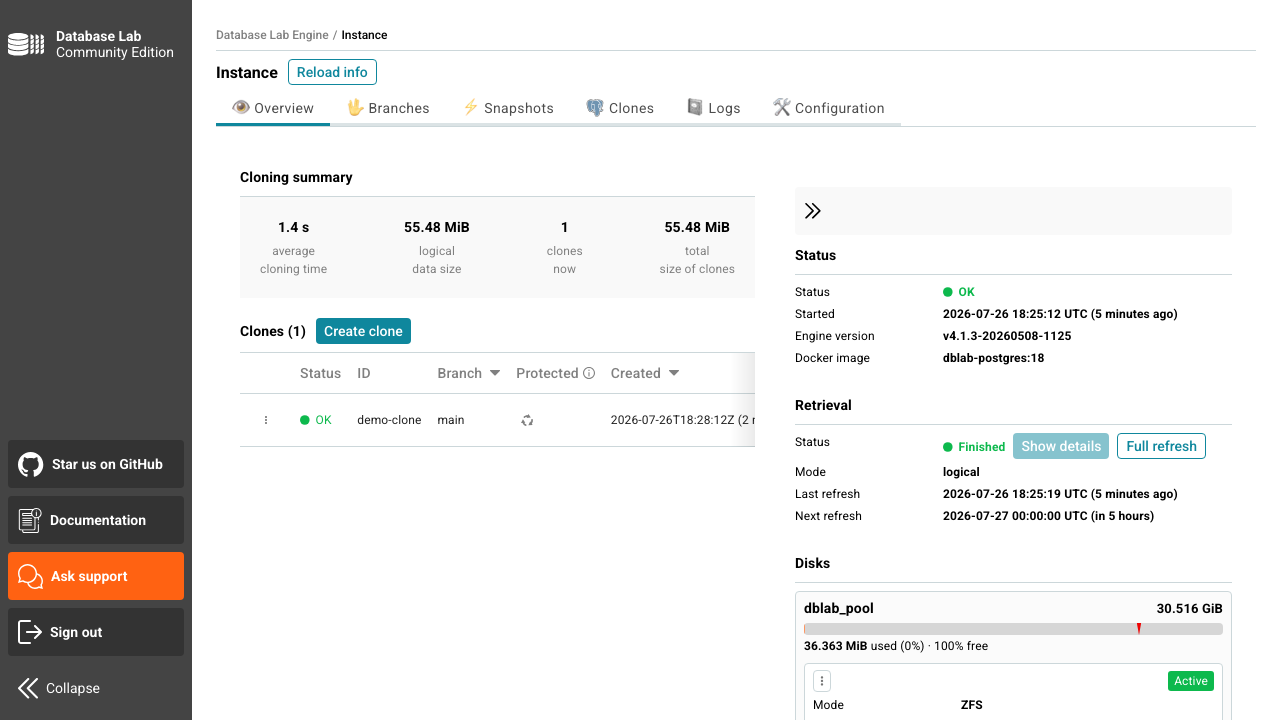
This image is a complete branching appliance rather than a bare engine: the engine and its REST API, the Community Edition web interface, a copy on write pool on a dedicated volume, and a bundled source database so the appliance can clone something real from the moment it starts. Clone lifecycle is driven from the web interface or the API, and the engine can be repointed at your own PostgreSQL server by editing configuration alone.
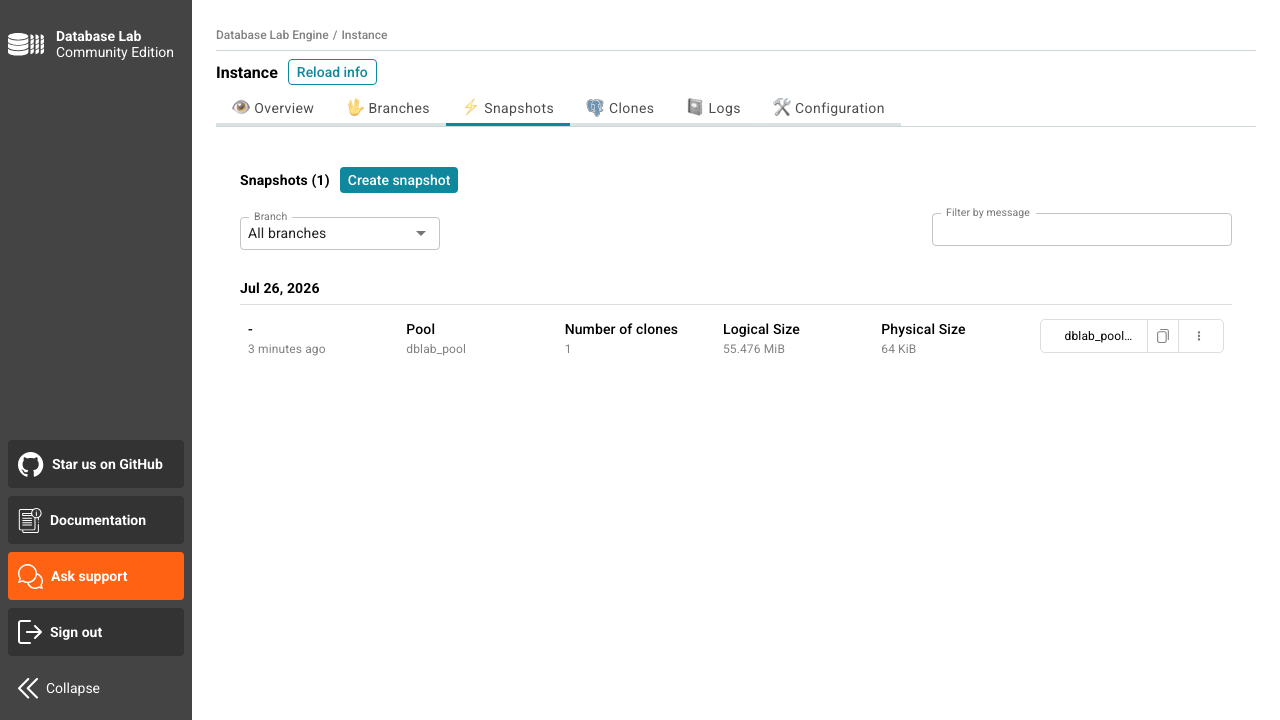
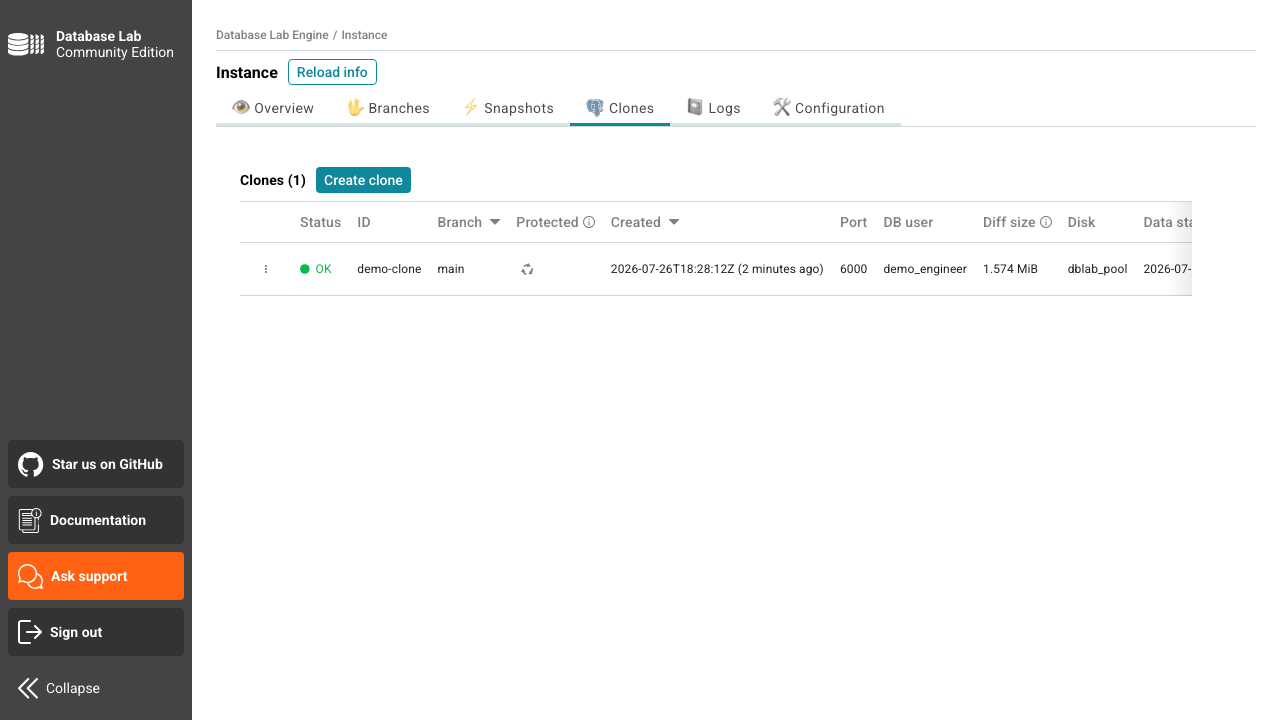
cloudimg ships an appliance that has already proven the thing it exists to do. On the first boot of every instance the engine verification token and the bundled database password are generated uniquely for that machine and written to a file only the root user can read, the copy on write pool is built fresh on its dedicated volume, a source dataset is seeded and the first snapshot is taken, so a clone can be created minutes after the machine comes up. Nothing is baked in: the image carries no token, no password and no pool, and neither the engine nor the source database can start until first boot has minted their secrets. Only the web interface and SSH are reachable from the network, while the engine API, the bundled database and the whole clone port range stay bound to the loopback interface, because a thin clone is a complete copy of the source data. The pool lives on its own dedicated volume so clone growth can never fill the operating system disk. A self test ships in the image that creates a clone, writes to it and proves the source is unchanged, so copy on write isolation can be demonstrated rather than trusted. The base is fully patched with unattended security updates enabled, and every deployment is paired with a step by step deploy guide and backed by 24/7 cloudimg support.
Real screenshots taken while testing this image against its deployment guide.