Base
Hardened build
minimal ports, security patches applied at build time

Dockpeek, a lightweight self hosted dashboard to view Docker containers, their exposed ports, and image update status.
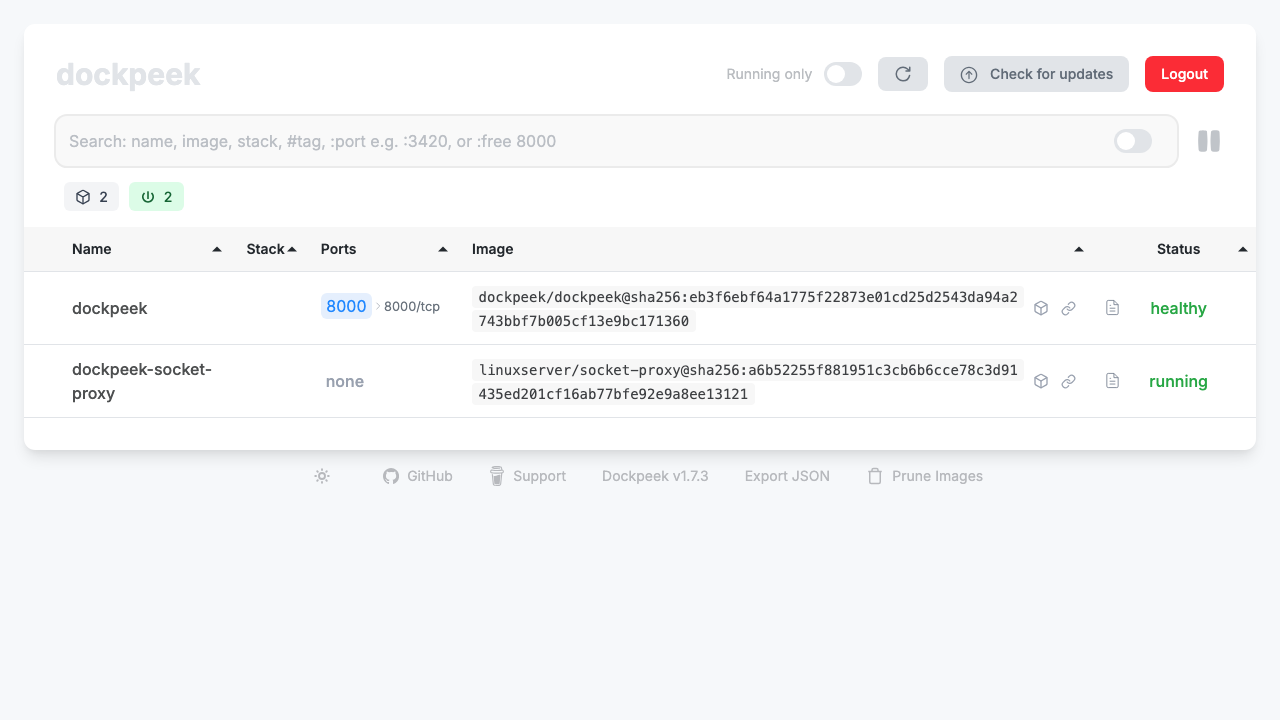
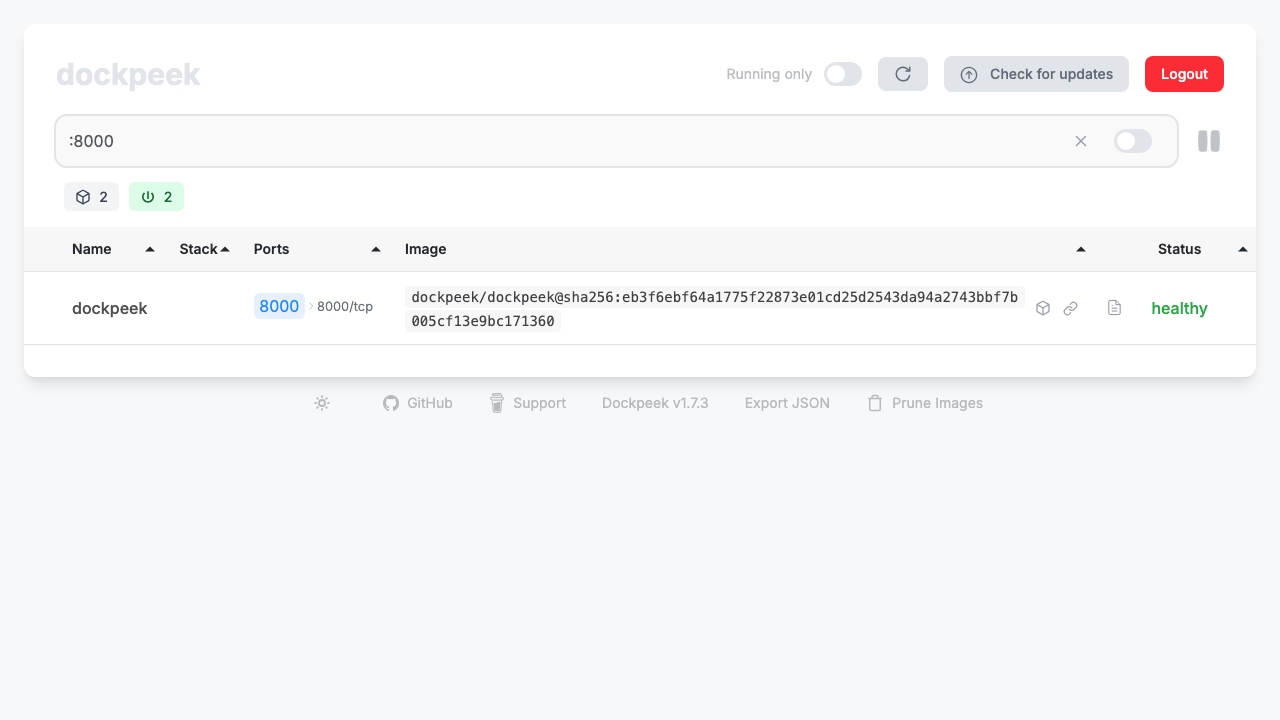
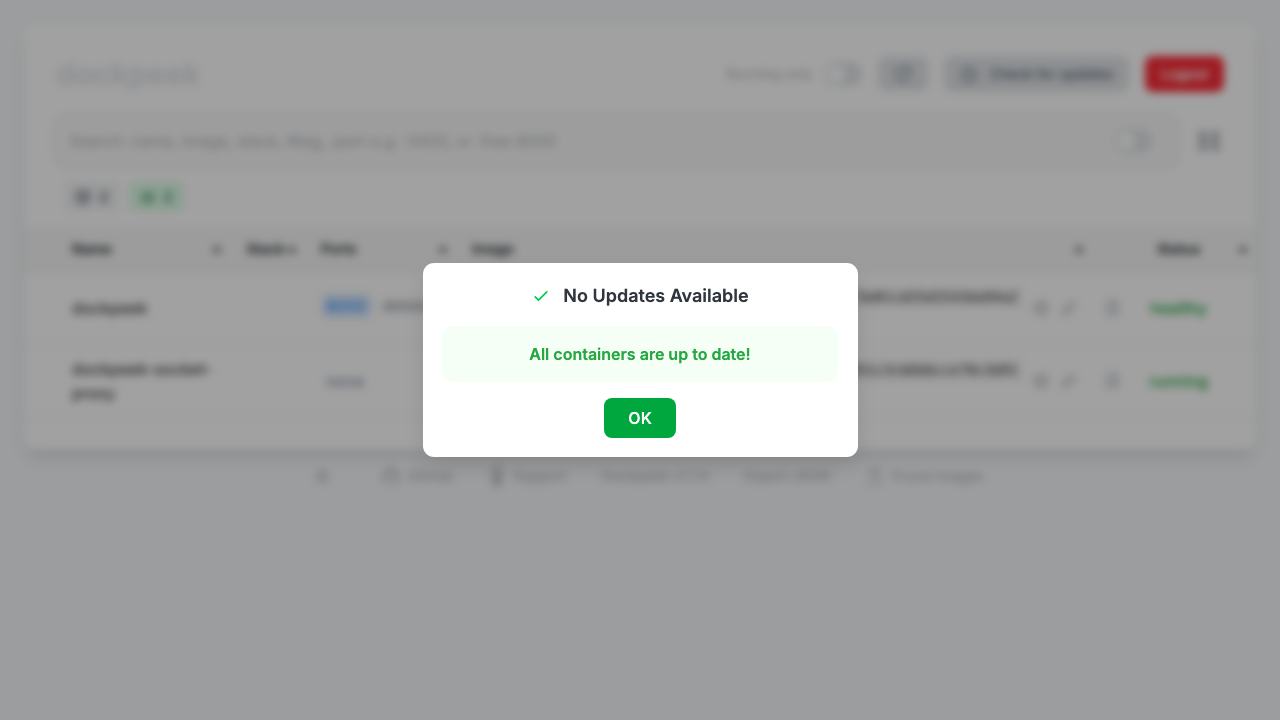
Dockpeek is an open source, self hosted dashboard that gives you a single web view of your Docker containers: which are running, the ports they expose, quick links to open those services, and whether a newer image is available upstream. It can watch a single host or aggregate several remote Docker hosts through a socket proxy, all from one page.
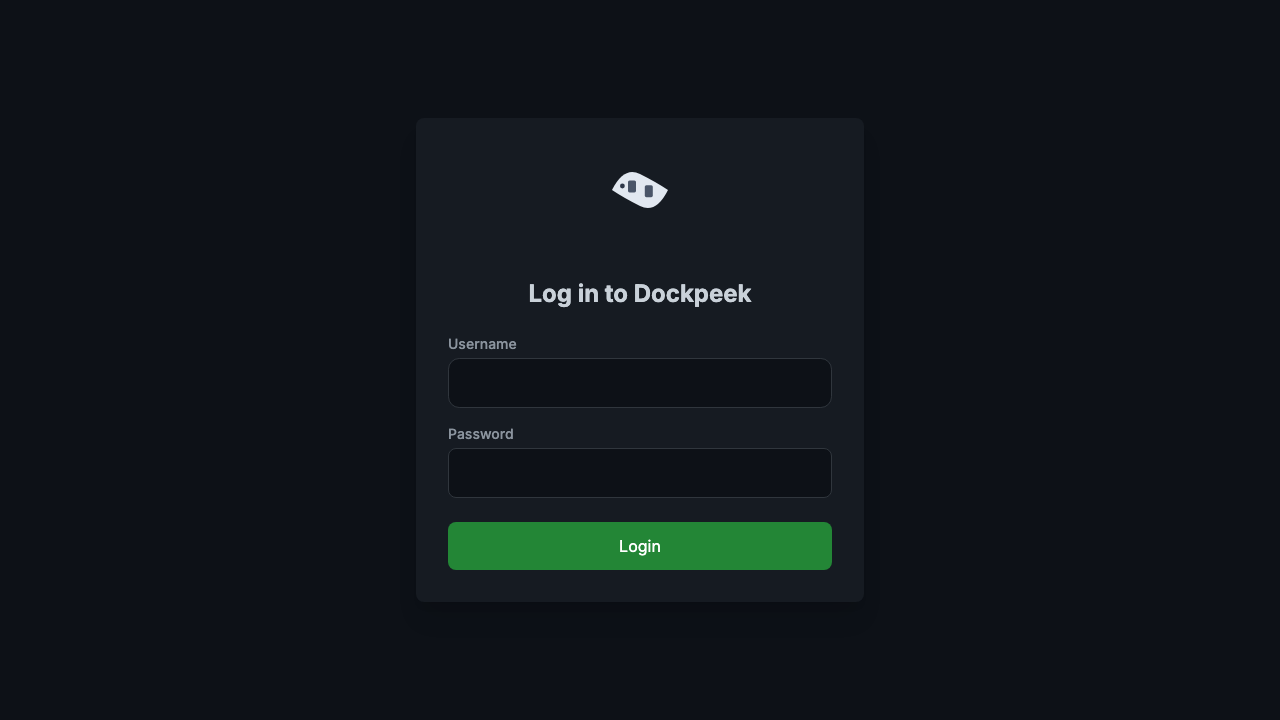
cloudimg ships Dockpeek hardened and fully patched with its own sign in gated by an administrative password that is generated uniquely on first boot, so a fresh instance has no default login and two instances never share a credential. The Docker socket is exposed read only through a restricted socket proxy rather than mounted directly, the dashboard is bound to the loopback interface behind an nginx reverse proxy, and every instance is backed by a paired deploy guide and 24/7 support.
Real screenshots taken while testing this image against its deployment guide.

Docker Community Edition is the free, open source container runtime that allows you to package applications and their de...
Docker Community Edition preconfigured across several Linux variants, running containers within minutes of launch.

Self hosted GitLab CE with CI/CD, a container registry and Let's Encrypt SSL, preconfigured for AWS.

Around that core it adds a side by side editor with comments and a review state for each key, conflict detection when a ...
Apache Allura is the open source project hosting platform, or forge, that powers SourceForge.

This image runs Altair GraphQL Client 8.5.7, an open source GraphQL IDE, on Ubuntu 24.04 LTS.