Base
Hardened build
minimal ports, security patches applied at build time

the build and deploy platform for Docker hosts: stacks, deployments, builds and repos, driven from one web interface.
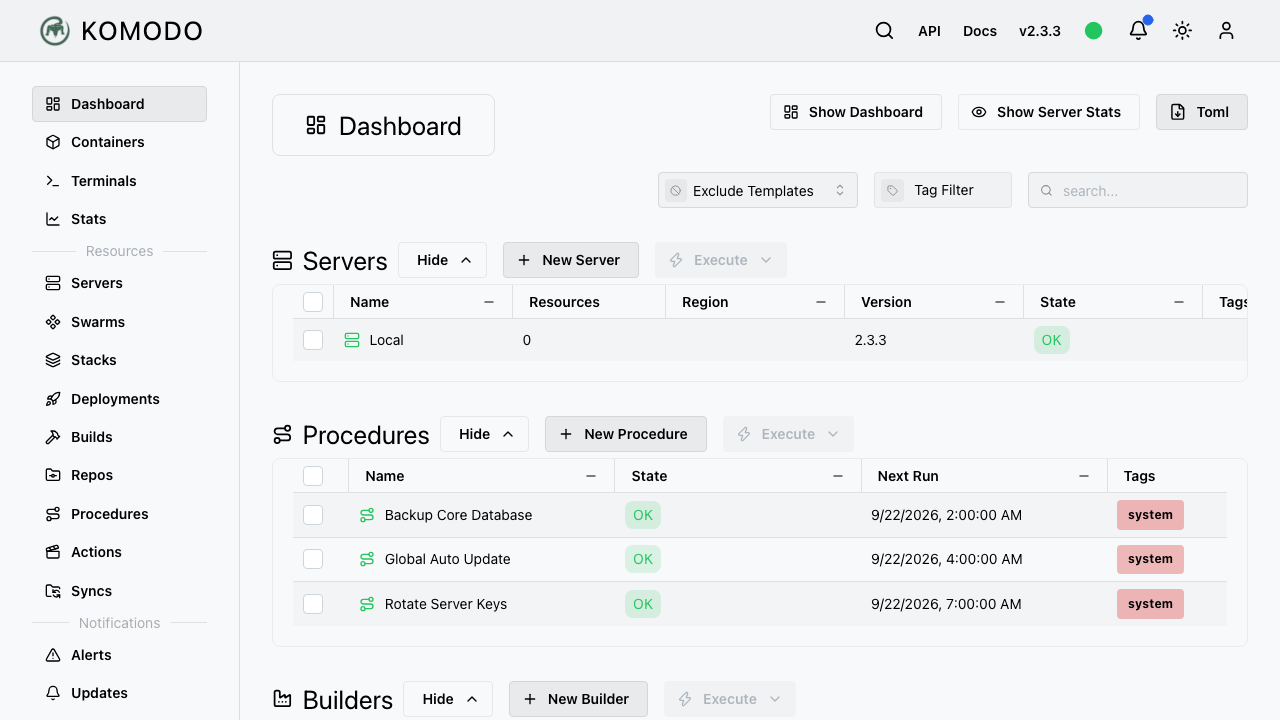
Komodo is an open source build and deployment platform for Docker hosts. From a single web interface you define stacks and deployments, build images from your own git repositories, run scheduled procedures and automated actions, and watch the state of everything you have deployed as it changes. An agent on each managed host does the actual work: pulling images, starting and stopping containers, writing compose files and reporting what is running. It replaces the habit of keeping compose files on a server and driving them over SSH, and it keeps a record of what was deployed, when, and by whom. Webhooks let a push to a repository trigger a rebuild and redeploy, and alerting reports when a container stops behaving.
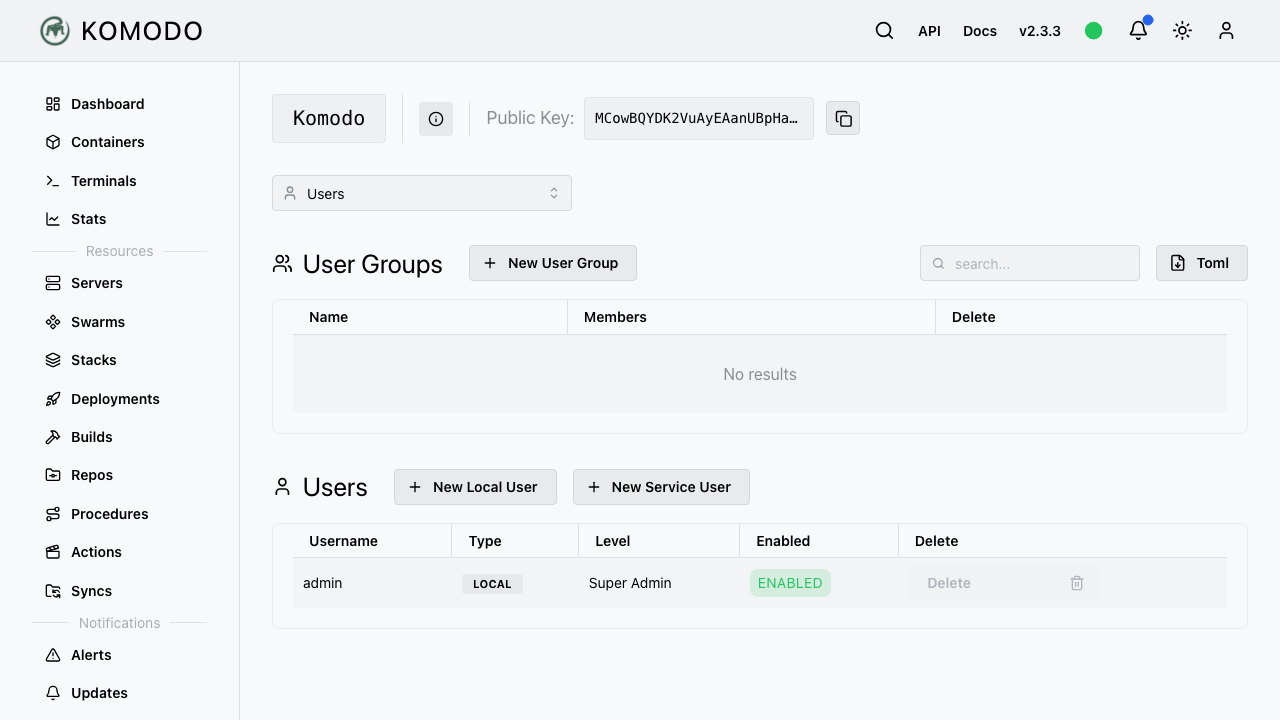
Komodo manages containers, so whoever holds its administrator credential can run code on the host. This image treats that as the headline risk rather than a footnote. Nothing is shipped with a shared password: each instance generates its own administrator password, database password, session signing key and certificate on first boot, writes them to a root only file, and refuses to start Komodo until it has. Self registration is closed, and the instance re checks on every boot that its administrator account still exists, closing the front door rather than leaving an open sign up on a machine that manages containers. Only an encrypted web front door and secure shell are reachable from the network; the database and the agent are not. Containers deployed here are denied the cloud instance metadata service while ordinary network access keeps working. Every component image is pinned to exact content rather than a moving tag, and the data layer uses FerretDB over PostgreSQL so no Server Side Public License component is shipped. An on instance self test runs a real deployment and reads the container's own output back, and each of its checks is tested against a known bad input first. Paired with a step by step deploy guide and 24/7 cloudimg support.
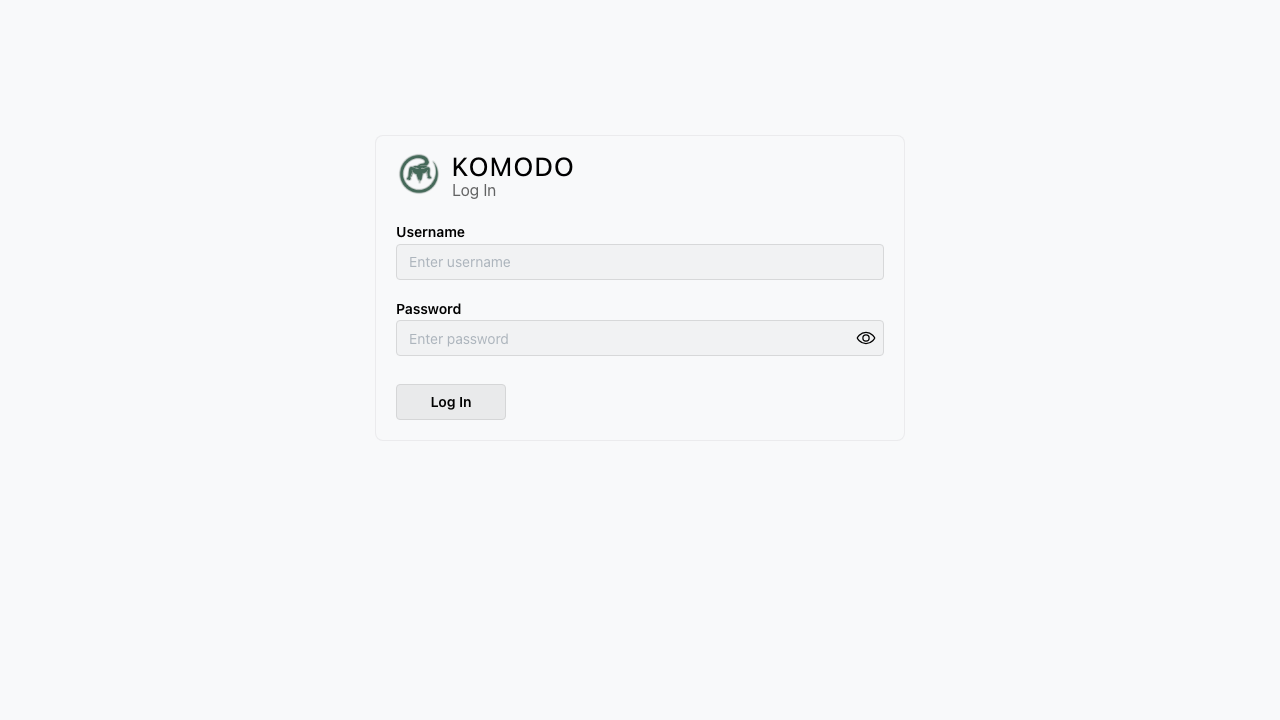
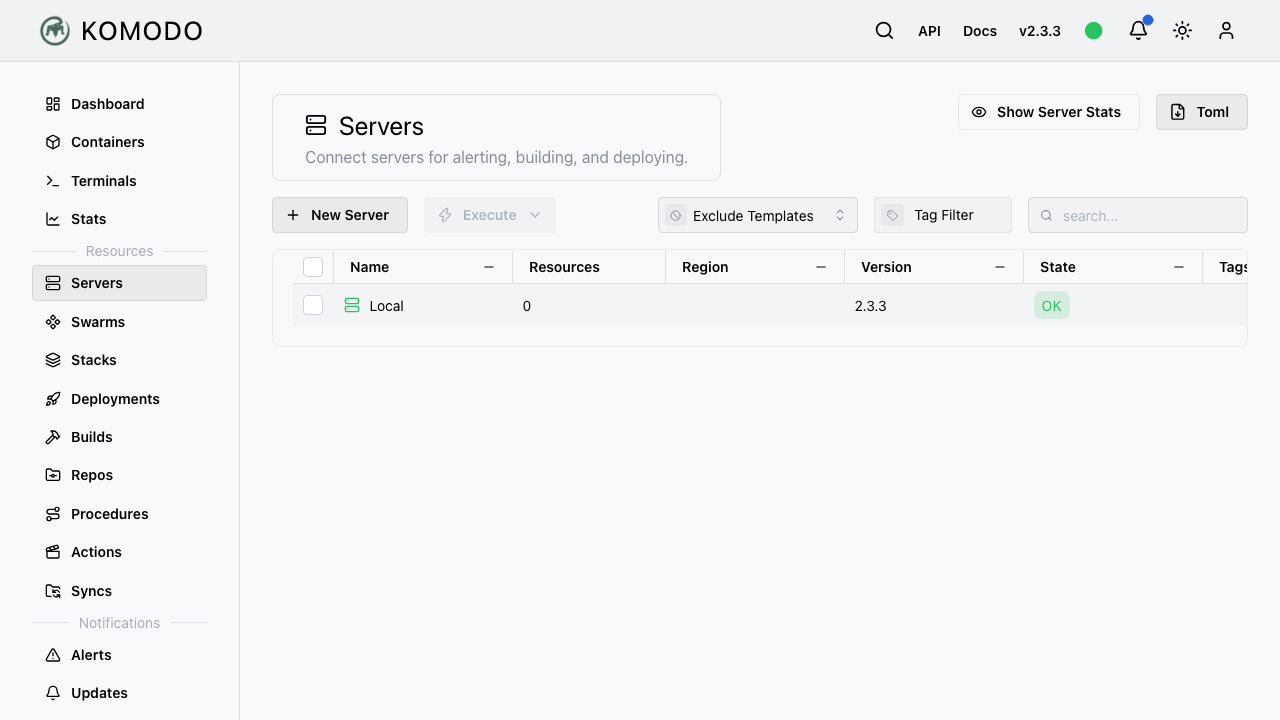
Real screenshots taken while testing this image against its deployment guide.

Docker Community Edition is the free, open source container runtime that allows you to package applications and their de...
Docker Community Edition preconfigured across several Linux variants, running containers within minutes of launch.

What cloudimg adds to every version - Every image is built by cloudimg on a fully patched base with the latest security ...

What cloudimg adds to every version - Every image is built by cloudimg on a fully patched base with the latest security ...

What cloudimg adds to every version - Every image is built by cloudimg on a fully patched base with the latest security ...

What cloudimg adds to every version - Every image is built by cloudimg on a fully patched base with the latest security ...