Base
Hardened build
minimal ports, security patches applied at build time

Interactive, collaborative notebooks for Elixir, ready to run
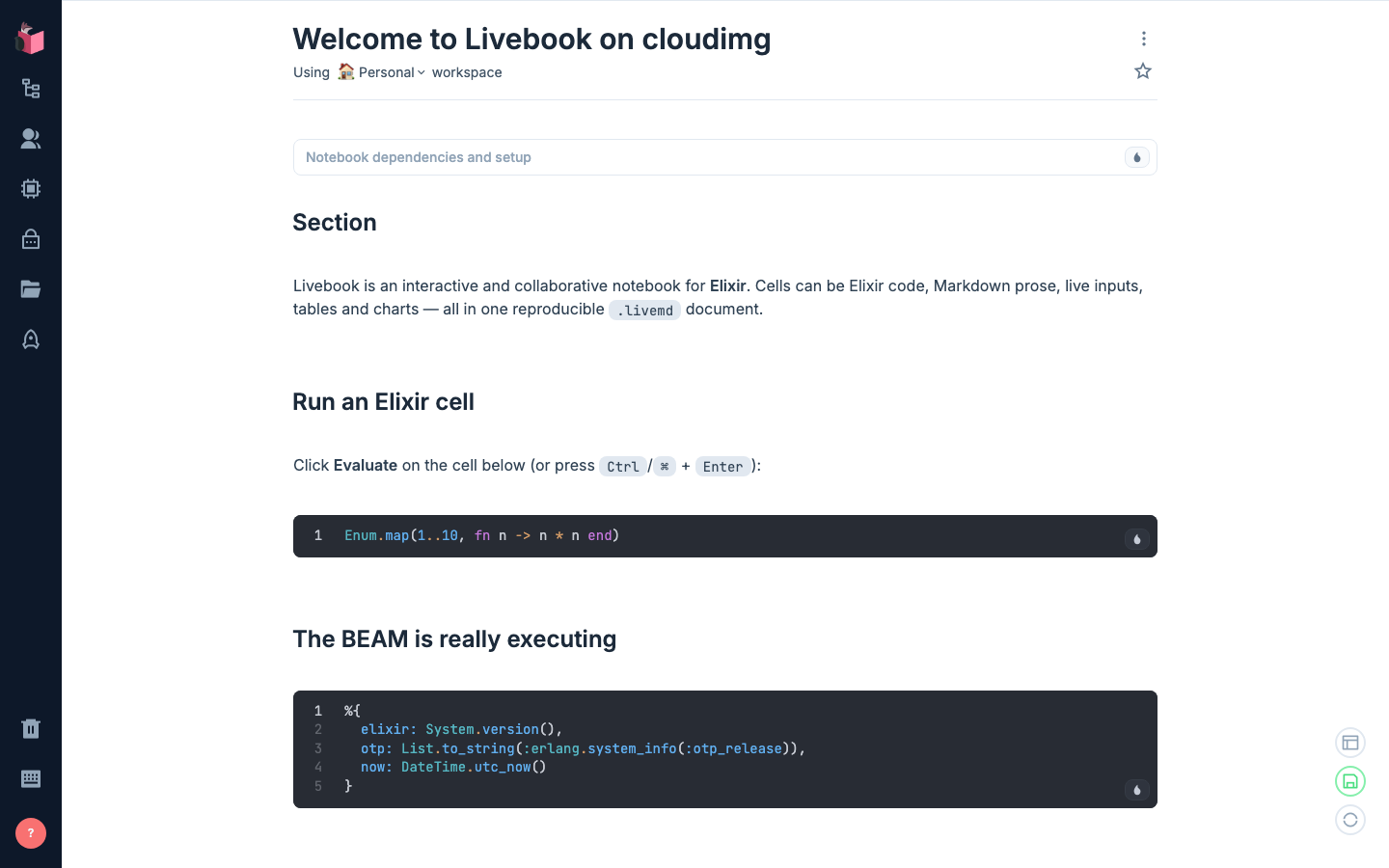
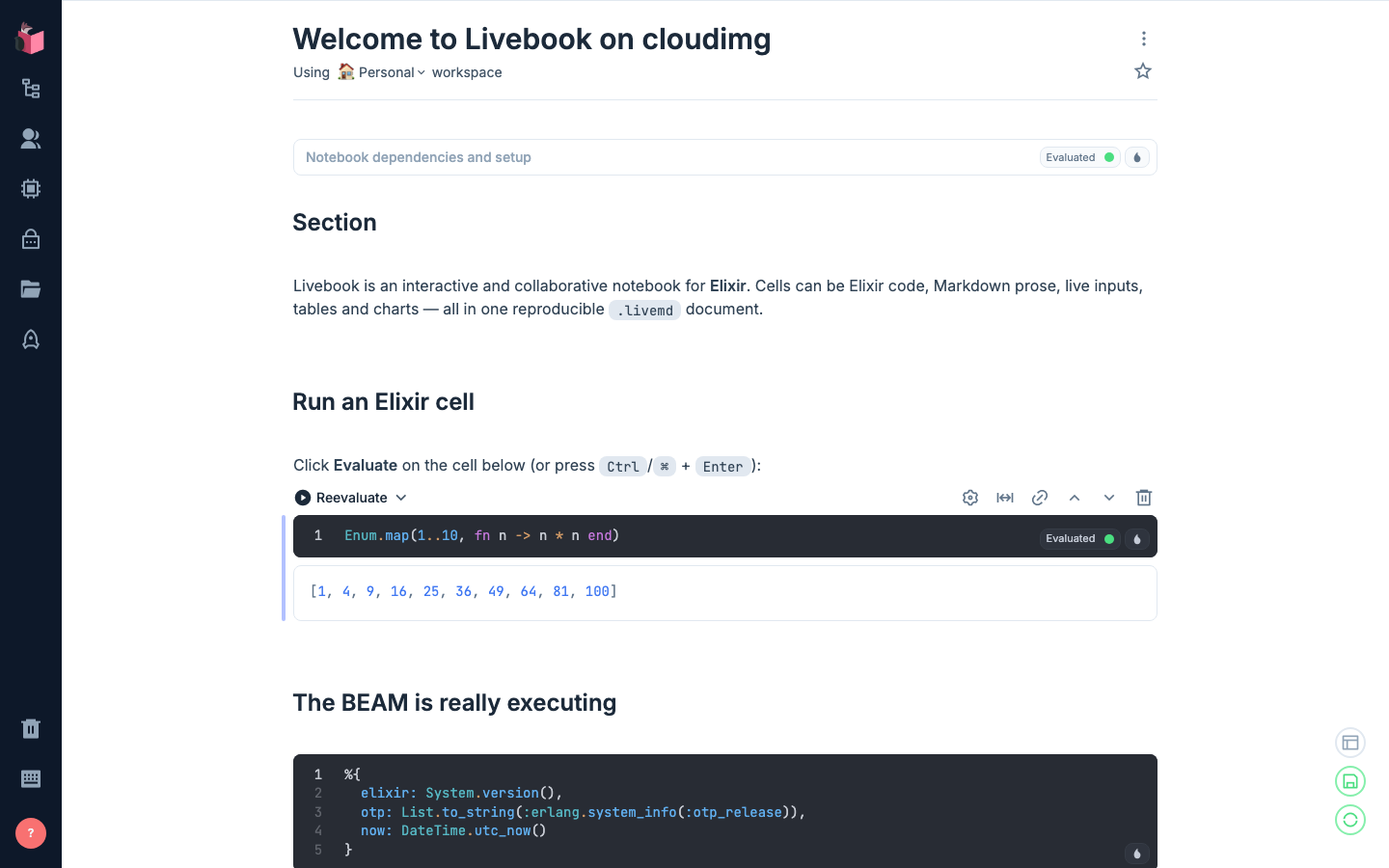
Livebook is the open source interactive and collaborative notebook for Elixir. A notebook mixes Elixir code cells, Markdown prose, live inputs, data tables and charts in one document, and that document is a plain text .livemd file, so it can be committed to version control next to the code it describes and re-run unchanged by someone else. This image ships a complete BEAM toolchain: Erlang/OTP 28 compiled from the official pinned source tarball with its checksum verified, and Elixir 1.20 from the official pinned release, both on the default path because Livebook spawns a fresh Elixir node for each notebook session.
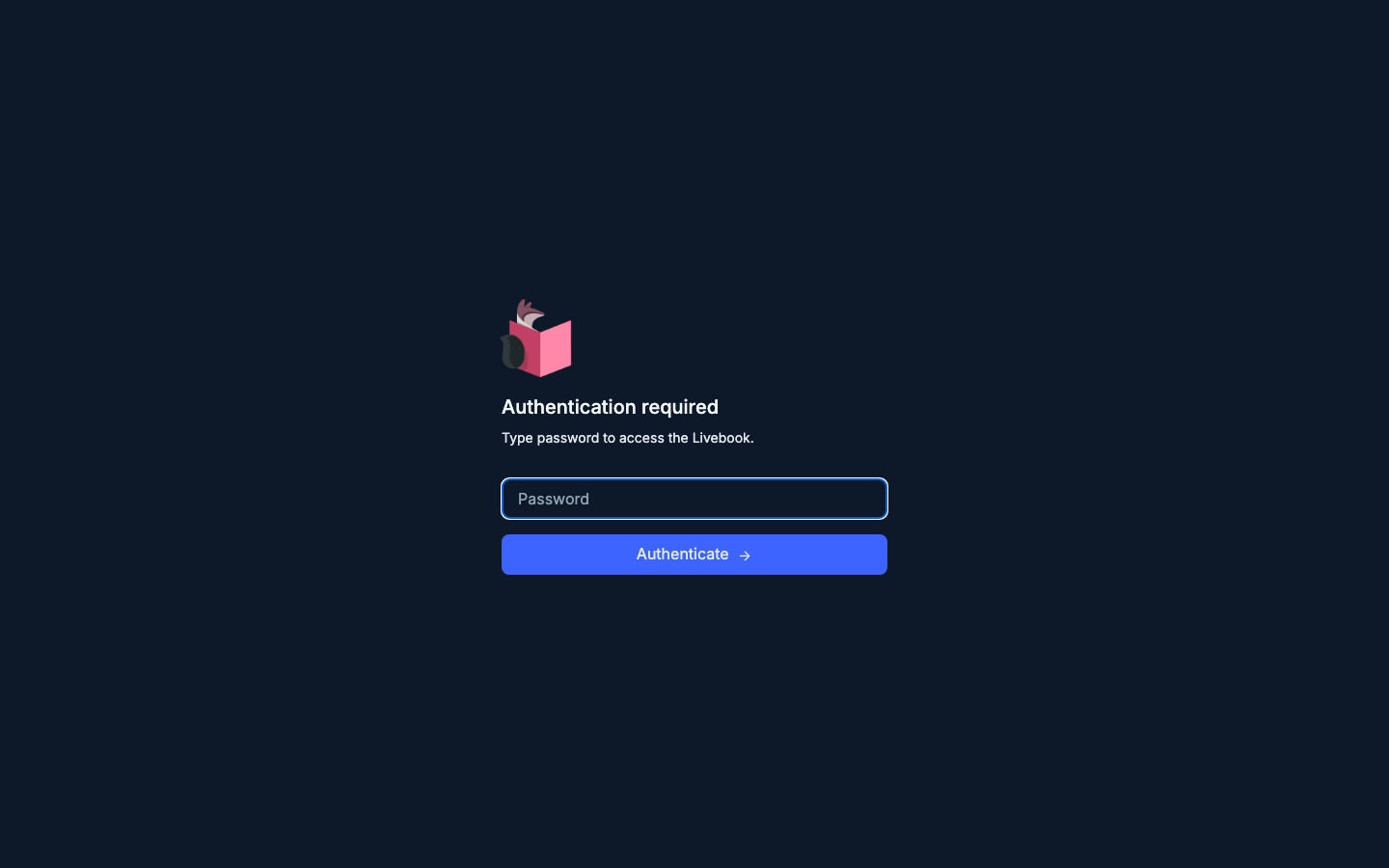
The cloudimg image is secure from the first boot. Livebook evaluates arbitrary Elixir, so an unprotected server would be remote code execution: every instance generates its own 28 character access password and Erlang distribution cookie at first boot, writes them to a root only file, and never bakes a credential into the image. The notebook server binds the loopback interface only and is reachable solely through an nginx reverse proxy that terminates TLS with a certificate regenerated for that instance. Notebooks live on a dedicated, independently resizable data volume, and every deployment comes with a paired step by step deploy guide and 24/7 cloudimg support.
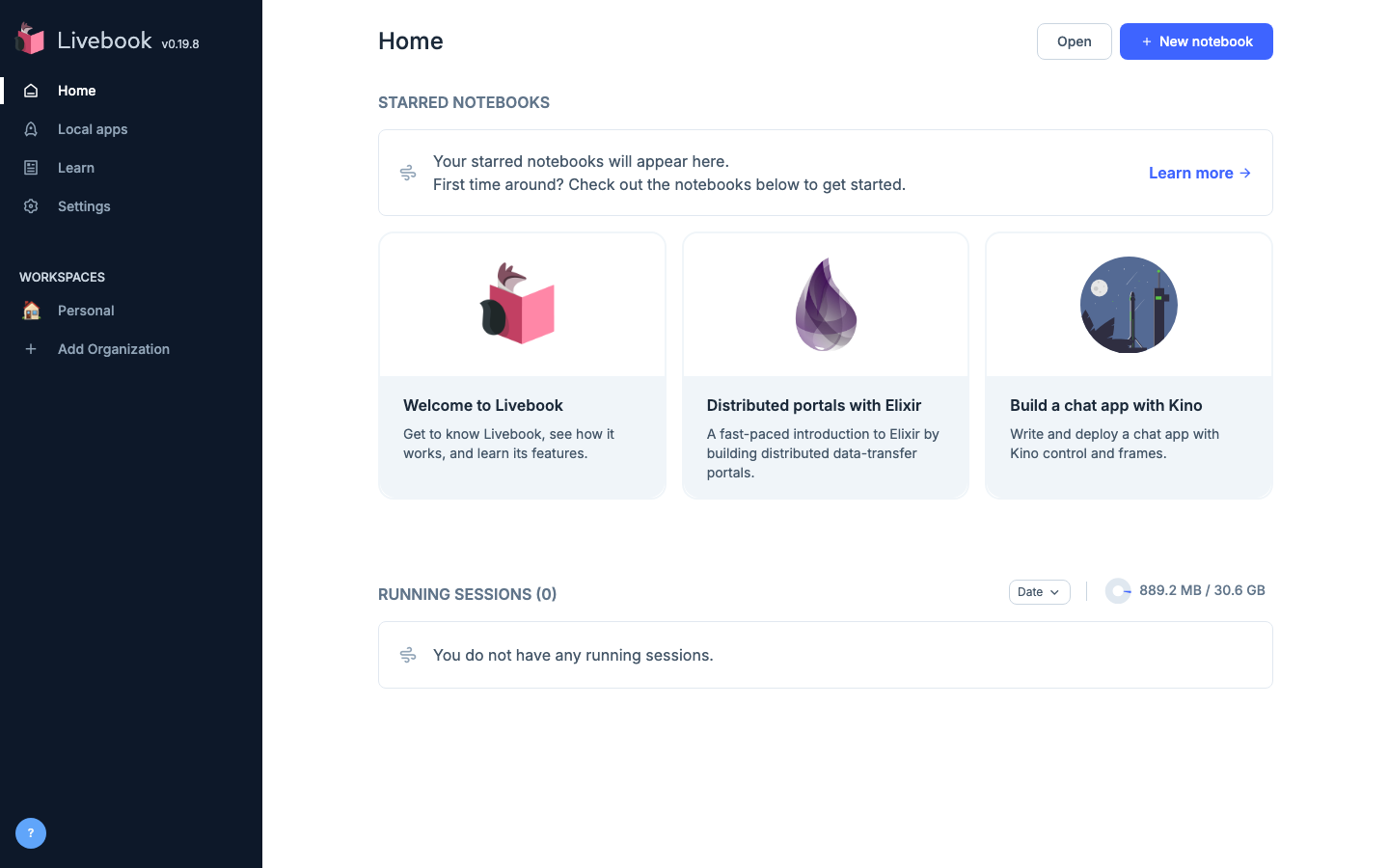
Real screenshots taken while testing this image against its deployment guide.
This is a repackaged open source software product wherein additional charges apply for cloudimg support services.
## Interactive Elixir Notebooks, Ready to Run
Livebook is the open source interactive and collaborative notebook for Elixir. Code cells, Markdown prose, live inputs, data tables and charts live together in one reproducible plain text `.livemd` document. This image delivers Livebook fully installed on a complete BEAM toolchain, behind an HTTPS reverse proxy, with a unique access password generated on every first boot.
## Who This Is For
Elixir and Erlang engineering teams exploring data, prototyping modules, and documenting behaviour in runnable notebooks that live in version control alongside the code. Data and platform teams building shareable, reproducible analyses and internal dashboards without standing up a Python stack. Educators and consultancies delivering interactive Elixir training material that a student can run unchanged.
## Application Stack
## Secure By Default
Livebook evaluates arbitrary Elixir, so an unprotected instance is remote code execution. This image never ships an open or default credential:
## Storage
Notebooks and Livebook internal state live on a dedicated 20 GiB EBS volume mounted at `/var/lib/livebook`, referenced in fstab by filesystem UUID and independently resizable from the operating system disk. A sample welcome notebook demonstrating an Elixir code cell, Markdown and a chart ships on that volume.
## Getting Started
1. Launch the AMI on an m5.large instance or larger, opening ports 443 and 22 in your security group
2. SSH into the instance and read the generated password from the root-only credentials file
3. Browse to `https://
4. Sign in with the generated password
5. Open the sample notebook, or create your own and evaluate an Elixir cell
6. Point a real domain and a CA signed certificate at nginx when you are ready to share the instance
## Recommended Instance Sizing
## Use Case: Reproducible Analysis in Elixir
A platform team investigating a production incident opens a notebook, connects to their own data source in an Elixir cell, and charts the result inline. The notebook is a plain `.livemd` file, so it is committed next to the service it describes and re-run unchanged by the next engineer on call. Nothing about the analysis lives only in someone's terminal history.
## 24/7 cloudimg Support
Every deployment is backed by cloudimg engineers available around the clock by email and live chat. Support covers:
Critical issues receive a one-hour average response time.
## Ready to Evaluate?
This AMI uses standard AWS pay-as-you-go infrastructure billing. Launch an instance to explore the full notebook experience, and terminate at any time with no long-term commitment. For pre-purchase questions, contact support@cloudimg.co.uk before you subscribe.
Livebook, Elixir and Erlang are trademarks of their respective owners. All product and company names are trademarks or registered trademarks of their respective holders. Use of them does not imply any affiliation with or endorsement by them.
This image runs Apache Archiva, the open source build-artifact repository manager - a central, governed store for the bi...

Apache JMeter is the de-facto open-source tool for load and performance testing of web applications, APIs, databases and...

This image runs Appsmith Community Edition, the open source low-code platform for building internal tools, admin panels,...

This image runs Atlantis 0.46 (Apache-2.0), the open source server that automates Terraform and OpenTofu pull request wo...

This image runs Beszel, the open source, lightweight server and container monitoring hub - a clean web dashboard with hi...
This image runs changedetection.io, the self-hosted service that monitors web pages for changes and notifies you when so...