Base
Hardened build
minimal ports, security patches applied at build time
Oracle GoldenGate 26ai Microservices from Oracle's base media on a patched Oracle Linux 9; bring your own Oracle GoldenGate licence.
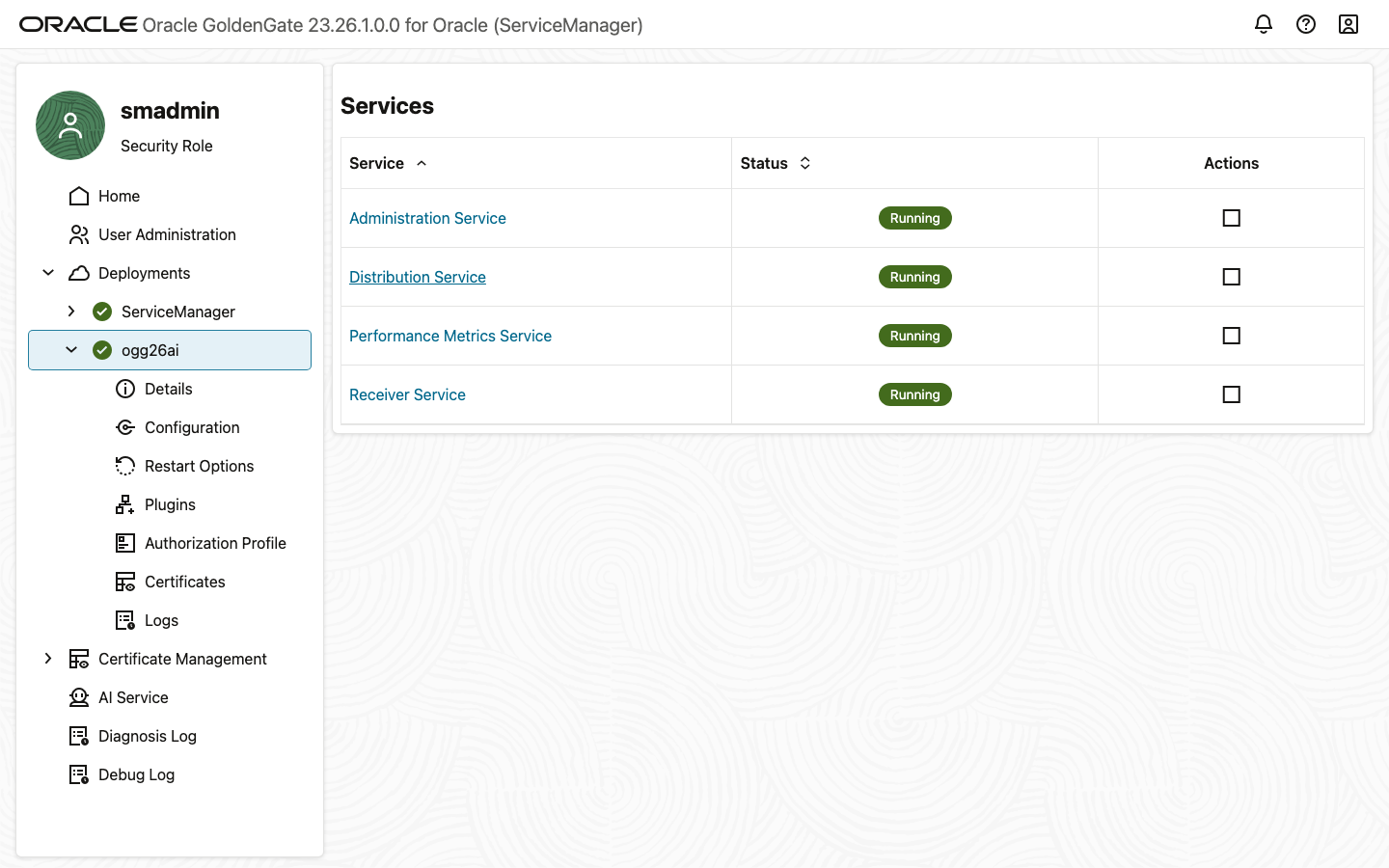
Oracle GoldenGate 26ai (release 23.26.1, of the 23ai line) replicates data between databases in real time with change data capture. This image installs GoldenGate Microservices Architecture for Oracle from Oracle's base release media on Oracle Linux 9.8 and creates a Service Manager and the deployment ogg26ai on each instance at first boot, with the web UI and REST API published over HTTPS.
First boot creates the Service Manager and deployment with their own administrator passwords and wallets, written to a file only root can read. The GoldenGate services listen on 127.0.0.1 only, behind nginx HTTPS with a certificate generated on your instance; SSH is by key pair only, and GoldenGate and nginx are blocked from the instance metadata service. cloudimg's support team is on hand 24 hours a day by email, with a guaranteed response within 24 hours, for launch and configuration questions.
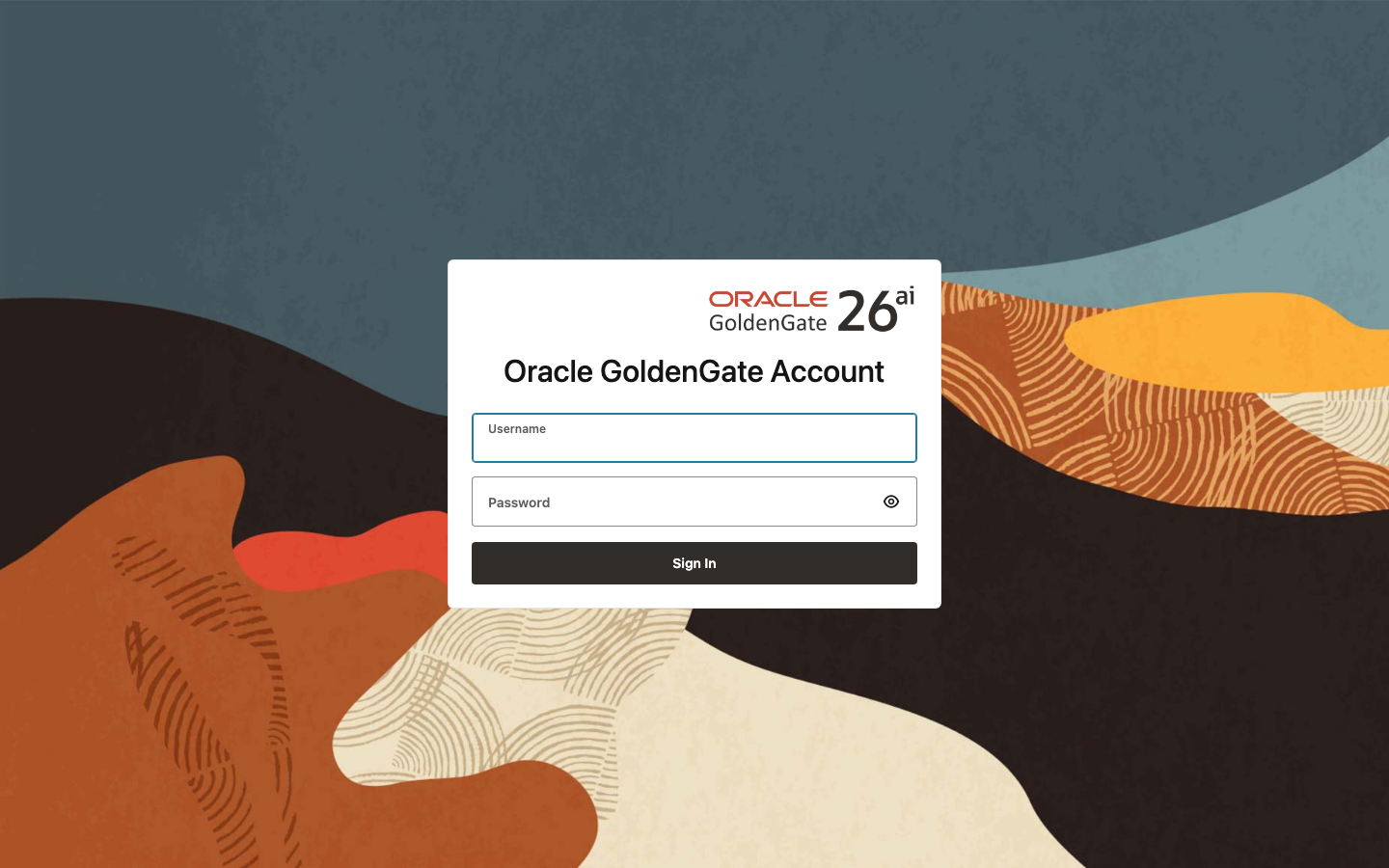
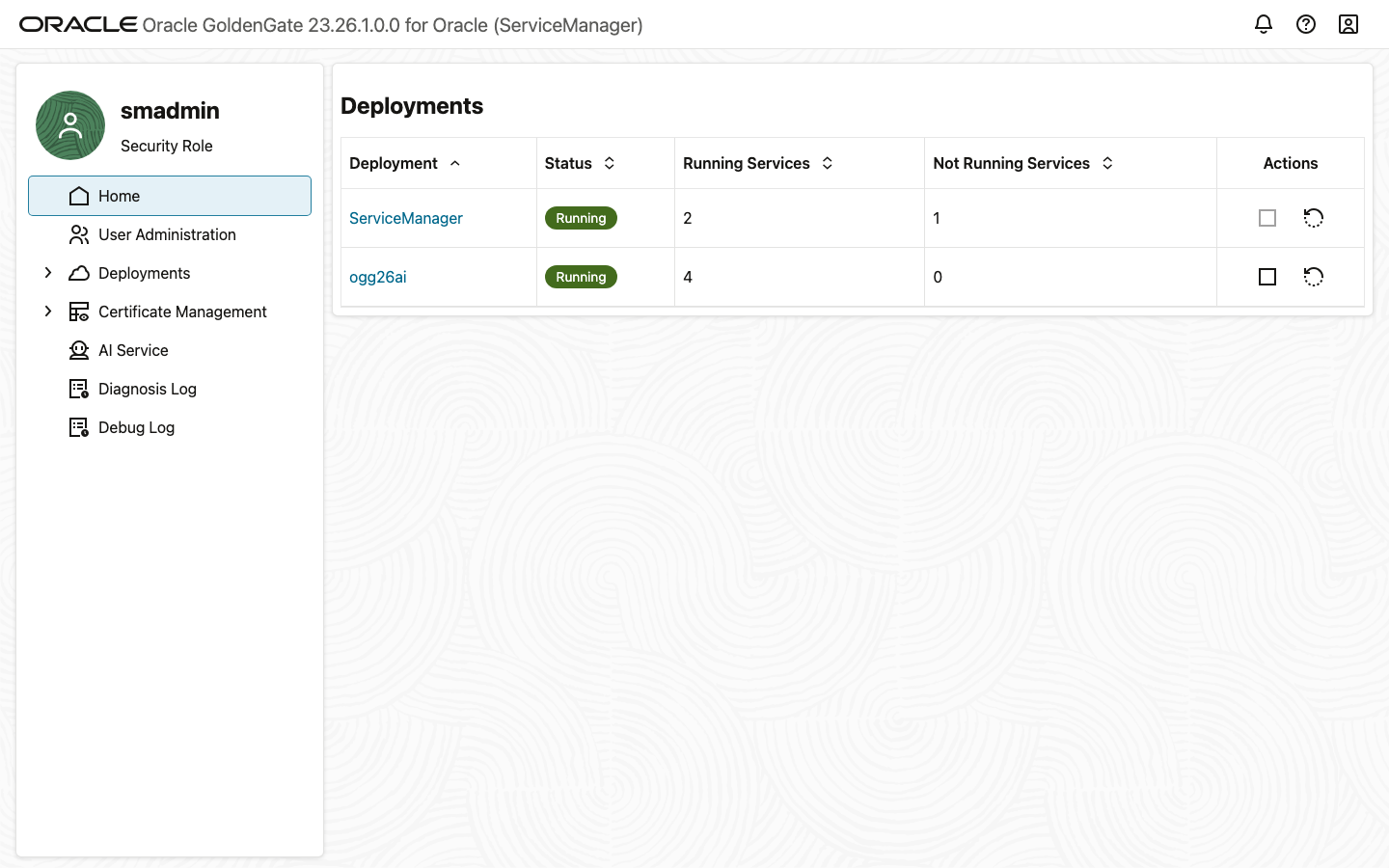
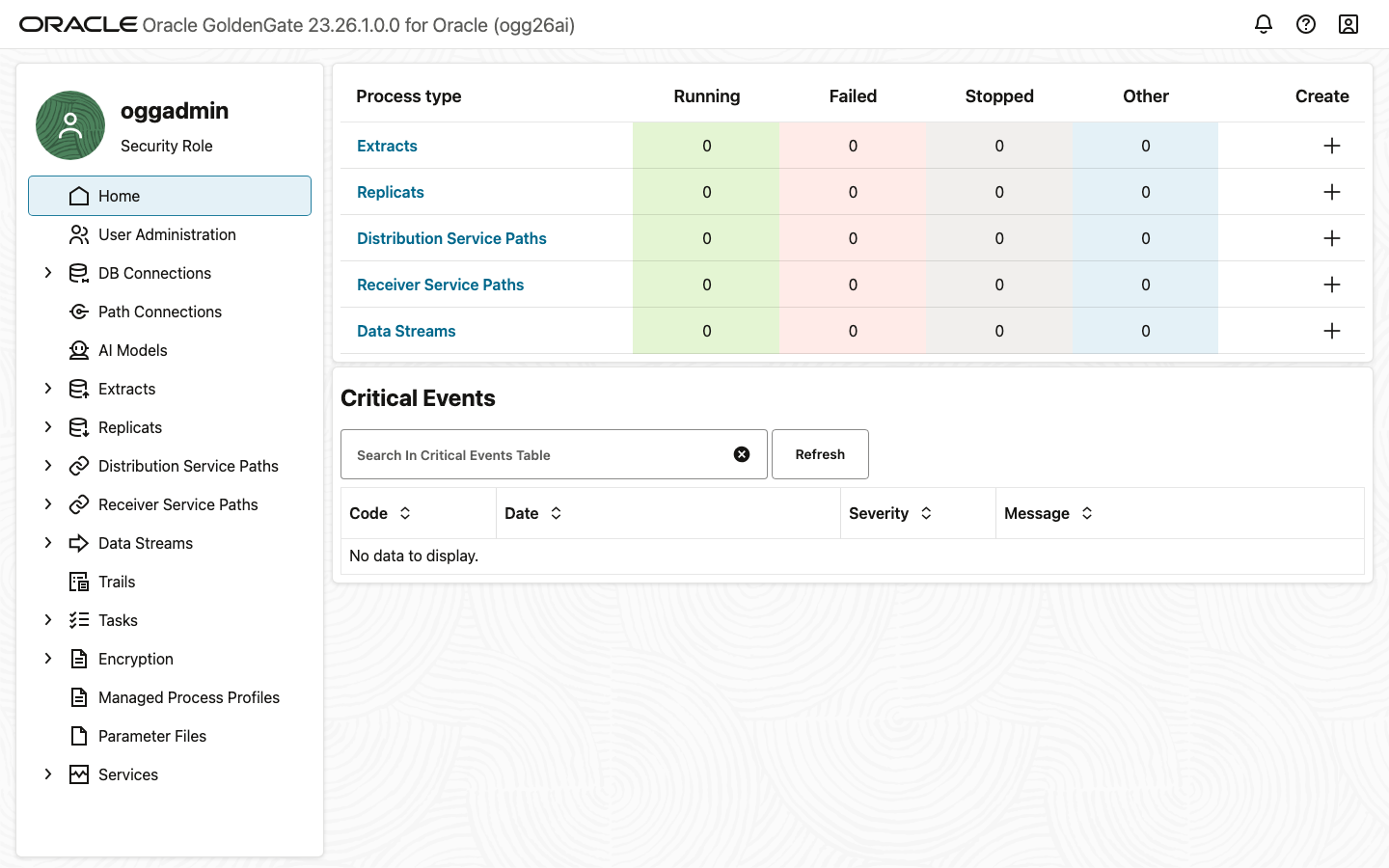
Real screenshots taken while testing this image against its deployment guide.
This is a repackaged software product wherein additional charges apply for security hardening, secure-by-default configuration and per-instance setup.
If you subscribed to an Oracle Database 26ai version of this listing before 15 Nov 2026, change SYS and SYSTEM now. On those versions the database password was set when the image was built and is the same on every instance until you change it; it is stored in `/stage/scripts/oracle-database-credentials.log` (root only). Change both with `ALTER USER` as SYSDBA, then delete the file (Step 5 of the old guide, https://www.cloudimg.co.uk/guides/oracle-db-26ai-enterprise-on-linux/ ). Never open TCP 1521 to the internet: use an SSH tunnel or allow your own address range only. The Oracle GoldenGate 26ai version this listing offers now has no such password: its credentials are generated on each instance.
## What cloudimg adds to Oracle GoldenGate 26ai
This image installs Oracle GoldenGate 26ai Microservices Architecture for Oracle, release 23.26.1.0.0, from Oracle's base release media (checked against its SHA-256 checksum) on Oracle Linux 9.8, with the Oracle Linux packages updated at build time and dnf-automatic applying Oracle Linux security updates every day. Oracle GoldenGate 26ai is release 23.26 of the 23ai line; the sign-in page says 26ai and the deployment and its paths are named ogg26ai. You get:
## Licensing: bring your own Oracle licence
This listing does not include an Oracle licence. You must hold a valid Oracle GoldenGate licence for the instance and use it under your agreement with Oracle and Oracle's licensing policy for cloud computing environments; your source and target databases need their own licences. The hourly charge on this listing is cloudimg's, for what cloudimg adds to the image: the Service Manager and deployment created on each instance at first boot with their own administrator passwords and wallets, HTTPS through nginx with a per-instance certificate, the GoldenGate services on localhost only, SSH by Amazon EC2 key pair only, and GoldenGate and nginx blocked from the instance metadata service.
The image ships the 23.26.1.0.0 base release with no patch applied. Oracle provides GoldenGate release updates to its licensed customers, so apply them under your own Oracle agreement; the user guide shows how.
Oracle, Java and GoldenGate are registered trademarks of Oracle and/or its affiliates. cloudimg is not affiliated with or endorsed by Oracle.
## Who it is for
## Getting started
1. Subscribe and launch on m5.large or larger (t3.large for tests and light use), sizing the root volume for your trail files.
2. In your security group allow TCP 443 and 80 from the people and systems that use GoldenGate, and TCP 22 from your own address.
3. SSH in as ec2-user; first boot takes about a minute and a half.
4. Run `sudo cat /root/goldengate-credentials.txt` for the URL and passwords, then sign in to the Service Manager as smadmin and to the deployment as oggadmin.
Oracle Database 11g Standard Edition 11.2.0.4 on AlmaLinux 8.10: a non-CDB ORCL database, per-instance SYS/SYSTEM passwo...
Oracle Database 12.2 is end of life. Oracle stopped issuing patches for 12.2.0.1 in 2022, so it gets no new fixes, secur...

This image is MySQL 8.4 LTS Enterprise Edition (commercial, MySQL Enterprise Server 8.4.13) on Windows Server 2022 Datac...
MySQL 8.4 Enterprise Edition on Oracle Linux 9 (updated at build) installed and configured: 8.4.13 LTS with MySQL Enterp...
For a new deployment, choose the November 2026 version for your operating system: it is the newest build, its operating ...
The listing offers these software versions, built on 16 November 2026 with the same Oracle Database release and the same...