Base
Hardened build
minimal ports, security patches applied at build time

pgAdmin 4, the standard open source administration and development platform for PostgreSQL, serving a multi user web console minutes after it boots.
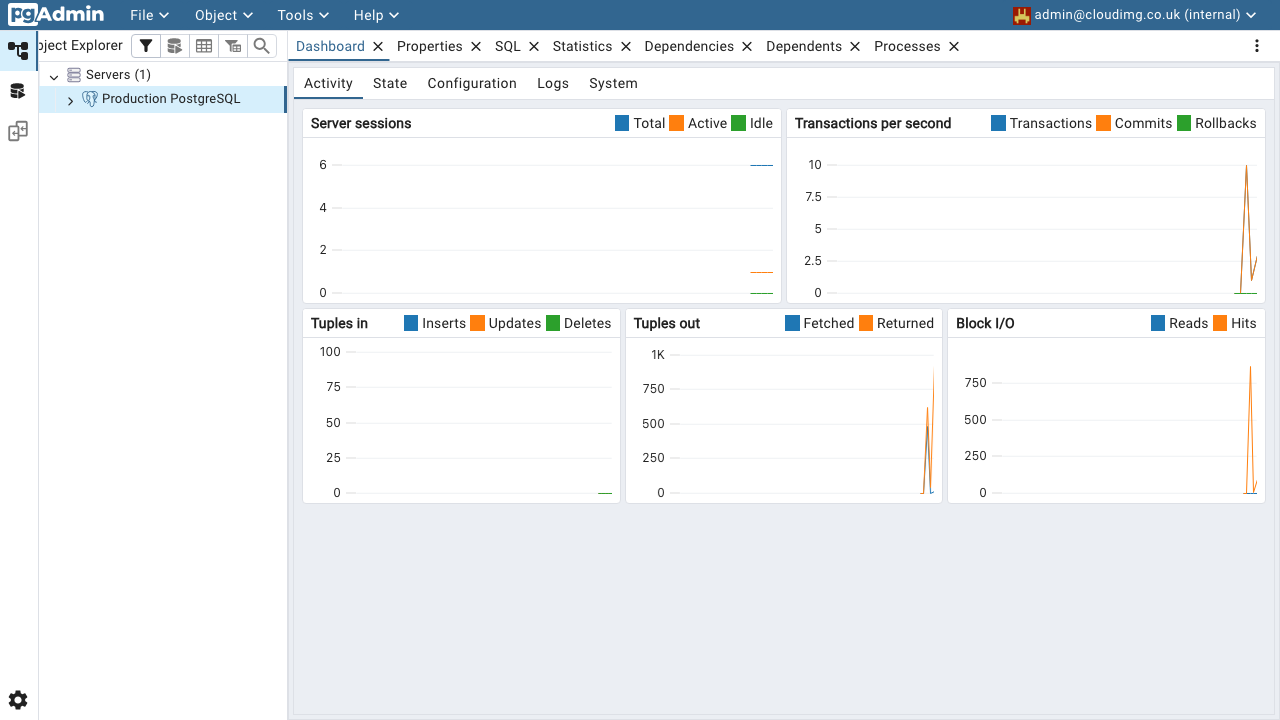
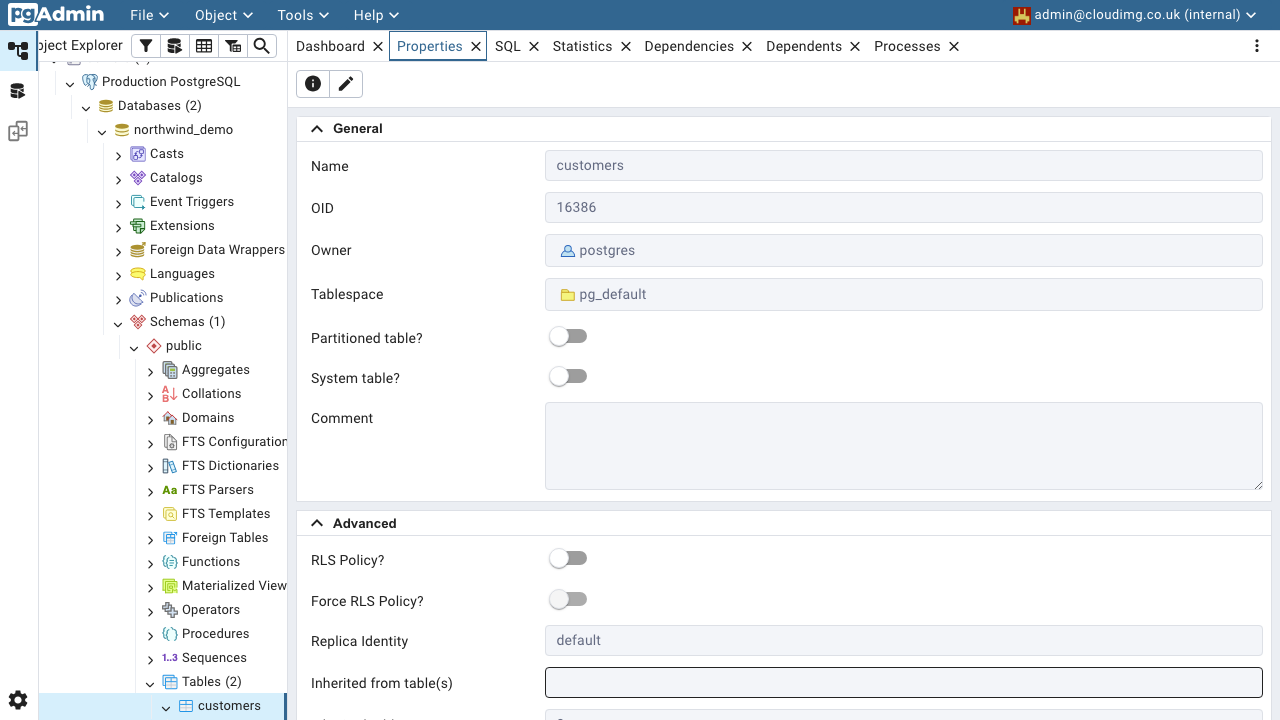
pgAdmin 4 is the most widely used open source administration and development platform for PostgreSQL. From an ordinary browser it gives you an object browser over servers, databases, schemas, tables, functions and roles, a query tool with syntax highlighting, explain plans and result grids, a graphical ERD designer, import and export, backup, restore and maintenance jobs, and dashboards showing sessions, locks, transactions and server activity.
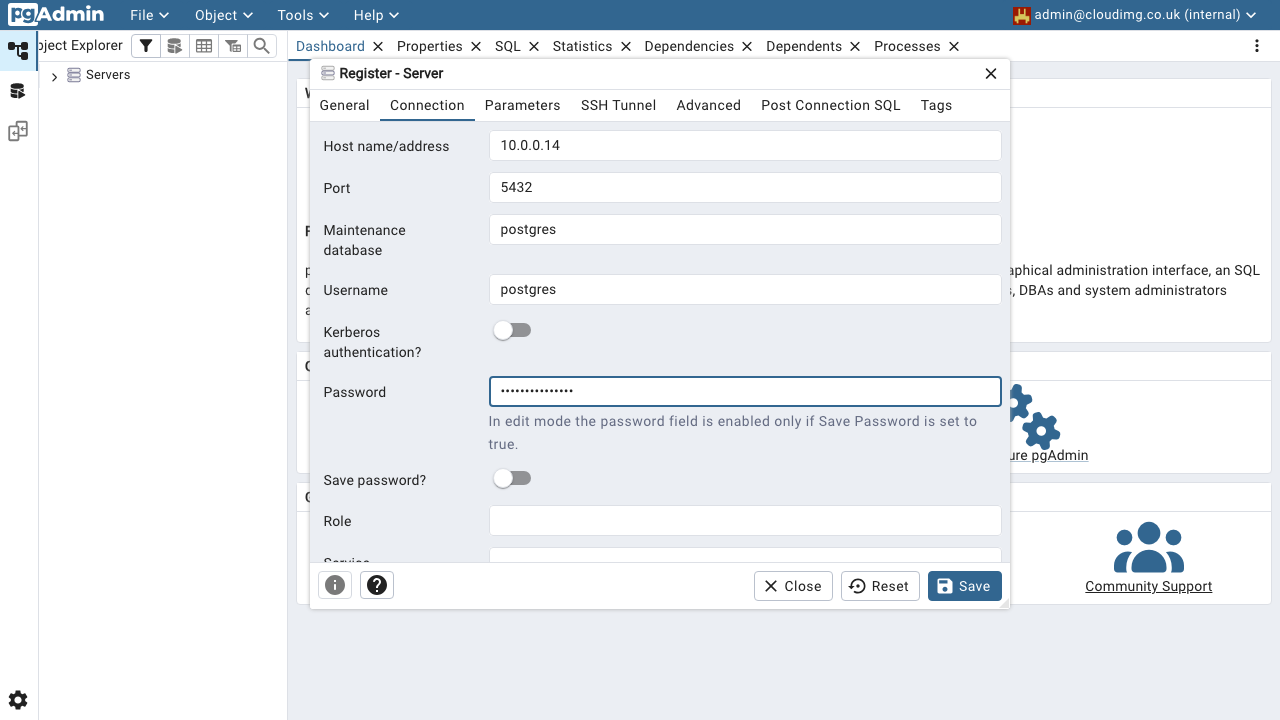
This image ships pgAdmin on its own, in server mode, which is the multi user web deployment upstream provides for teams: several named users can sign in, each with their own saved servers and preferences. You point it at the PostgreSQL instances you already run, whether that is Azure Database for PostgreSQL Flexible Server, a self managed cluster on your own virtual machines, or any reachable PostgreSQL endpoint from version 13 through 18. No database server runs on this instance.
cloudimg delivers pgAdmin fully installed in server mode behind the Apache web server, so the console answers as soon as first boot finishes, with no package repository to add, no setup script to run and no web server to wire up. Security is the reason to take this image rather than build it yourself: no administrator account and no configuration database exist in the image at all, so nothing is shared between customers. On the first boot of every instance a one shot service creates the configuration database, which generates that instance's own session signing and password salting secrets, and mints an administrator password unique to that instance into a file only the root user can read. The web server is held back until that has finished, so a partially initialised console is never exposed. No saved server connections, hostnames or database passwords ship in the image, the web configuration is a strict allowlist so application source and configuration files are never served, and client tooling for every supported PostgreSQL major version is included so backup and restore always run a version matched utility. Every deployment is paired with a step by step deploy guide and backed by 24/7 cloudimg support.
Real screenshots taken while testing this image against its deployment guide.