Base
Hardened build
minimal ports, security patches applied at build time

PiGallery2, a fast self hosted photo gallery and management server, secured with per instance login.
PiGallery2 is an open source, directory first photo gallery and management server. Point it at a folder of photos and videos and it serves a modern browser gallery that preserves your directory structure, generates thumbnails, reads EXIF metadata, and adds search, maps, face grouping and secure sharing.
cloudimg delivers PiGallery2 hardened and fully patched, served over TLS with a self signed certificate regenerated on first boot. Authentication is on by default and a unique admin credential is generated per instance, with only the one way hash stored in the config, so the well known default administrator is never shipped. A dedicated data volume holds your photos, thumbnail cache and index, and the service binds to loopback behind an nginx reverse proxy. Backed by 24/7 support.
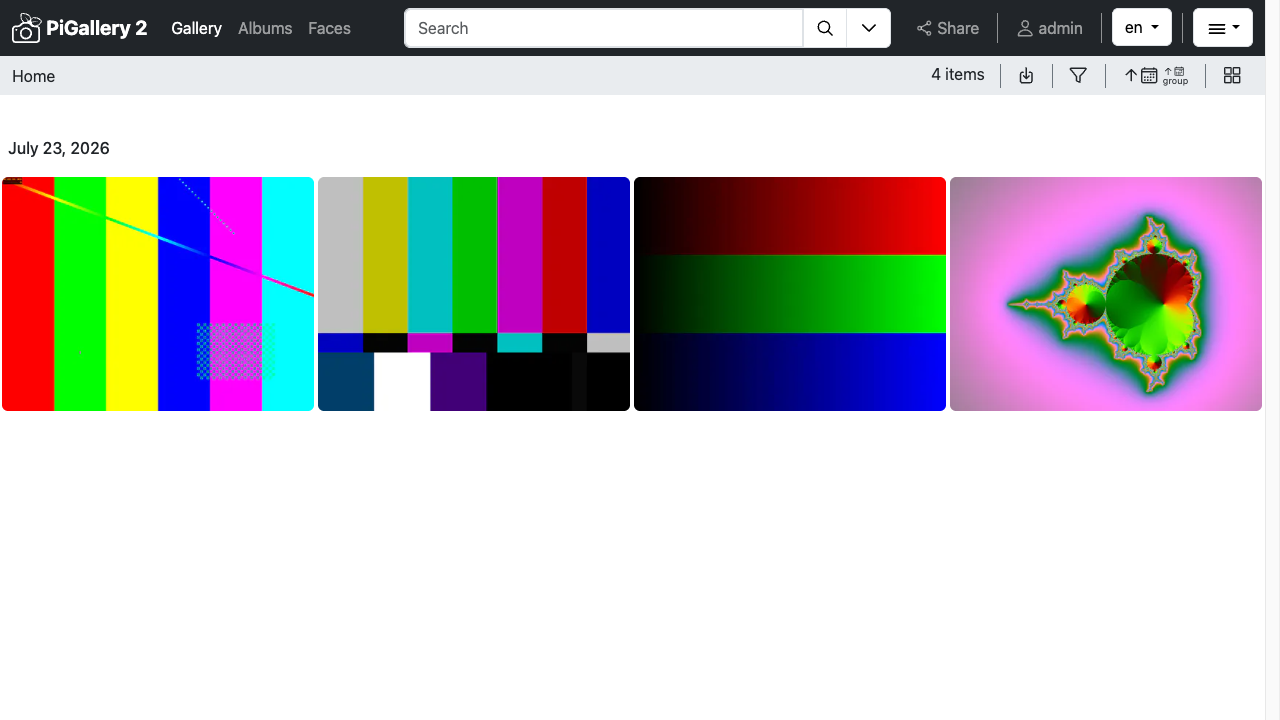
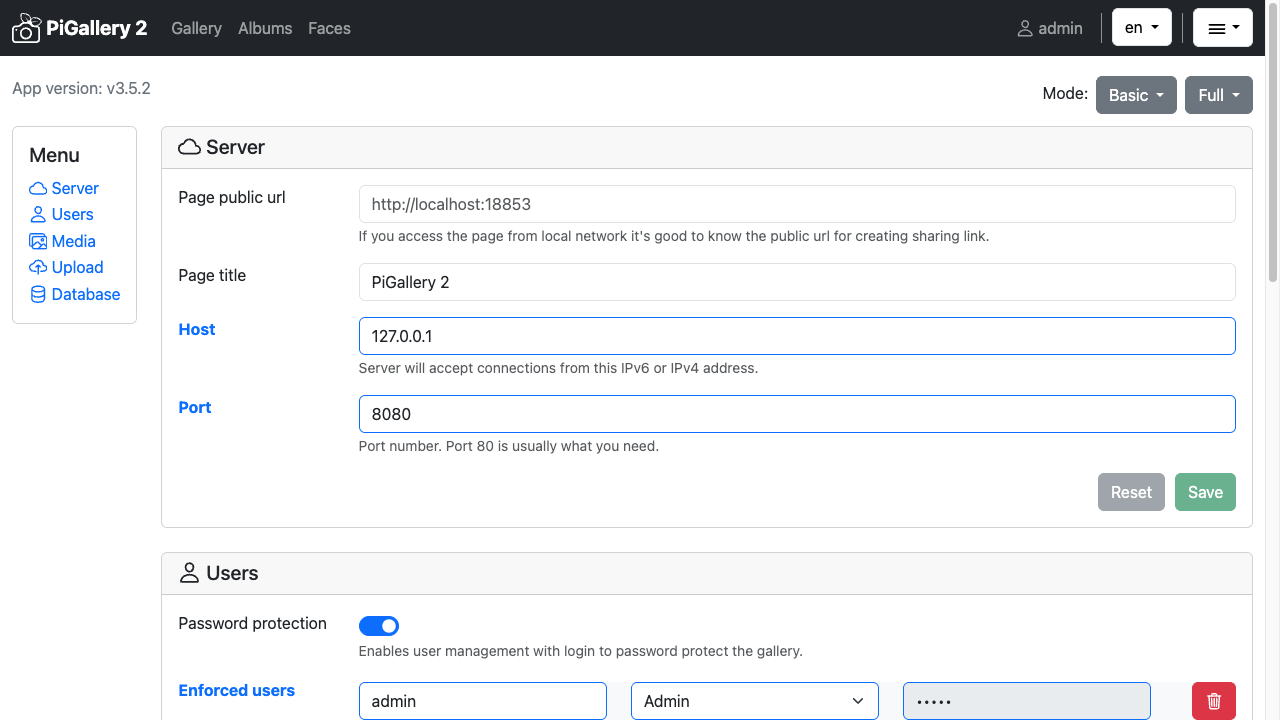
Real screenshots taken while testing this image against its deployment guide.

This is a repackaged open source software product wherein additional charges apply for cloudimg support services.
## A Private Photo Gallery, Live in Minutes
PiGallery2 is a fast, self-hosted, directory-first photo gallery and management server. Point it at a folder of photos and videos and it serves a modern browser gallery that preserves your directory structure, generates thumbnails, reads EXIF metadata, and adds search, maps, face grouping, and secure sharing. Browse and share a personal or team photo library from any device - without handing your photos to a third-party cloud.
This AMI delivers PiGallery2 fully installed and hardened so a working gallery is operational within minutes of launch. No manual package installation, no Node.js version management, and no service configuration required. A small set of sample photos is included so the gallery is populated the moment you sign in; replace them with your own photos in the gallery folder documented in the deployment guide.
## Why This AMI Instead of Self-Deploying
Deploying PiGallery2 yourself - whether via the official Docker image or a manual Node.js install - still requires you to configure TLS termination, set up persistent storage, harden the default administrator account, and manage ongoing upgrades. This AMI eliminates that operational burden:
## Secure by Default
Unlike a bare PiGallery2 deployment that ships a well-known default administrator, this image turns authentication on and generates a unique credential on each instance's first boot. Only a salted one-way hash of the password is written to the configuration, while the plain password is placed in a root-only file for the administrator to retrieve. No two deployments share a login and there is no open gallery to discover.
## Application Stack
## Getting Started
1. Launch the AMI on an m5.large or larger and open ports 80 and 443 in your security group
2. SSH into the instance and read the generated admin login: sudo cat /root/pigallery2-credentials.txt
3. Open your browser to https://
4. Sign in with the administrator username and password from the credentials file
5. Add your own photos to /var/lib/pigallery2/images on the data volume, then browse the gallery to index them
6. Follow the deployment guide to point a domain, install a CA-signed certificate, and configure sharing
## 24/7 cloudimg Support
Every deployment is backed by cloudimg engineers available around the clock via email and live chat. Support covers initial deployment and instance sizing guidance, TLS termination with a real domain and certificate, adding and organizing photo libraries, PiGallery2 upgrades, and general troubleshooting. Critical issues receive a one-hour average response time.
This AMI uses standard AWS pay-as-you-go infrastructure billing. Launch an instance to evaluate the gallery and terminate at any time with no long-term commitment.
PiGallery2 is a trademark of its respective owner. All product and company names are trademarks or registered trademarks of their respective holders. Use of them does not imply any affiliation with or endorsement by them.

Apache Ozone is the scalable, distributed object store for Hadoop and cloud-native workloads. It exposes both an S3-comp...

Backrest is a popular open source web interface and orchestrator for restic, the fast, secure, deduplicating backup prog...

This image runs Barman (Backup and Recovery Manager), the open source disaster-recovery manager for PostgreSQL from Ente...
Cyberduck is a libre file transfer client for FTP, SFTP, WebDAV, Amazon S3, Google Cloud Storage, Microsoft Azure, OpenS...

This image runs File Browser, the open source, self-hosted web file manager - browse, upload, download, edit, preview an...
This image runs a production ready network file server built on the operating system's own kernel NFS server, the file s...