Base
Hardened build
minimal ports, security patches applied at build time

qBittorrent, a free and open source BitTorrent client, running headless with a full featured web interface for adding, managing and monitoring torrents from any browser.
qBittorrent is a free, open source BitTorrent client that aims to be a lightweight alternative to heavier clients while still offering the features power users expect. This appliance runs qbittorrent nox, the headless daemon, and exposes its full functionality through a browser based web interface: add torrents by file, URL or magnet link, organise them into categories, control bandwidth and scheduling, use the integrated search, subscribe to RSS feeds with automatic downloading, and watch transfer progress in real time. It suits anyone who wants a private, self hosted download manager they run and control themselves rather than a desktop application tied to a single machine.
The cloudimg image runs qbittorrent nox behind an nginx reverse proxy that binds the web interface to loopback, so it answers securely the moment the instance boots. Security is enforced from the first request: the web interface forces authentication with no default password, and a unique administrator password is generated on each instance's first boot and written to a root only file, so no shared credential is ever baked into the image. The qBittorrent profile and the download library live on a dedicated data disk, and every deployment carries a paired deployment guide and 24/7 support.
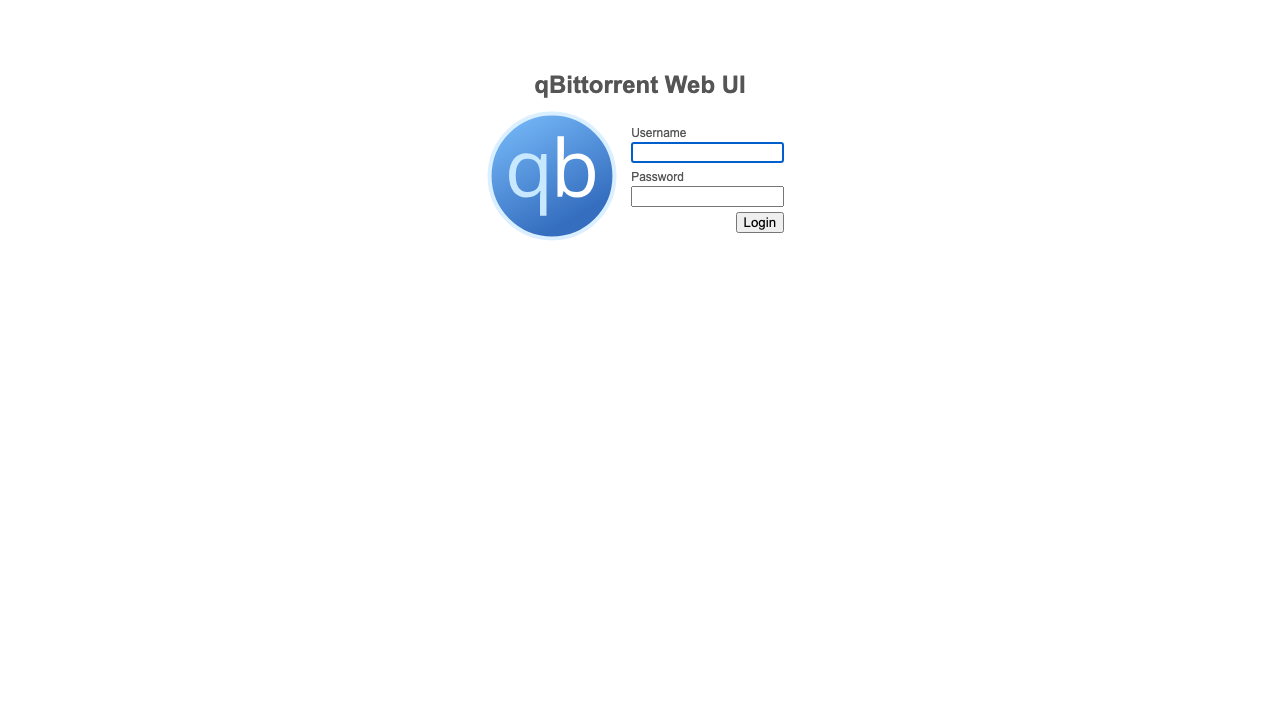
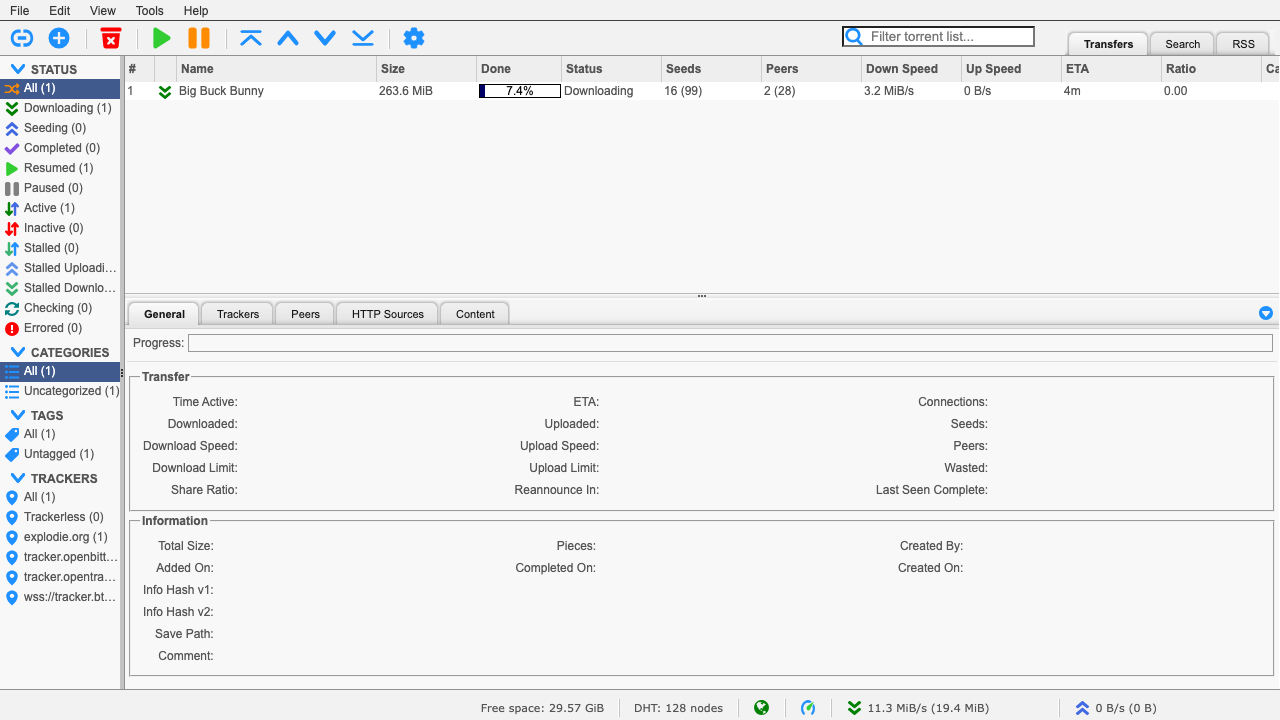
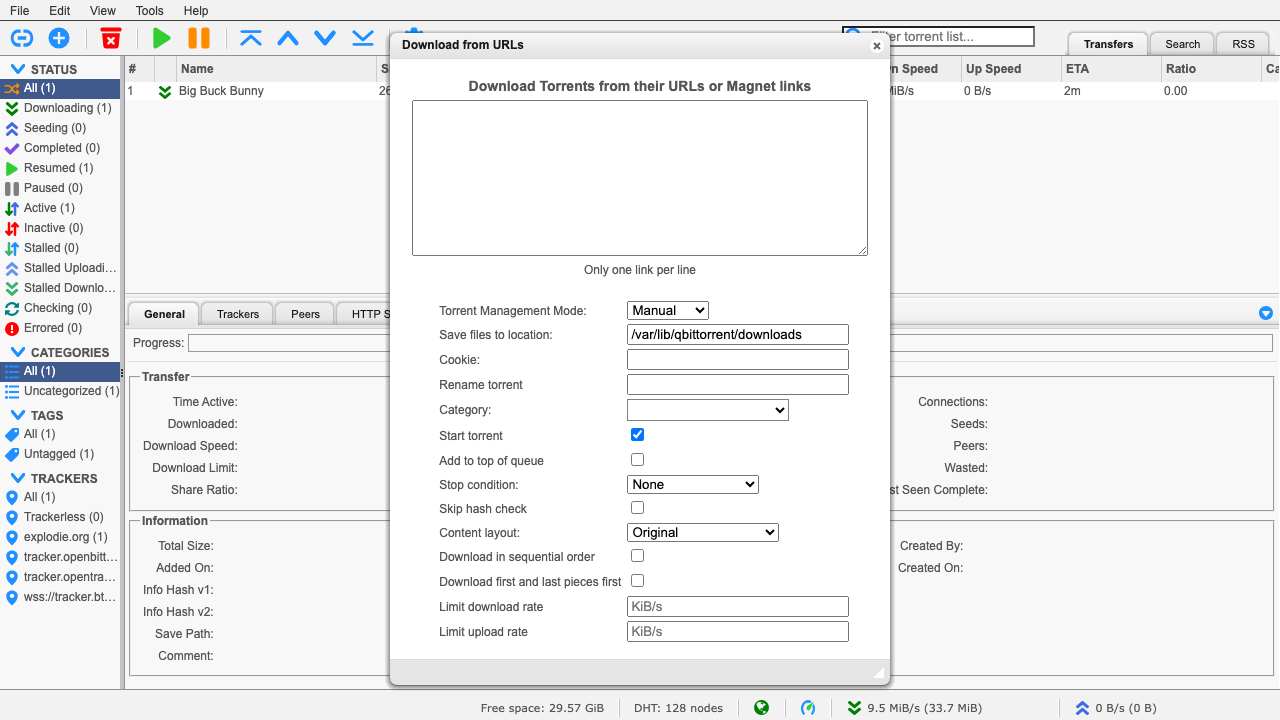
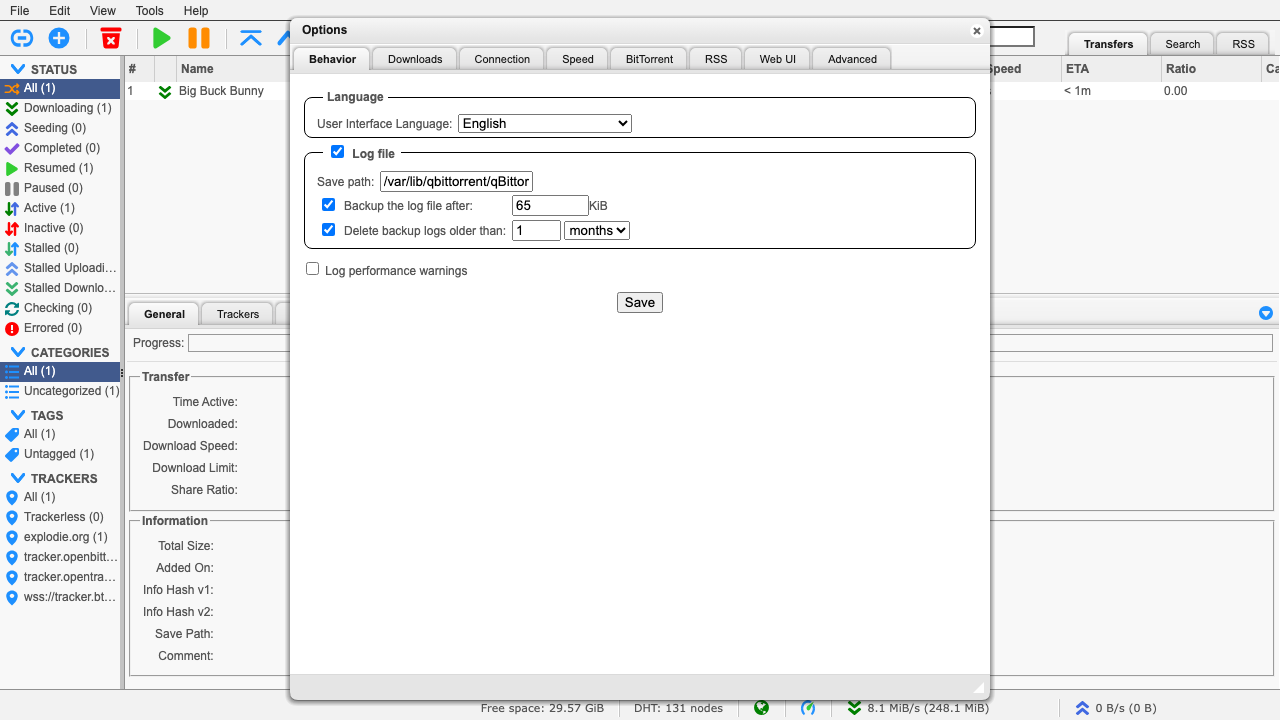
Real screenshots taken while testing this image against its deployment guide.

AKHQ for Apache Kafka on Ubuntu 24.04 LTS preconfigured machine image for Microsoft Azure, hardened and verified with 24...

Apache ActiveMQ Artemis is the next generation, high performance, multi protocol Java message broker that implements the...

Apache BifroMQ (Incubating) is a distributed MQTT broker written in Java, built around native multi tenancy.

Apache Iggy is a persistent message streaming platform written in Rust that moves millions of messages per second over T...

The cloudimg image ships the free and open source, Apache 2.0 licensed James 3.9.0, in its single node distribution.
This image runs Apache Kafka 4.2.0 as a single node KRaft broker on Ubuntu 22.04 LTS. The broker process combines the co...