Base
Hardened build
minimal ports, security patches applied at build time

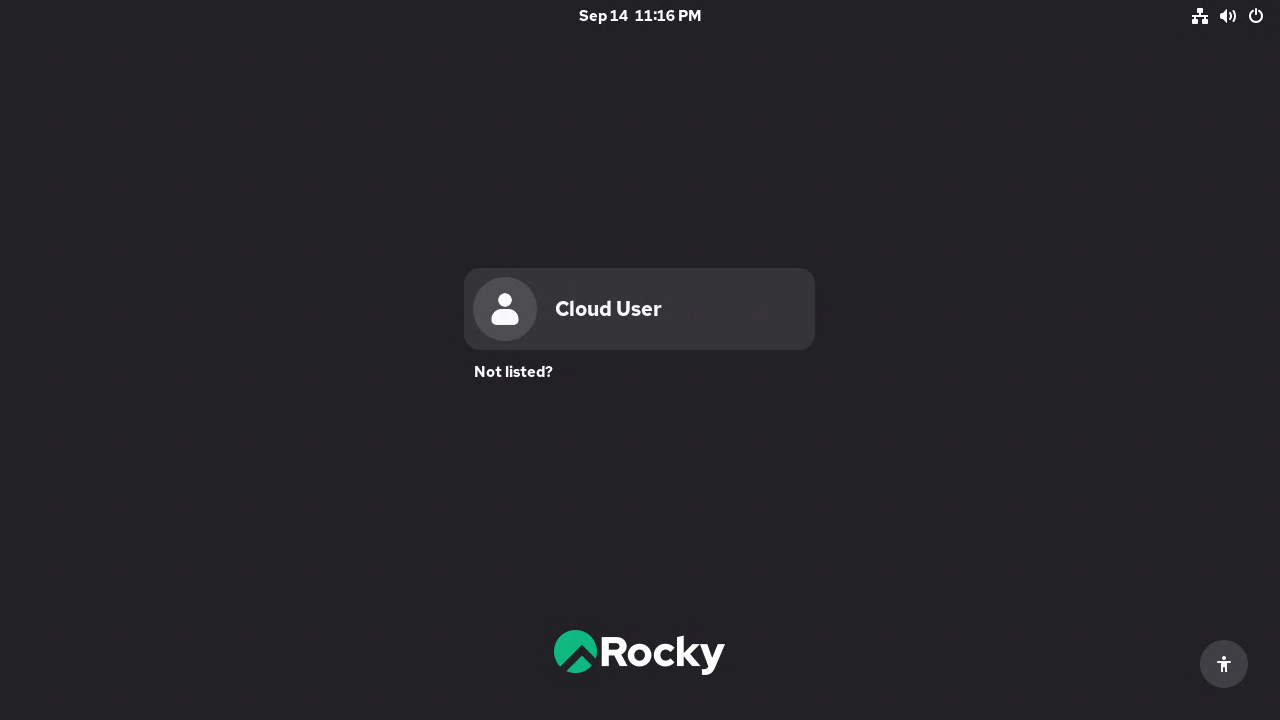
Rocky Linux 10 with the GNOME desktop, reached over RDP: no default password, remote desktop switched off until you turn it on, and a per VM RDP credential generated at first boot.
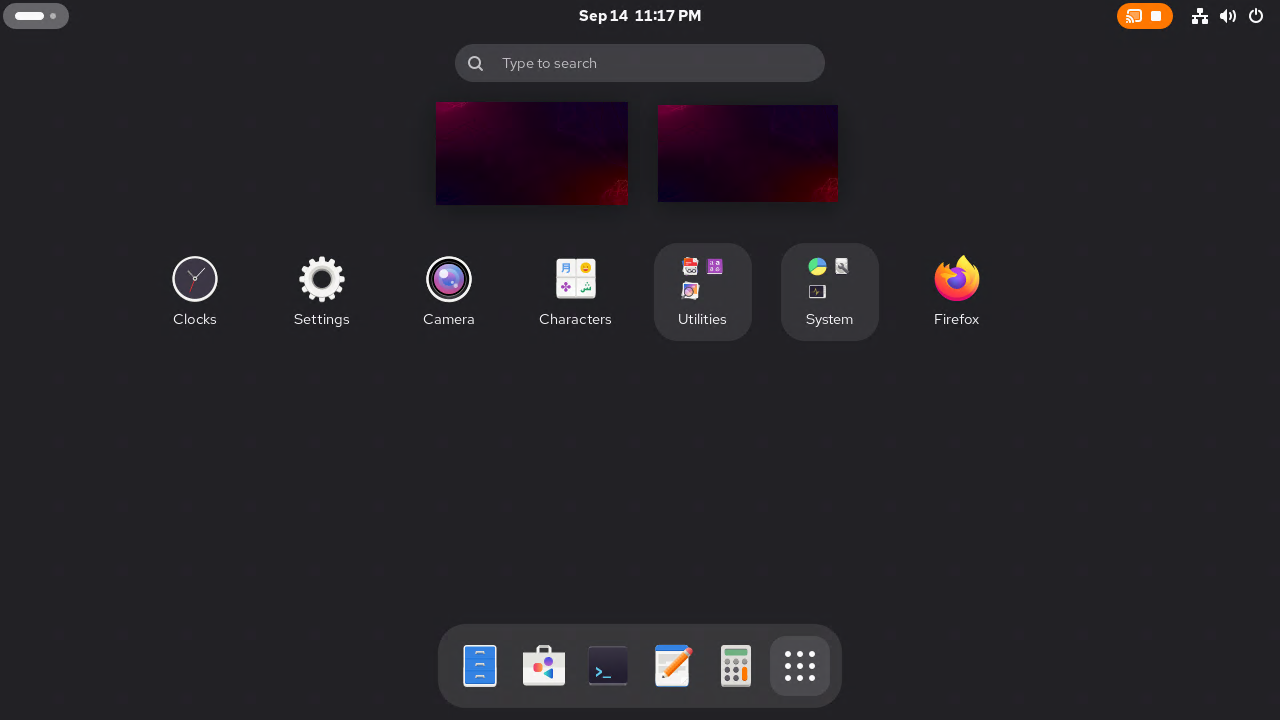
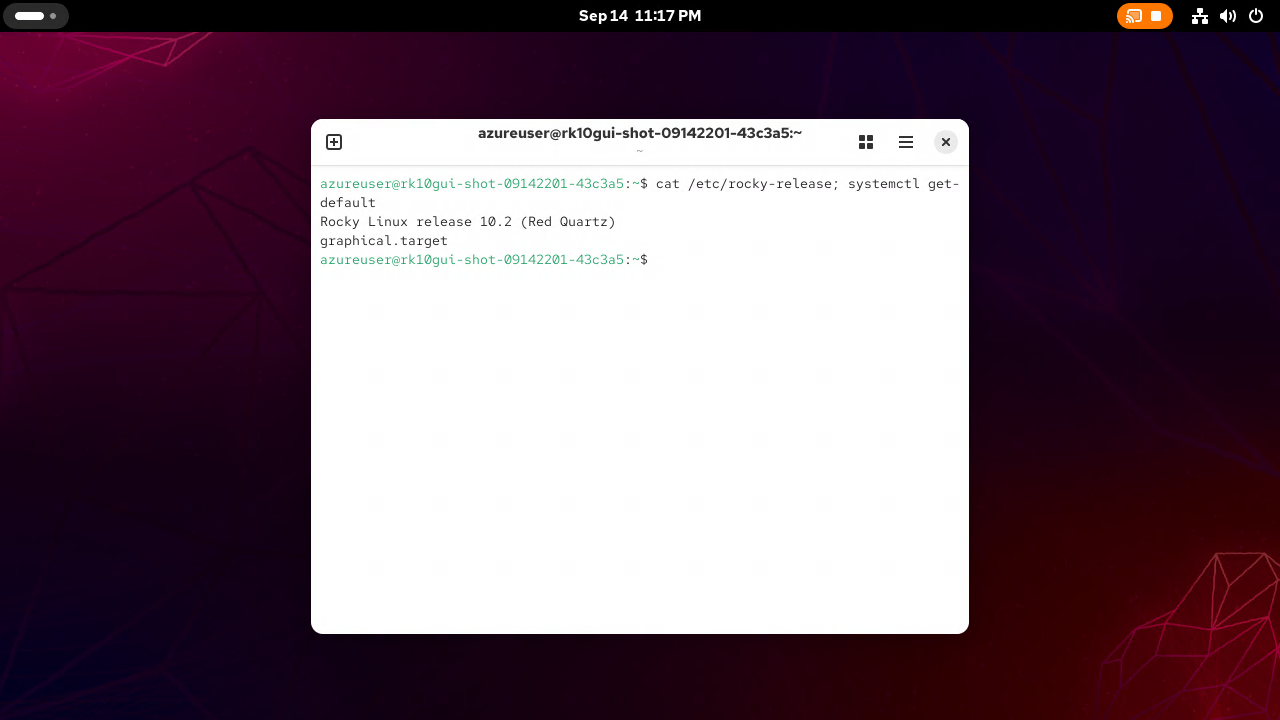
Rocky Linux 10 with GNOME Desktop is Rocky Linux 10, the community enterprise operating system that is bug for bug compatible with Red Hat Enterprise Linux, with the distribution's own desktop added: the AppStream environment group that Rocky calls Server with GUI. GNOME Remote Desktop is set up for remote login, so you connect with any RDP client, the GNOME login screen appears, and you sign in to a full desktop session running on the virtual machine, with Files, the Ptyxis terminal, Firefox, Text Editor, Calculator, Software and System Monitor ready to use.
It suits cloud workstations for enterprise Linux development and graphical administration, engineering and data tools that should run close to your cloud resources, training labs that need a RHEL compatible desktop, and a secure jump desktop reached only through an SSH tunnel. The session is Wayland, because RHEL 10 removed the Xorg server; Xwayland runs X applications as normal. Rocky Linux 10 reached general availability in June 2025 and is supported until May 2035, and anything else you need installs with dnf.
cloudimg builds the desktop so that a new machine exposes nothing but SSH. Remote desktop ships switched off, the Cockpit console that the stock Rocky cloud image leaves listening is switched off too, no account has a password, and the RDP server cannot be enabled until you have set your own. At first boot each machine generates its own RDP credential and its own TLS certificate, readable by root only, so nothing is shared between machines or baked into the image. A single helper command shows the remote desktop state, turns it on and off, and prints this machine's credential. The operating system disk is sized for a desktop rather than a headless server, SELinux stays in enforcing mode, SSH stays key only even after you set a desktop password, every available update is applied at build time, and dnf-automatic is armed for security updates, all backed by 24/7 support.
Real screenshots taken while testing this image against its deployment guide.

Migrate from CentOS 8 EOL to Alma Linux 8 in under 60 seconds with zero licensing fees. 1:1 RHEL 8 compatible, AWS-optim...
Windows Server 2022 preconfigured with AWS tooling and 24/7 expert support behind it.
Windows Server 2025 Datacenter preconfigured for AWS, with hotpatching to trim maintenance windows.
Deploy hardened AlmaLinux instances on EC2 without building your own hardening pipeline. AlmaLinux is a community-owned,...
What cloudimg adds to every version - Every image is built by cloudimg from the Windows Server base, fully patched at bu...
What cloudimg adds to every version - Every image is built by cloudimg from the distribution's official cloud image, ful...