Base
Hardened build
minimal ports, security patches applied at build time
Semaphore UI, the open source web interface for Ansible and OpenTofu, ready the moment it boots.
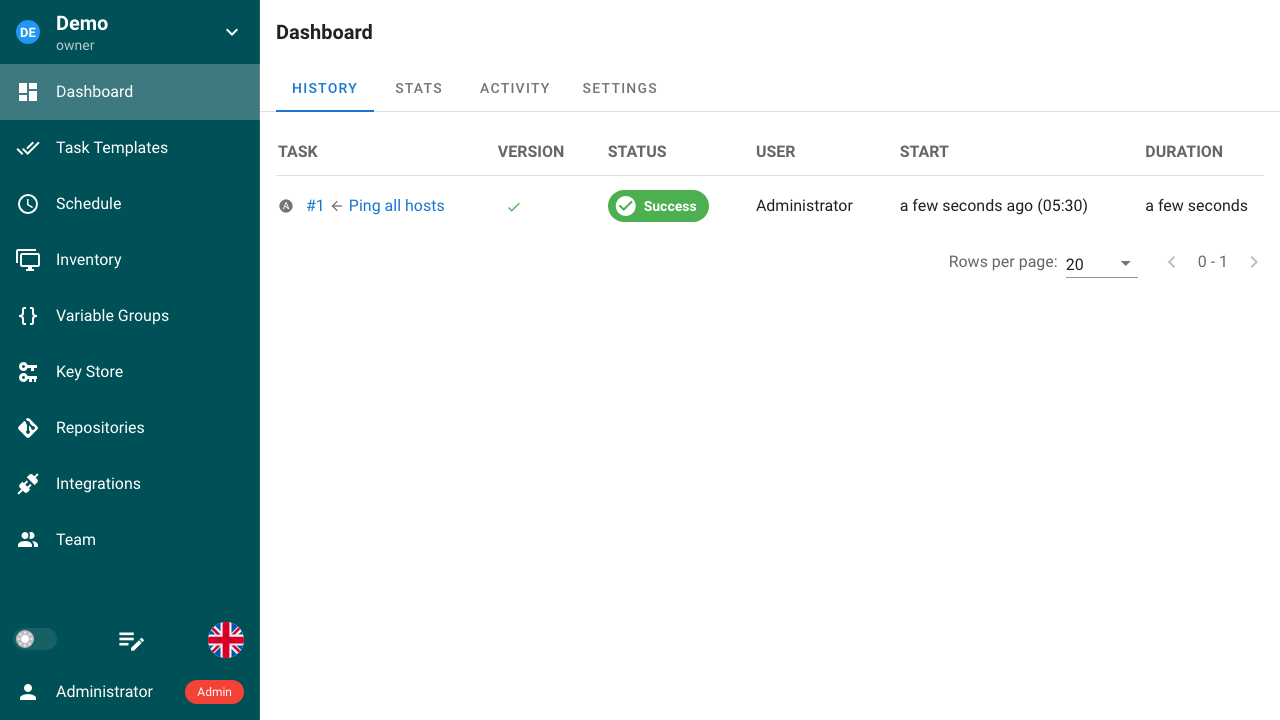
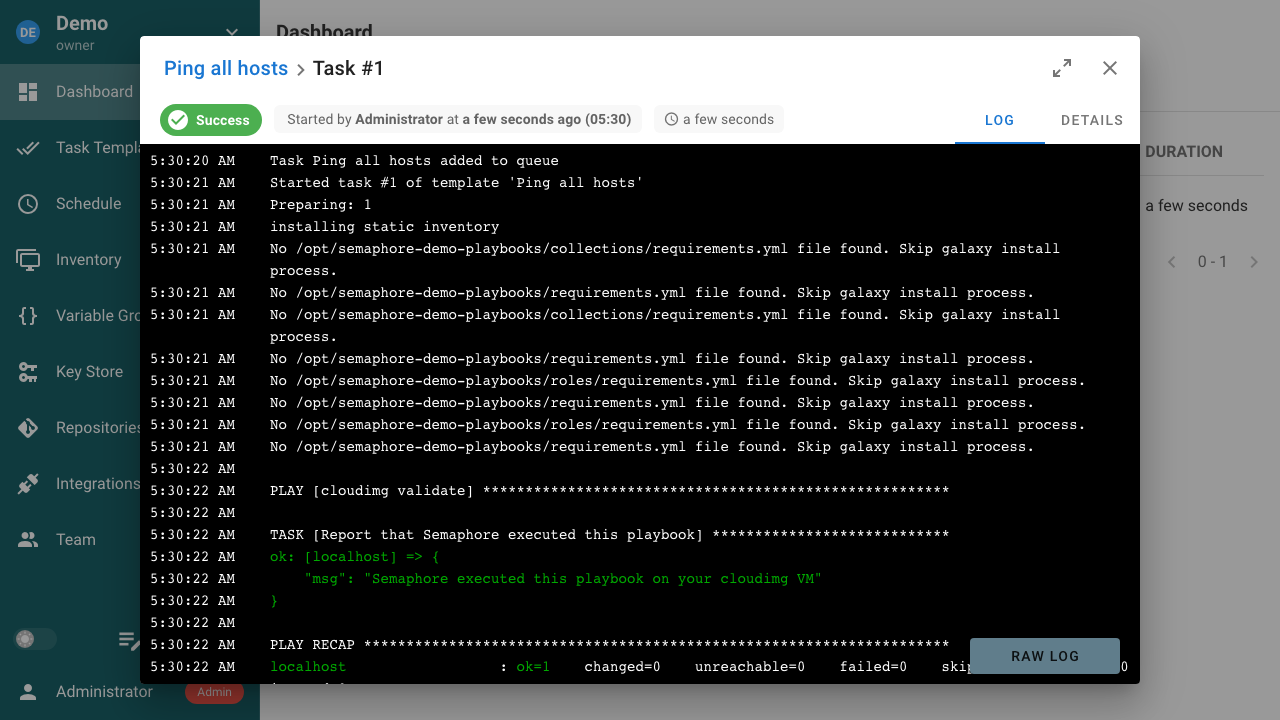
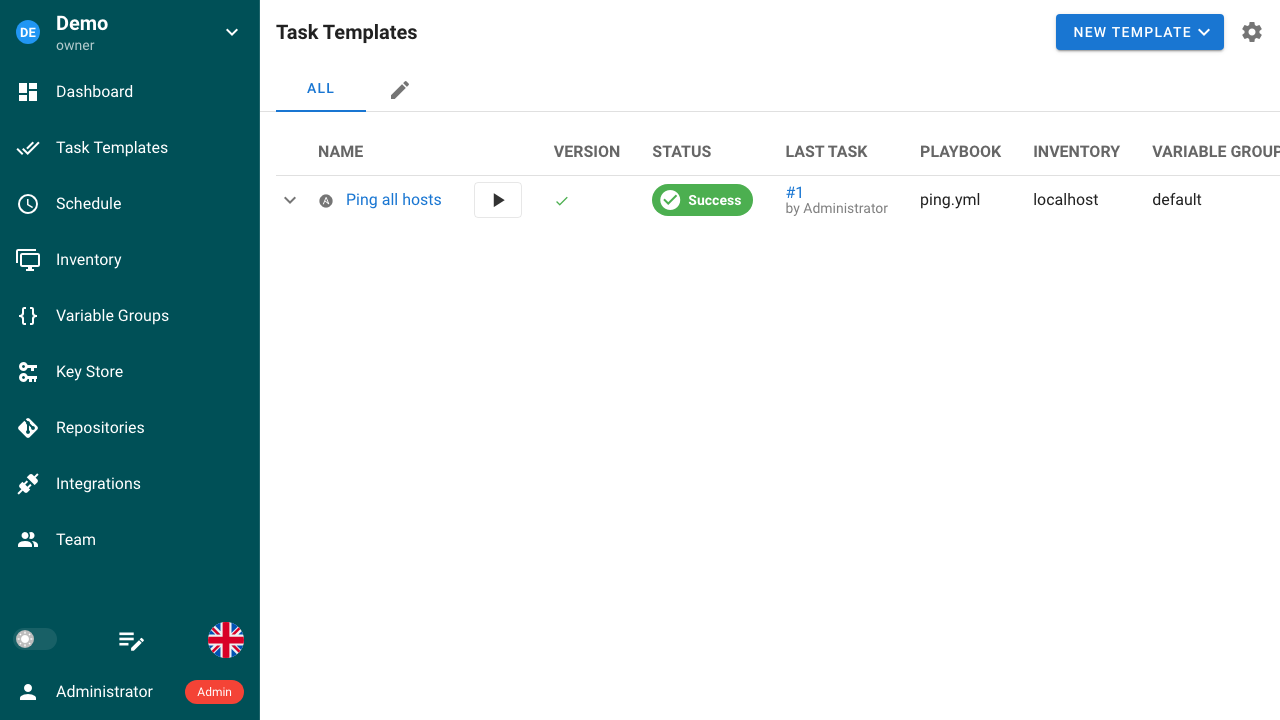
Semaphore UI is the open source web interface and REST API for running automation. It turns Ansible playbooks, OpenTofu and Terraform plans, Terragrunt, PowerShell and shell scripts into named templates a team can run from a browser, with scheduled and event triggered runs, live streaming output, a full task history showing who ran what and when, role based access control across projects, and an API and webhook surface for wiring runs into an existing pipeline. It gives a team a controlled front door to its automation instead of a shared laptop and an SSH key.
The image arrives with the automation server and the engines it drives already installed and registered, so a working automation server is available minutes after launch with no manual configuration and no separate database to run. Nothing serves until the instance has its own secrets: the administrator password, the TLS certificate, the session cookie keys and the key that encrypts stored SSH keys and secrets are all generated on each instance's first boot, so no two deployments can read each other's credentials. Self service registration is closed, including the runner endpoint that would otherwise let an unknown machine join and execute tasks. Paired with a step by step deployment guide and 24/7 cloudimg support.
Real screenshots taken while testing this image against its deployment guide.


Docker Community Edition is the free, open source container runtime that allows you to package applications and their de...
Docker Community Edition preconfigured across several Linux variants, running containers within minutes of launch.

What cloudimg adds to every version - Every image is built by cloudimg on a fully patched base with the latest security ...

What cloudimg adds to every version - Every image is built by cloudimg on a fully patched base with the latest security ...

What cloudimg adds to every version - Every image is built by cloudimg on a fully patched base with the latest security ...

What cloudimg adds to every version - Every image is built by cloudimg on a fully patched base with the latest security ...