Base
Hardened build
minimal ports, security patches applied at build time

SonarQube, the open source platform for continuous code quality and static analysis, preconfigured and ready to analyse your first project.
SonarQube is a code quality and static application security testing platform. It analyses source code for bugs, vulnerabilities, security hotspots and code smells across many languages, enforces a pass or fail Quality Gate on every analysis, and tracks issues, measures and trends on a web dashboard.
SonarQube is preinstalled on OpenJDK 17 with a local PostgreSQL database and an nginx reverse proxy, and the Elasticsearch kernel requirements are already applied. A fresh PostgreSQL password and a fresh administrator password are generated on first boot and stored in a root only file, the default admin login is disabled, and the application data, search index and database live on a dedicated volume. 24/7 cloudimg support covers CI integration, Quality Gate configuration and performance tuning.
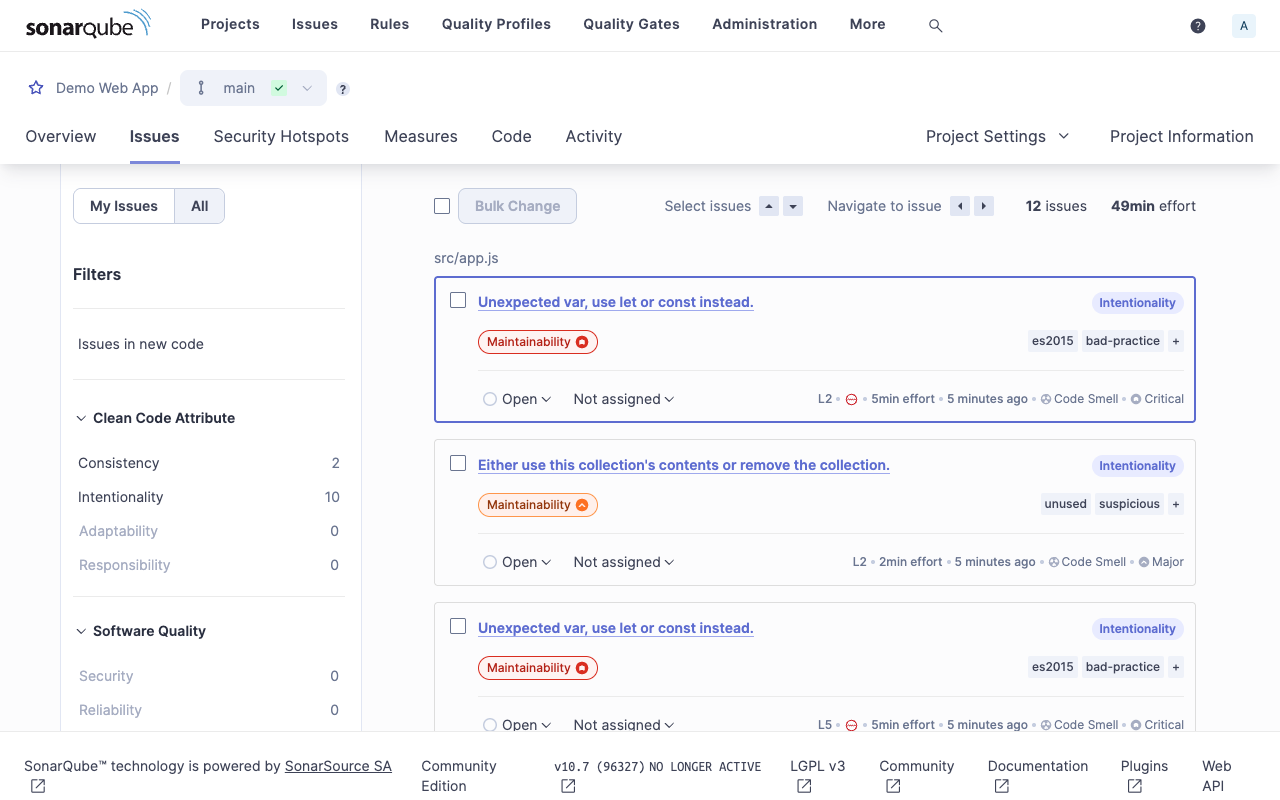
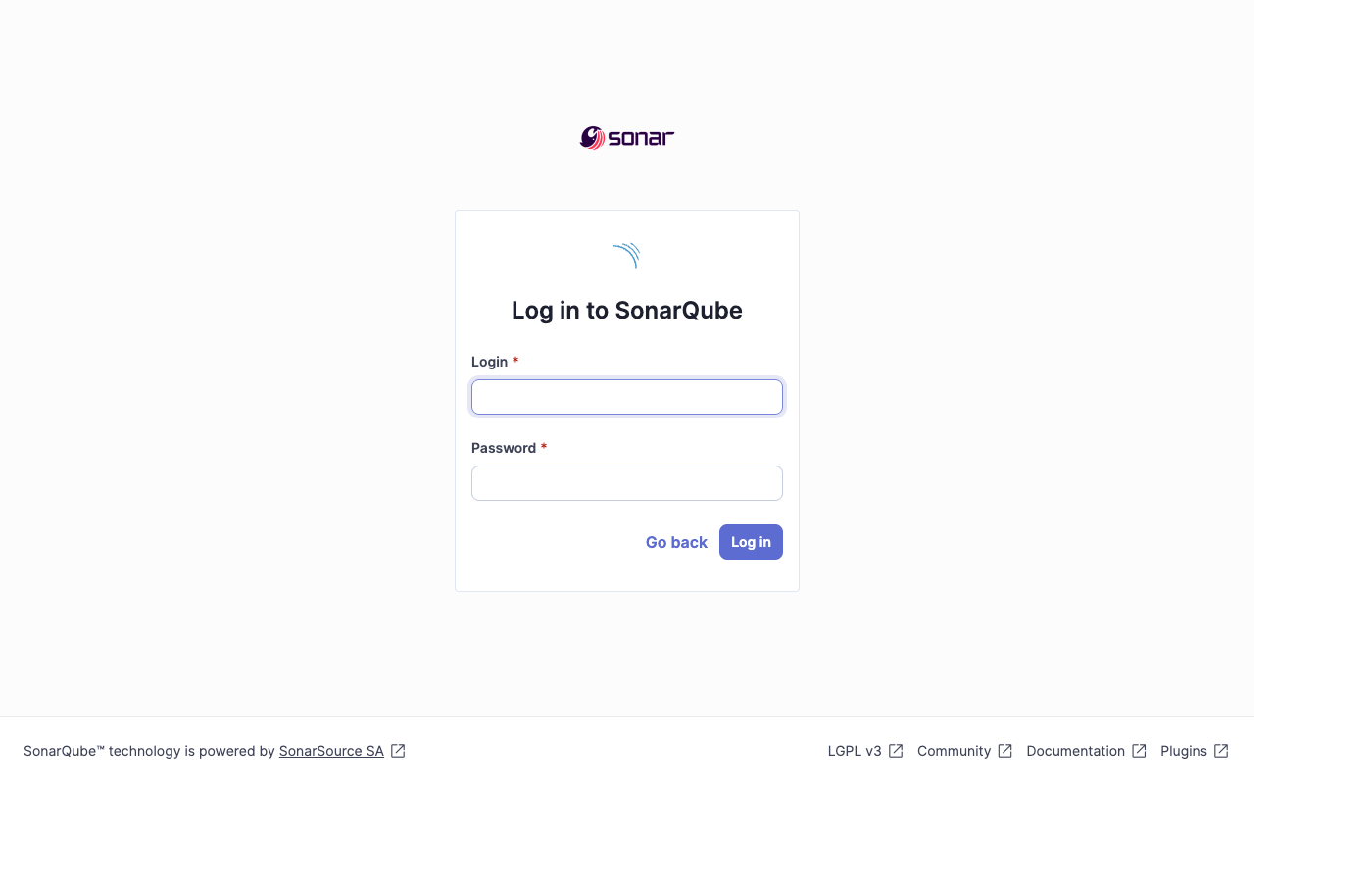
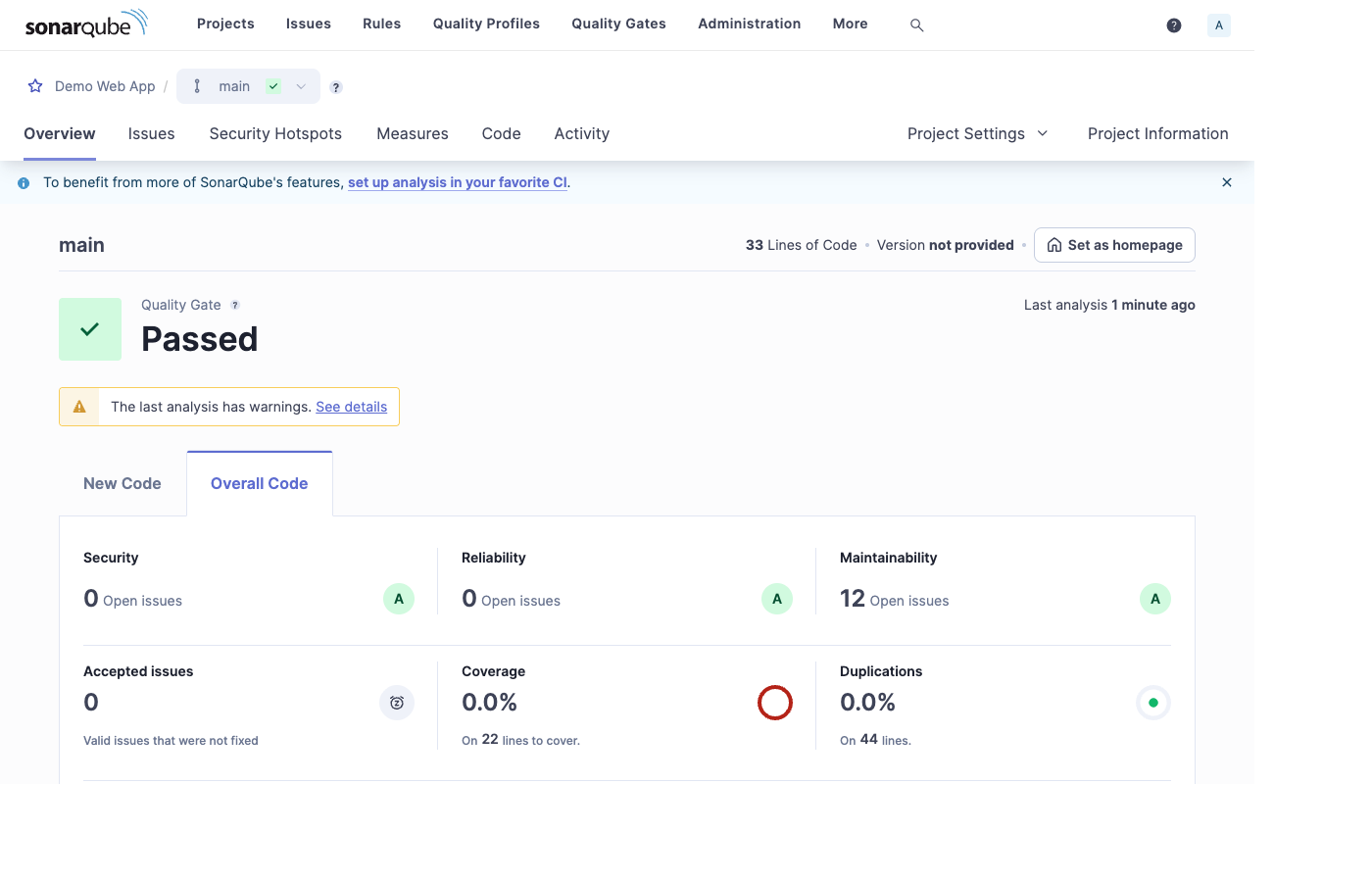
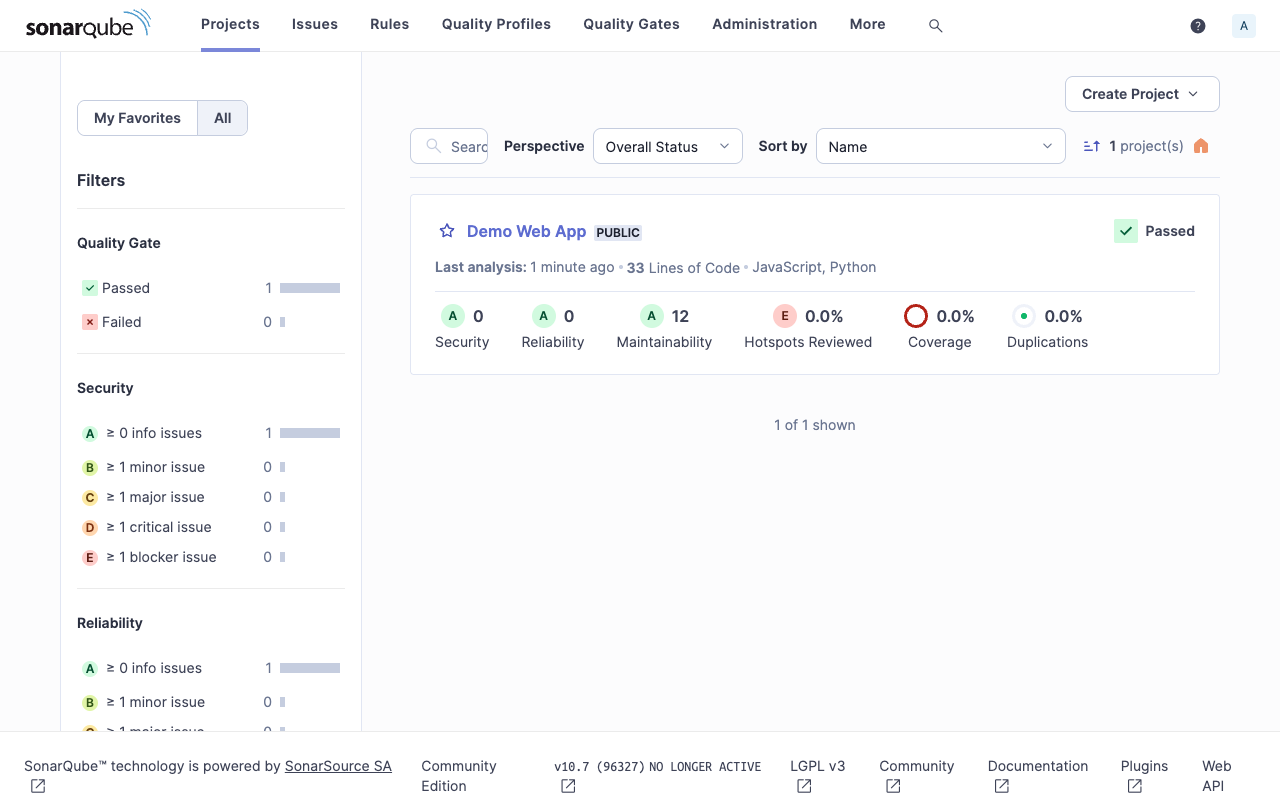
Real screenshots taken while testing this image against its deployment guide.
This is a repackaged open source software product wherein additional charges apply for cloudimg support services.
## SonarQube Code Quality Platform - Production-Ready on AWS
SonarQube is the widely adopted open source platform for continuous code quality and static application security testing (SAST). This AMI delivers SonarQube fully installed and configured so your team has a complete, private code-analysis server running within minutes of launch - no manual database setup, no kernel tuning, and no shared credentials.
The edition shipped is the free SonarQube Community Build (LGPL-3.0). The Developer, Enterprise and Data Center editions are separate commercial products and are not included.
## Why Choose This AMI Over a Manual Install or Docker Compose
A fresh SonarQube installation typically requires provisioning a database, tuning Elasticsearch kernel parameters, creating a service user, and wiring up a reverse proxy - a process that commonly takes several hours even for experienced engineers. This image eliminates every manual step. Launch the instance, retrieve your unique administrator password, and start analysing projects immediately.
Compared to a Docker Compose deployment, this AMI provides persistent, production-grade PostgreSQL storage (not the unsupported embedded H2 database), pre-applied kernel tuning that survives reboots, and a dedicated non-root service user - all validated and tested as a single unit. The application data, the embedded Elasticsearch index and the PostgreSQL datadir all reside on a dedicated, independently resizable storage volume, so you can scale storage without rebuilding the instance.
## Application Stack
SonarQube runs on OpenJDK 17 as a dedicated non-root service, backed by a local PostgreSQL database. The SonarQube web interface binds to loopback and is fronted by nginx on port 80, which also serves an unauthenticated health endpoint. The Elasticsearch kernel and ulimit requirements are applied and persisted across reboots.
## Secure By Default - No Shared Credentials
Unlike many marketplace AMIs that ship with default or shared passwords, this image generates unique credentials on every launch. On first boot a one-shot service creates:
All credentials are unique to that instance and written to a root-only file. The default admin/admin login does not work on the running instance. No shared or default credentials ship in the image.
## Key Features
## Use Case: Engineering Teams Adding a Quality Gate to CI
Development teams who want to catch bugs and security vulnerabilities before code merges can point their CI pipeline (GitHub Actions, GitLab CI, Jenkins) at this SonarQube server. Every pull request is analysed against a configurable Quality Gate, and results are visible on the web dashboard. Because SonarQube runs inside your own AWS account, source code never leaves your network - ideal for teams with data residency requirements or compliance obligations in regulated industries.
## Additional Use Cases
## Getting Started
1. Launch the AMI in your VPC with ports 80/443 and 22 open in your security group
2. Wait approximately 60 seconds for first-boot credential generation to complete
3. SSH into the instance and retrieve the admin password from the root-only credentials file
4. Browse to the instance's public IP or DNS address
5. Sign in as admin with that password and create your first project
For guided deployment assistance, HTTPS certificate setup, or CI integration help, contact cloudimg support to schedule a free walkthrough session.
This image runs Apache Archiva, the open source build-artifact repository manager - a central, governed store for the bi...

This image runs Appsmith Community Edition, the open source low-code platform for building internal tools, admin panels,...

This image runs Atlantis 0.46 (Apache-2.0), the open source server that automates Terraform and OpenTofu pull request wo...

This image runs Beszel, the open source, lightweight server and container monitoring hub - a clean web dashboard with hi...
This image runs changedetection.io, the self-hosted service that monitors web pages for changes and notifies you when so...

Docker Community Edition is the free, open source container runtime that allows you to package applications and their de...