Base
Hardened build
minimal ports, security patches applied at build time

automated media library optimisation, transcoding your video files to one consistent format
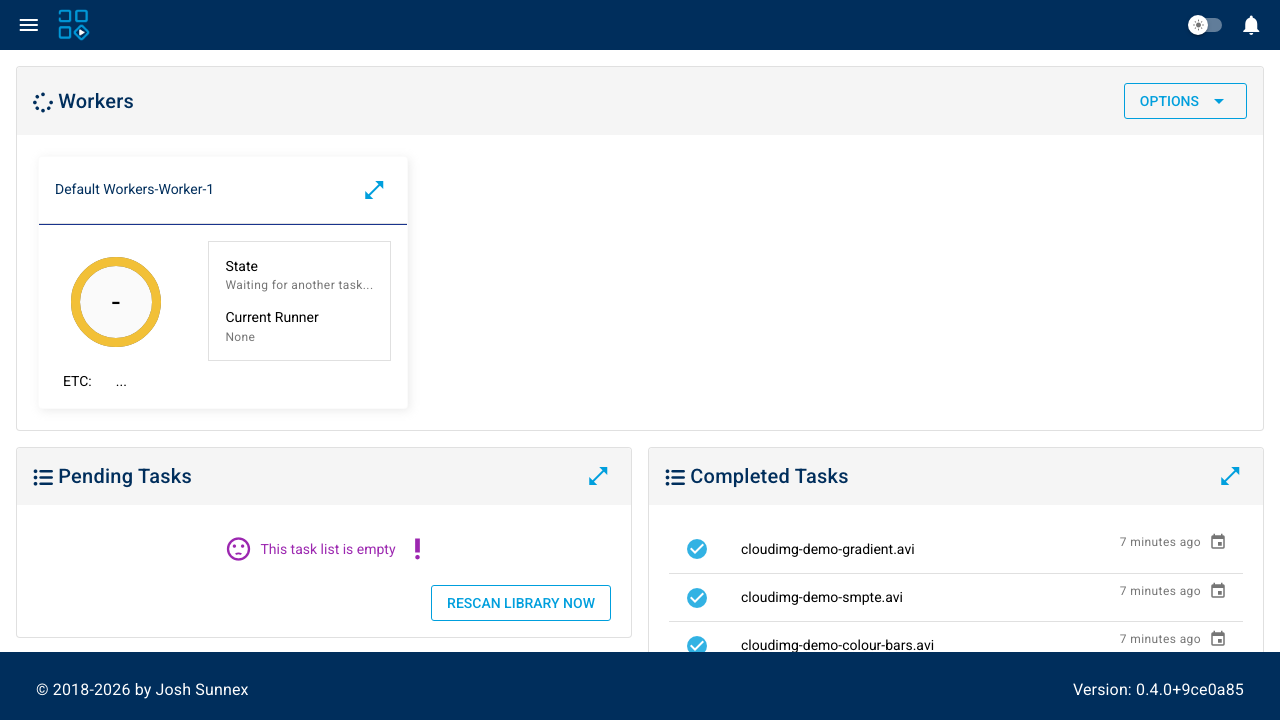
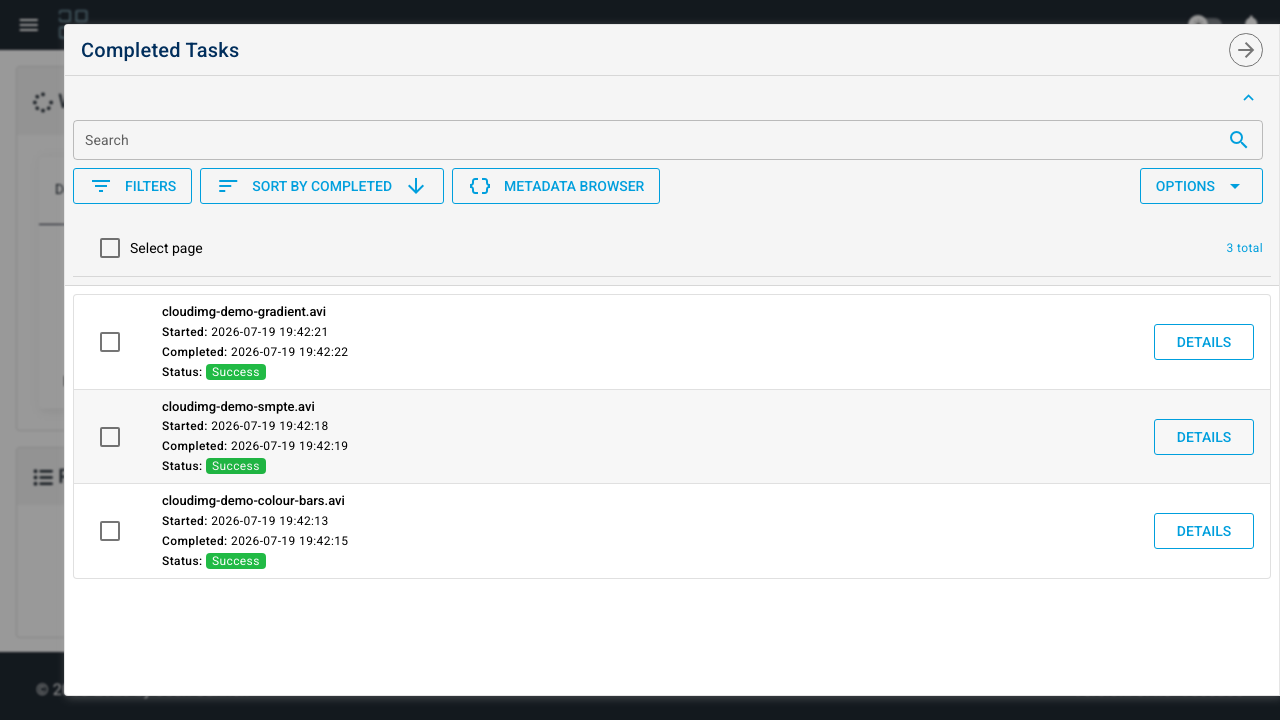
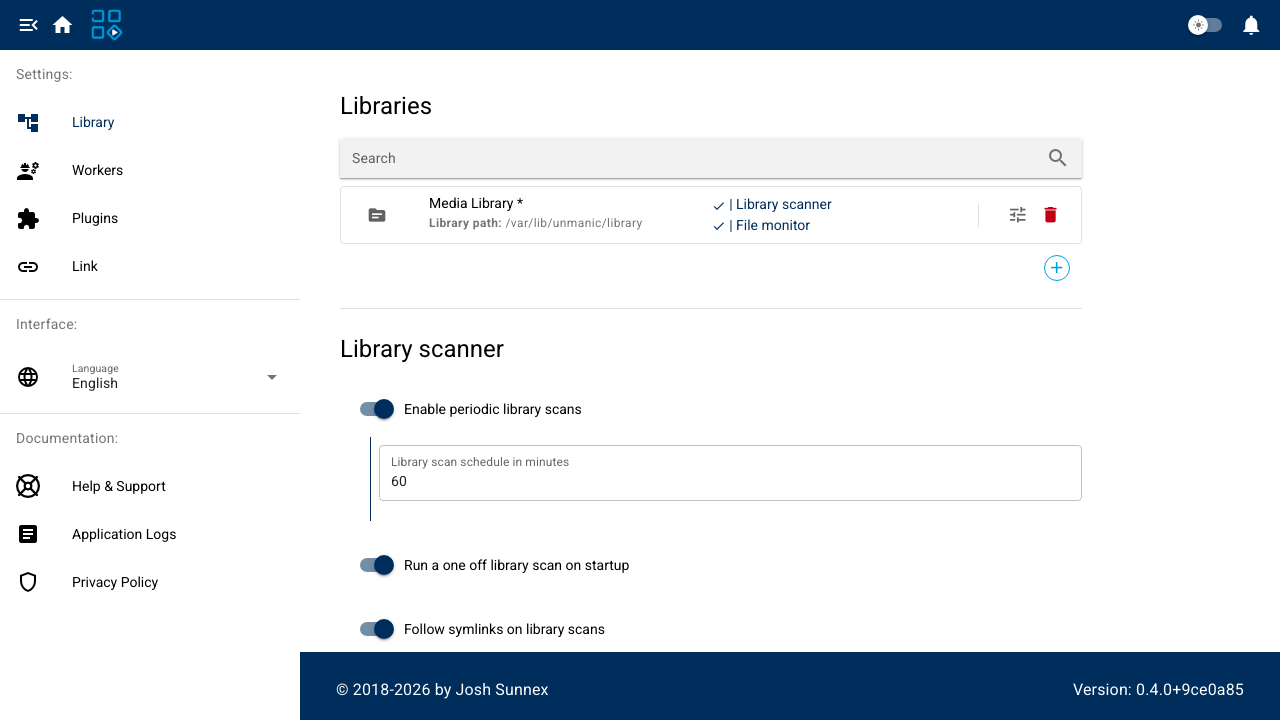
Unmanic is a self hosted media library optimiser. It watches a library of video files on a schedule and through a filesystem event monitor, tests every file against a configurable plugin flow, and queues anything that does not already match your target format. Queued files are transcoded with ffmpeg through a worker pool you size to the machine, and the web dashboard shows the pending queue, live worker progress and a full history of completed tasks. The result is a library that converges on a single container and codec without anyone manually running conversions.
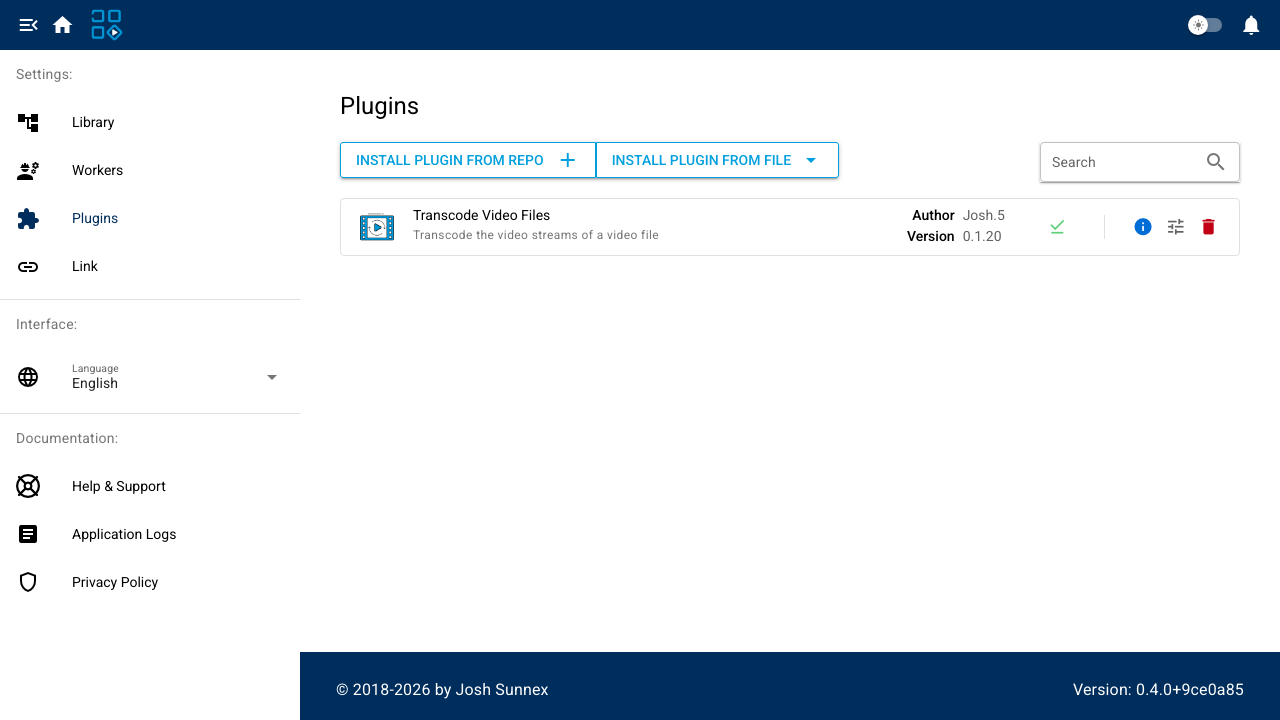
Unmanic ships with no authentication on either its web interface or its API, and its default configuration listens on every network interface. The cloudimg image closes both: the application is bound to loopback and fronted by a reverse proxy that requires a password generated uniquely on the first boot of each VM, never baked into the image. The official video transcoder plugin is pre installed and enabled, so the library scanner has a real plugin flow to run on day one, and short synthetic demo clips are seeded so the queue and history show real work immediately. A dedicated data volume holds the library, the application state and the transcode cache, keeping in flight transcodes off the operating system disk. Every image ships with a paired deployment guide and 24/7 support.
Real screenshots taken while testing this image against its deployment guide.

AKHQ for Apache Kafka on Ubuntu 24.04 LTS preconfigured machine image for Microsoft Azure, hardened and verified with 24...

Apache ActiveMQ Artemis is the next generation, high performance, multi protocol Java message broker that implements the...

Apache BifroMQ (Incubating) is a distributed MQTT broker written in Java, built around native multi tenancy.

Apache Iggy is a persistent message streaming platform written in Rust that moves millions of messages per second over T...

The cloudimg image ships the free and open source, Apache 2.0 licensed James 3.9.0, in its single node distribution.
This image runs Apache Kafka 4.2.0 as a single node KRaft broker on Ubuntu 22.04 LTS. The broker process combines the co...