Base
Hardened build
minimal ports, security patches applied at build time

Voila, turns a Jupyter notebook into a standalone interactive dashboard web app that anyone can open in a browser.
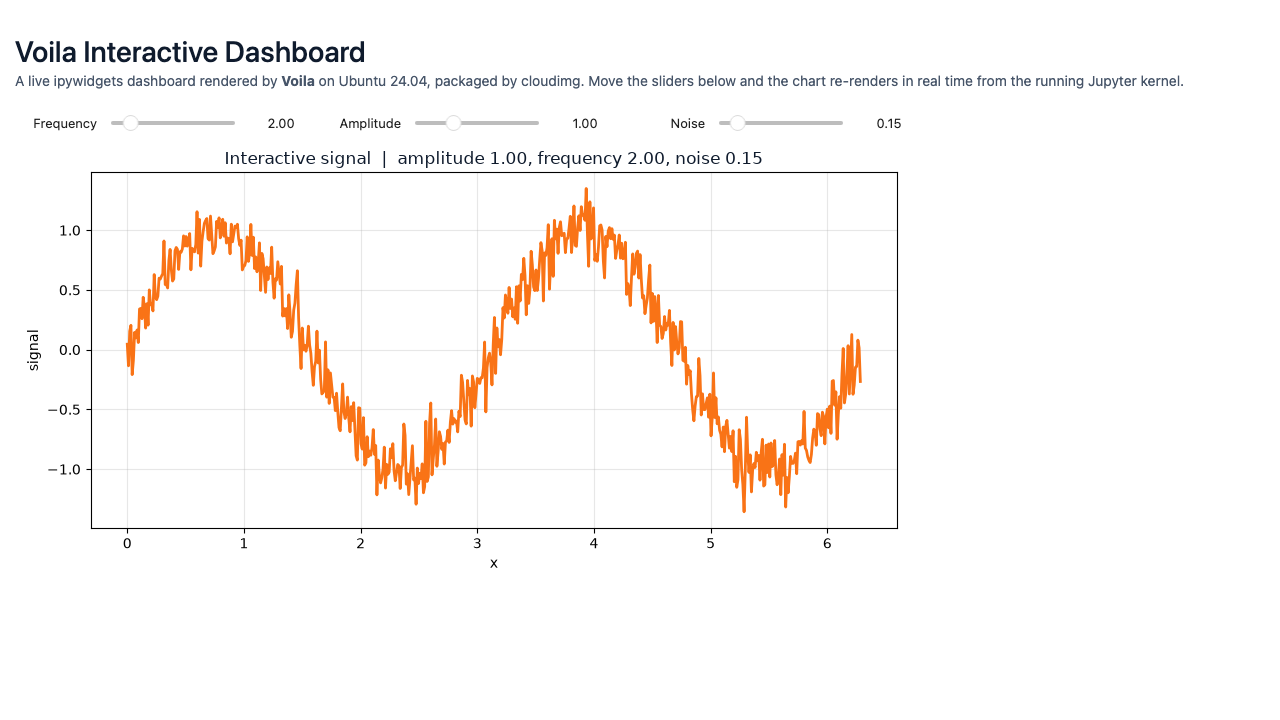
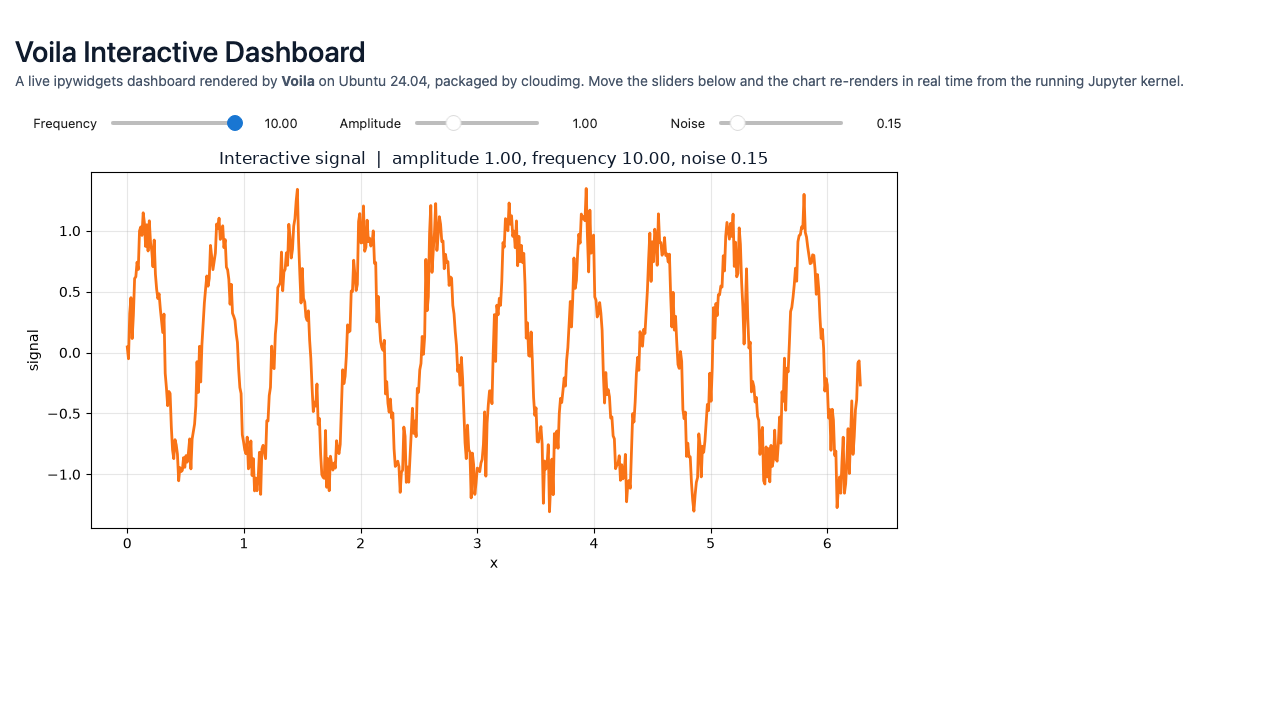
Voila is an open source tool that turns a Jupyter notebook into a standalone interactive dashboard. It executes the notebook with a live Python kernel and serves only the rendered output, hiding the code cells, so readers see charts, tables and interactive widgets rather than source. Because the kernel stays running, ipywidgets controls such as sliders and dropdowns remain fully interactive and re render the results in real time. It is a straightforward way to share a notebook as a self service dashboard without exposing the underlying code or giving anyone edit access.
Voila has no authentication of its own, so cloudimg never exposes it directly: the dashboard is bound to loopback and reached only through an nginx reverse proxy that requires a password, and that password is generated fresh on every instance at first boot and written to a root only file, so nothing usable is baked into the image and no two instances share a secret. A sample interactive dashboard ships ready to render, the server runs as a dedicated unprivileged service account, security updates are applied at build time and left enabled, and every deployment comes with a paired step by step guide and 24/7 cloudimg support.
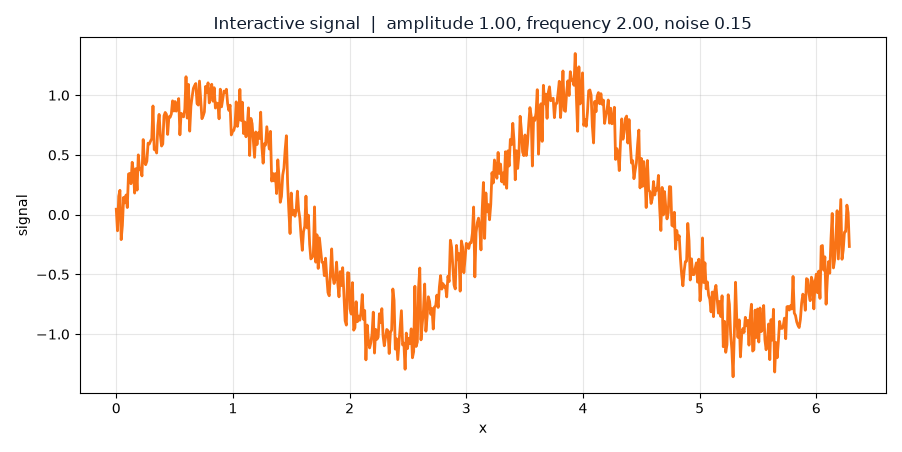
Real screenshots taken while testing this image against its deployment guide.

This image runs Ackee 3.6.0, the open source, privacy-friendly web analytics tool - a cookie-free, self-hosted alternati...

Apache DolphinScheduler is a distributed, easy-to-extend visual workflow scheduler for big-data and ETL pipelines.
Apache Drill is the open-source, schema-free distributed SQL query engine for big data exploration.

Apache Flink is the leading open-source stream-processing engine for stateful computations over unbounded and bounded da...

Apache Hadoop is the open-source framework for distributed storage (HDFS) and distributed processing (YARN + MapReduce) ...

Apache Hive is the open-source data warehouse and SQL query engine that lets you read, write and manage large datasets s...