wg-easy - Self-Hosted WireGuard VPN
Overview
wg-easy delivers a self-hosted WireGuard VPN server with a full web admin UI to add peers and download client configs and QR codes, preinstalled and running behind nginx and ready to use within minutes of launch. A unique admin password is generated on first boot. Backed by 24/7 cloudimg support.
See it running
Real screenshots of this software running on the cloudimg image, taken while testing the deployment guide.
Description
This is a repackaged open source software product wherein additional charges apply for cloudimg support services.
Overview
wg-easy is the easiest way to run your own WireGuard VPN server and manage it entirely from your web browser. WireGuard is a modern, fast and secure VPN protocol; wg-easy wraps it in a clean admin console where you add and remove peers, download ready-to-use client configuration files and QR codes, and see each client's connection status at a glance. This image delivers wg-easy fully installed and running behind an nginx reverse proxy, with the WireGuard tunnel published and the web UI serving within minutes of launch. The current release available is wg-easy 15.3.0.
Application Stack
wg-easy runs as a container with the network capabilities and IP-forwarding settings a VPN gateway needs. The encrypted WireGuard tunnel is published on UDP port 51820, and the web admin UI is fronted by nginx on port 80 with the WebSocket upgrade the live interface uses. Docker and the reverse proxy start on boot and the container restarts on failure. wg-easy's database of the admin user, interface keys, peers and settings lives on a dedicated data disk so it is independently resizable and separate from the operating system disk.
Manage Your VPN From Your Browser
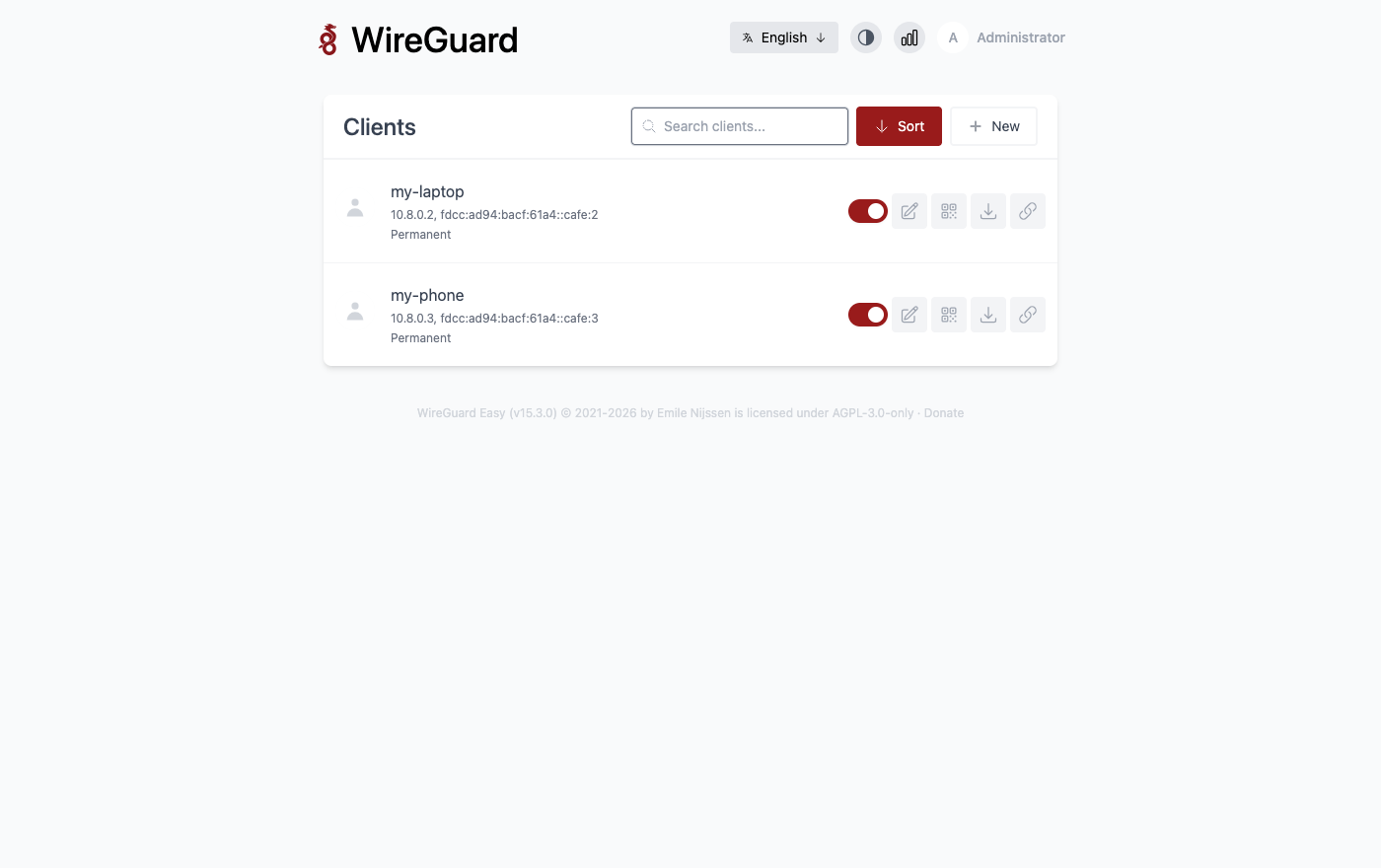
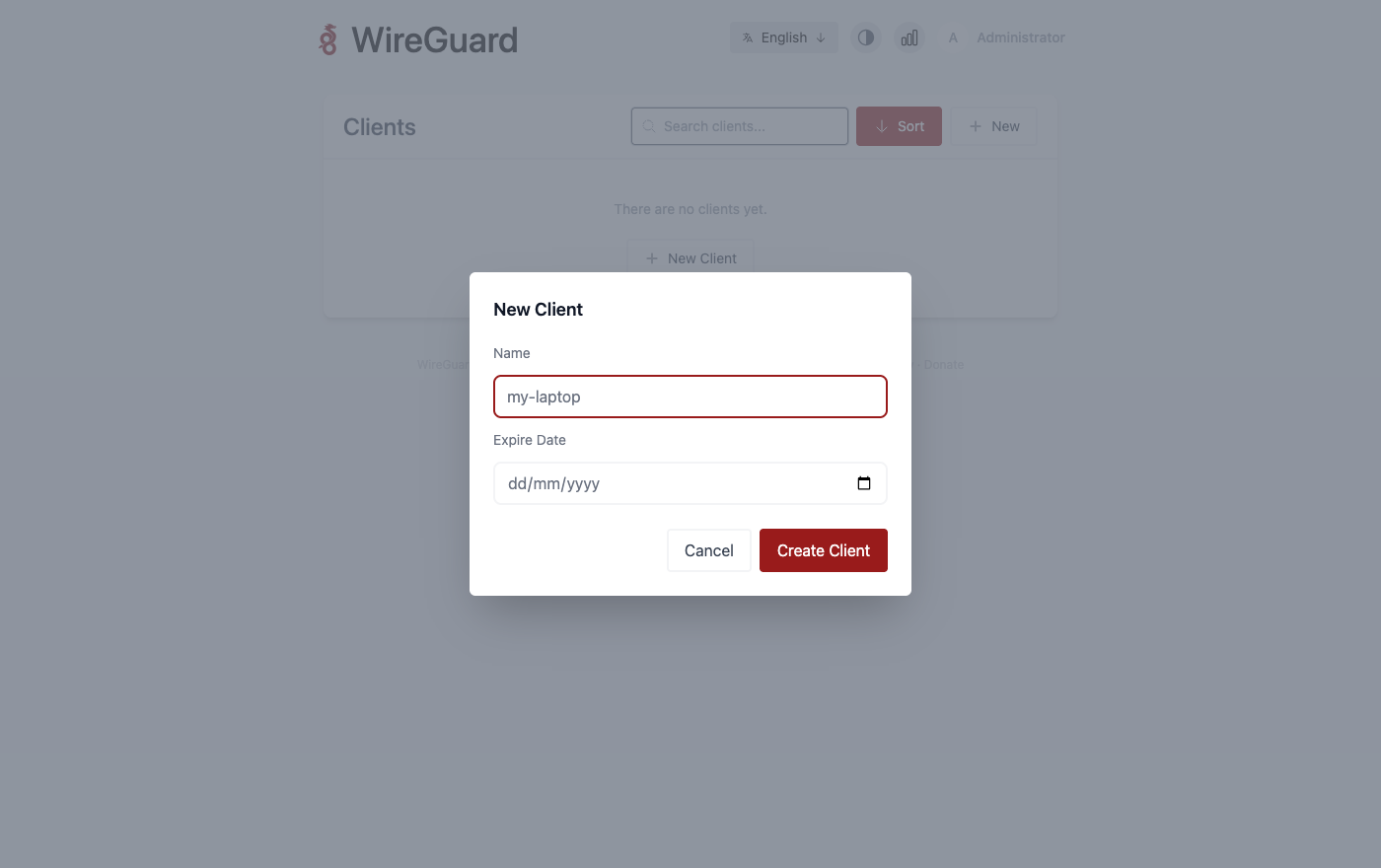
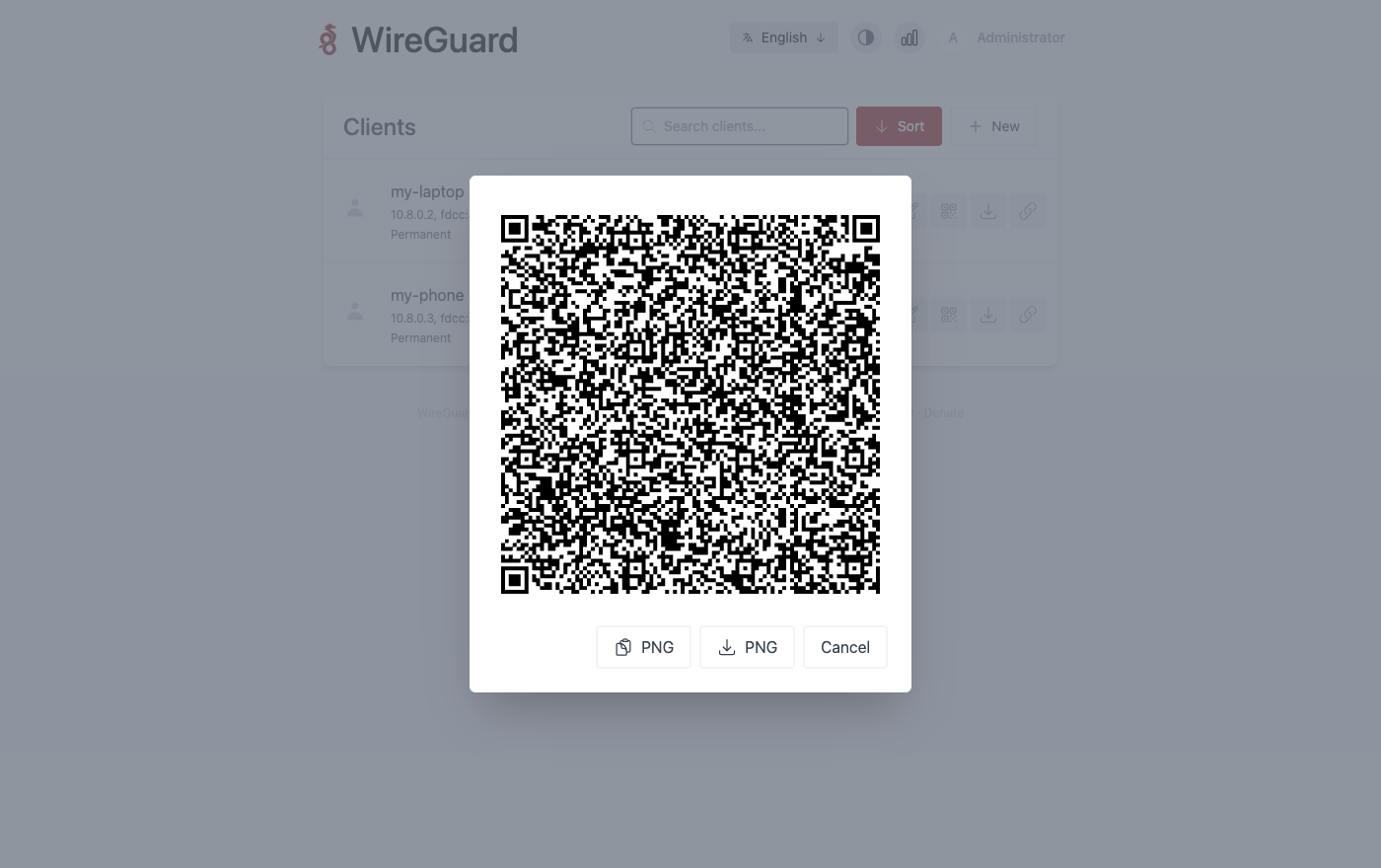
Add a client in a click and instantly download its WireGuard configuration file or scan its QR code straight into the mobile app. Enable or disable individual peers, see each one's address, transfer and last-handshake time, and remove clients when they are no longer needed. The generated client configurations point at this instance's public address automatically, so a new device is connected in moments.
Secure First Boot
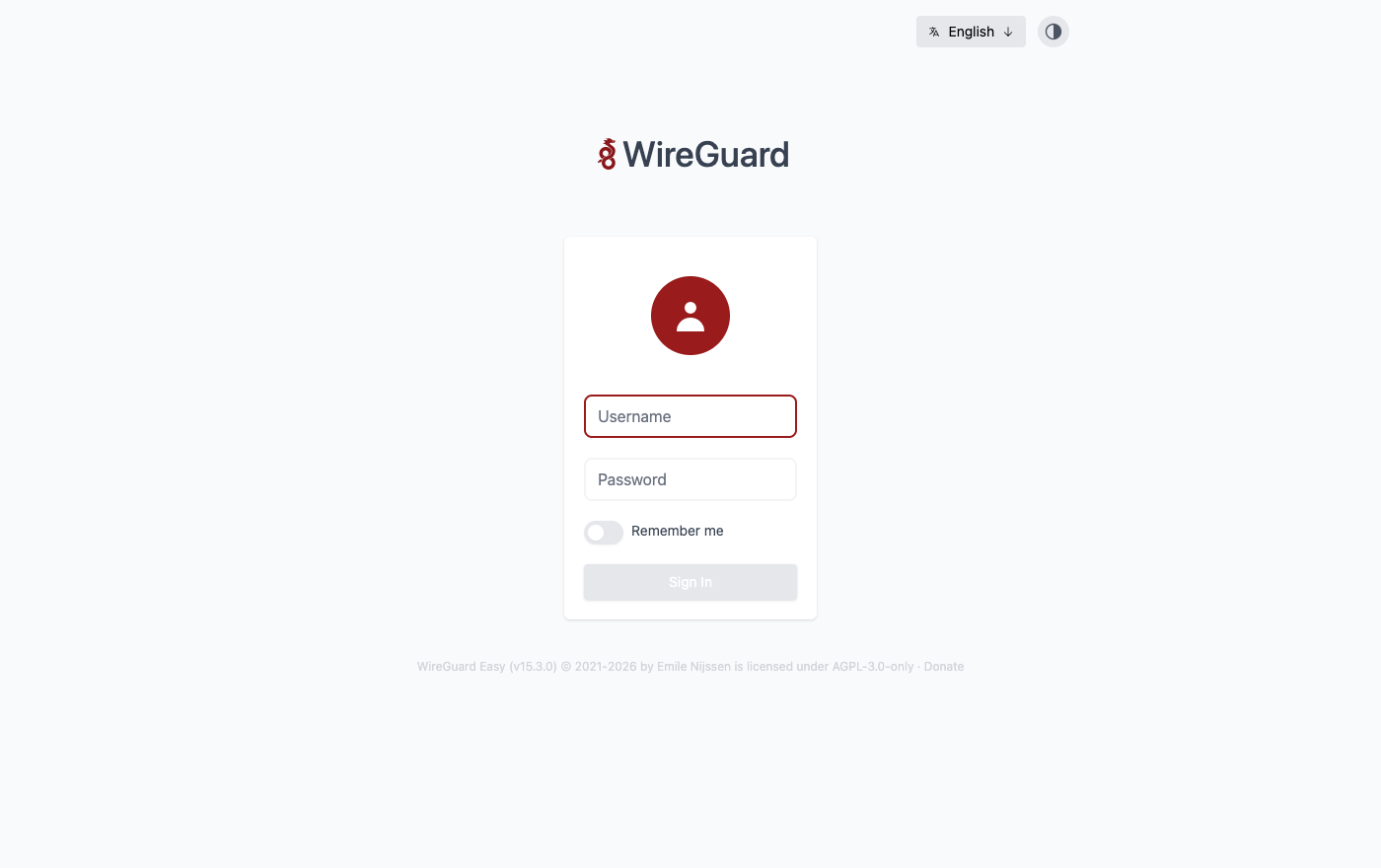
On the first boot of your instance a one-shot service creates the wg-easy admin account with a fresh password, unique to that instance, completes the first-run setup with this instance's public address, and records the credentials in a file only the root user can read. No shared or default credentials ship in the image.
Ready To Use
Open the web UI in your browser, read the generated password, sign in as admin, and start adding VPN clients immediately. A built-in health endpoint answers on the reverse proxy for load-balancer and uptime checks. The WireGuard configuration and peer database live on a dedicated, independently resizable data disk.
cloudimg Support
24/7 technical support by email and chat. Help with deployment, DNS and public-endpoint configuration, HTTPS and reverse-proxy setup, client onboarding, split-tunnel and allowed-IP configuration, storage and upgrade planning.
Use Cases
Secure remote access to your private cloud network and internal services. A personal or team VPN for encrypting traffic on untrusted networks. Site-to-device connectivity for administrators and developers. A fast, self-hosted alternative to commercial VPN services that keeps you in full control of your keys and data.
WireGuard is a registered trademark of Jason A. Donenfeld. All product and company names are trademarks or registered trademarks of their respective holders. Use of them does not imply any affiliation with or endorsement by them.
Key Features
- Self-hosted WireGuard VPN server with a full web admin UI to add peers and download client configs and QR codes, preinstalled and serving behind nginx with the encrypted tunnel published on UDP 51820, ready within minutes of launch
- Runs as a container with the network capabilities and IP-forwarding a VPN gateway needs, fronted by nginx with the WebSocket upgrade the live UI uses, with its interface keys and peer database on a dedicated independently resizable data disk
- Hardened first boot creates the admin account with a fresh password for every instance, completes setup with the instance public address, and stores the credentials in a file only the root user can read, with 24/7 technical support from cloudimg