Base
Hardened build
minimal ports, security patches applied at build time
xyOps is a self hosted workflow automation and server monitoring platform, running scheduled and event driven jobs across your servers with live logs, alerting and a full web console.
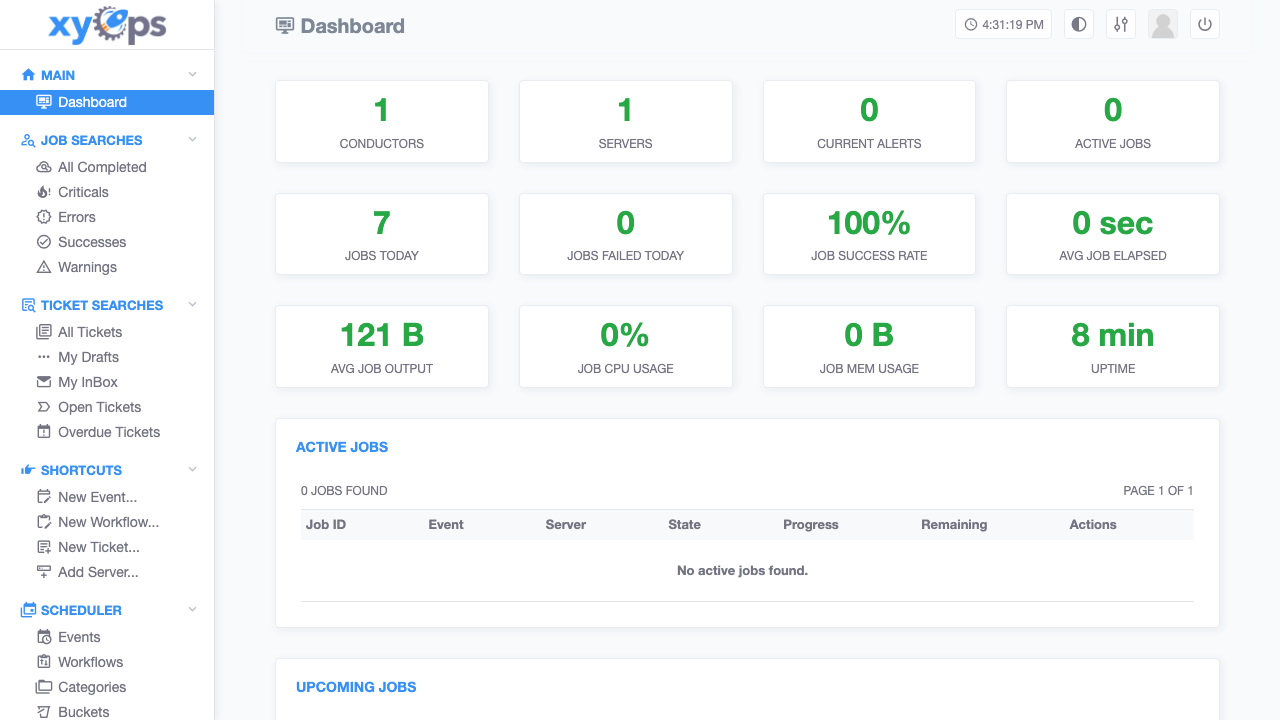
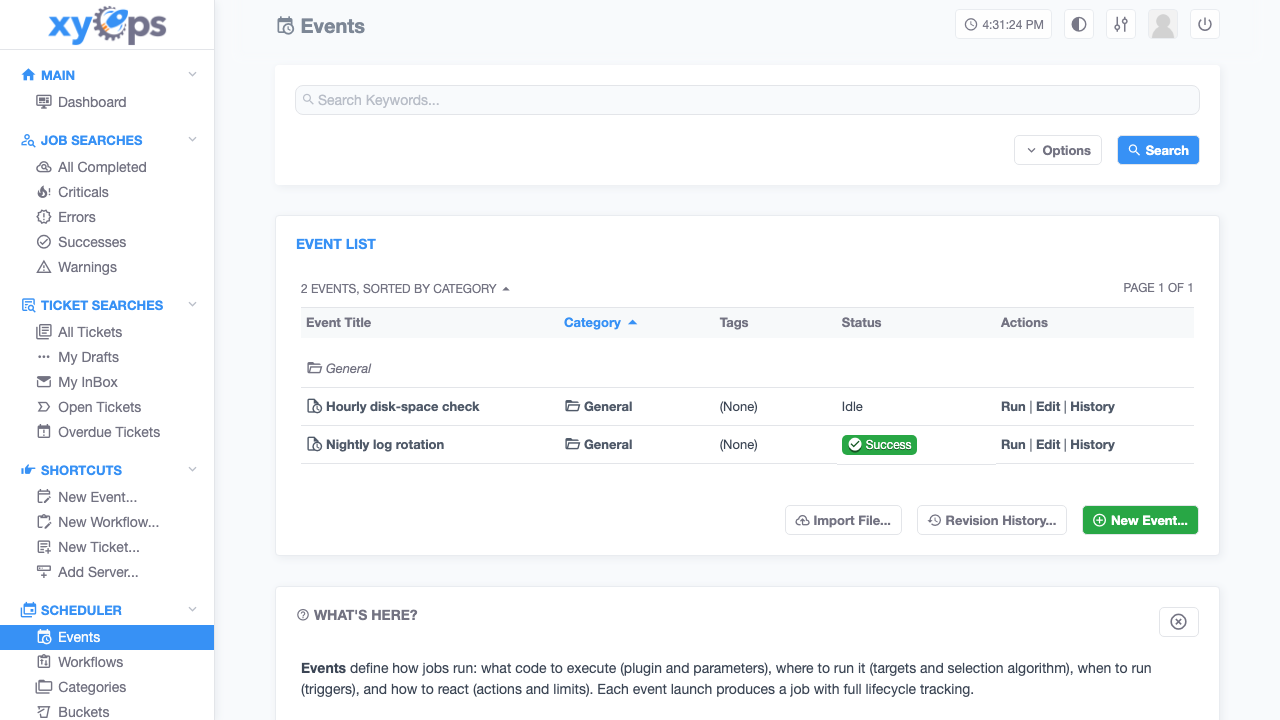
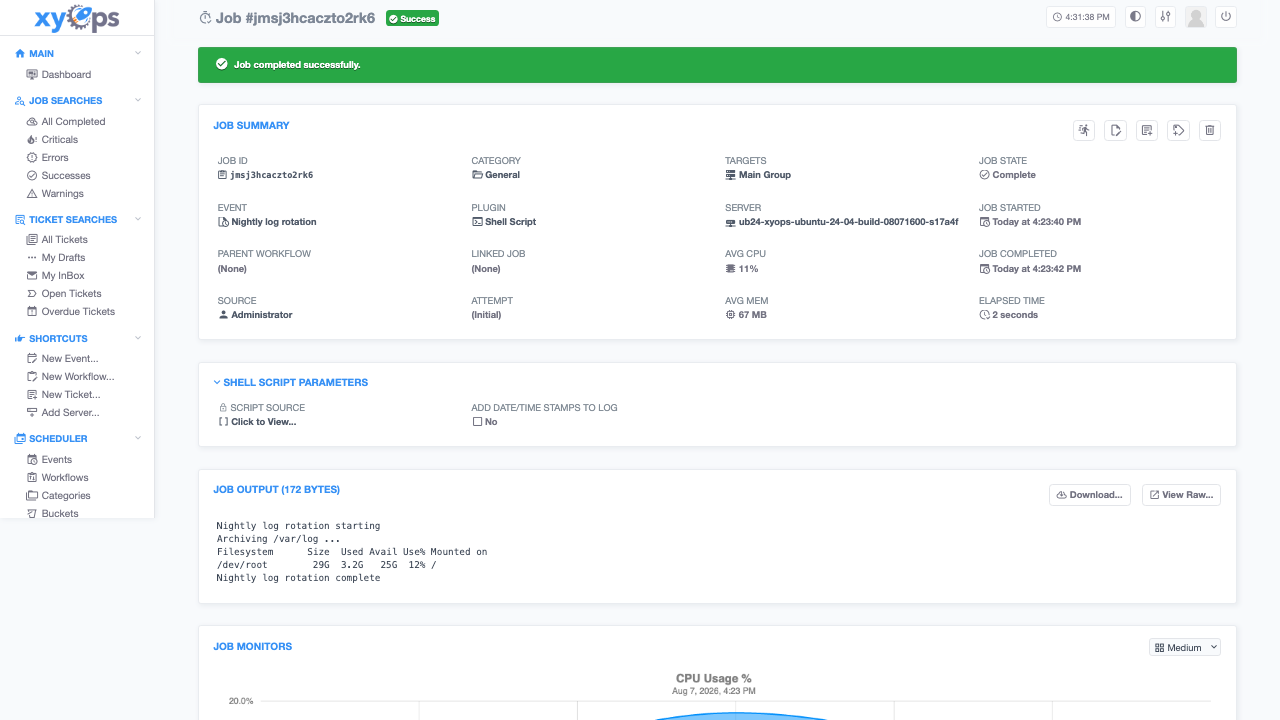
xyOps is an open source workflow automation and server monitoring platform. You define events that say what to run, where to run it and when, then let the scheduler fire them on a timetable, on an interval, on a single shot or on demand, with concurrency limits and queueing so a burst never overwhelms a host. Every run becomes a job with a live streaming log, a progress meter, structured output data and a retention policy, and jobs can chain into one another or into a visual workflow graph with branching, fan out and fan in.
Alongside the scheduler it watches the servers themselves, collecting CPU, memory, disk and network metrics plus custom monitor plugins, raising alerts and tickets when something crosses a threshold. Stock plugins cover shell scripts, HTTP requests and container runs, and actions can send email or fire a web hook when a job starts, succeeds or fails. It suits teams who have outgrown scattered crontabs and want one place to schedule work, watch it run and be told when it breaks.
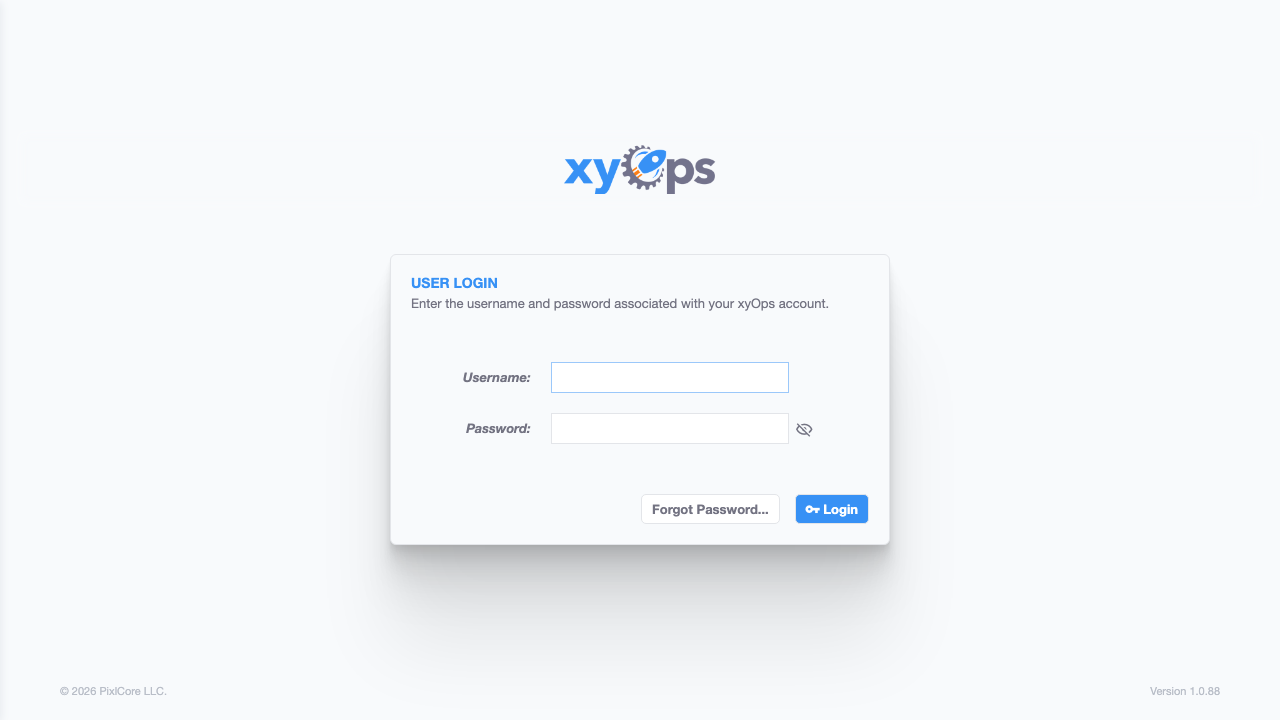
cloudimg delivers xyOps as a complete single server appliance with the job runner already bundled and connected, so the console answers and the instance can actually execute work the moment first boot finishes, with no second node to provision. Security matters more than usual here because a scheduler runs shell commands on your behalf: the upstream project ships a publicly documented default administrator, and it never exists on a cloudimg instance. The published image carries no account, no stored data and no signing key at all, and the service refuses to start until first boot has minted a unique administrator password and a unique session signing secret, proved that the published default is rejected, and only then opened the public port. The application itself listens on the loopback interface behind a reverse proxy, the base is fully patched with unattended security upgrades enabled, a self test tool ships on the instance so you can prove at any time that a real job still runs end to end, and every deployment is paired with a step by step deploy guide, backed by 24/7 cloudimg support.
Real screenshots taken while testing this image against its deployment guide.

Docker Community Edition is the free, open source container runtime that allows you to package applications and their de...
Docker Community Edition preconfigured across several Linux variants, running containers within minutes of launch.

What cloudimg adds to every version - Every image is built by cloudimg on a fully patched base with the latest security ...

What cloudimg adds to every version - Every image is built by cloudimg on a fully patched base with the latest security ...

What cloudimg adds to every version - Every image is built by cloudimg on a fully patched base with the latest security ...

What cloudimg adds to every version - Every image is built by cloudimg on a fully patched base with the latest security ...