Base
Hardened build
minimal ports, security patches applied at build time
web management panel for the xray proxy, packaged by cloudimg
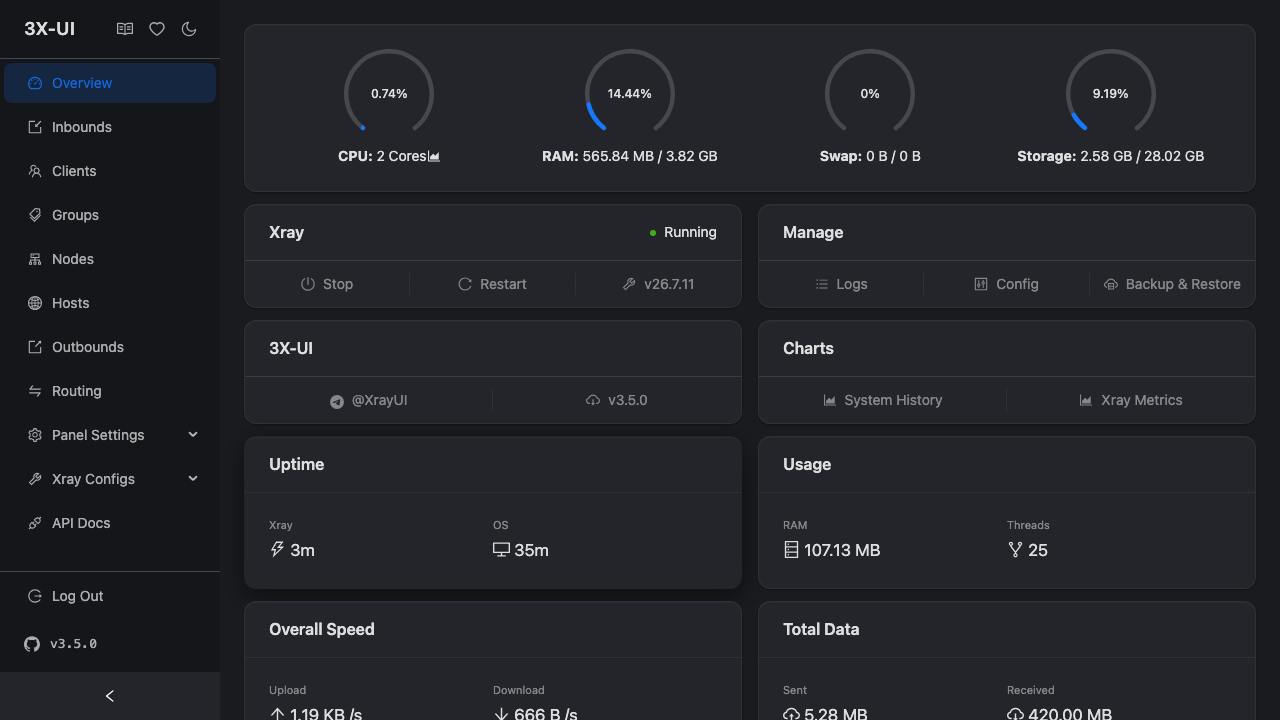
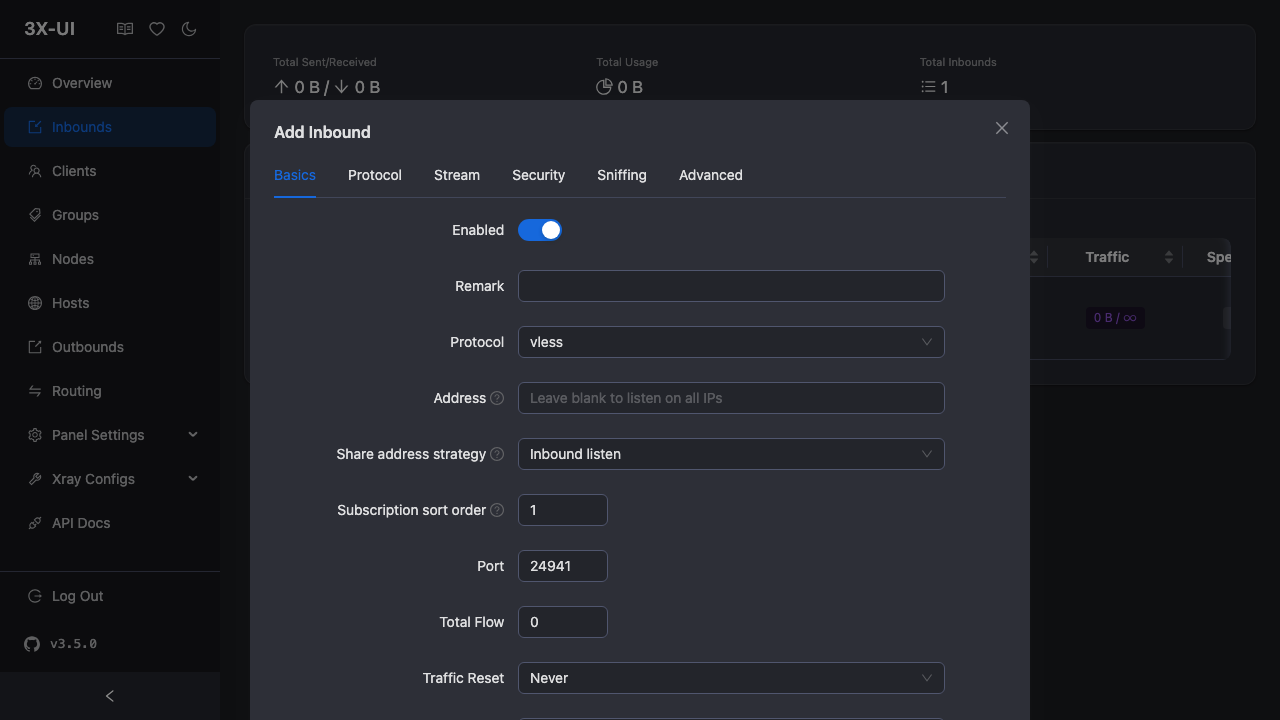
3X-UI is a web based management panel for Xray-core, the proxy platform behind protocols such as VLESS, VMess, Trojan and Shadowsocks. It gives you a browser interface to create and manage inbound connections and client accounts, apply per client traffic limits and expiry dates, watch live traffic and system statistics, and control the underlying Xray process, without hand editing JSON configuration. Accounts, inbounds and settings are stored in an embedded database, and the panel runs Xray as a managed child process, applying your configuration changes and reloading it for you.
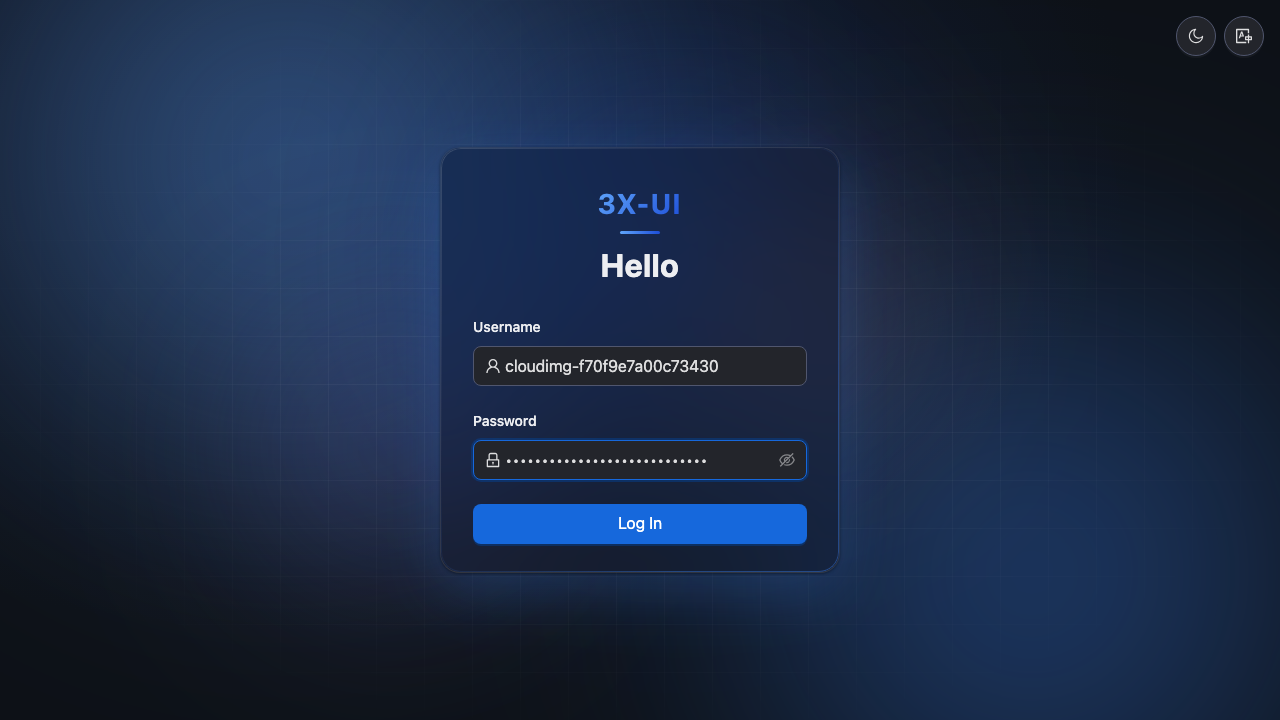
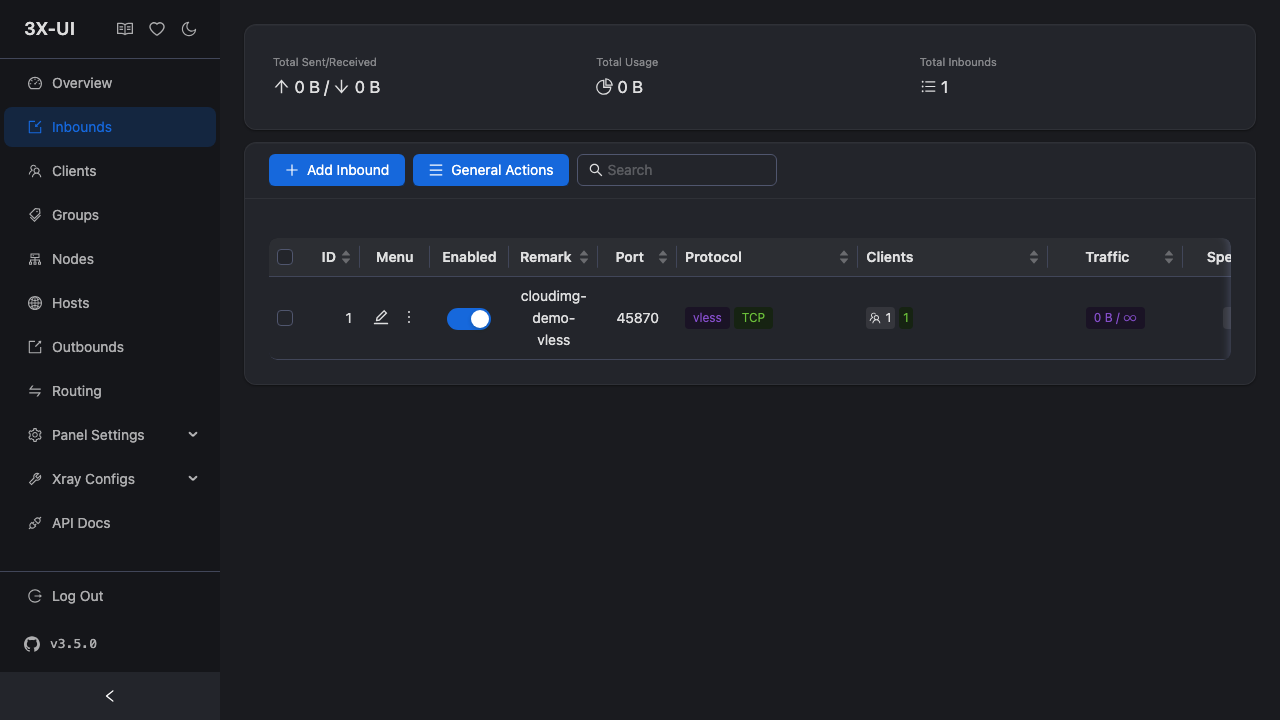
The cloudimg image runs the panel from the pinned upstream release as a single self contained binary, so it answers as soon as the VM boots. No shared login ships: the panel admin username and password are generated on your own VM at first boot, the panel is served under a random secret base path rather than a predictable location, and the image ships with zero inbounds so nothing relays traffic until you deliberately add one. Paired with a walk through verified deploy guide and 24/7 cloudimg support.
Real screenshots taken while testing this image against its deployment guide.
The image builds 3proxy 0.9.7 from the pinned upstream source (github.com/z3APA3A/3proxy tag 0.9.7), so the exact versio...
The image builds accel-ppp 1.14.0 from the upstream source tag (commit 048d31cb, dated 25 January 2026), verified agains...

AdGuard Home is a network wide DNS server that blocks ads, trackers and malicious domains for every device that points i...

AdGuard Home is a network wide DNS server that blocks ads, trackers and malicious domains for every device that points i...

This image runs Akvorado 2.4.1, the open source network flow collector, enricher and visualizer, on Ubuntu 24.04 LTS.
Alice-LG is the looking glass that internet exchanges and network operators put in front of their route servers.