Base
Hardened build
minimal ports, security patches applied at build time

Accent, a developer oriented translation and localisation management platform, ready to hold your application's translation files, history and review workflow the moment it boots.
Accent is an open source translation and localisation management platform built for development teams. It takes the translation files that already live in your codebase, JSON, YAML, gettext PO, Android XML, iOS strings and many other formats, and turns them into a shared workspace where developers, translators and reviewers work on the same source of truth. Files are pushed in and pulled back out through a sync and export API, so the platform sits inside an existing build pipeline rather than replacing it, and every key keeps a full history of who changed what and when.
Around that core it adds the things a spreadsheet cannot do: a side by side editor for each key with comments and a review state, conflict detection when a source string changes underneath an existing translation, versioned releases of a revision, linting that flags common problems such as missing interpolation placeholders or stray whitespace, and per project collaborator roles. A GraphQL API and a command line client cover automation, so a project can be synchronised from continuous integration on every merge.
Accent has no password login of its own. Its only ready to use sign in method is a password less email prompt, and every real identity provider needs an OAuth application that only you can register, so an unprotected instance would be open to anyone who can reach it. cloudimg closes that gap before the instance is ever reachable: the application listens on the loopback interface only, its database publishes no host port at all, and a reverse proxy is the single public listener, gated by a web credential that is generated uniquely on the first boot of every instance and written to a file only root can read. The session signing key, the cookie signing salt, the credential vault key and the database password are all generated per instance on that same first boot, replacing the published upstream defaults, and the application is held back from starting until those secrets are actually in place, so an instance can never come up on a shared key. The image is fully patched with unattended security upgrades enabled, ships a self test that imports a translation file and reads the exact strings back out again, and every deployment is paired with a step by step deploy guide and backed by 24/7 cloudimg support.
Real screenshots taken while testing this image against its deployment guide.
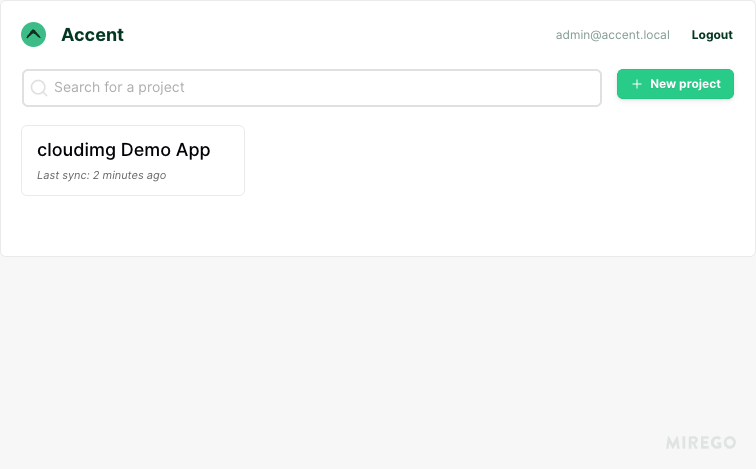
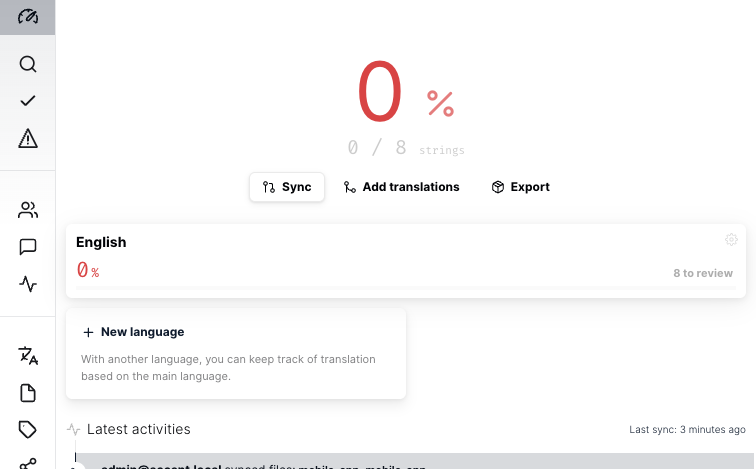
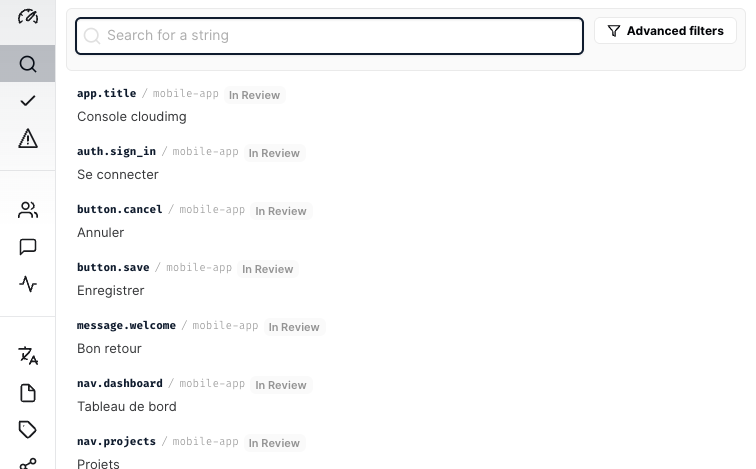
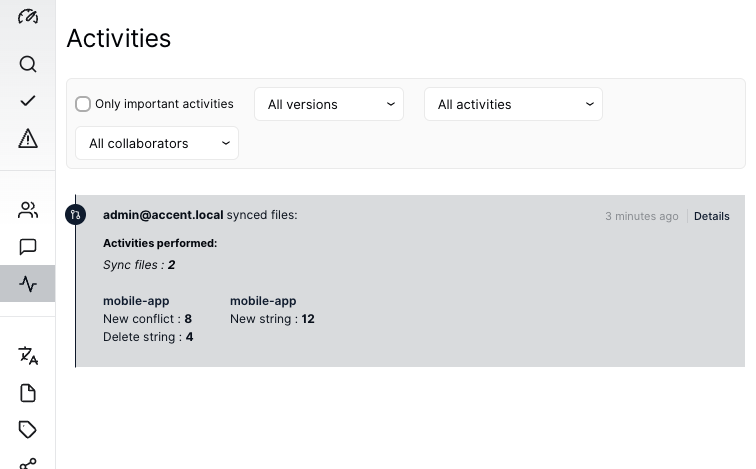
This is a repackaged open source software product wherein additional charges apply for cloudimg support services.
## Overview
Accent is an open source, developer-oriented translation and localization management platform. Developers sync an application's translation files in and out through an API and CLI, and translators manage, review, lint and collaborate on strings through a web UI, with version history and a review workflow. Under the hood Accent is an Elixir and Phoenix GraphQL API backed by PostgreSQL, with a compiled web frontend. This AMI delivers Accent installed and secured so a working translation platform is operational within minutes of launch.
## Why This Image vs a Manual Install
Accent ships as an Elixir OTP release whose JavaScript frontend is a build artifact absent from every source tarball, and it has no built-in password authentication of its own: out of the box its only zero-configuration login is a password-less provider that would leave a public instance completely open. Running it safely yourself means sourcing the correct compiled image, standing up PostgreSQL, generating the Phoenix signing and encryption secrets that upstream ships as published defaults, and putting an authenticated, encrypted front door in front of it. This image completes every one of those steps at build time. Accent runs the official upstream container unmodified and binds to the loopback interface only; PostgreSQL is never exposed on a host port; a per-instance web credential, PostgreSQL password, Phoenix secret key base, session signing salt and encryption vault key are all generated on each instance's first boot; and an nginx reverse proxy terminates TLS on port 443 with a per-instance self-signed certificate and enforces HTTP Basic authentication.
## Authentication and Single Sign-On
Accent has no password authentication of its own; every real single sign-on method (GitHub, GitLab, Google, Slack, Discord, Microsoft or any generic OIDC issuer) requires your own OAuth application credentials, which cannot be baked into a shared image. This image therefore ships with the front door gated by a unique per-instance HTTP Basic credential over TLS, and Accent listening only on the loopback interface behind it, so the instance is never an open, unauthenticated application. The paired deployment guide documents how to register an OAuth or OIDC application with your own provider and then retire the basic-auth gate.
## Security Hardening
This image follows a defence in depth approach:
## Concrete Use Cases
## AWS Integration
Deploy on any EC2 instance type; the recommended size is m5.large. Terminate TLS at an Application Load Balancer with your own certificate, or keep the per-instance self-signed certificate. Back up the translation database using EBS snapshots or AWS Backup, and resize the dedicated data volume independently of the OS disk as your string catalog grows.
## cloudimg Support
24/7 technical support by email and chat. Help with deployment, wiring up your own OAuth or OIDC single sign-on and retiring the basic-auth gate, reverse-proxy termination with your own domain and certificate, and backup planning for your translation database.
This image runs Apache Archiva, the open source build-artifact repository manager - a central, governed store for the bi...

Launch a production-ready Apache DolphinScheduler workflow scheduler in minutes with zero setup. All-in-one standalone d...

Apache JMeter is the de-facto open-source tool for load and performance testing of web applications, APIs, databases and...

This image runs Apache Subversion (SVN) 1.14, the Apache Software Foundation's enterprise centralised version-control sy...

This image runs Appsmith Community Edition, the open source low-code platform for building internal tools, admin panels,...

This image runs Atlantis 0.46 (Apache-2.0), the open source server that automates Terraform and OpenTofu pull request wo...