Base
Hardened build
minimal ports, security patches applied at build time

Launch a production-ready Apache DolphinScheduler workflow scheduler in minutes with zero setup. All-in-one standalone deployment with unique admin credentials per instance, backed by 24/7 cloudimg expert support.
This image arrives installed, configured and hardened, so there is no manual setup before you can use it. It is built on a patched base, runs with credentials generated uniquely for your instance on first boot, and passes an automated health check before every release. Every deployment is backed by 24/7 support from cloudimg engineers.
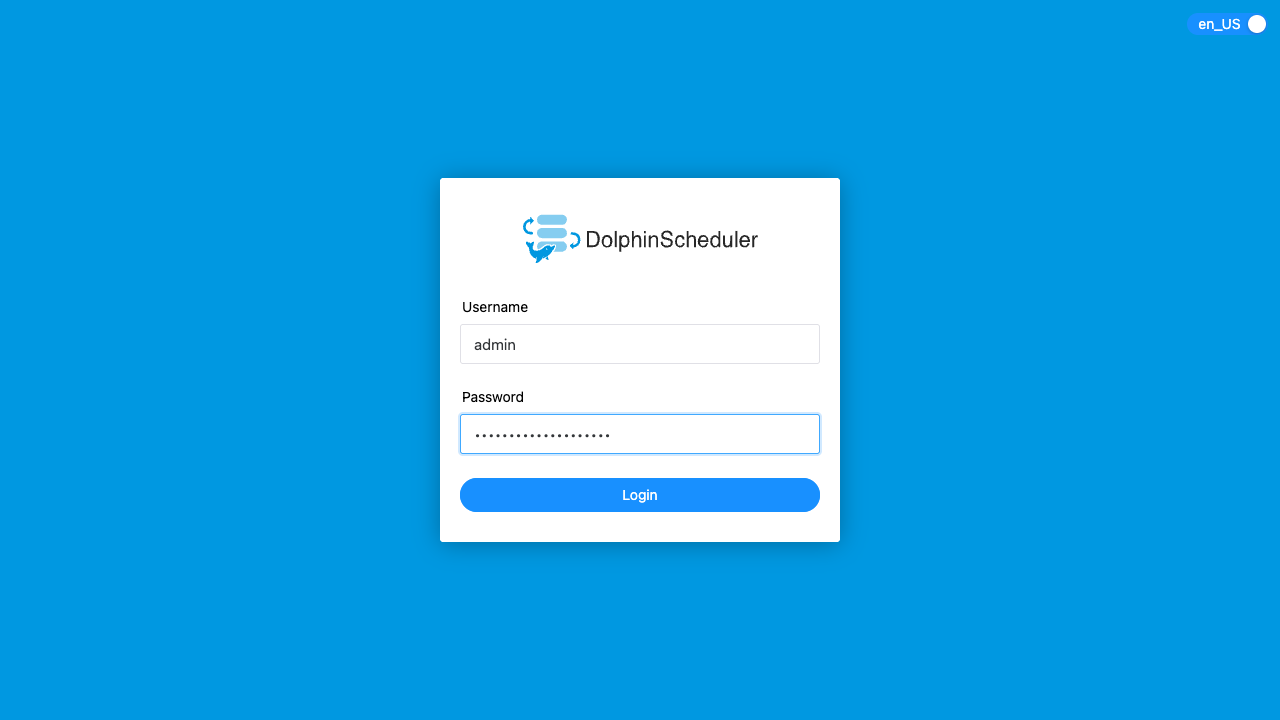
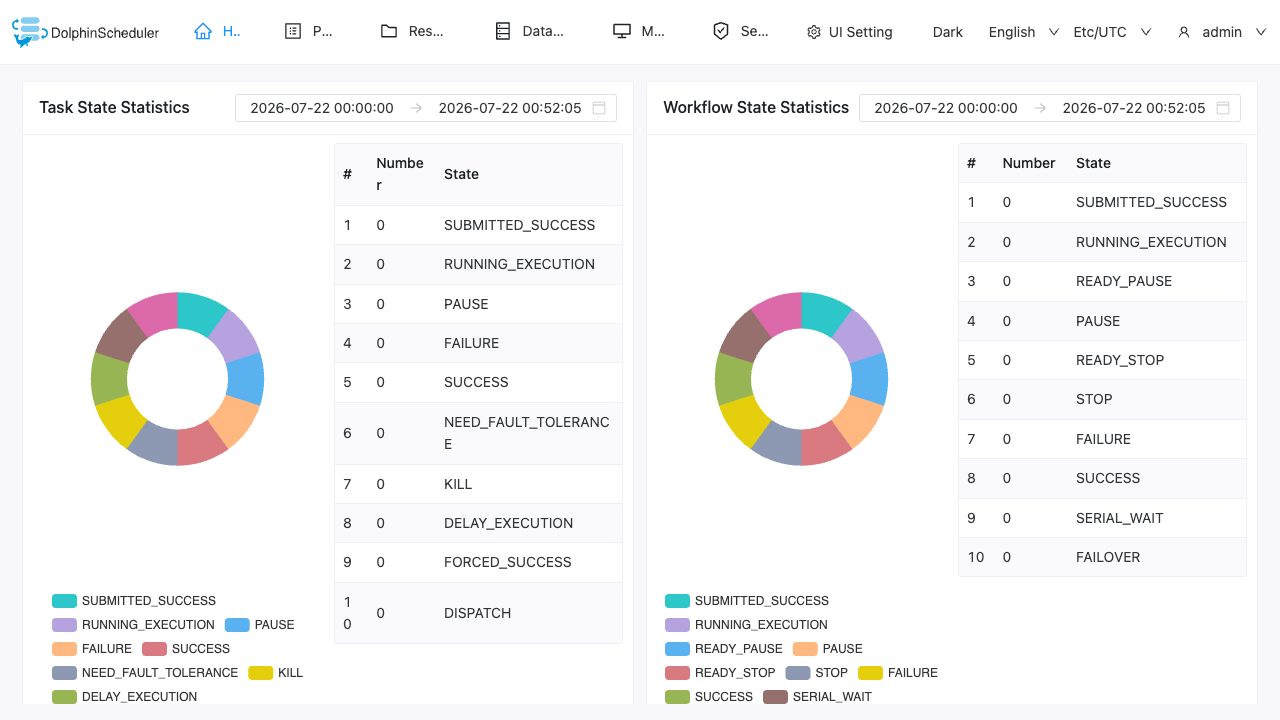
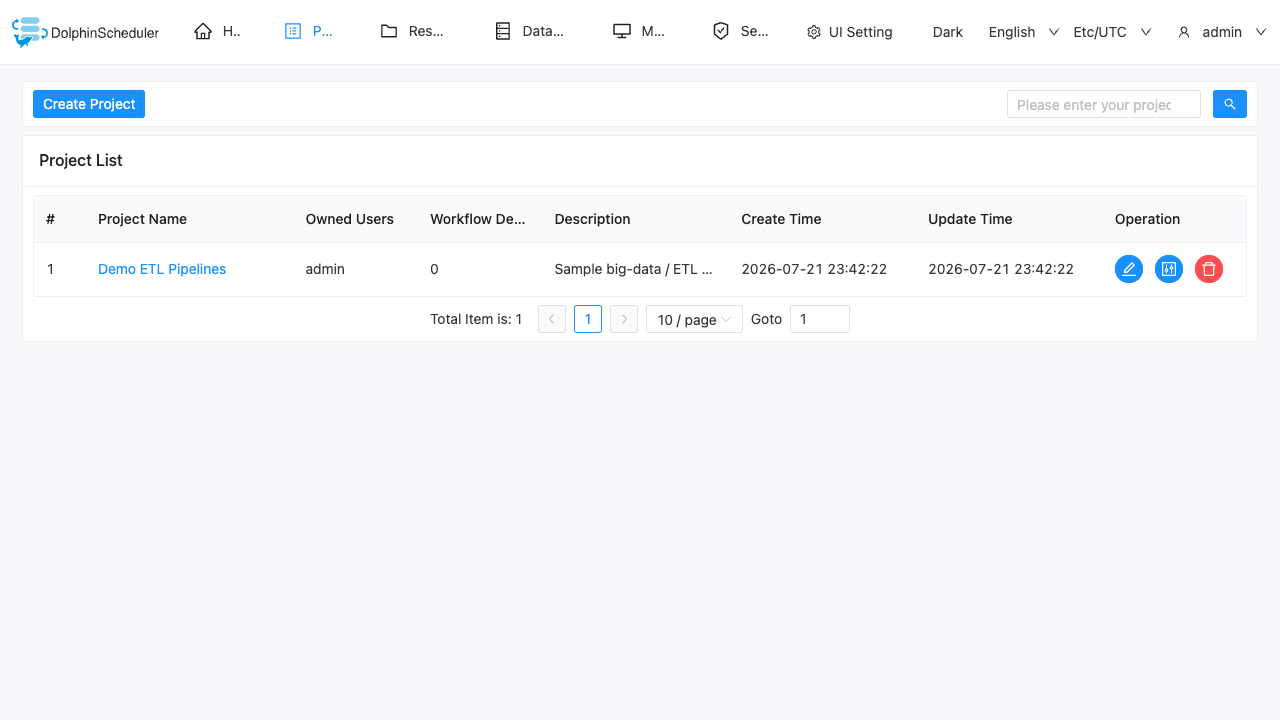
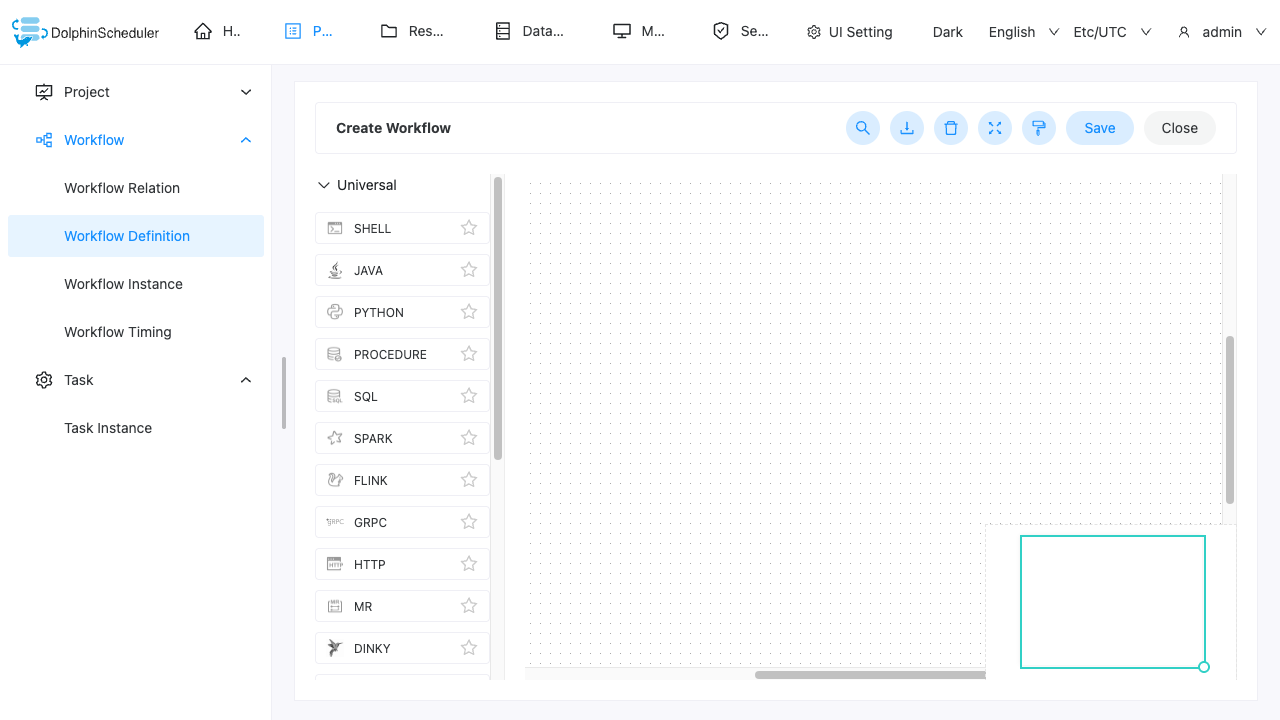
Real screenshots taken while testing this image against its deployment guide.
This is a repackaged open source software product wherein additional charges apply for cloudimg support services.
## Why This DolphinScheduler AMI Over Self-Managed
Apache DolphinScheduler is a powerful distributed, visual workflow and DAG scheduler for big-data and ETL pipelines - but standing it up by hand means provisioning a registry, a metadata database, the master, worker, API and alert services, then wiring them together and hardening the defaults. This AMI eliminates that work. You get a fully configured, ready-to-run DolphinScheduler environment within minutes of launch - no dependency troubleshooting, no default credentials left in place, and no multi-service orchestration to assemble yourself.
## Application Stack
## Security and Hardening
Unique Credentials Per Instance: On first boot, a one-shot service rotates the shipped default administrator password to a fresh value unique to that instance and writes it to a root-only file. No shared or default credentials remain usable in the running image - eliminating the credential-sharing risk common with other AMIs.
Loopback-Bound Application: The DolphinScheduler listener binds to localhost only and is reached exclusively through the nginx reverse proxy, reducing the exposed surface. The application enforces its own username and password authentication.
Dedicated Data Volume: All scheduler state lives on a separate, independently resizable EBS volume rather than the OS disk, so data and system lifecycle are cleanly separated.
Network Security Guidance: Configure your EC2 security group to restrict port 80 to trusted IP ranges, or place the instance behind an Application Load Balancer with TLS termination for encrypted access to the web UI. Enable EBS encryption on your volumes for data-at-rest protection.
## Getting Started
1. Launch the AMI on your chosen instance type
2. Ensure your security group allows inbound TCP on port 80 from your IP, and port 22 for SSH
3. Wait approximately 2-3 minutes for the first-boot credential rotation to complete
4. SSH into the instance and retrieve your credentials from the root-only file
5. Browse to http://your-instance-ip/ and sign in as the administrator
6. Create projects, author workflow definitions and schedule DAGs through the DolphinScheduler web interface
## Common Use Cases
## cloudimg Support
24/7 technical support by email and live chat. Our engineers provide expert assistance with DolphinScheduler deployment, upgrades, workflow authoring, task configuration, performance tuning and metadata database administration. Book a free 15-minute onboarding call to get personalized guidance for your use case.
Apache DolphinScheduler and Apache are trademarks of the Apache Software Foundation. All other product and company names are trademarks or registered trademarks of their respective holders. Use of them does not imply any affiliation with or endorsement by them.

Accent is an open source, developer-oriented translation and localization management platform.
This image runs Apache Archiva, the open source build-artifact repository manager - a central, governed store for the bi...

Apache JMeter is the de-facto open-source tool for load and performance testing of web applications, APIs, databases and...

This image runs Apache Subversion (SVN) 1.14, the Apache Software Foundation's enterprise centralised version-control sy...

This image runs Appsmith Community Edition, the open source low-code platform for building internal tools, admin panels,...

This image runs Atlantis 0.46 (Apache-2.0), the open source server that automates Terraform and OpenTofu pull request wo...