Base
Hardened build
minimal ports, security patches applied at build time

distributed NoSQL big data store, random real time access to very large tables
Apache HBase is the open source, distributed, scalable NoSQL big data store modeled on Google Bigtable. It provides random, real time read and write access to very large sparse tables with billions of rows and millions of columns, running on top of Hadoop and HDFS. This image runs HBase in single node standalone mode, the Master, a RegionServer and an embedded ZooKeeper in one JVM, so you get a fully functional HBase for development, testing, single tenant stores and proof of concept work without standing up a Hadoop cluster.
The cloudimg image is hardened and production shaped from first boot: a one shot service rotates a unique management password per instance, all HBase table data, the write ahead log and the embedded ZooKeeper state live on a dedicated, independently resizable data volume, every service binds to loopback behind an nginx basic auth console, and each build is paired with a step by step deploy guide and 24/7 cloudimg support.
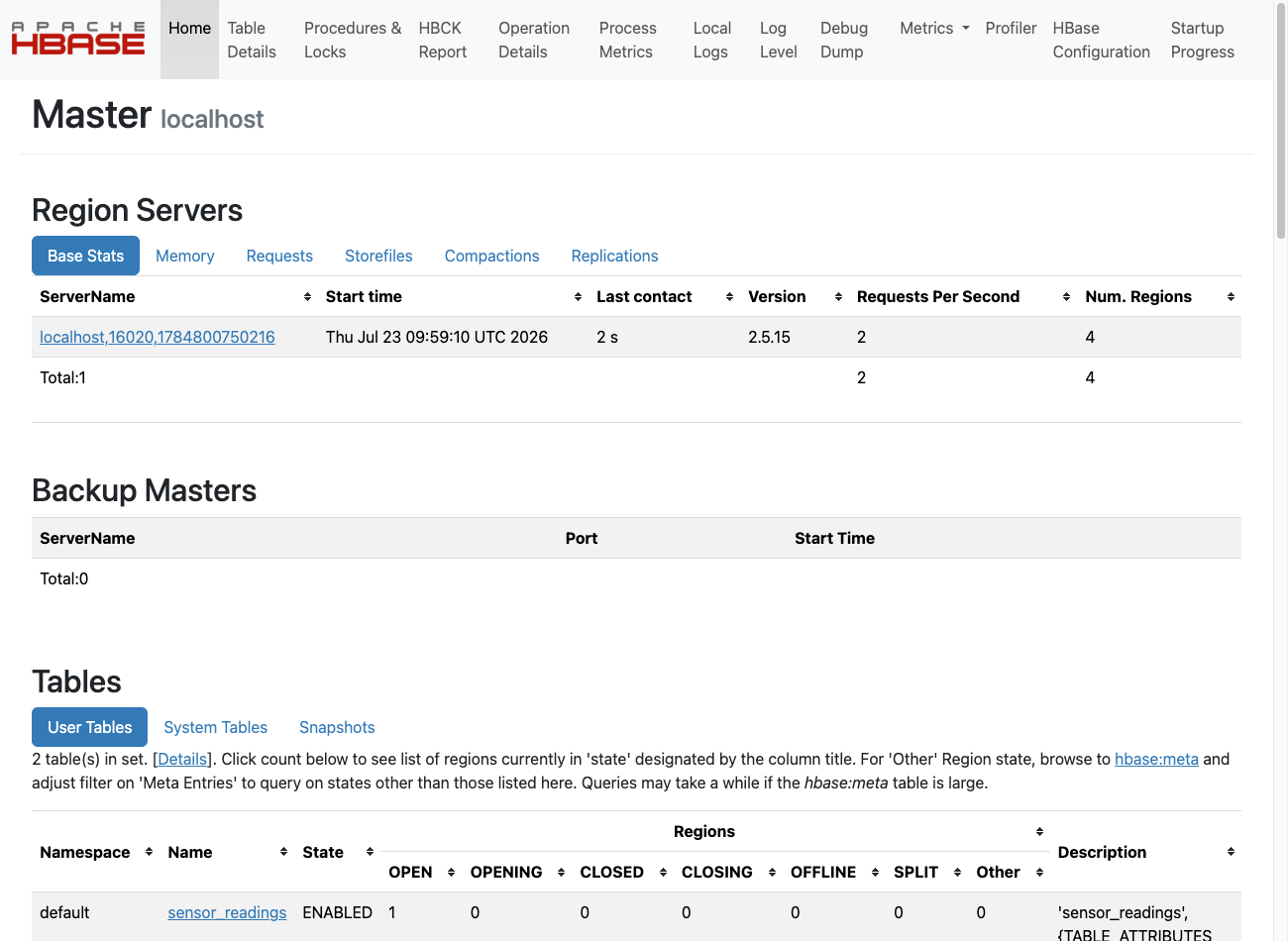
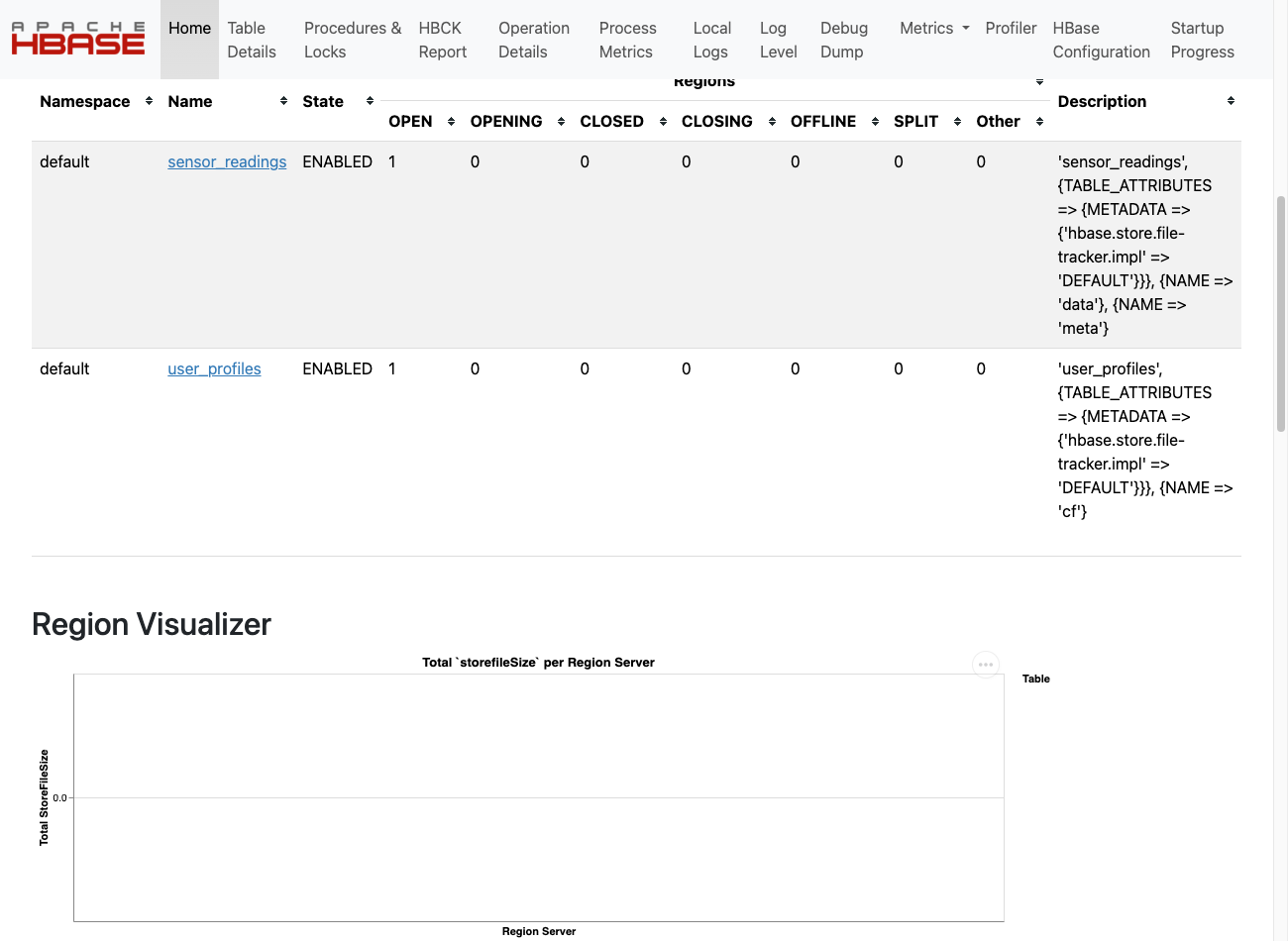
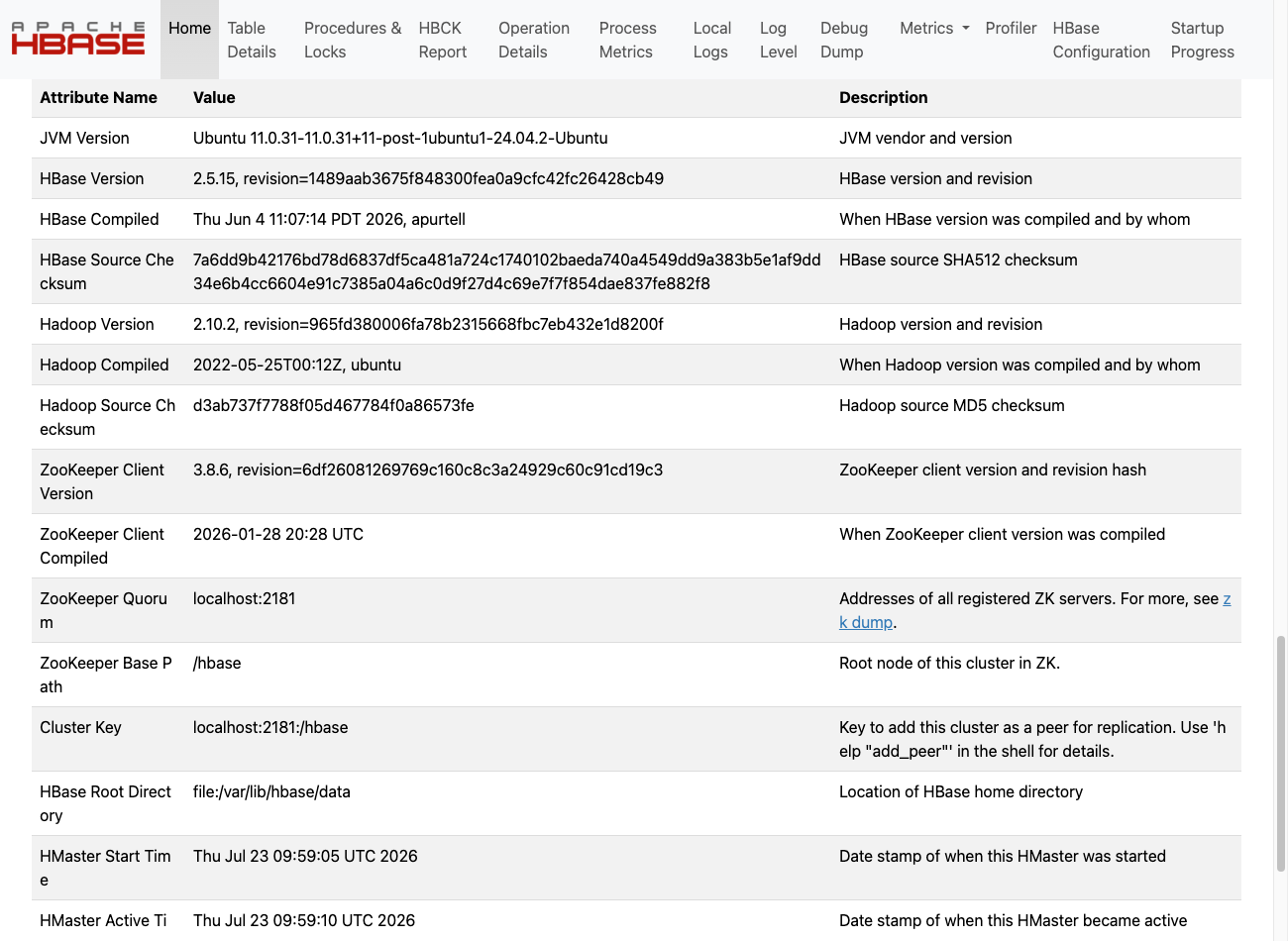
Real screenshots taken while testing this image against its deployment guide.
This is a repackaged open source software product wherein additional charges apply for cloudimg support services.
## Apache HBase - Production-Ready Distributed NoSQL Store
Deploy a fully configured Apache HBase node on AWS in minutes - not hours. This image delivers HBase preinstalled and running as a managed system service in single-node standalone mode, so you can create tables and store rows immediately after launch, without standing up a multi-node Hadoop and HDFS cluster by hand.
### Why This Image Instead of a DIY Install
### Application Stack
### The HBase Data Model
HBase is a wide-column store modeled on Google Bigtable: tables are sparse, distributed, sorted maps indexed by row key, column family and timestamp. Use the HBase shell or the Java, REST and Thrift APIs to create tables, put and get rows, and run scans. It is well suited to very large tables with billions of rows and millions of columns, random real-time read and write access, and append-heavy time-series workloads.
### Security
Secure First Boot: A one-shot service generates a fresh management password per instance, writes it to a root-only file, and stages the nginx credential store before the console is reachable. No shared or default credentials ship in the image.
Network Isolation: Every HBase service binds to loopback only. The single public surface is nginx on port 80 (basic auth) and SSH on port 22. Deploy in a private VPC subnet and use security groups to restrict access.
Encryption at Rest: The dedicated data volume holding the store can leverage AWS EBS encryption. Enable EBS encryption when launching the instance or use encrypted snapshots.
### Master Status Console
The HBase Master status UI is served on port 80 through nginx. Sign in with the generated credentials to inspect the cluster status, the RegionServer, region assignments, tables and storage utilisation.
### Use Cases
### 24/7 cloudimg Support
Technical support by email and live chat covers deployment, schema and data-model design, capacity and data-volume sizing, scaling toward a distributed cluster on HDFS, and HBase administration.
All product and company names are trademarks or registered trademarks of their respective holders. Use of them does not imply any affiliation with or endorsement by them.

This image runs Apache AGE, the open source extension that adds graph database functionality and the openCypher query la...

This image runs Apache Cassandra, the open source distributed NoSQL database built for scalability and high availability...

This image runs Apache CouchDB, the open source document oriented NoSQL database, on a single node.

Apache Doris is an easy-to-use, high-performance, unified analytical (OLAP) database for real-time analytics at scale.

This image runs Apache Druid, a real-time analytics database designed for fast aggregations and interactive, low-latency...

This image runs Apache Ignite, the open source distributed in-memory database and compute grid.