Base
Hardened build
minimal ports, security patches applied at build time
Apache TomEE Jakarta EE application server - launch a security hardened instance with a unique admin credential per boot, a dedicated application data volume, and 24/7 cloudimg support in minutes.
This image arrives installed, configured and hardened, so there is no manual setup before you can use it. It is built on a patched base, runs with credentials generated uniquely for your instance on first boot, and passes an automated health check before every release. Every deployment is backed by 24/7 support from cloudimg engineers.
Real screenshots taken while testing this image against its deployment guide.
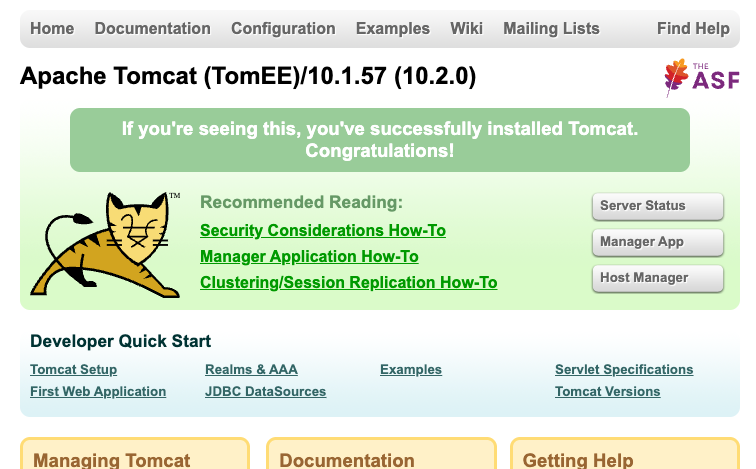
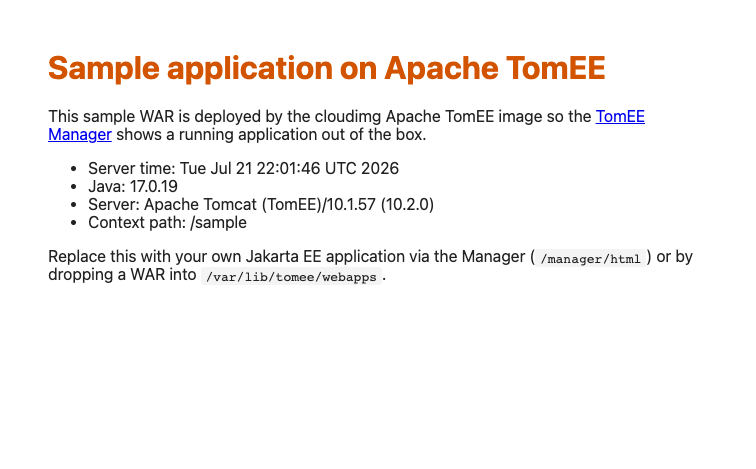
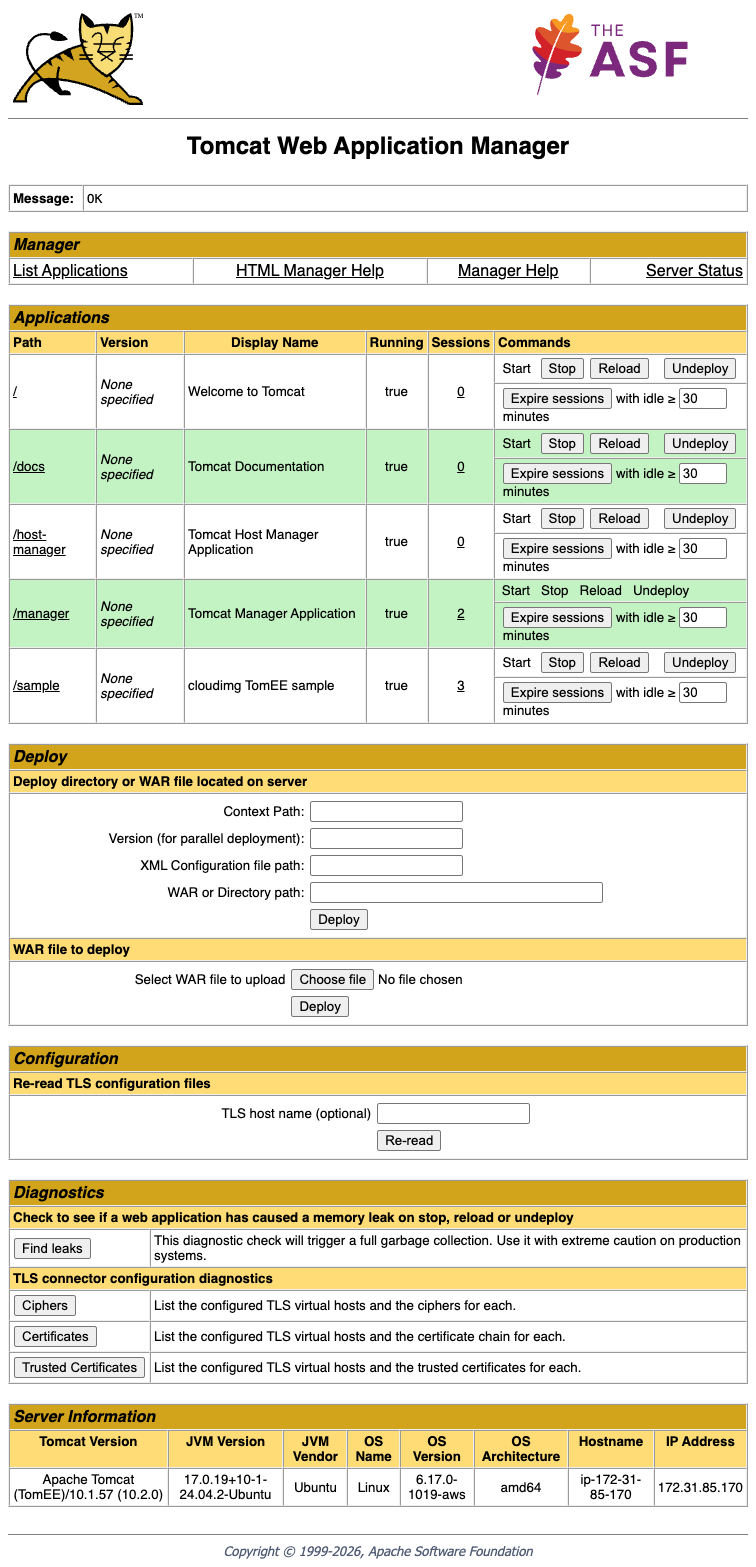
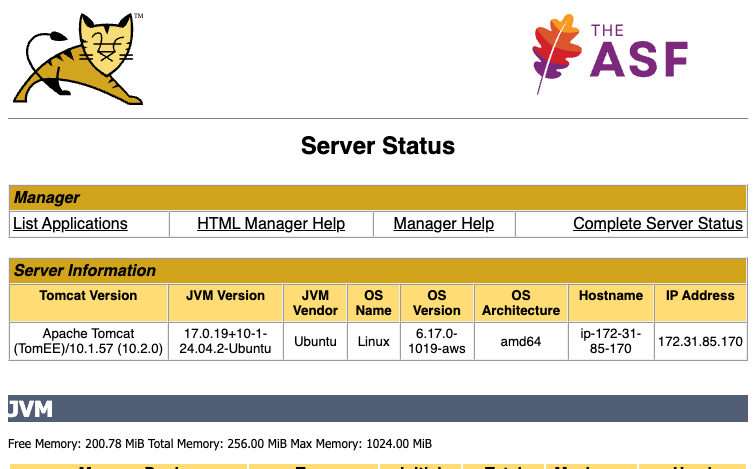
This is a repackaged open source software product wherein additional charges apply for cloudimg support services.
## Overview
Apache TomEE is the Jakarta EE application server from the Apache Tomcat project. It takes the Tomcat servlet container everyone already knows and adds the full enterprise Java stack on top, so applications that need JPA persistence, EJB components, CDI injection, JAX-RS REST endpoints, JMS messaging, JSF, JTA transactions and Bean Validation run on a single lightweight server. This image delivers a fully configured, security hardened TomEE server, eliminating the connector hardening, reverse proxy setup, Manager console lockdown and credential provisioning that a bare install leaves to you. It ships the TomEE 10.2.0 plus distribution on OpenJDK 17.
## Why This Image Over Alternatives
A default TomEE or Tomcat install exposes its HTTP connector on every interface and ships a Manager console whose access depends entirely on an administrator remembering to edit tomcat-users.xml. This image inverts both defaults. The TomEE connector binds to loopback only and never listens on a public interface; nginx fronts port 80 as the sole public entry point. The Manager and host-manager consoles require HTTP Basic authentication and are further restricted by a RemoteAddrValve that accepts only the loopback proxy. No shared or default administrator password exists anywhere in the image - a unique one is generated on each instance's first boot. Application state lives on its own EBS volume rather than the OS disk.
## What Is Included
## Secure First Boot
On first boot a one-shot service generates a cryptographically strong administrator password unique to that instance, writes it into the server's user realm, and records it in a file readable only by root. The captured image contains a roles-only user realm with no administrator account at all, so there is no window in which a known credential is valid.
## AWS Integration Points
## Ready To Use
Connect over SSH, read the generated administrator password, then open the TomEE Manager in a browser to deploy your own WAR. Applications can equally be deployed by dropping a WAR into the webapps directory on the data volume. The bundled sample application demonstrates a working deployment and can be undeployed once you no longer need it.
## Use Cases
## cloudimg Support
24/7 technical support by email and live chat. Our engineers assist with deployment, TomEE and Tomcat configuration, application deployment troubleshooting, JVM and heap tuning, and reverse proxy and TLS setup.
To discuss your architecture, contact our team through the support channels listed below.
All product and company names are trademarks or registered trademarks of their respective holders. Use of them does not imply any affiliation with or endorsement by them.
This image runs Apache Archiva, the open source build-artifact repository manager - a central, governed store for the bi...

Apache JMeter is the de-facto open-source tool for load and performance testing of web applications, APIs, databases and...

This image runs Appsmith Community Edition, the open source low-code platform for building internal tools, admin panels,...

This image runs Atlantis 0.46 (Apache-2.0), the open source server that automates Terraform and OpenTofu pull request wo...

Pre-configured self-hosted Atuin sync server: an end-to-end-encrypted, searchable shell-history sync backend for the Atu...

This image runs Beszel, the open source, lightweight server and container monitoring hub - a clean web dashboard with hi...