Base
Hardened build
minimal ports, security patches applied at build time

Apollo, an open source distributed configuration management centre, with every credential generated on first boot.
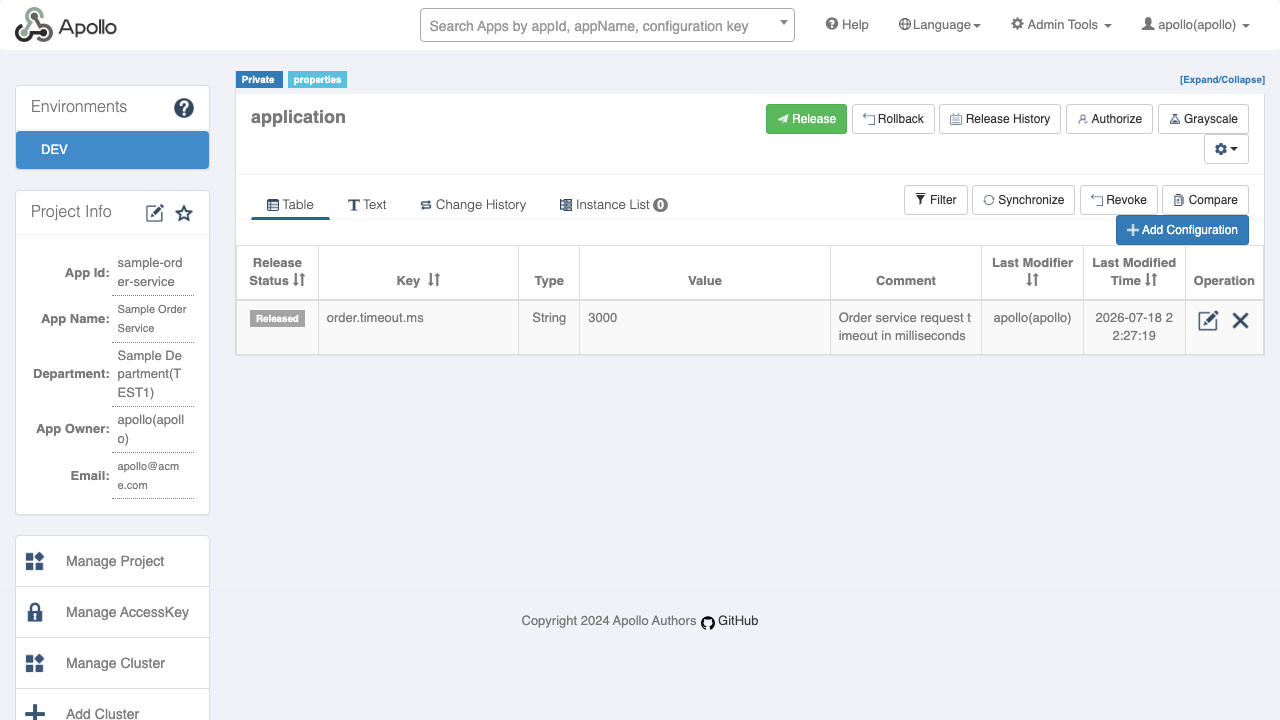
Apollo is an open source distributed configuration management centre that teams use to centralise application configuration across environments, clusters and services. Applications fetch typed, versioned configuration at runtime and pick up changes without a redeploy, while operators get per environment and per cluster namespaces, release and rollback history, grey scale releases for staged rollouts, and a complete audit trail of who changed what. A web console manages all of it, so configuration stops living in scattered property files and becomes a governed, reviewable resource.
cloudimg ships Apollo hardened and fully patched with its database, both schemas and all three Apollo services already wired together, so the portal is usable minutes after launch. Apollo's published sample data ships a well known portal login, and this image destroys it: the shipped image carries no usable portal password at all, and each virtual machine generates its own portal administrator password, database credentials and database root password on first boot, written to a root only file. Only the web console is reachable from the network, while the configuration service, administration service and database stay on the loopback interface. It comes with a paired deployment guide and 24/7 cloudimg support.
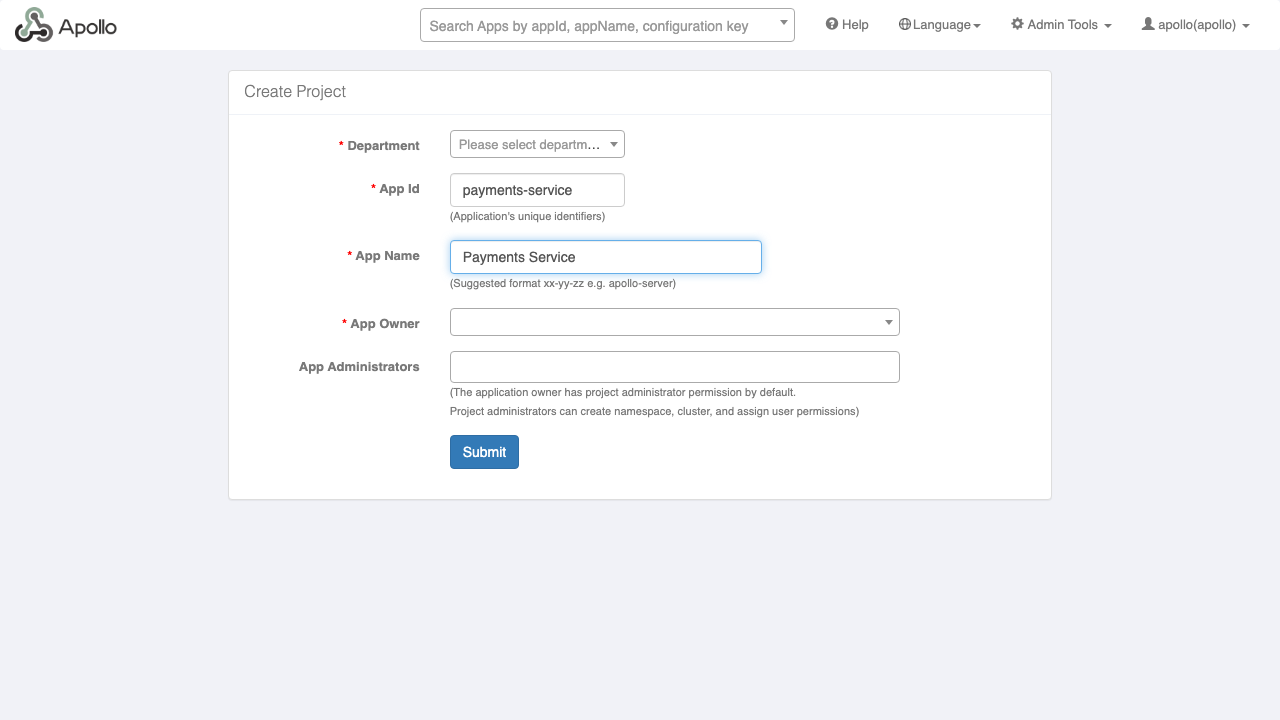
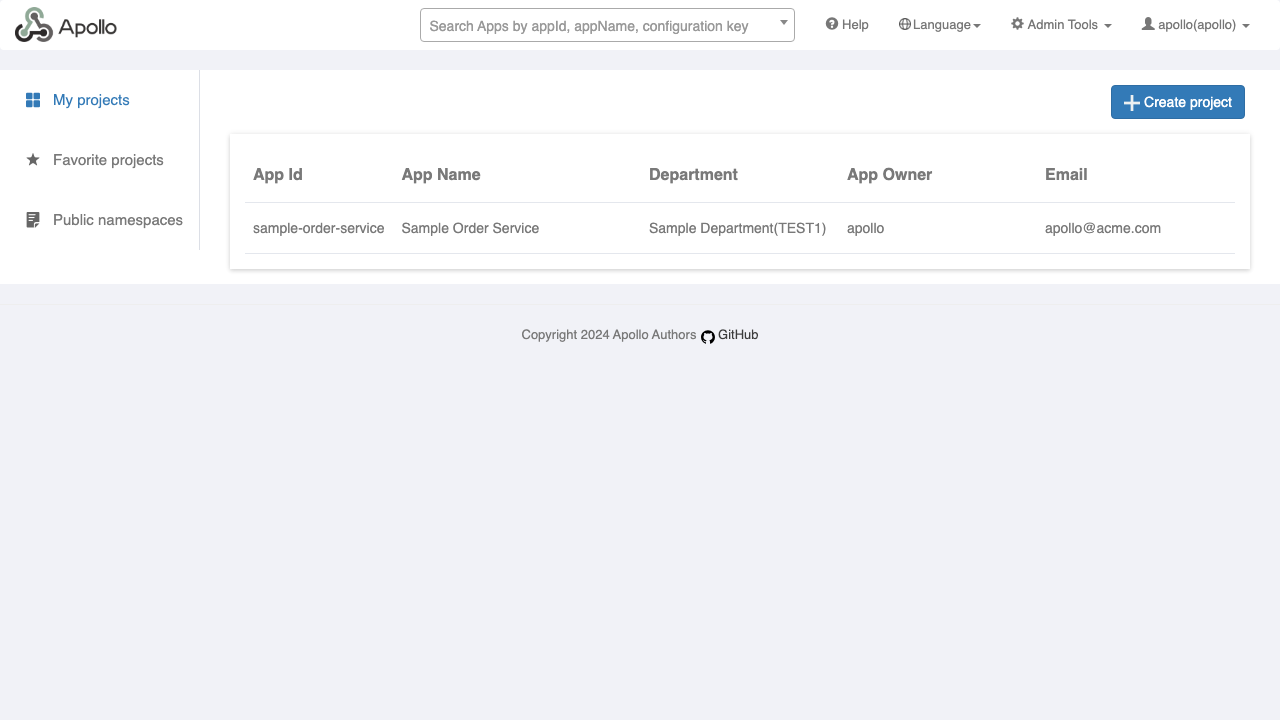
Real screenshots taken while testing this image against its deployment guide.

Docker Community Edition is the free, open source container runtime that allows you to package applications and their de...
Docker Community Edition preconfigured across several Linux variants, running containers within minutes of launch.

Around that core it adds a side by side editor with comments and a review state for each key, conflict detection when a ...
Apache Allura is the open source project hosting platform, or forge, that powers SourceForge.

This image runs Altair GraphQL Client 8.5.7, an open source GraphQL IDE, on Ubuntu 24.04 LTS.

A control node is the machine those playbooks actually run from. This image is that machine, and it ships ready rather t...