Audiobookshelf Audiobook and Podcast Server
Overview
Launch a private audiobook and podcast server in minutes - no manual setup of ffmpeg, nginx, or systemd required. Backed by 24/7 cloudimg support.
See it running
Real screenshots of this software running on the cloudimg image, taken while testing the deployment guide.
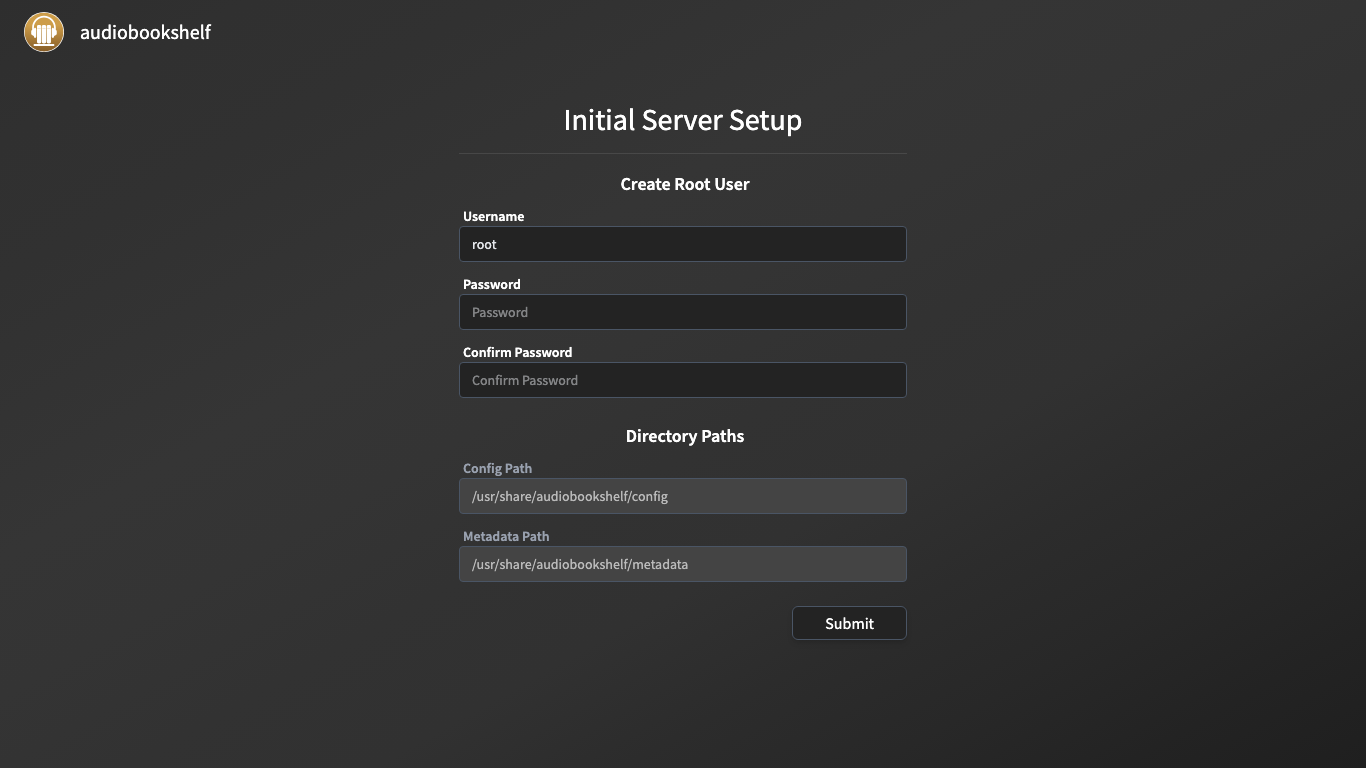
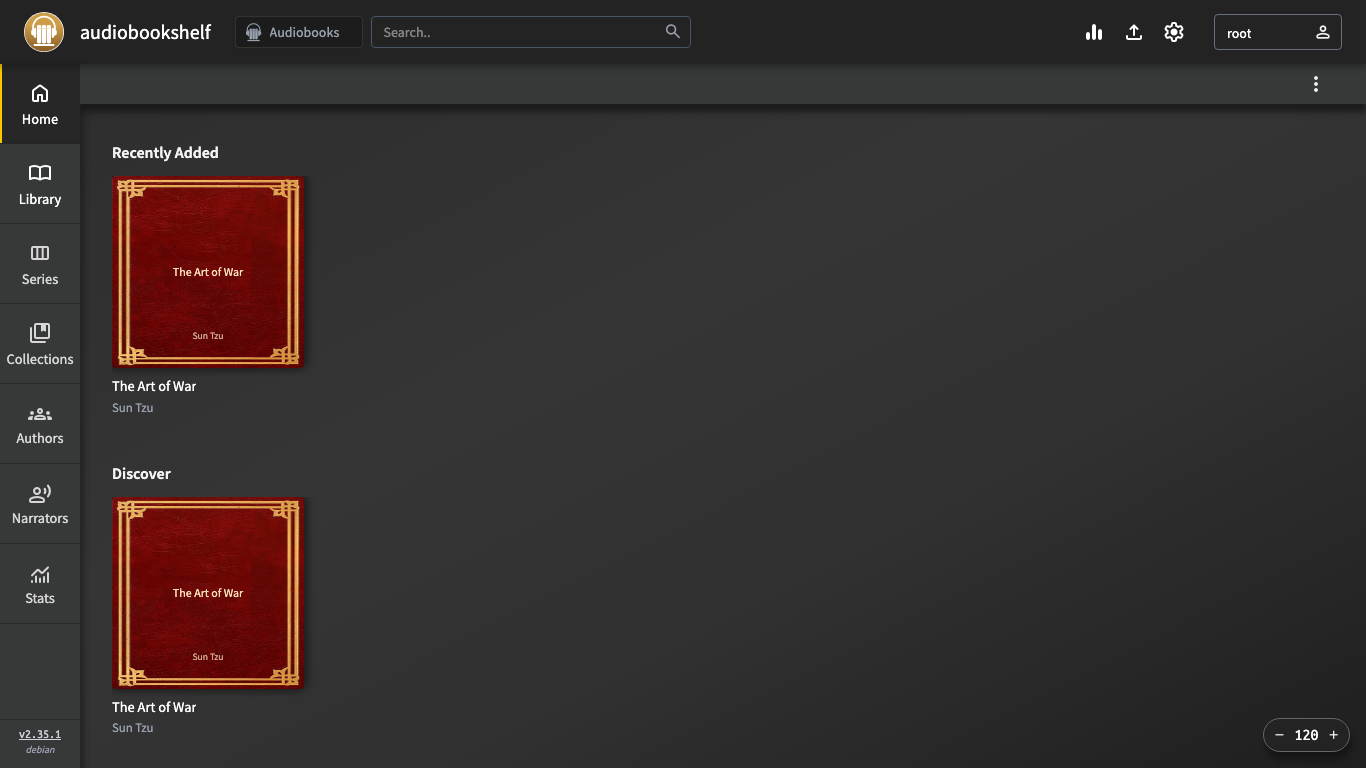
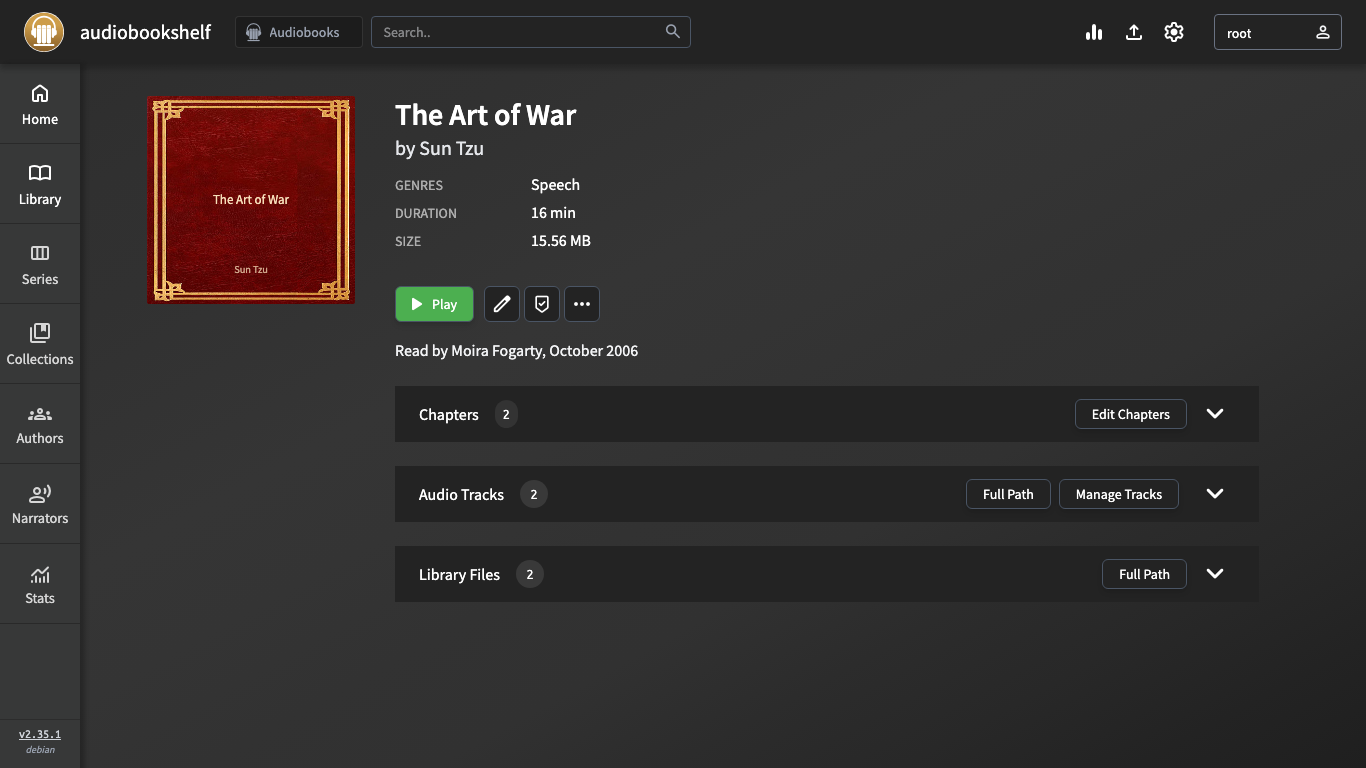
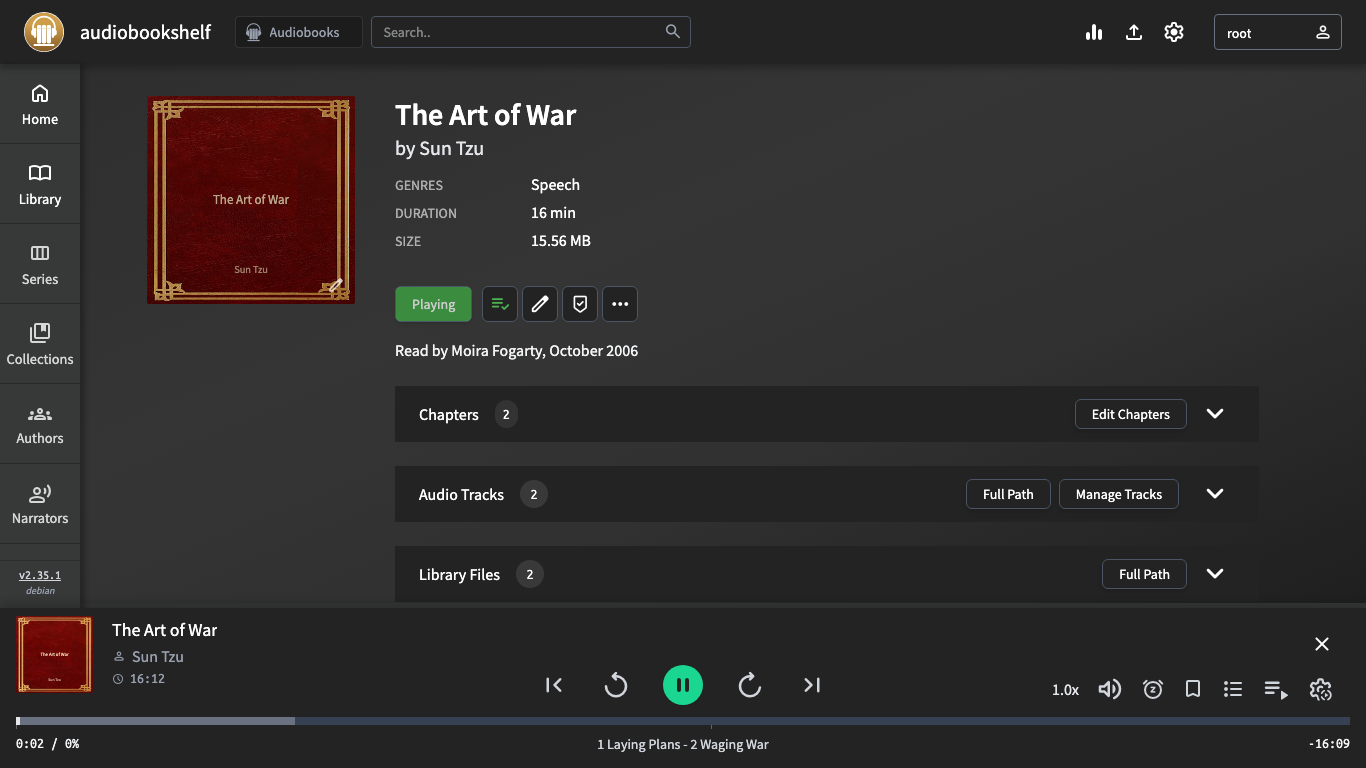
Description
This is a repackaged open source software product wherein additional charges apply for cloudimg support services.
## Overview
Audiobookshelf is a popular open source, self-hosted audiobook and podcast media server. Stream your own audiobook and podcast collection from anywhere through a fast web player or the native iOS and Android apps, with listening-progress sync across every device. This AMI delivers Audiobookshelf 2.35 fully installed and configured behind nginx with bundled ffmpeg, so a private audiobook server is running within minutes of launch.
## Why This AMI Instead of Self-Installation
Deploying Audiobookshelf manually means resolving Node.js dependencies, compiling or packaging ffmpeg/ffprobe/tone, writing systemd unit files, configuring nginx for WebSocket proxying, partitioning a dedicated EBS volume, and hardening the stack. This image eliminates all of that. You launch, create your admin account on the first-visit screen, point a library folder at your media, and start listening. Ongoing maintenance - security patches, version upgrades, and transcoding troubleshooting - is handled by cloudimg's support team so you can focus on your content rather than your infrastructure.
## Example Use Case
A homeschool co-op with 20 families shares a curated collection of 300 audiobooks. The coordinator launches this AMI on a t3.medium instance, attaches a 100 GB encrypted EBS volume, uploads the library, and creates individual user accounts. Each family streams titles through the web player or mobile apps with per-user progress tracking, eliminating the need for costly third-party audiobook subscriptions.
## Application Stack
The Audiobookshelf server is a Node.js application with an embedded SQLite datastore and a bundled web player, running under systemd and reverse-proxied by nginx, which also proxies the WebSocket traffic the player relies on. The bundled ffmpeg, ffprobe, and tone tools provide transcoding and audio tagging. The server binds to the loopback interface; the config, metadata, and media library all live on a dedicated, independently resizable EBS volume.
## Security and Network Guidance
- No default credentials - The image ships at the built-in first-visit create-root-user screen. The very first time you browse to the instance you create your own admin account with your own password. No shared credentials, no database rows, and no media files ship in the image.
- EBS encryption supported - The dedicated library volume can be launched with AWS EBS encryption enabled, protecting audiobook and podcast data at rest with AWS-managed or customer-managed KMS keys.
- TLS termination - nginx is ready for HTTPS configuration. cloudimg support can assist with Let's Encrypt certificate setup or integration with AWS Certificate Manager behind an ALB.
- Recommended security-group rules - Allow inbound TCP 443 (HTTPS) from your listener IP ranges. Restrict SSH (TCP 22) to your admin IP only. No other inbound ports are required.
- VPC placement - Deploy in a private or public subnet depending on whether you front the instance with a load balancer. For internet-facing deployments, a public subnet with an Elastic IP or an ALB in a public subnet with the instance in a private subnet are both supported patterns.
## Deployment Steps
1. Launch the AMI in your chosen VPC and subnet, selecting an instance type appropriate to your library size (t3.small for personal use up to a few hundred titles; t3.medium or larger for multi-user libraries exceeding 1,000 titles).
2. Attach or confirm the dedicated EBS volume for your media library. Enable EBS encryption if required.
3. Configure the security group: allow TCP 443 inbound from listener IPs and TCP 22 from your admin IP.
4. Browse to the instance public IP or DNS name. Complete the one-screen admin account creation form.
5. Upload or copy your audiobook/podcast files to the library volume (via SCP, SFTP, or AWS DataSync).
6. In the Audiobookshelf UI, add a library folder pointing to your media path. The server scans automatically.
7. Listen through the web player or connect the iOS/Android app with progress sync enabled.
## cloudimg Support
24/7 technical support by email and live chat for deployment, upgrades, library migration, transcoding configuration, and TLS termination. Critical issues receive a one-hour average response.
Audiobookshelf is a trademark of its respective owner. All product and company names are trademarks or registered trademarks of their respective holders. Use of them does not imply any affiliation with or endorsement by them.
Key Features
- Skip hours of manual setup - this AMI delivers Audiobookshelf 2.35 pre-configured with ffmpeg, nginx WebSocket proxying, and systemd, so you go from launch to streaming audiobooks and podcasts in minutes rather than spending time on dependency resolution, reverse-proxy configuration, and service management. Includes a web player with progress sync, multi-user accounts, series and collections, native iOS and Android apps, and an OPDS feed.
- Secure from first boot with zero default credentials - the image starts at the create-root-user screen so only you set the admin password. The server binds to loopback only behind nginx, the library lives on a dedicated resizable EBS volume that supports AWS encryption at rest, and cloudimg support assists with TLS termination via Let's Encrypt or AWS Certificate Manager for encryption in transit.
- 24/7 technical support from cloudimg with a one-hour average response for critical issues. Engineers assist with deployment, version upgrades, library migration, transcoding configuration, TLS setup, and troubleshooting - so you get ongoing maintenance expertise without hiring in-house infrastructure staff.