Base
Hardened build
minimal ports, security patches applied at build time

Backrest, a web console for restic backups that turns fast, encrypted, deduplicating snapshots into point and click backup plans, repositories, schedules and restores, ready the moment it boots.
Backrest is a self hosted web interface and orchestrator for restic, the fast and secure deduplicating backup program. It gives restic a clean browser based UI for configuring backup repositories, backup plans and schedules, retention and forget policies, integrity checks, notifications and one click restore or browse of any snapshot. Every operation runs as a real restic command, so backups stay in the open, well documented restic repository format and can be read or restored with restic directly at any time.
Backrest keeps its configuration and operation history in an embedded database and can back up to local disk or to any restic supported target, from cloud object storage to SFTP, making it a friendly control panel for reliable, encrypted backups you fully own.
cloudimg delivers Backrest fully installed and configured behind an nginx reverse proxy, with a matching build of restic already on the instance, so a working backup console answers the moment it boots with nothing to download. The image is secure by default: it ships with no known login, and on first boot a unique administrator password is generated for this instance and written to a protected file on the machine, so no shared or default credential ever exists in the image. Backrest keeps its configuration, operation history and any local backup repositories on a dedicated data disk kept separate from the operating system disk that you can snapshot and resize independently. Every deployment is paired with a step by step deploy guide and backed by 24/7 support.
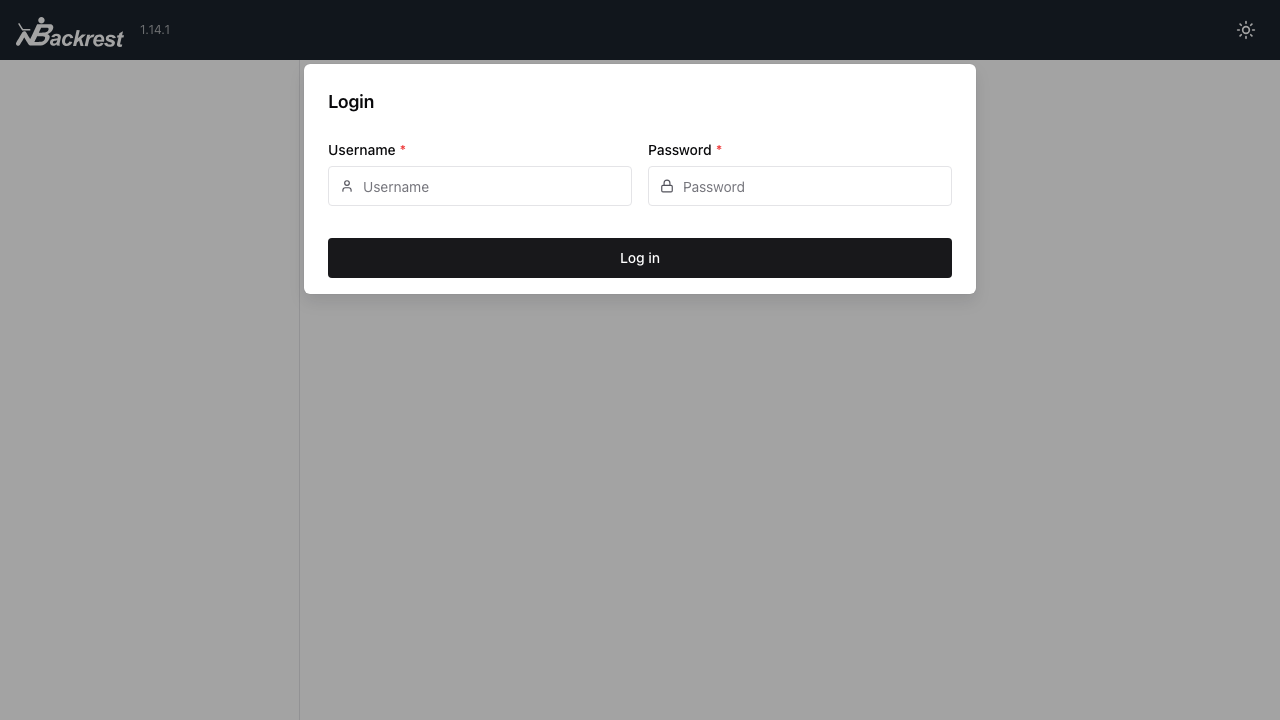
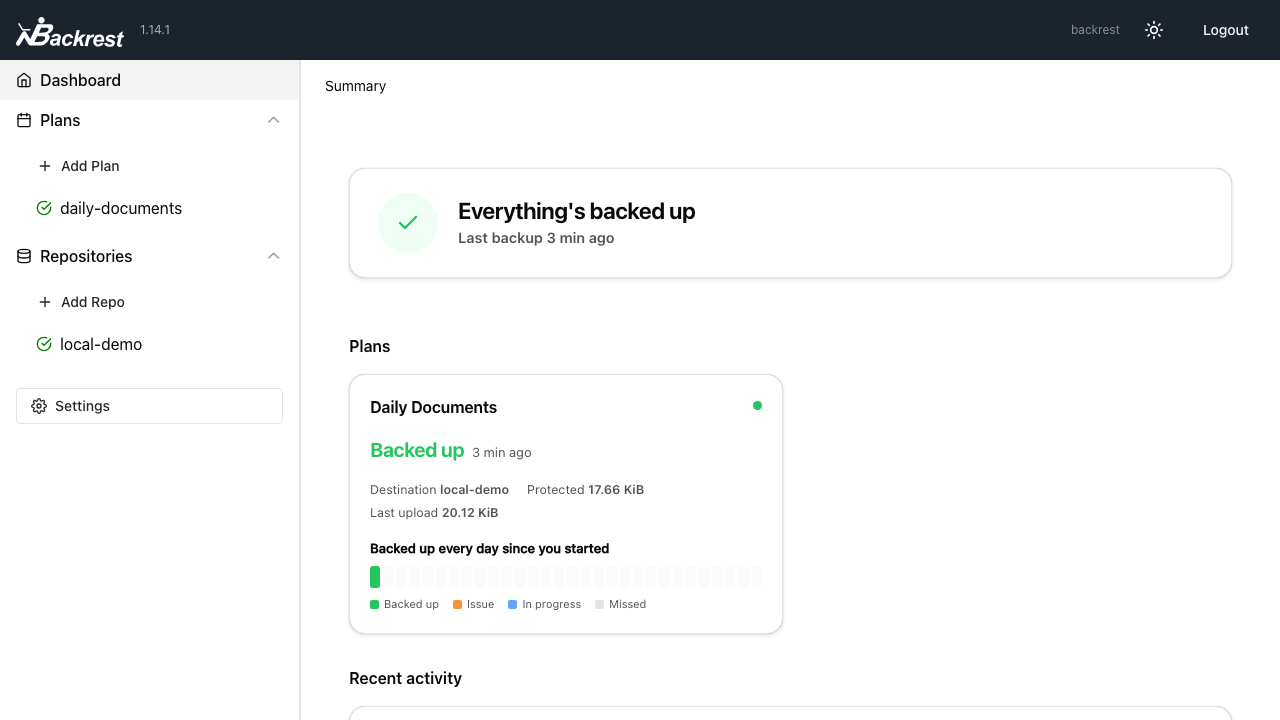
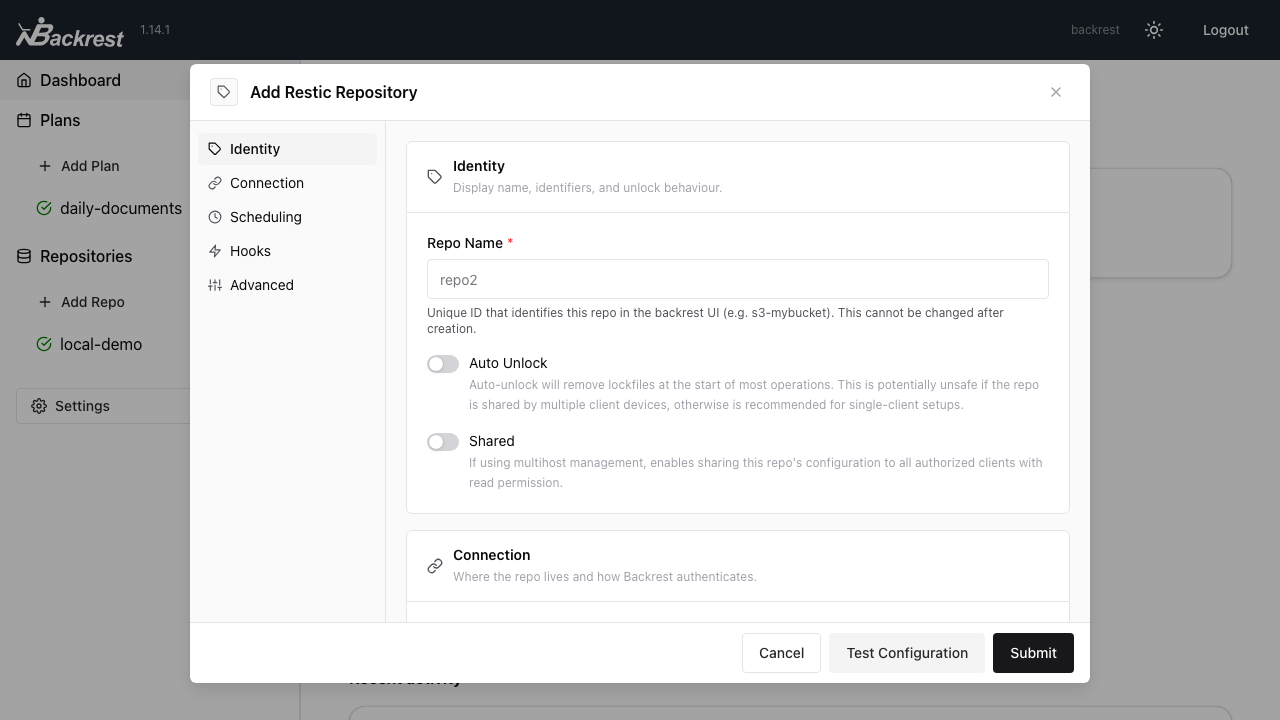
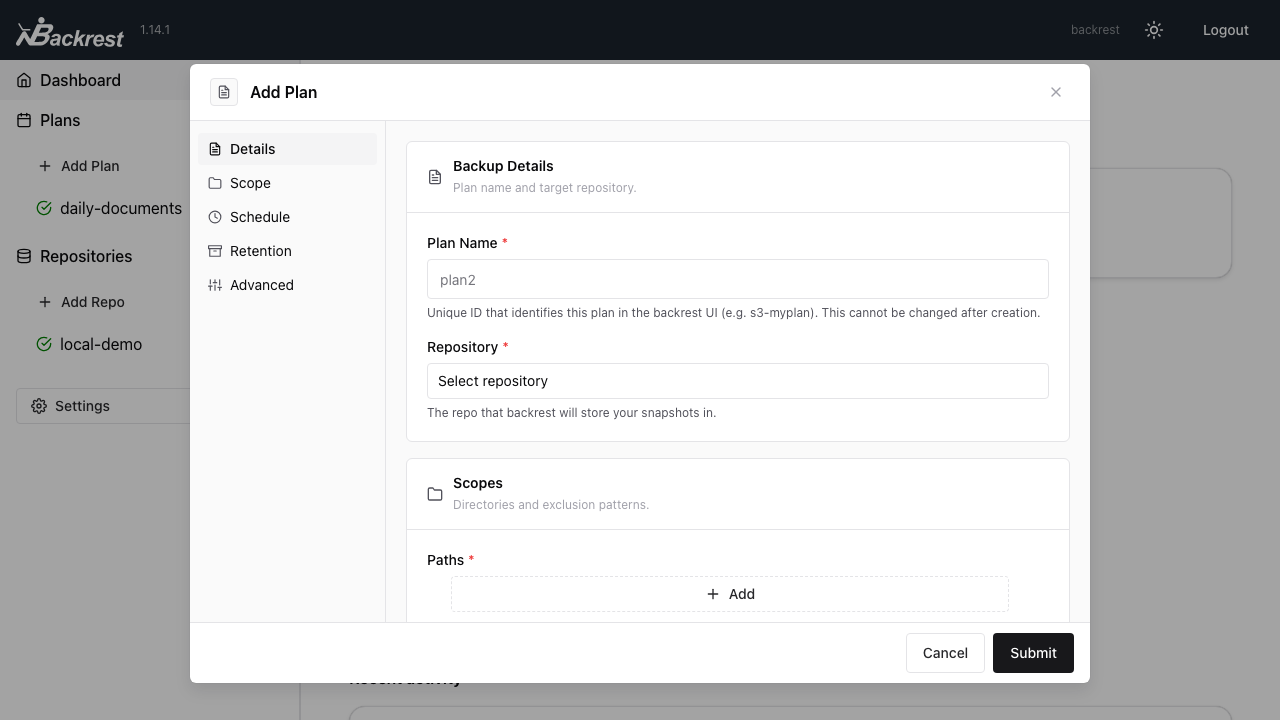
Real screenshots taken while testing this image against its deployment guide.
AIStore is an open source object storage system from NVIDIA, built for the read heavy, high throughput access patterns o...

Alfresco Community Edition is an open source enterprise content management platform.

Apache Ozone is the scalable, distributed object store for Hadoop and cloud-native workloads. It exposes both an S3-comp...

ArozOS on Ubuntu 24.04 LTS preconfigured machine image for Microsoft Azure, hardened and verified with 24/7 support by c...

The image installs Bacula 13.0.4 from the Ubuntu 24.04 archive and runs the Director, a Storage Daemon writing to a file...

To make the appliance useful the moment it boots, the image also installs a local PostgreSQL 16 instance (from the offic...