Base
Hardened build
minimal ports, security patches applied at build time

one OpenAI compatible endpoint in front of every model provider, packaged by cloudimg
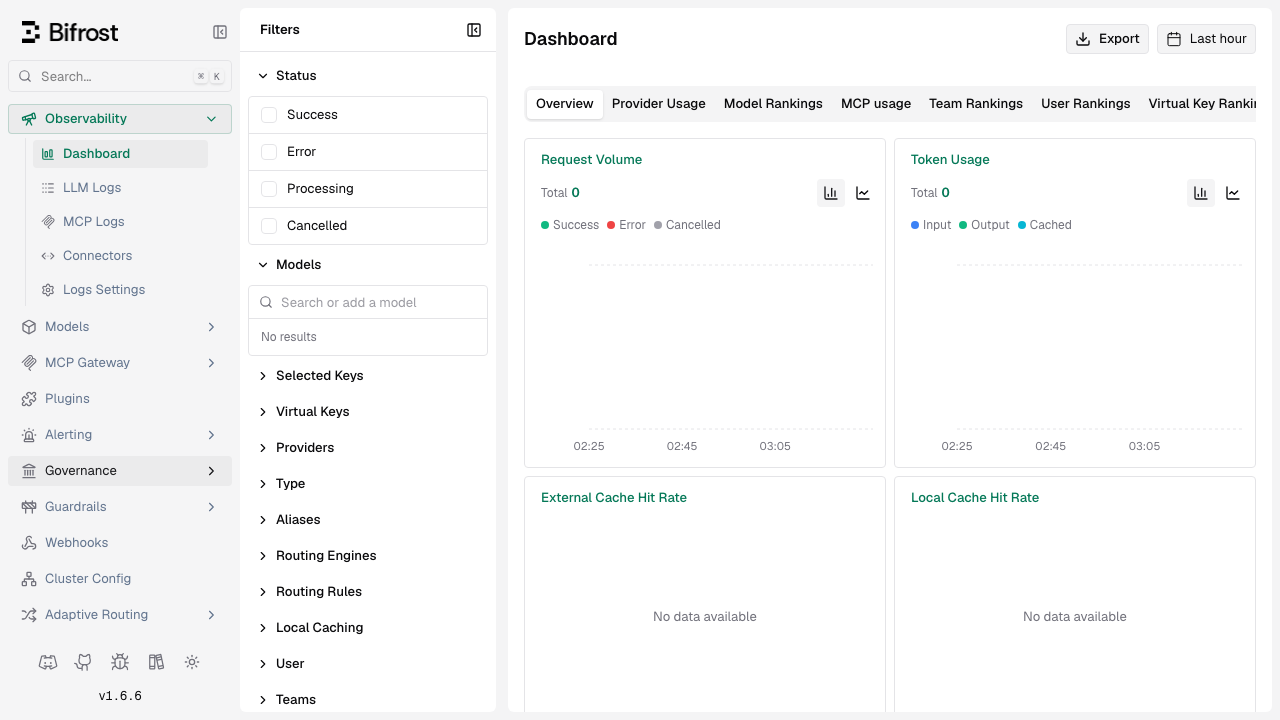
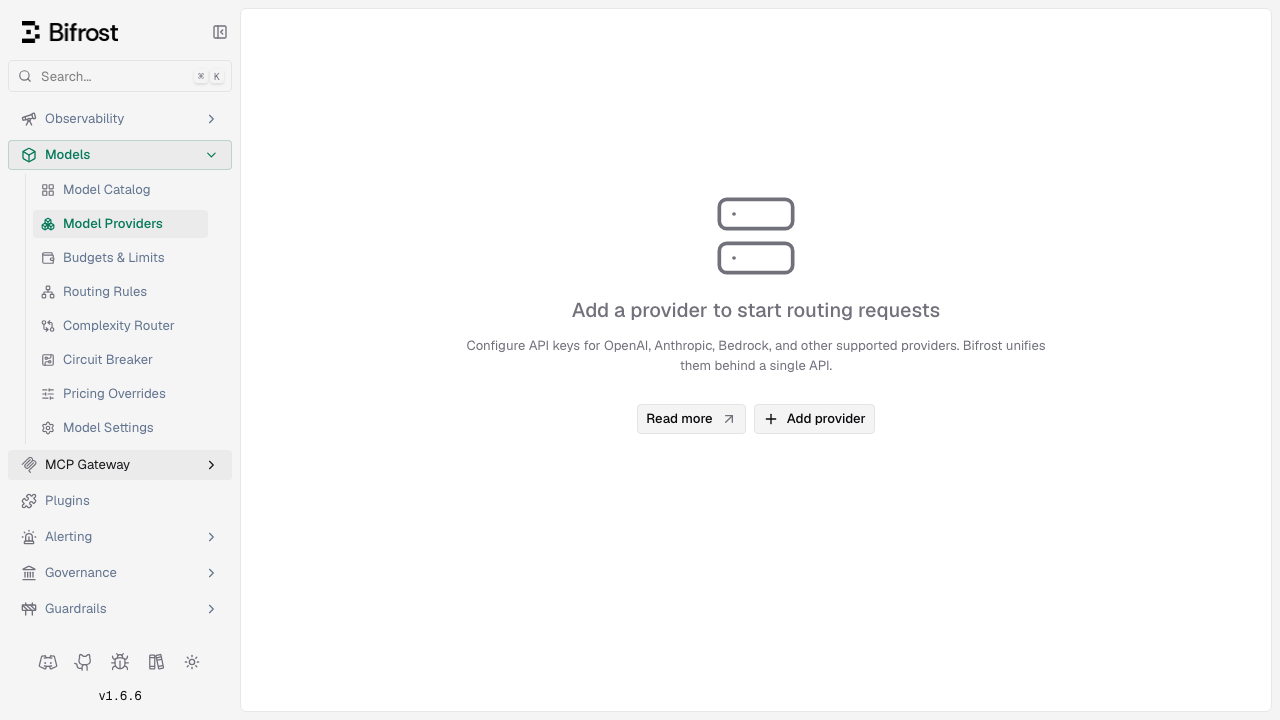
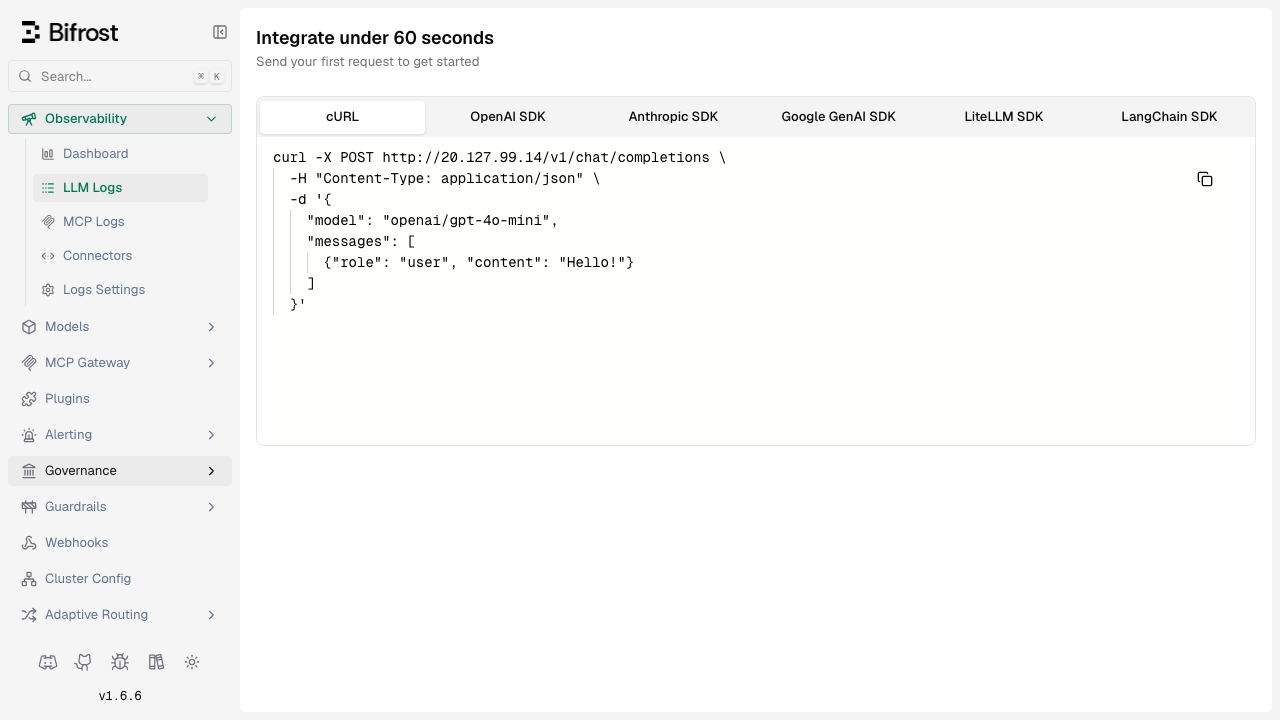
Bifrost is a high performance open source LLM gateway. It sits between your applications and the model providers you use, exposing a single OpenAI compatible endpoint that fronts OpenAI, Anthropic, Google, Azure OpenAI, AWS Bedrock, Vertex, Groq, Mistral and Ollama, so existing application code usually needs only a base URL change. Behind that one endpoint it adds automatic failover between providers and keys, weighted load balancing, per key budgets and rate limits, semantic caching, MCP tool routing and a full request log with cost and latency for every call. Bifrost routes to providers using your own API keys and hosts no model itself, so it needs no GPU.
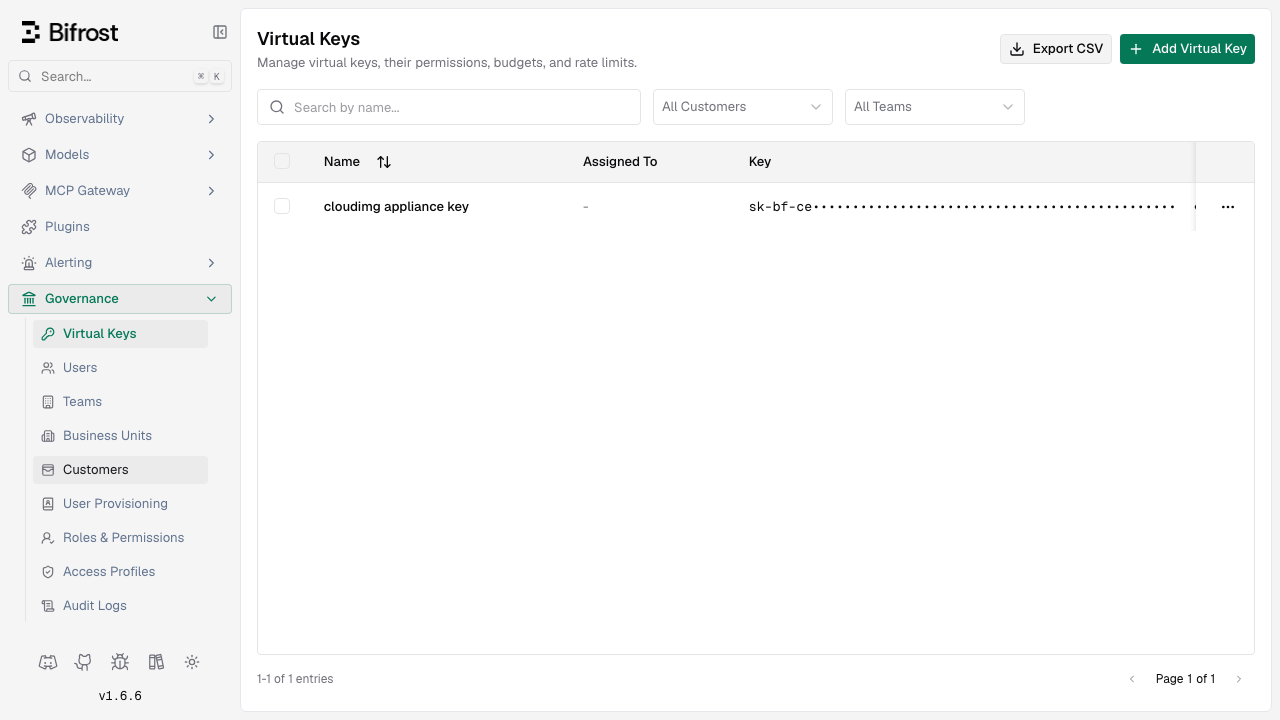
The cloudimg image pins the official upstream release binary by content hash and verifies it against the exact upstream commit before it ships. No model provider key is ever baked in: the image starts with zero providers configured and you add your own. There is no default password either, because an open LLM gateway is an open proxy for your inference spend. A unique dashboard password and a unique virtual key are generated on your VM at first boot, and the gateway refuses to start until first boot has proved an unauthenticated request is rejected on every route, including the admin API, the metrics endpoint and every inference path. Your applications authenticate with one credential using whichever header their SDK already sends. Paired with a verified deployment guide and 24/7 cloudimg support.
Real screenshots taken while testing this image against its deployment guide.

Upstream ships Agent Zero as a Docker image. This VM runs that official image, pinned by its digest, as a systemd manage...

This image runs Argilla 2.8.0, the open source data annotation and curation platform for building high quality datasets ...

A web interface lets you add data to "brains" (datasets), explore the extracted graph as a mind map and ask questions.

ContextForge MCP Gateway is IBM's open-source gateway, registry and proxy for the Model Context Protocol (MCP), the stan...

Crawl4AI is a fast, open source web crawler and scraper that converts web pages into clean, LLM ready Markdown and struc...
DeepWiki-Open on Ubuntu 24.04 LTS preconfigured machine image for Microsoft Azure, hardened and verified with 24/7 suppo...