Base
Hardened build
minimal ports, security patches applied at build time
turn any Git repository into a browsable, AI generated wiki
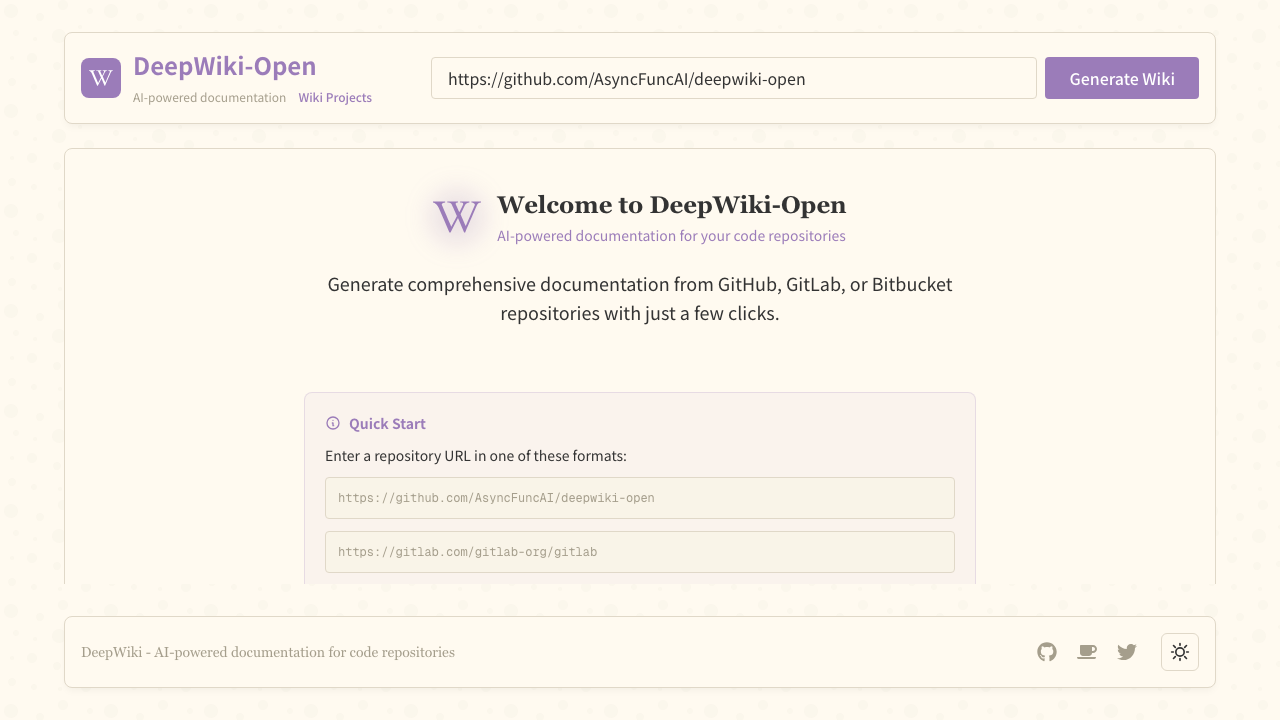
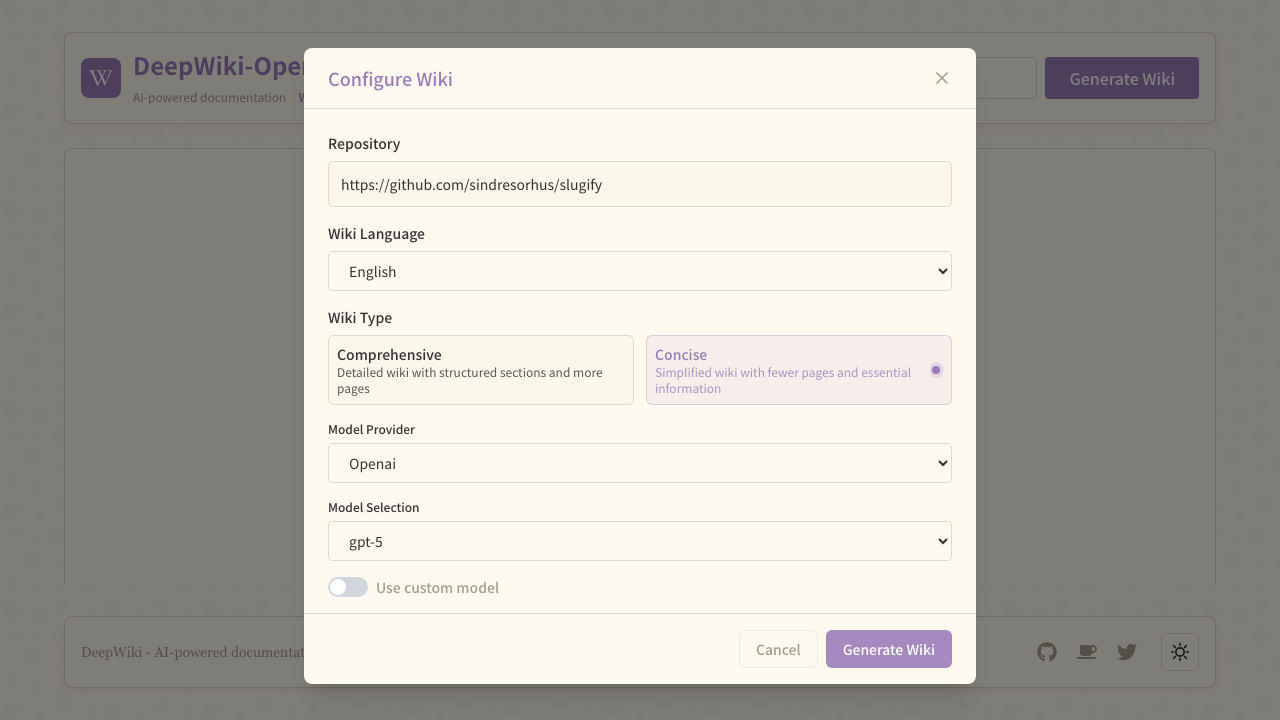
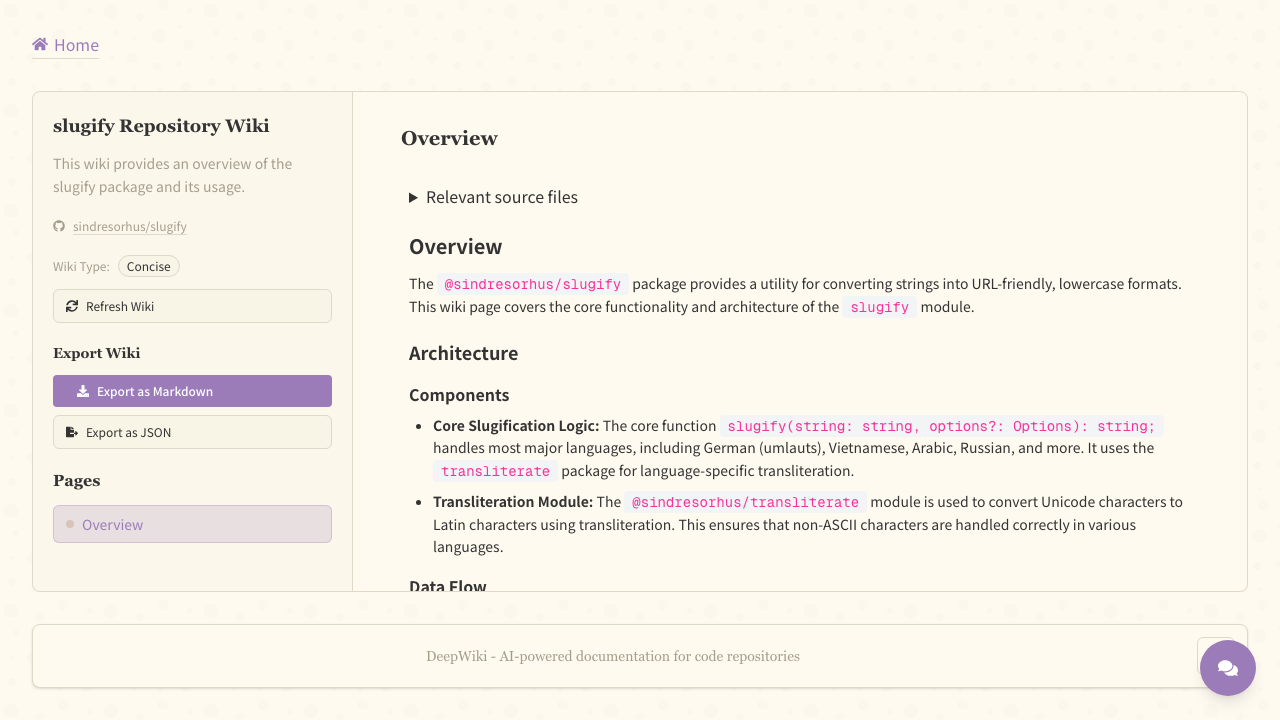
DeepWiki-Open reads a code repository and writes documentation for it. You give it a GitHub, GitLab or Bitbucket URL; it clones the repository, indexes every source file for retrieval, and asks an AI model to produce a structured wiki: an architecture overview, per component pages, diagrams generated from the code, and an Ask panel that answers questions about the repository with reference to real files. Because the wiki is derived from the code rather than from whatever was written down, it is most useful precisely where documentation is thinnest. DeepWiki calls an external AI provider rather than hosting a model, so it needs no GPU.
cloudimg ships DeepWiki-Open with the security it does not have upstream. Every VM generates its own sign in username and password on first boot, and that gate covers the WebSocket wiki generation runs over as well as every page, so a public instance can never become a free ride on your AI provider account. The gate is fail closed: the web server refuses to start without a credential file. No provider key is baked into the image, cloned private repositories are stored unreadable to other users, the exact upstream commit is recorded on the image, and a written deployment guide walks through the whole setup. Backed by 24/7 cloudimg support.
Real screenshots taken while testing this image against its deployment guide.

Upstream ships Agent Zero as a Docker image. This VM runs that official image, pinned by its digest, as a systemd manage...

This image runs Argilla 2.8.0, the open source data annotation and curation platform for building high quality datasets ...

Because the endpoint is OpenAI compatible, existing application code usually needs only a base URL change.

A web interface lets you add data to "brains" (datasets), explore the extracted graph as a mind map and ask questions.

ContextForge MCP Gateway is IBM's open-source gateway, registry and proxy for the Model Context Protocol (MCP), the stan...

Crawl4AI is a fast, open source web crawler and scraper that converts web pages into clean, LLM ready Markdown and struc...