Base
Hardened build
minimal ports, security patches applied at build time

Certimate, a self hosted tool that automates the full lifecycle of your SSL and TLS certificates, issuing, deploying, renewing and monitoring them from a visual web console.
Certimate is an open source certificate management tool that issues SSL and TLS certificates through ACME certificate authorities such as Let's Encrypt, ZeroSSL, Google Trust Services and SSL.com, then deploys them automatically to the places that need them: web servers, Kubernetes clusters, CDNs, WAFs, load balancers and object storage across many providers. A visual workflow editor lets you chain issuance, deployment and renewal into a single automated pipeline, so certificates are replaced before they expire without any manual steps. Built in expiry monitoring and multi channel notifications keep you informed, and every credential and certificate stays on your own instance.
cloudimg ships Certimate fully patched with the web console running behind nginx the moment the instance boots. The image is secure by default: Certimate binds only to loopback and is served through nginx, and no shared login is baked in. A unique administrator password is generated on each instance's first boot and written to a protected file on the machine, so the upstream default credential never works. Every image is paired with a step by step deployment guide and backed by 24/7 support.
Real screenshots taken while testing this image against its deployment guide.
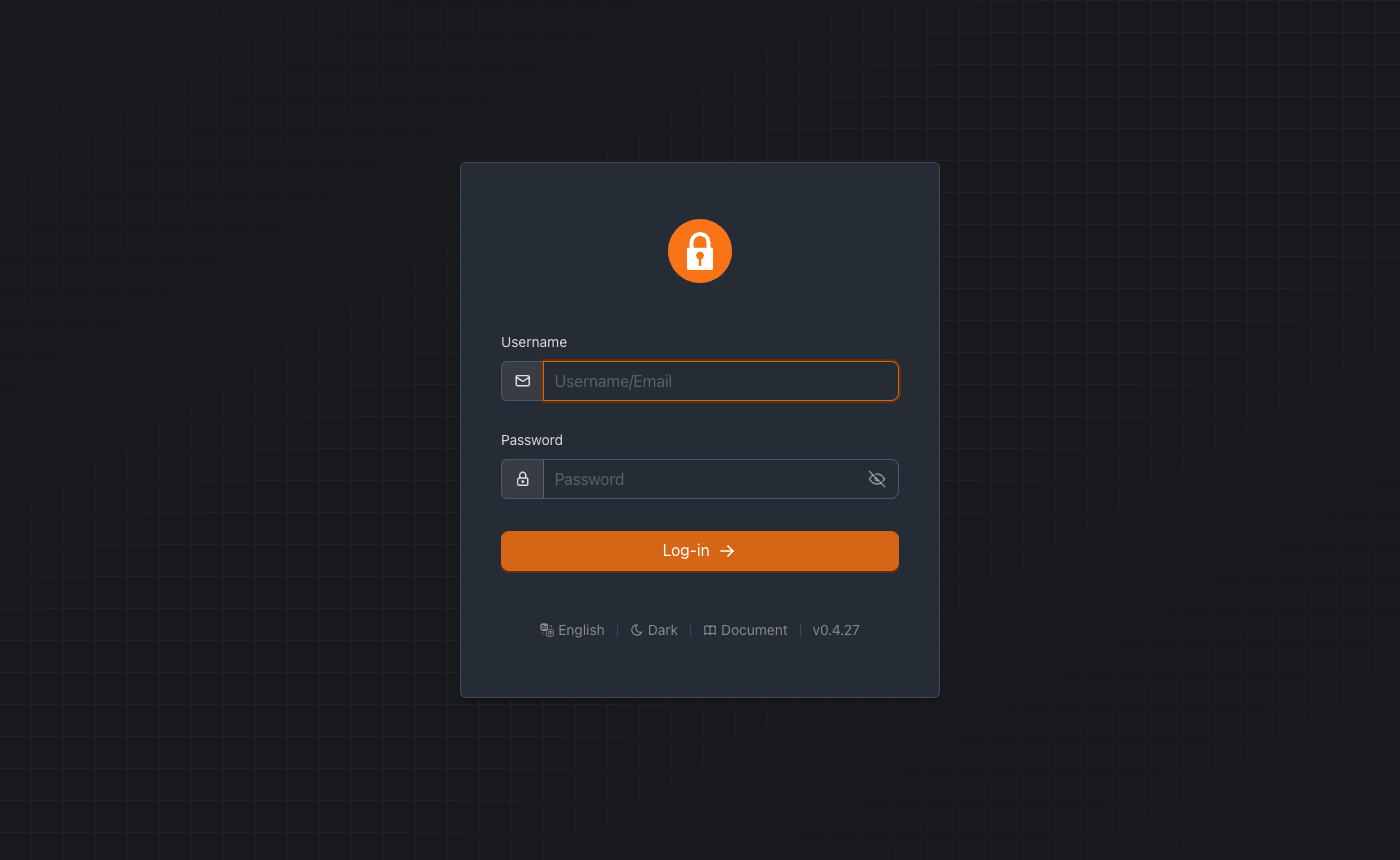
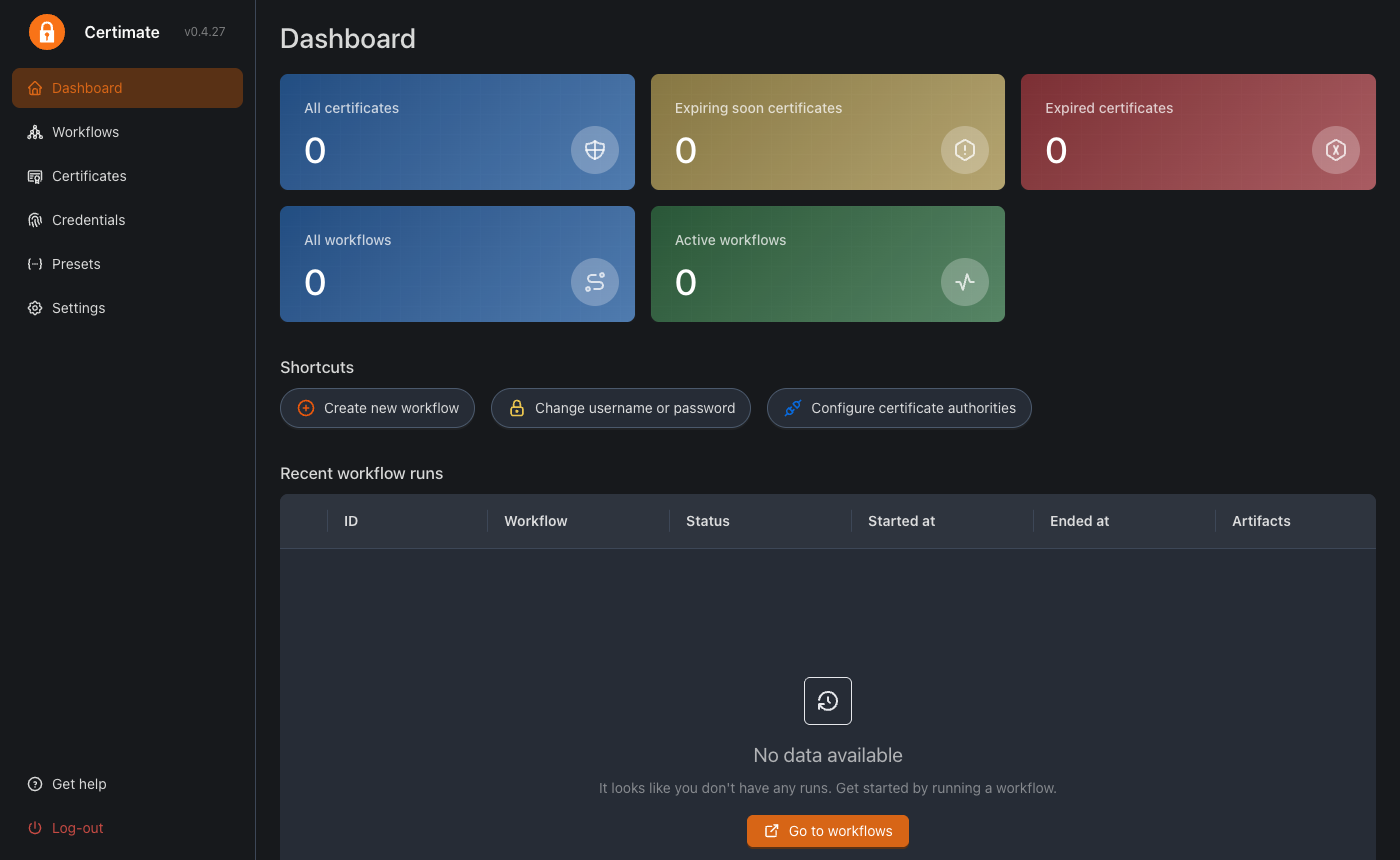
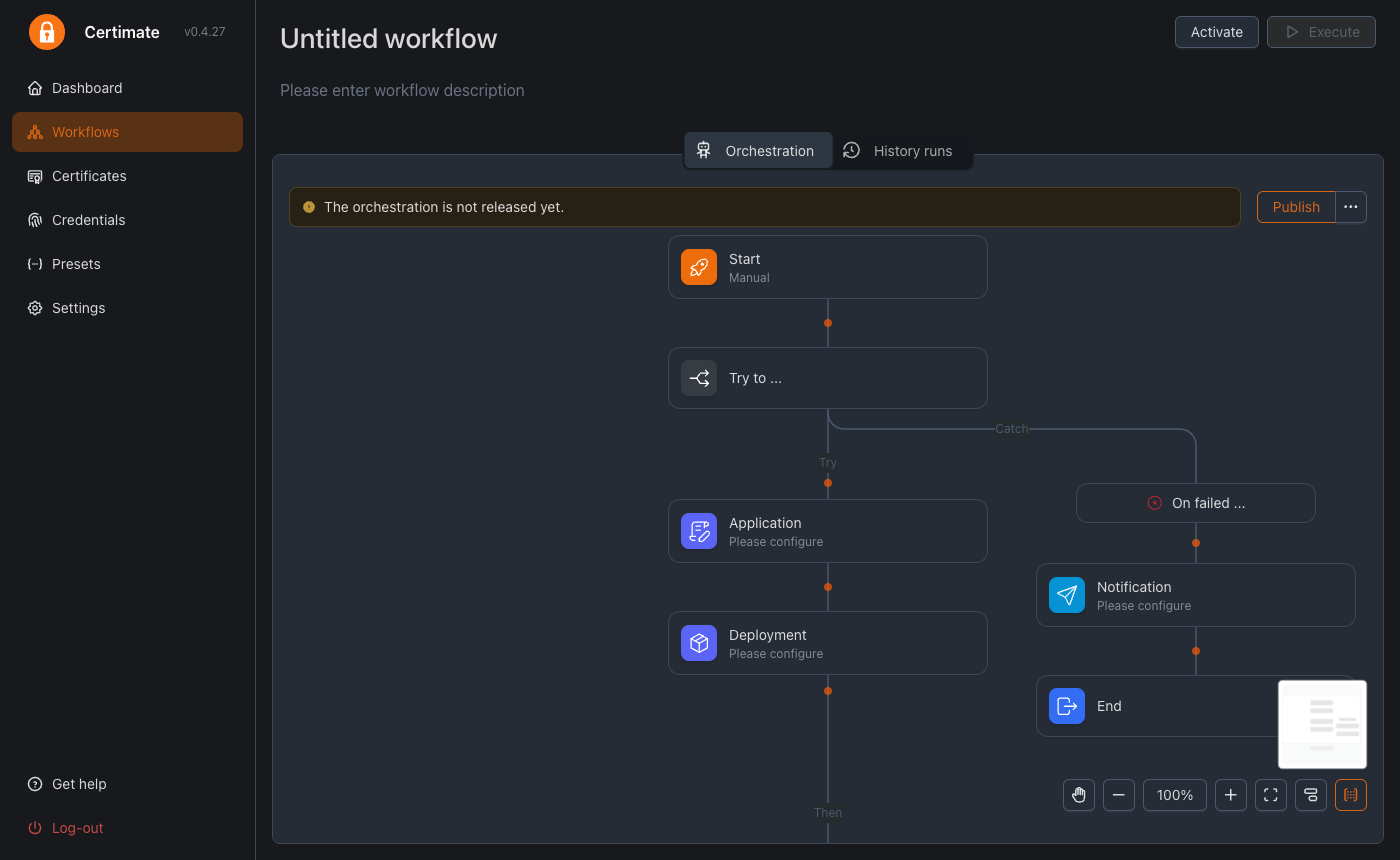
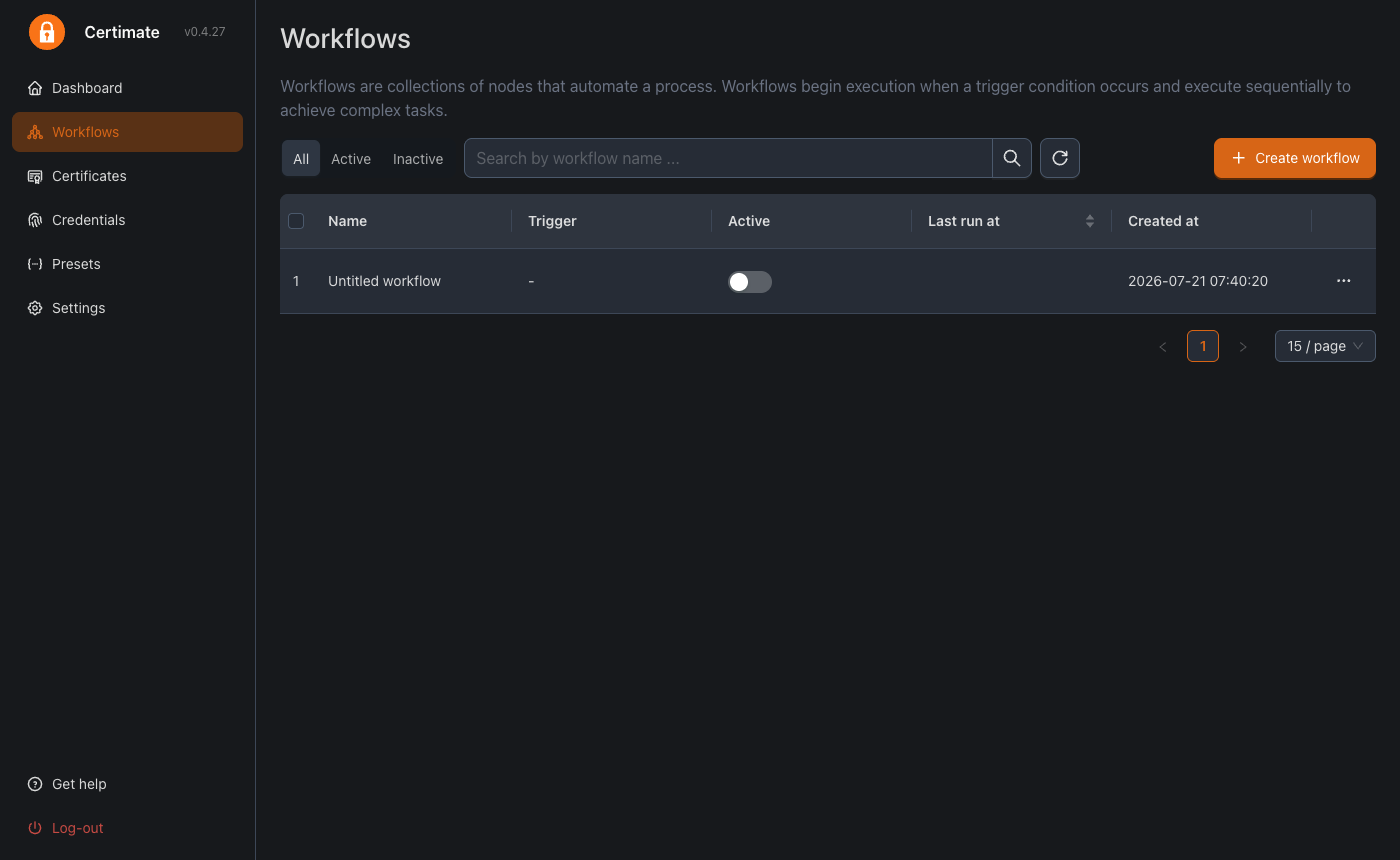
This is a repackaged open source software product wherein additional charges apply for cloudimg support services.
## Why This AMI Over Manual Deployment
Standing up a certificate automation platform by hand means installing the server, wiring a reverse proxy, generating a per-instance administrator credential, and locking down the default account - a process that often leaves an insecure shared login in place. This AMI eliminates that effort: a complete certificate lifecycle manager is running within minutes of launch, fronted by nginx, with a unique administrator password generated automatically on first boot. Unlike a default install that ships the well-known upstream default credential, every instance boots with a fresh, unique password. The platform runs as native systemd services with no container runtime required, simplifying operations on a single instance.
## Application Stack
The certificate automation server is a single self-contained Go binary installed under /opt and run by a dedicated unprivileged service account, bound to loopback so it is never exposed without the proxy. Its embedded database holds all runtime state - accounts, ACME registrations, issued certificates, and deploy-target credentials. An nginx reverse proxy publishes the web console on the standard HTTP port with realtime streaming support, so the full visual workflow editor, certificate views, and settings are available from a browser out of the box.
## Certificate Lifecycle Automation
Request certificates through the ACME protocol from a wide range of certificate authorities including Let's Encrypt, ZeroSSL, Google Trust Services, SSL.com, and Actalis. A visual workflow editor drives issuance, renewal, and deployment as connected steps. Issued certificates are automatically pushed to over 150 hosting targets - Kubernetes ingresses, content delivery networks, web application firewalls, load balancers, object storage, and many more - so a renewed certificate reaches every endpoint without manual copying. Automatic renewal, expiry monitoring, and multi-channel notifications keep certificates current before they lapse.
## Ecosystem Compatibility and AWS Integration
The platform speaks standards-based ACME, so it works with any compliant certificate authority. Deploy targets span major clouds and self-hosted infrastructure, and notifications can be delivered over email and popular messaging channels. Pair the image with Amazon Route 53 for DNS-01 challenge validation and with your existing AWS load balancers, CloudFront distributions, or Amazon EKS clusters as deployment destinations.
## Secure First Boot
On the first boot of your instance, a one-shot service generates a fresh administrator password unique to that instance and initialises a clean database with it before the console is ever reachable. The password is written to a root-only file. No shared or default credentials ship in the image, and the well-known upstream default password is rejected on a launched instance.
## Use Cases
## Getting Started
Launch the AMI, retrieve the generated administrator password from the root-only file, and open the web console in your browser. Sign in, connect an ACME certificate authority and one or more deploy targets, and build your first issue-and-deploy workflow. A full user guide is available to walk through the complete setup flow.
## About cloudimg
cloudimg provides production-ready AMIs with 24/7 technical support by email and live chat. Our engineers help with deployment, ACME certificate authority setup, DNS and HTTP challenge configuration, deploy-target integration, workflow design, renewal and expiry monitoring, notifications, and TLS setup for the console.
## Book a Guided Setup Session
Want help designing your certificate automation workflow? Contact our team to schedule a guided setup session where an engineer walks you through first-boot configuration, ACME authority connection, and deploy-target integration tailored to your environment.

This image runs Clair, the open source project for the static analysis of vulnerabilities in application containers.

KeePass is a free, open source password manager that stores all your passwords in a highly encrypted database. The datab...

This image runs OpenSCAP, the reference open source implementation of the Security Content Automation Protocol (SCAP).

This image runs CrowdSec, the free and open source collaborative behavioural security engine.

This image runs CyberChef 11.2.0, the open source "Cyber Swiss Army Knife" originally created by GCHQ, on Ubuntu 24.04 L...

DefectDojo is an open source, OWASP flagship DevSecOps and application vulnerability management platform.