Base
Hardened build
minimal ports, security patches applied at build time

ChartDB, a browser based database schema visualizer and diagram editor, ready to map an existing database the moment it boots.
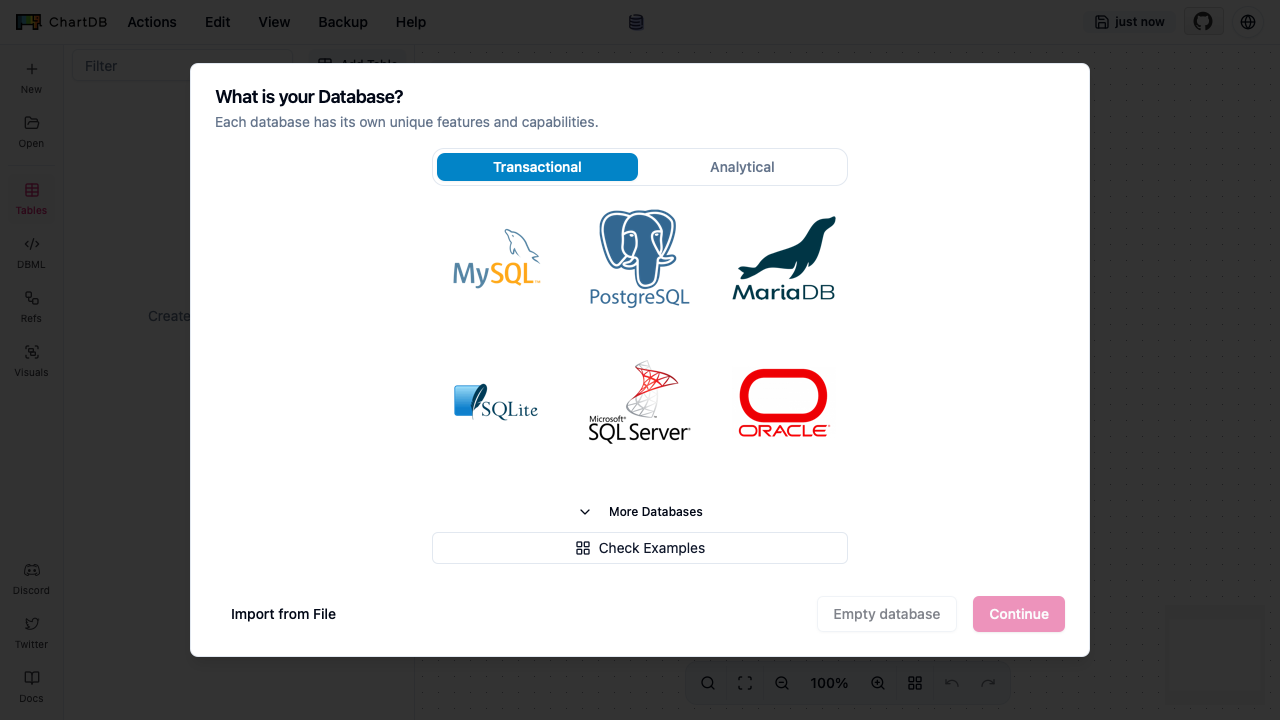
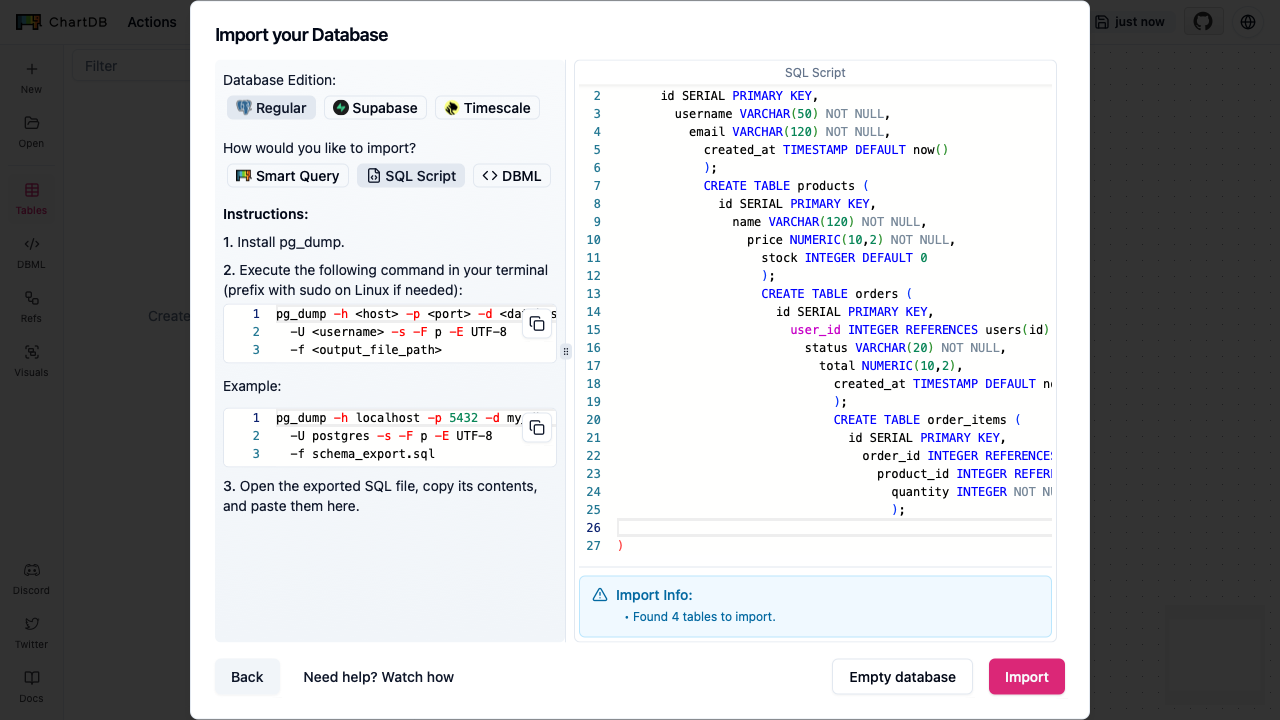
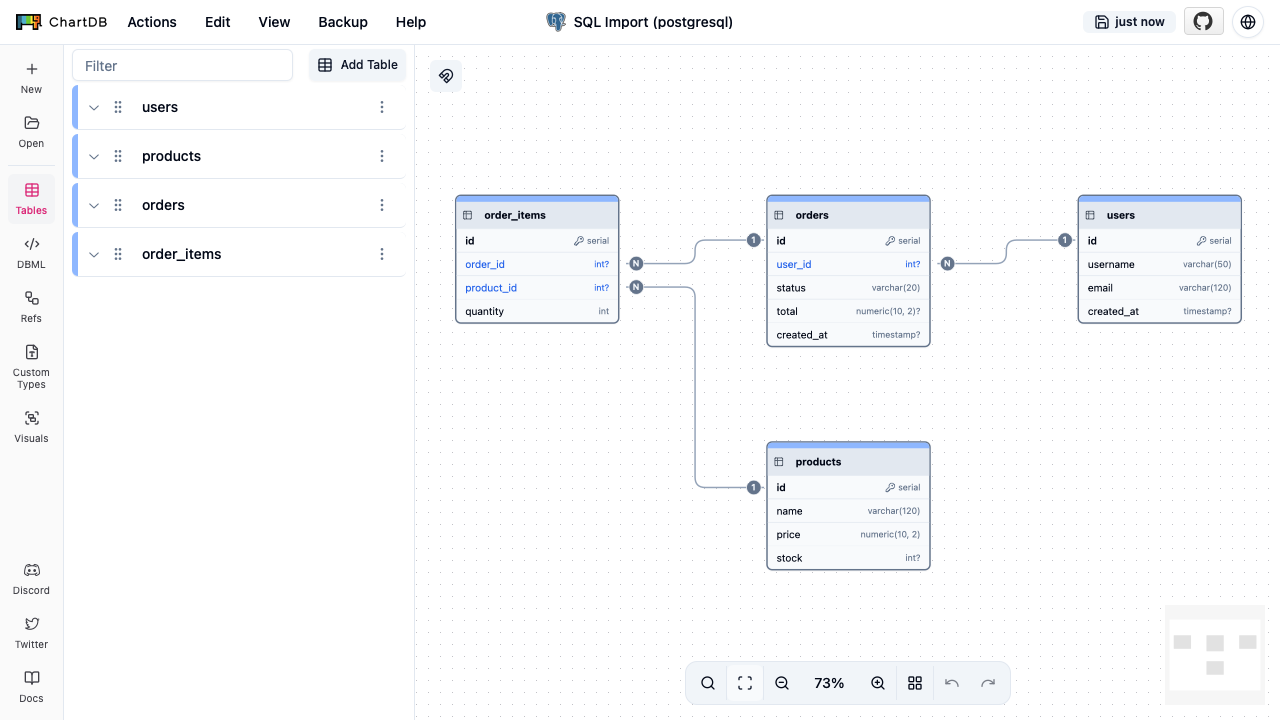
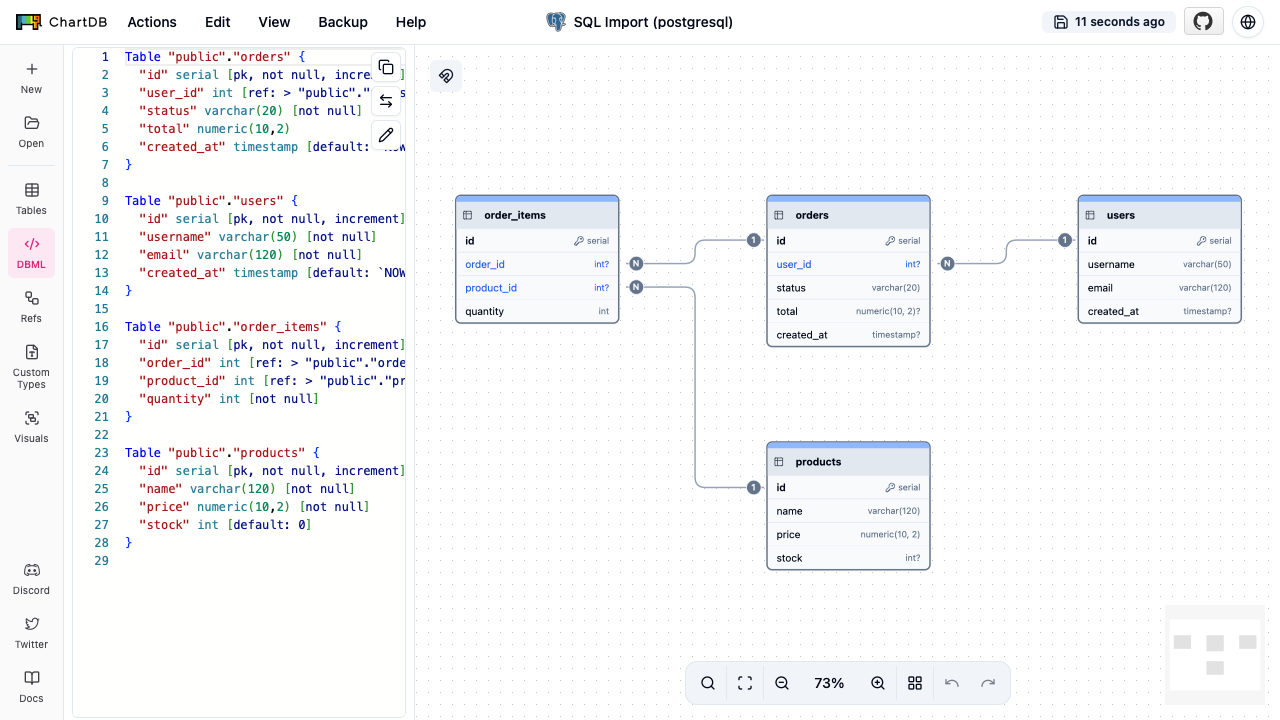
ChartDB is a web based editor for visualizing and designing database schemas as entity relationship diagrams. You import an existing schema by running a single query and pasting the result, arrange and edit the diagram in the browser, and export the design as SQL or an image. It suits documenting a database, planning schema changes, and reviewing a data model with a team.
cloudimg delivers ChartDB hardened, fully patched and secure by default: the app has no login of its own, so it is placed behind HTTP Basic Auth at the web server and a unique password is generated on the first boot of every instance and written to a root only file, so no two instances share a credential and the editor is never exposed without a login. The base is kept current with unattended security upgrades, every deployment is paired with a step by step guide, and it is backed by 24/7 cloudimg support.
Real screenshots taken while testing this image against its deployment guide.

Docker Community Edition is the free, open source container runtime that allows you to package applications and their de...
Docker Community Edition preconfigured across several Linux variants, running containers within minutes of launch.

What cloudimg adds to every version - Every image is built by cloudimg on a fully patched base with the latest security ...

Around that core it adds a side by side editor with comments and a review state for each key, conflict detection when a ...
Apache Allura is the open source project hosting platform, or forge, that powers SourceForge.

This image runs Altair GraphQL Client 8.5.7, an open source GraphQL IDE, on Ubuntu 24.04 LTS.