Base
Hardened build
minimal ports, security patches applied at build time
Crontab UI, a web interface to safely create, edit and manage cron jobs, secured with a per instance login.
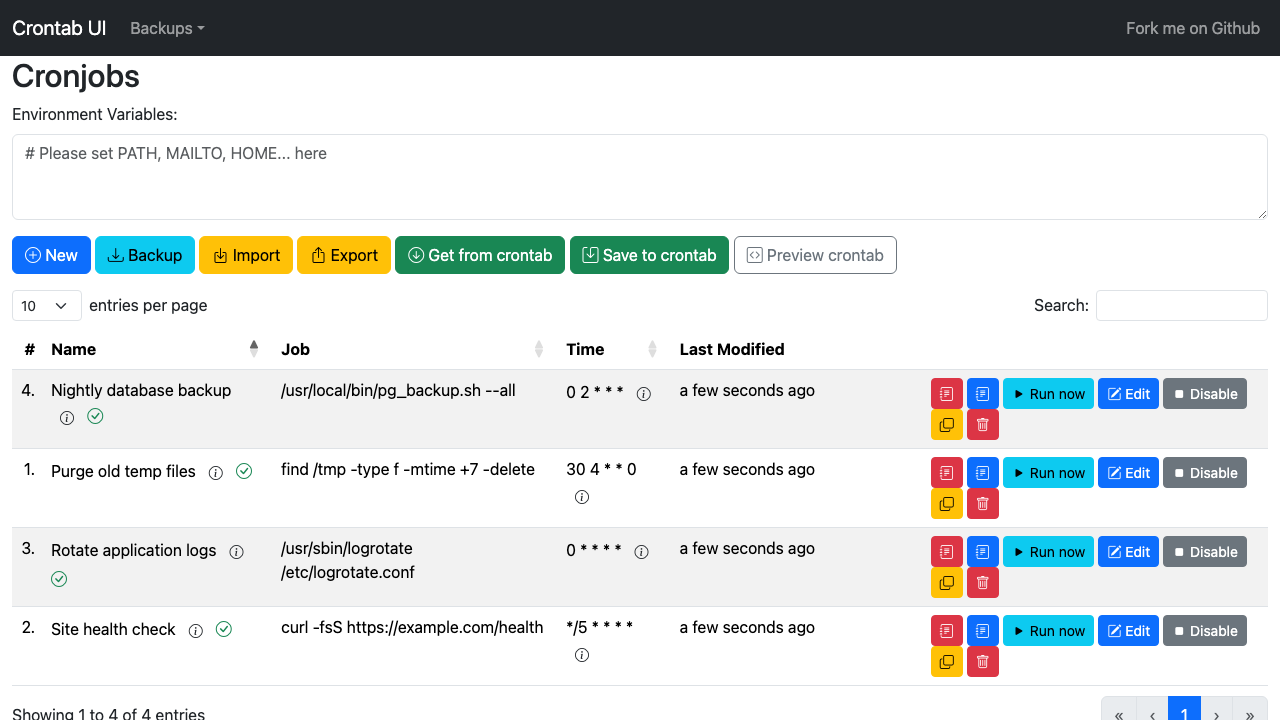
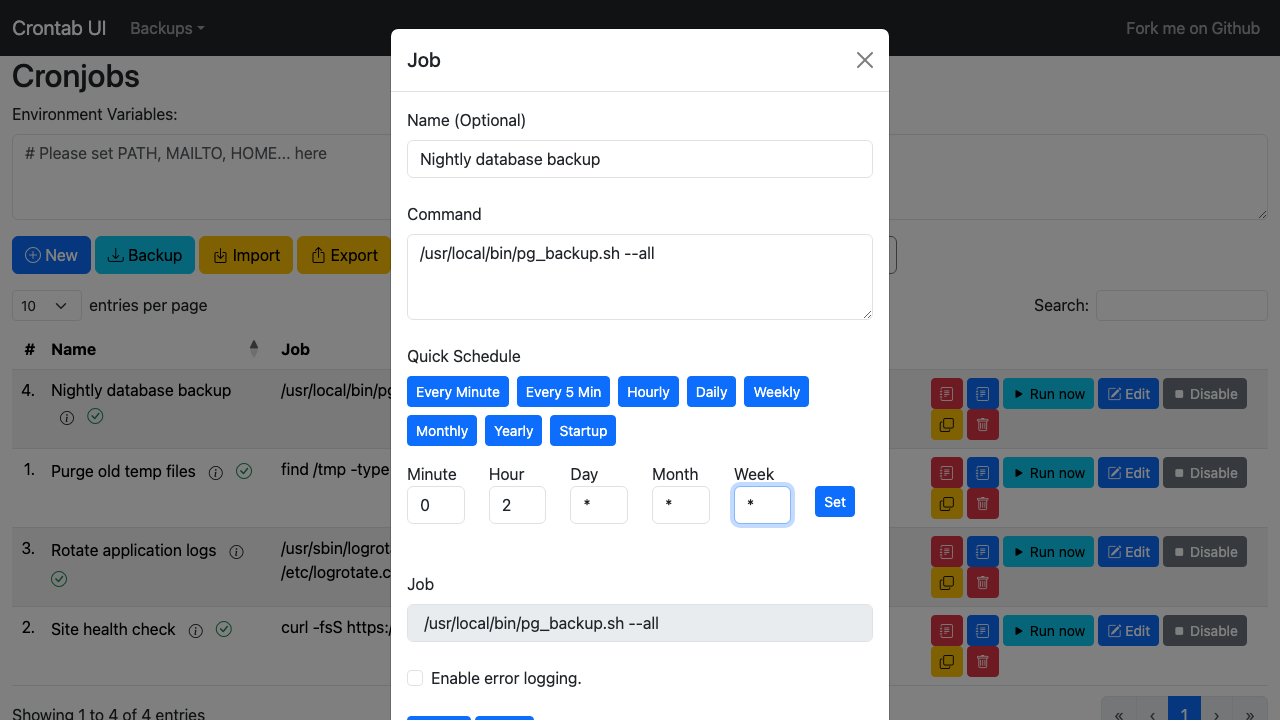
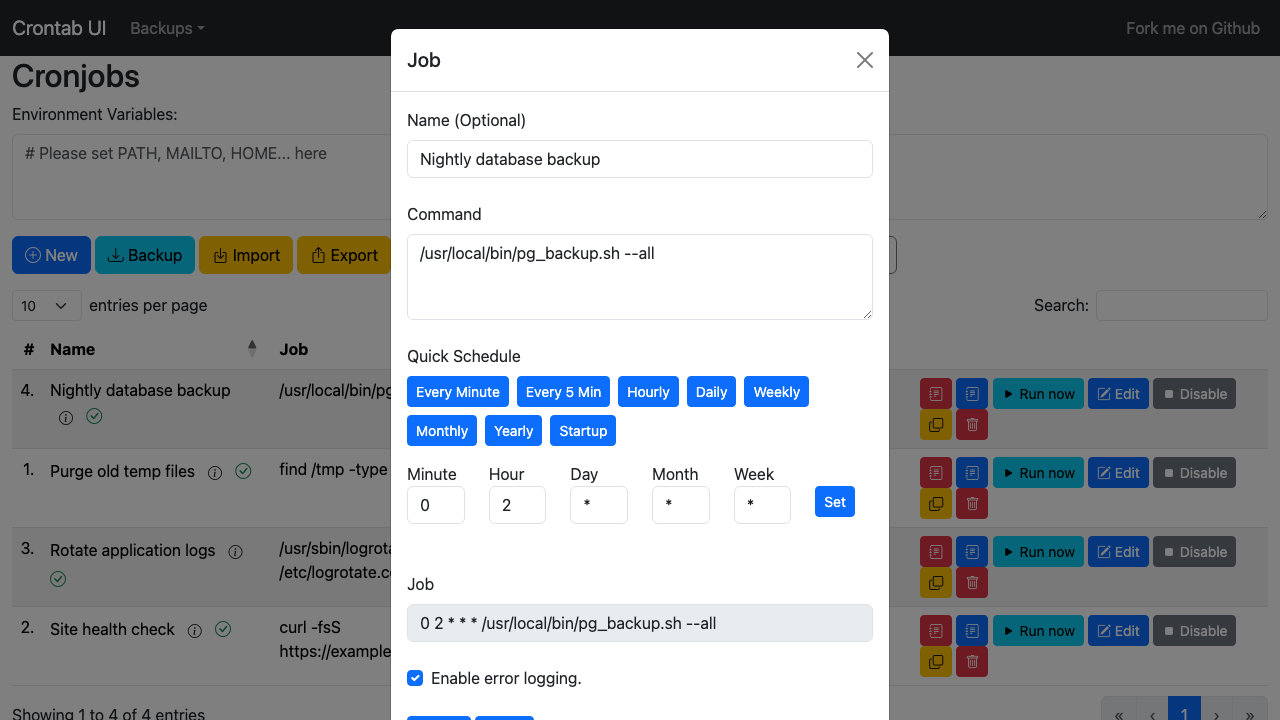
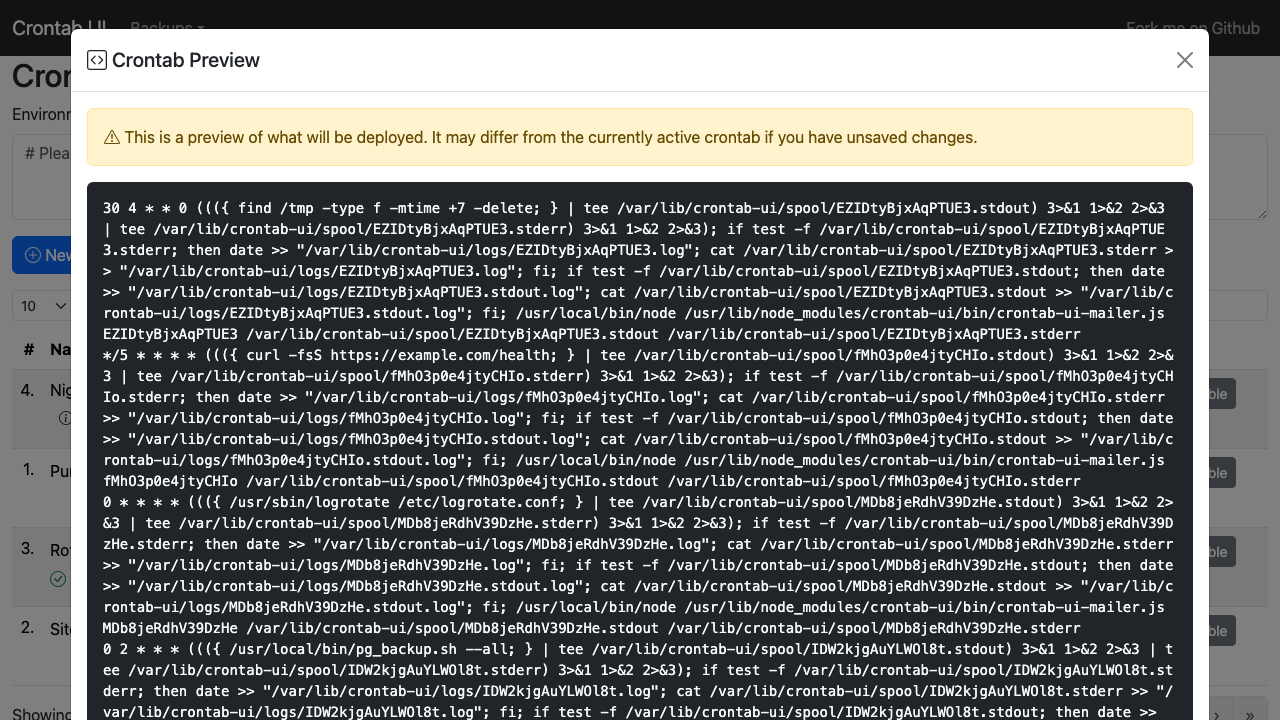
Crontab UI is an open source web interface for managing cron jobs. Create, edit, pause, resume, run, import, export, back up and restore scheduled jobs from a browser, with a clear view of every job's schedule and command, instead of hand editing crontab text over SSH.
cloudimg delivers Crontab UI hardened and fully patched, served over TLS with a self signed certificate regenerated on first boot. Authentication is on by default and a unique admin credential is generated per instance, and the service refuses to start without one. It binds to loopback behind an nginx reverse proxy and manages the crontab of a dedicated unprivileged service account rather than root's. Backed by 24/7 support.
Real screenshots taken while testing this image against its deployment guide.

Docker Community Edition is the free, open source container runtime that allows you to package applications and their de...
Docker Community Edition preconfigured across several Linux variants, running containers within minutes of launch.

Around that core it adds a side by side editor with comments and a review state for each key, conflict detection when a ...
Apache Allura is the open source project hosting platform, or forge, that powers SourceForge.

This image runs Altair GraphQL Client 8.5.7, an open source GraphQL IDE, on Ubuntu 24.04 LTS.

A control node is the machine those playbooks actually run from. This image is that machine, and it ships ready rather t...