Base
Hardened build
minimal ports, security patches applied at build time

Dagu, a self contained workflow and cron orchestration engine that runs, schedules and monitors YAML defined DAGs from a built in web UI, with a unique admin password generated on first boot.
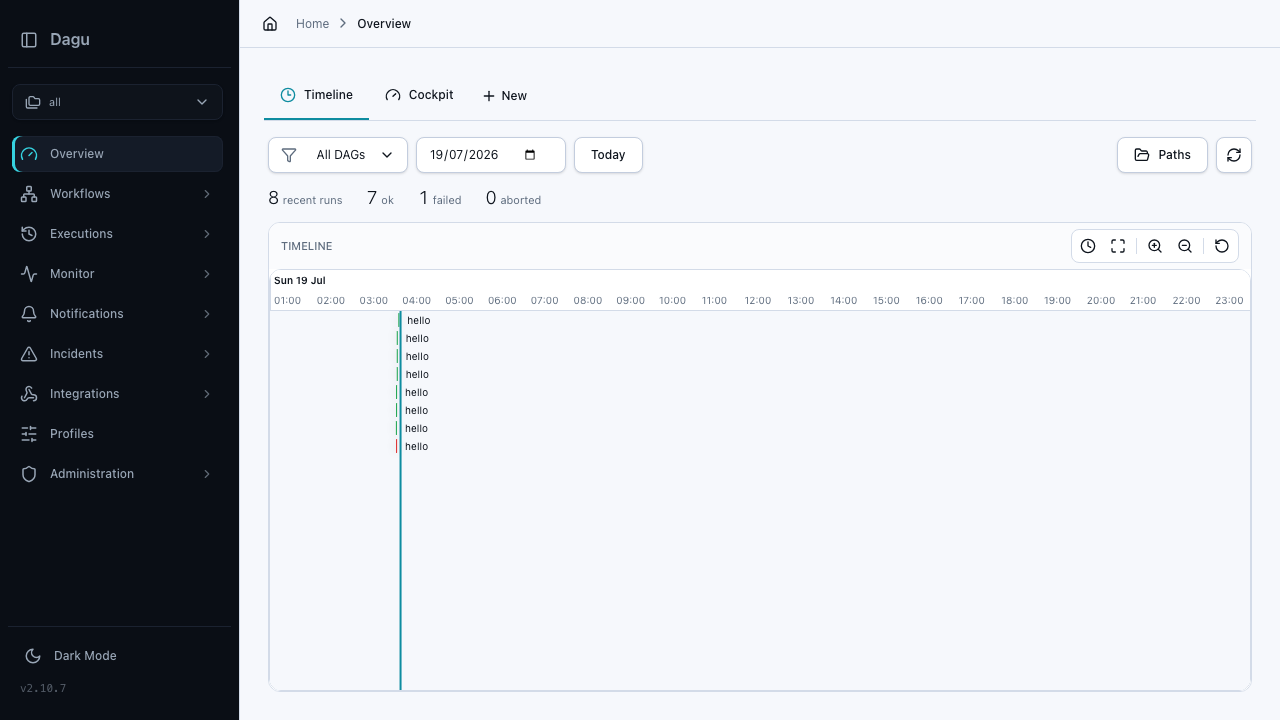
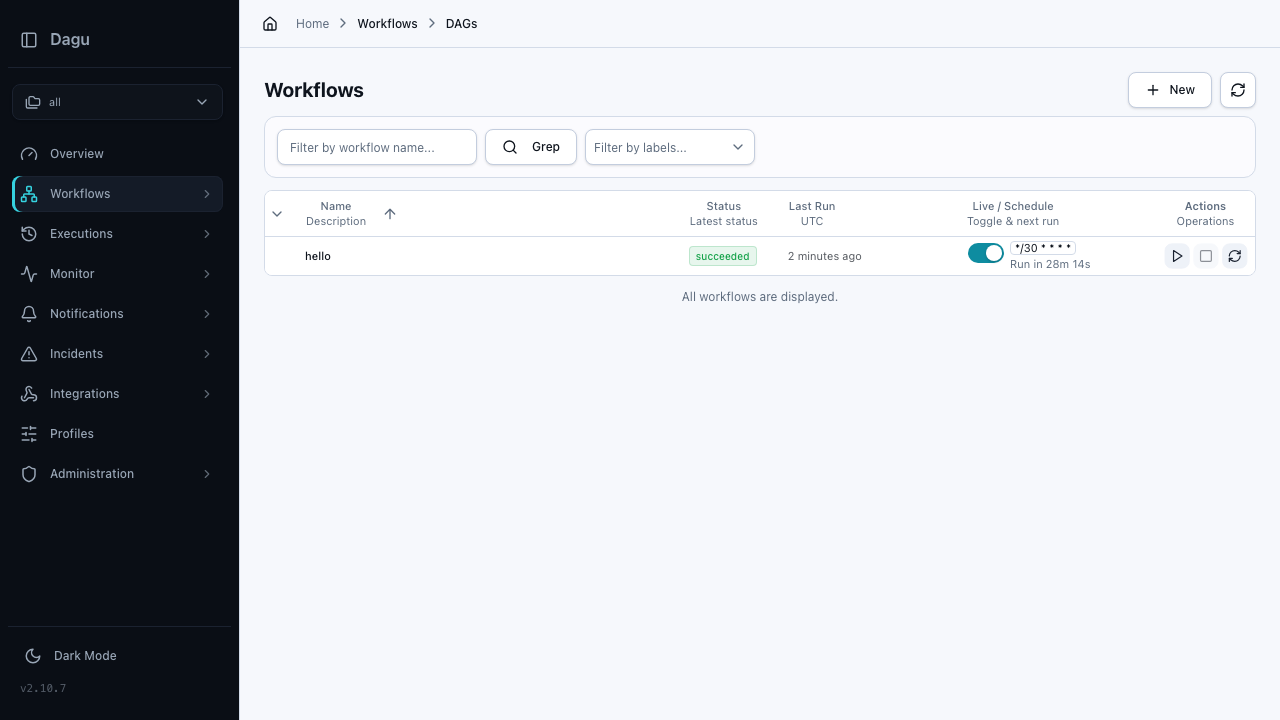
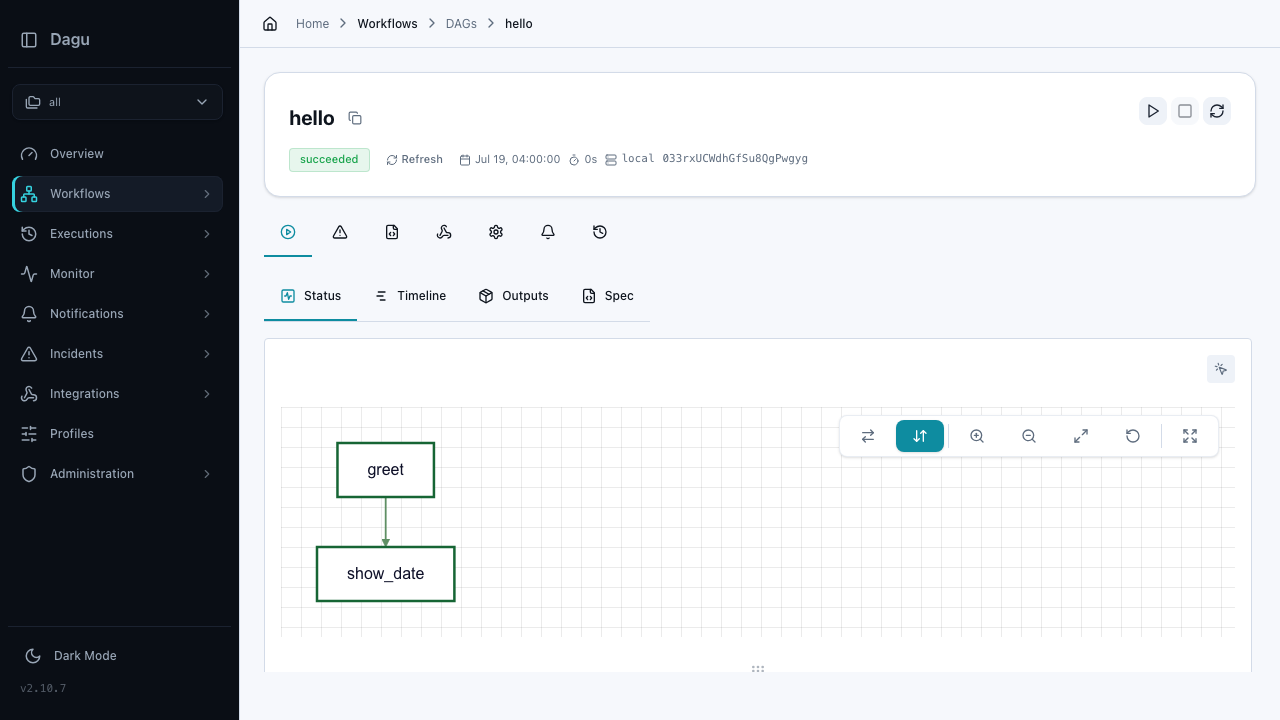
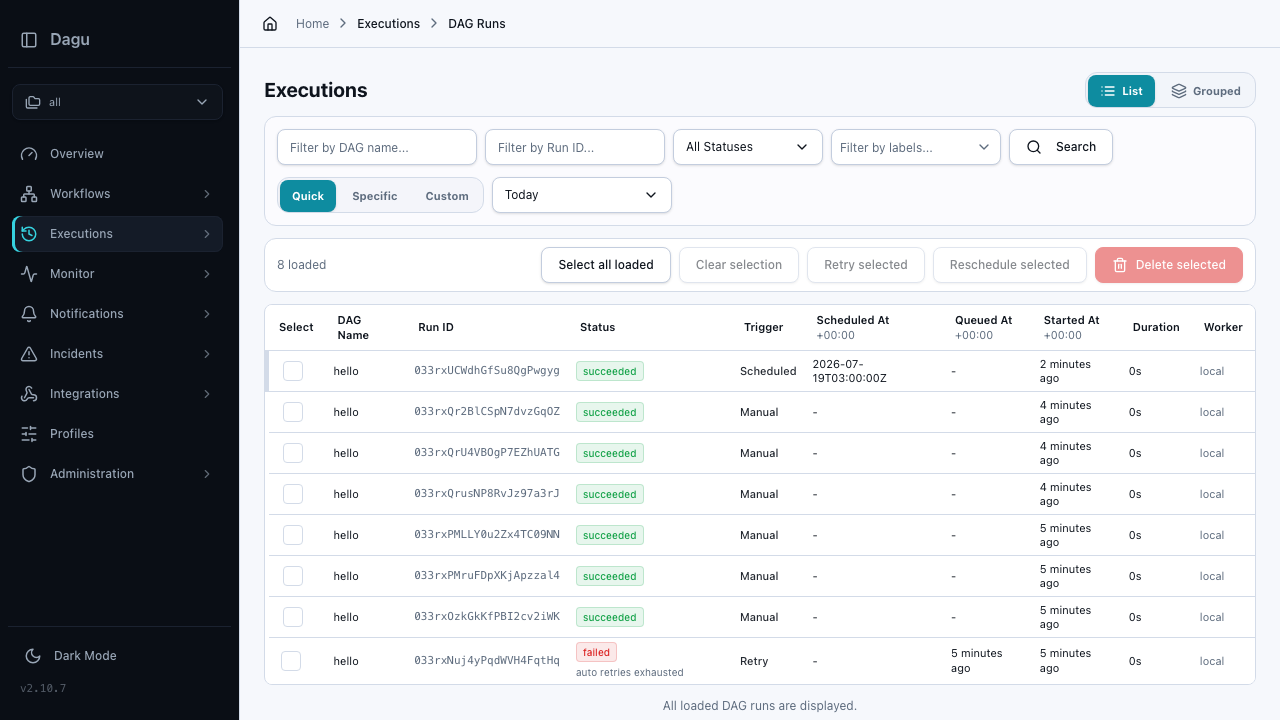
Dagu is a self contained workflow and cron orchestration engine. You describe your work as a DAG, a directed acyclic graph of steps, in a single readable YAML file, and Dagu runs it on demand or on a schedule, resolving dependencies between steps and handling retries, timeouts, preconditions and lifecycle hooks. A built in web UI lets you browse workflows, start and stop runs, watch each step of a run graph in real time and inspect per run logs and history, while a REST API and command line interface drive the same engine from scripts.
It suits engineers and data teams who want a lightweight replacement for scattered cron jobs and shell scripts: data pipelines, backups, batch jobs, edge and IoT automation and general internal task automation on a single machine, with no database or message broker to operate.
cloudimg ships Dagu hardened, fully patched and reverse proxied behind nginx, so a working orchestration server is running within minutes of launch, with an example workflow already in place. Dagu serves its web UI unauthenticated by default, and this image closes that gap: Dagu's own HTTP Basic authentication is enabled and, on the first boot of every instance, a unique administrator password is generated and written to a file only the root user can read, so no two deployments share a credential and none is baked in. Dagu stays bound to the loopback interface behind the proxy. It comes with a paired deployment guide and 24/7 cloudimg support.
Real screenshots taken while testing this image against its deployment guide.

Docker Community Edition is the free, open source container runtime that allows you to package applications and their de...
Docker Community Edition preconfigured across several Linux variants, running containers within minutes of launch.

Around that core it adds a side by side editor with comments and a review state for each key, conflict detection when a ...
Apache Allura is the open source project hosting platform, or forge, that powers SourceForge.

This image runs Altair GraphQL Client 8.5.7, an open source GraphQL IDE, on Ubuntu 24.04 LTS.

A control node is the machine those playbooks actually run from. This image is that machine, and it ships ready rather t...