Base
Hardened build
minimal ports, security patches applied at build time
Proxmox Mail Gateway, the open source email security gateway that stops spam, viruses and phishing before they reach your mail servers, with a full web interface for rules, quarantine and mail tracking.
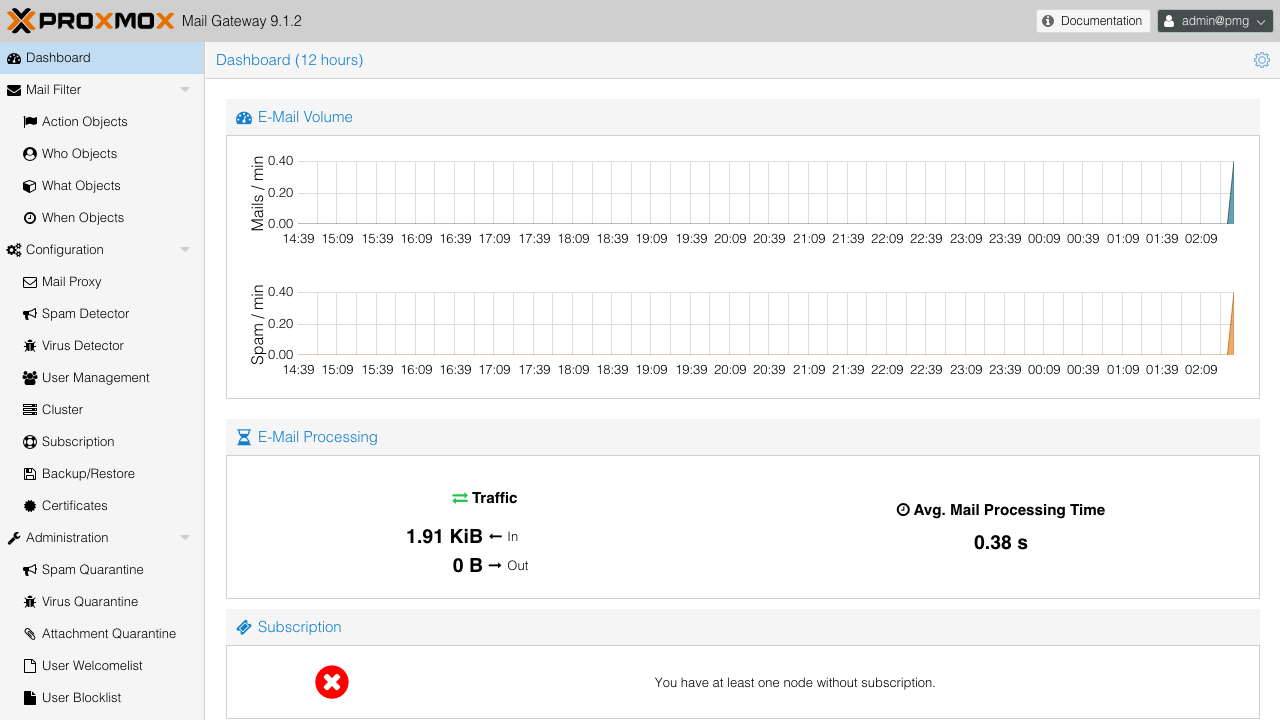
Proxmox Mail Gateway is an open source email security platform that sits between the internet and your own mail servers. Every message passes through it as a full mail proxy: incoming mail is checked with SpamAssassin scoring, Bayesian filtering, DNS blocklists, SPF and DKIM checks, greylisting and the ClamAV antivirus engine before it is relayed on to your mail server, and outgoing mail from your internal servers can be scanned on the way out.
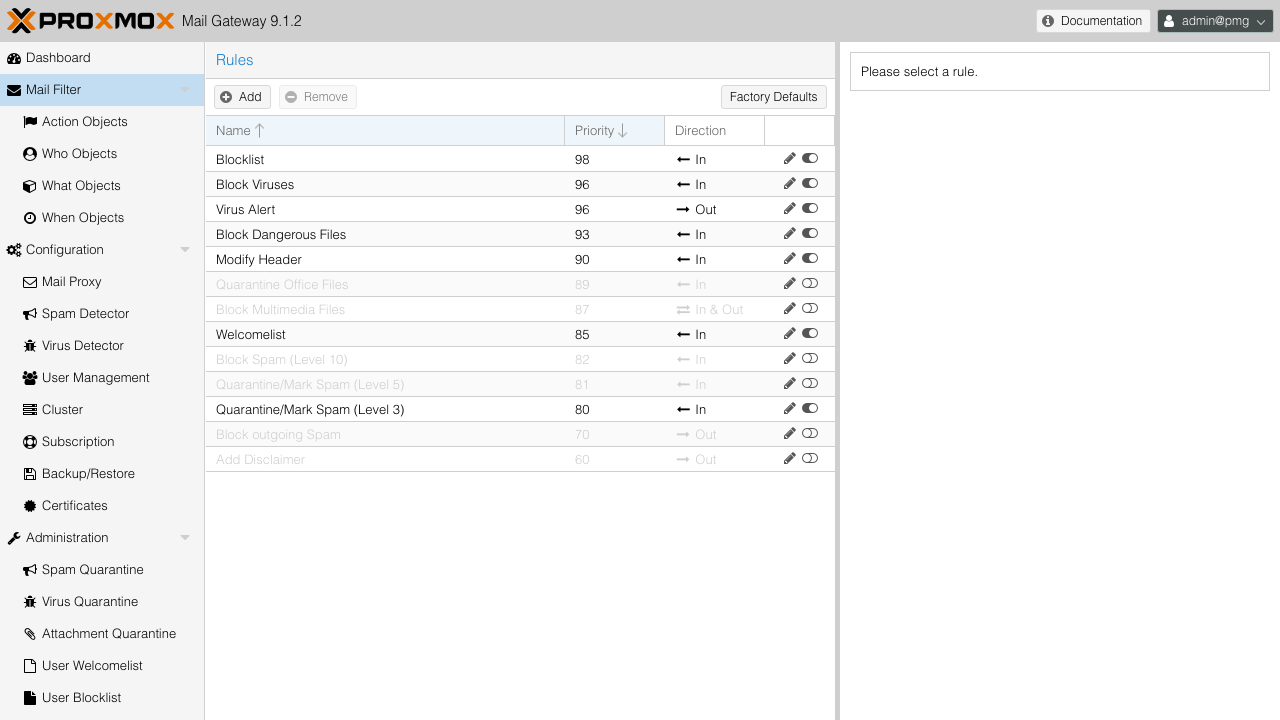
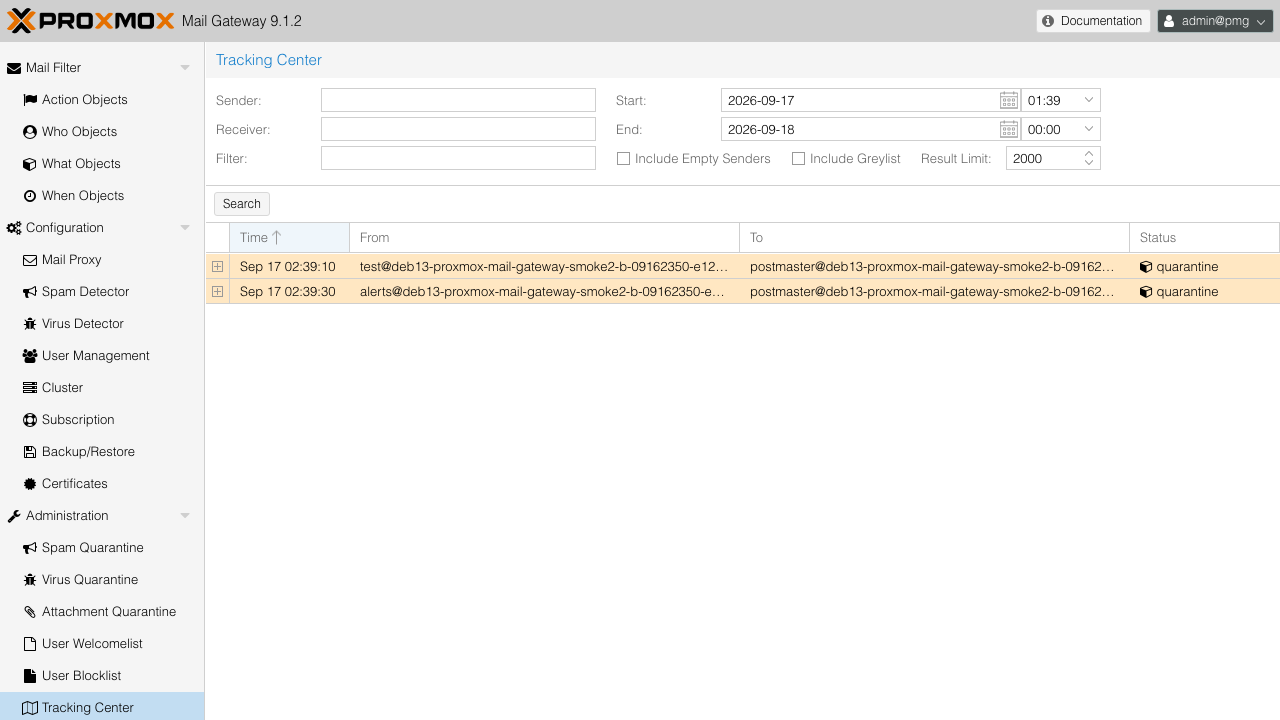
Policy is driven by an object based rule system that combines who a message is from or to, what it contains, when it arrives and what should happen to it, so you can quarantine, block, mark, notify or deliver with precision. Users can review their own spam quarantine and receive daily spam reports, administrators get a tracking center that follows each message through the gateway, and everything is managed from a web interface and a REST API, with LDAP and Active Directory integration, TLS and DKIM signing built in.
It suits organisations that run their own mail servers and want an independent filtering layer in front of them, service providers who filter mail for several domains, and teams that want spam and antivirus policy they control and can audit.
cloudimg delivers Proxmox Mail Gateway unmodified from the official Proxmox repository, with nothing to guess on first boot and no login baked into the image. Each instance creates its own administrator account with a random password stored in a root only file, and generates its own web certificate, API ticket signing key, CSRF key, SMTP TLS certificate and database TLS key the first time it starts, so no two deployments share a secret. Antivirus signatures are fetched fresh from the signature provider on first boot rather than shipped stale.
The gateway starts closed: no mail domains are relayed until you add your own, and the internal relay port only accepts mail from your own network. The free no subscription repository is configured and the subscription only repository is switched off, so updates work straight away. The image keeps the cloud optimised kernel and resolves its own host name and mail domain automatically on every boot. A paired deployment guide covers DNS, routing mail to your server, the platform rules for outbound mail on port 25, sizing and security hardening, backed by 24/7 cloudimg support.
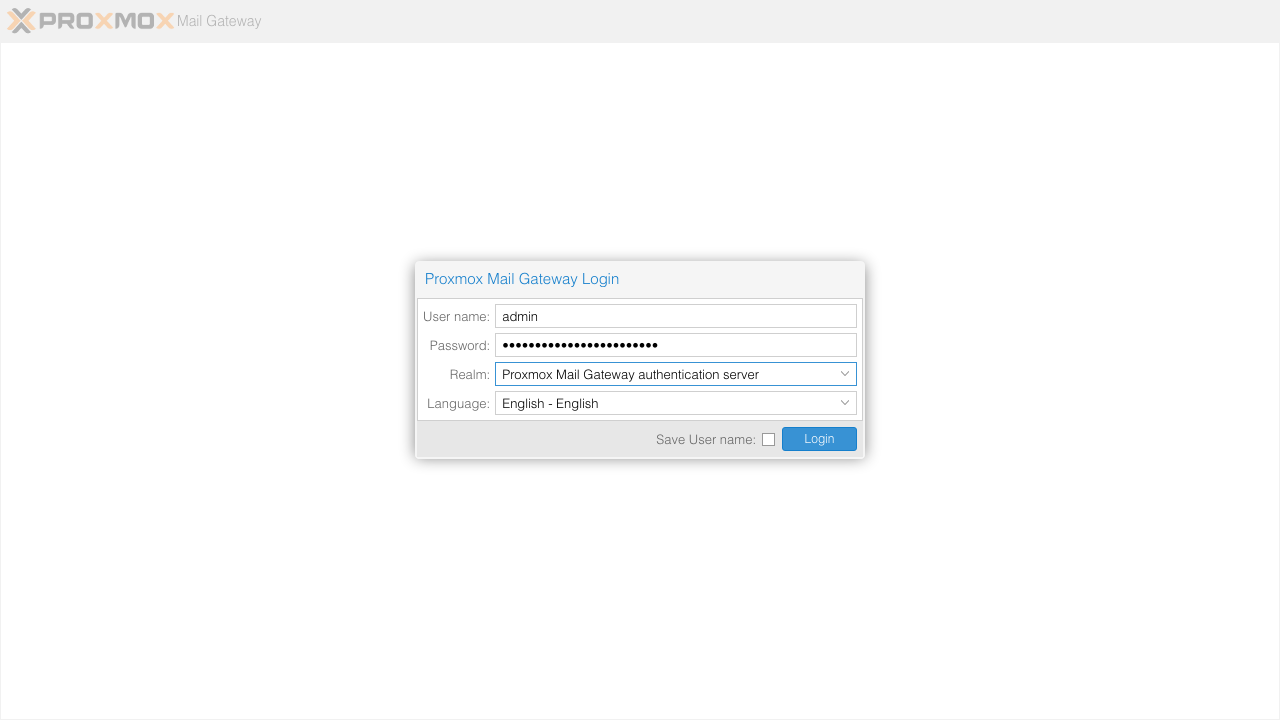
Real screenshots taken while testing this image against its deployment guide.

What cloudimg adds to every version - Every image is built by cloudimg on a fully patched base with the latest security ...

What cloudimg adds to every version - Every image is built by cloudimg on a fully patched base with the latest security ...

What cloudimg adds to every version - Every image is built by cloudimg on a fully patched base with the latest security ...

What cloudimg adds to every version - Every image is built by cloudimg on a fully patched base with the latest security ...

What cloudimg adds to every version - Every image is built by cloudimg on a fully patched base with the latest security ...
2FAuth is a free, open source, self hosted web app for managing your two factor authentication accounts.