Base
Hardened build
minimal ports, security patches applied at build time

a lightweight, secured BitTorrent client with a browser web ui, ready in minutes from cloudimg
Deluge is a popular, lightweight, cross-platform open source BitTorrent client. It uses a client and server design: a background daemon handles all downloading and seeding while a clean browser based web interface lets you add torrents and magnet links, organise downloads, and set bandwidth and connection limits from anywhere. This image delivers Deluge fully installed and secured, so a working client is operational within minutes of launch with no manual package installation and no exposure of the well known default credentials.
The cloudimg image is secure by default: the daemon and web interface are bound to the loopback interface only and fronted by an nginx reverse proxy that terminates TLS and enforces HTTP basic authentication on every request. The well known default web password is rotated away, and the web password, the daemon connection secret and the basic authentication credential are all generated fresh on each instance's first boot, with only one way hashes stored on the server. Downloads and daemon state live under a dedicated directory, and every deployment is paired with a step by step deploy guide and 24/7 cloudimg support.
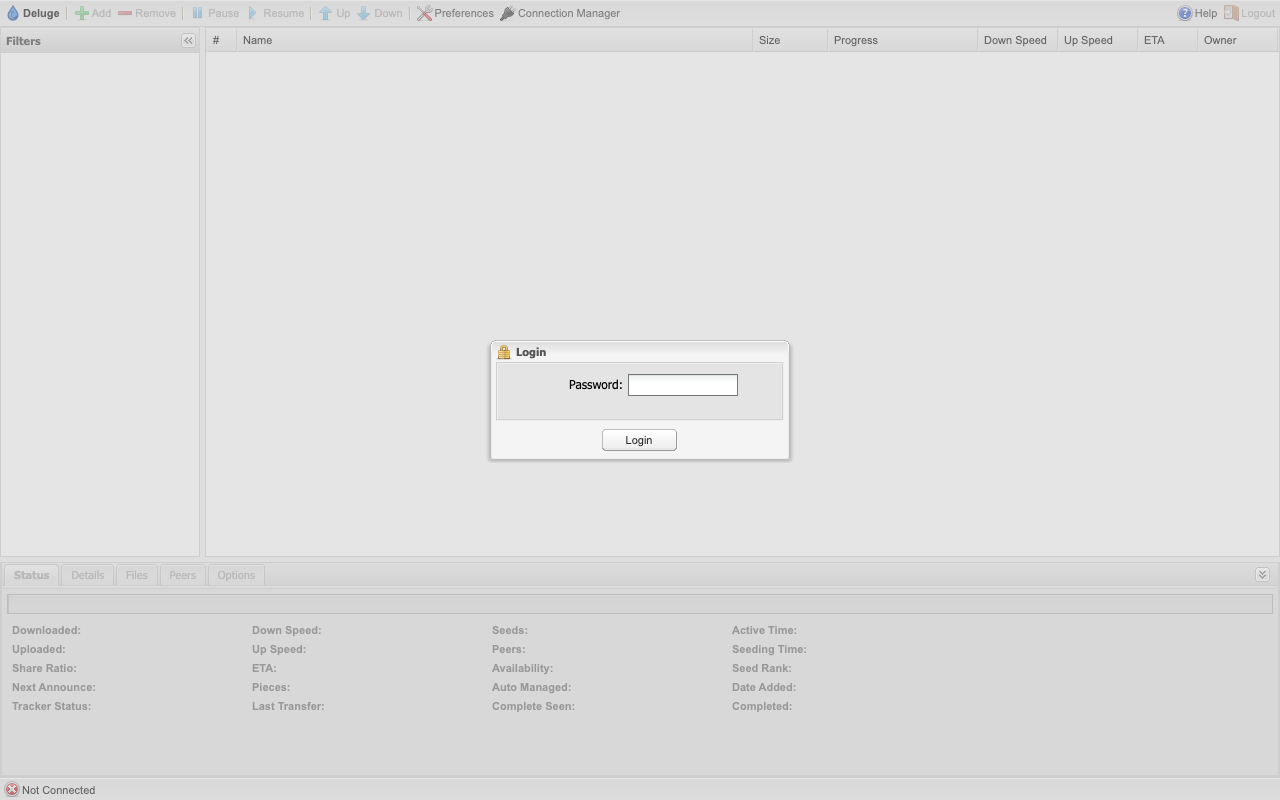
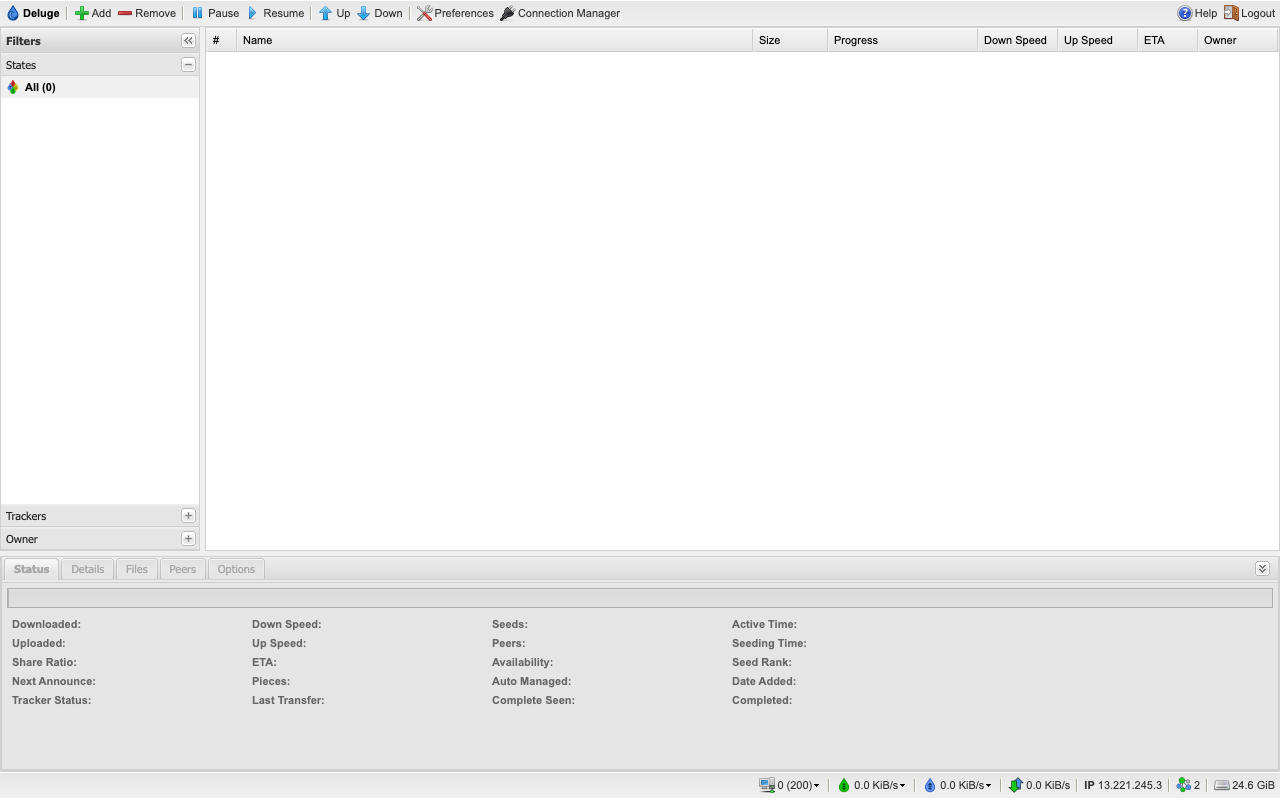
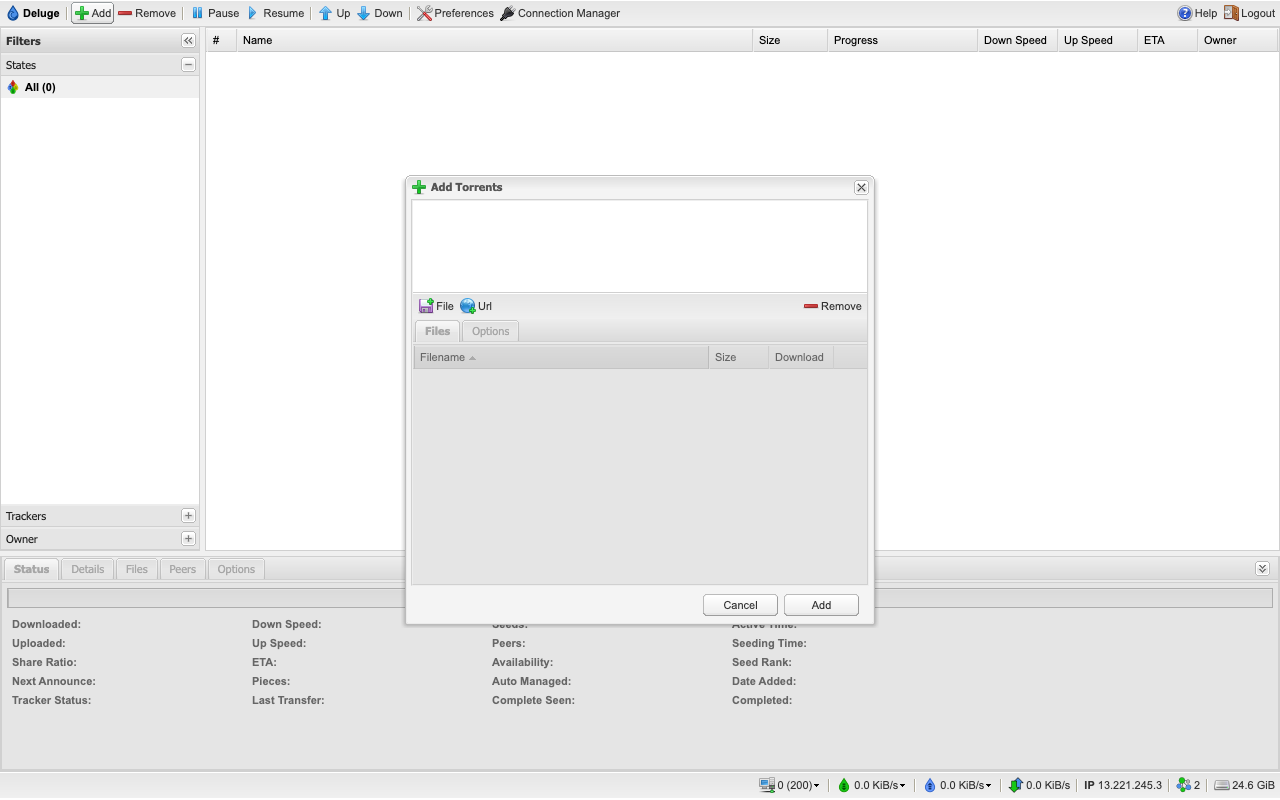
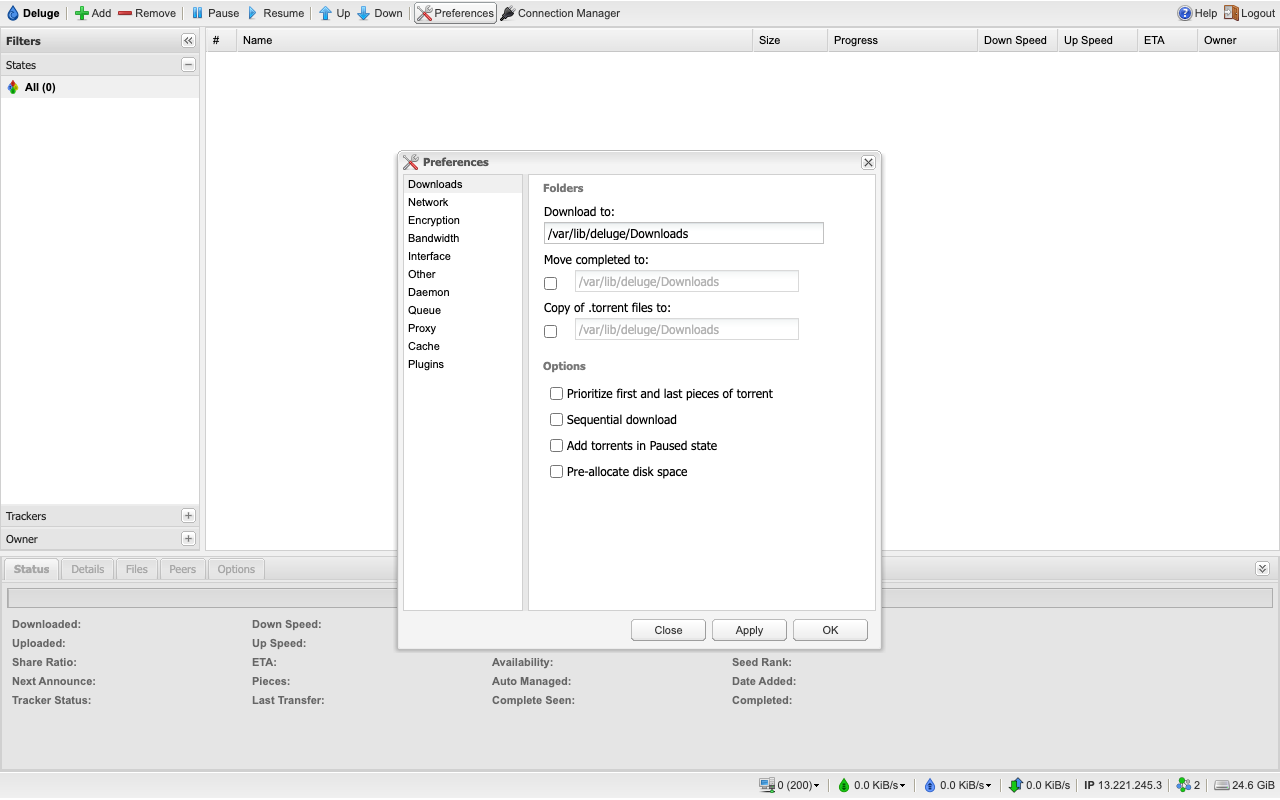
Real screenshots taken while testing this image against its deployment guide.
This is a repackaged open source software product wherein additional charges apply for cloudimg support services.
## Overview
Deluge is a popular, lightweight, cross-platform open source BitTorrent client. It uses a client/server design: a background daemon handles all downloading and seeding while a clean browser based Web UI lets you add torrents and magnet links, organise downloads, set bandwidth and connection limits, and manage everything from anywhere. It is an efficient, low overhead way to run a private, always on download and seeding server on infrastructure you control. This image delivers Deluge fully installed and secured so a working client is operational within minutes of launch, with no manual package installation, no service configuration and no exposure of the well known default credentials.
## Why This Image vs a Manual Install
A standard Deluge Web UI ships with a well known default password, which means an unprotected deployment is open to anyone who can reach it. Compared to installing Deluge yourself, this image eliminates the manual package installation, virtual environment build, systemd unit authoring, nginx configuration, TLS certificate generation and credential setup. It binds the daemon and Web UI to the loopback interface only and places the Web UI behind an nginx reverse proxy that enforces HTTP basic authentication on every request. It then rotates the Web UI password, the daemon connection secret and the basic authentication credential to unique random values on each instance's first boot. You launch the instance, read your unique credential, and start adding torrents.
## Application Stack
Deluge is installed at a pinned stable release into a dedicated Python virtual environment and runs as an unprivileged system user under systemd. The daemon and the Web UI are bound to the loopback interface only and fronted by an nginx reverse proxy that terminates TLS and enforces authentication. systemd starts the daemon, the Web UI and the web server on boot and restarts them on failure.
## Security Hardening
This image follows a defence-in-depth approach with the following hardening measures applied:
Buyers requiring formal compliance documentation should contact cloudimg to discuss specific requirements.
## Ready to Use
Read your credential from the root-only file, open the Web UI in your browser, and start adding torrents and magnet links. Files download to a dedicated directory on the instance; set download locations, bandwidth and connection limits from the Web UI. You are responsible for ensuring that everything you download and share is lawful and that you hold the necessary rights; no torrent, tracker or content is preconfigured.
## AWS Integration
Deploy on any EC2 instance type. Use the unauthenticated health endpoint with an Application Load Balancer for availability monitoring. Pair with AWS Certificate Manager and a custom domain to replace the self-signed certificate with a trusted one. Back up your downloads and daemon state using EBS snapshots or AWS Backup.
## Use Cases
## cloudimg Support
24/7 technical support by email and chat. Help with deployment, reverse-proxy and TLS termination with your own domain and certificate, Web UI configuration, download and bandwidth settings, and backup planning.
All product and company names are trademarks or registered trademarks of their respective holders. Use of them does not imply any affiliation with or endorsement by them.

Apache Ozone is the scalable, distributed object store for Hadoop and cloud-native workloads. It exposes both an S3-comp...

Backrest is a popular open source web interface and orchestrator for restic, the fast, secure, deduplicating backup prog...

This image runs Barman (Backup and Recovery Manager), the open source disaster-recovery manager for PostgreSQL from Ente...

This image runs Cloud Commander 19.19.1, the open source web based orthodox (two panel) file manager with a built in Edw...
Cyberduck is a libre file transfer client for FTP, SFTP, WebDAV, Amazon S3, Google Cloud Storage, Microsoft Azure, OpenS...

This image runs File Browser, the open source, self-hosted web file manager - browse, upload, download, edit, preview an...