Base
Hardened build
minimal ports, security patches applied at build time

Docling Serve, the document conversion API that turns PDFs, office files and web pages into clean structured Markdown and JSON with layout and table understanding, secured from first boot by cloudimg.
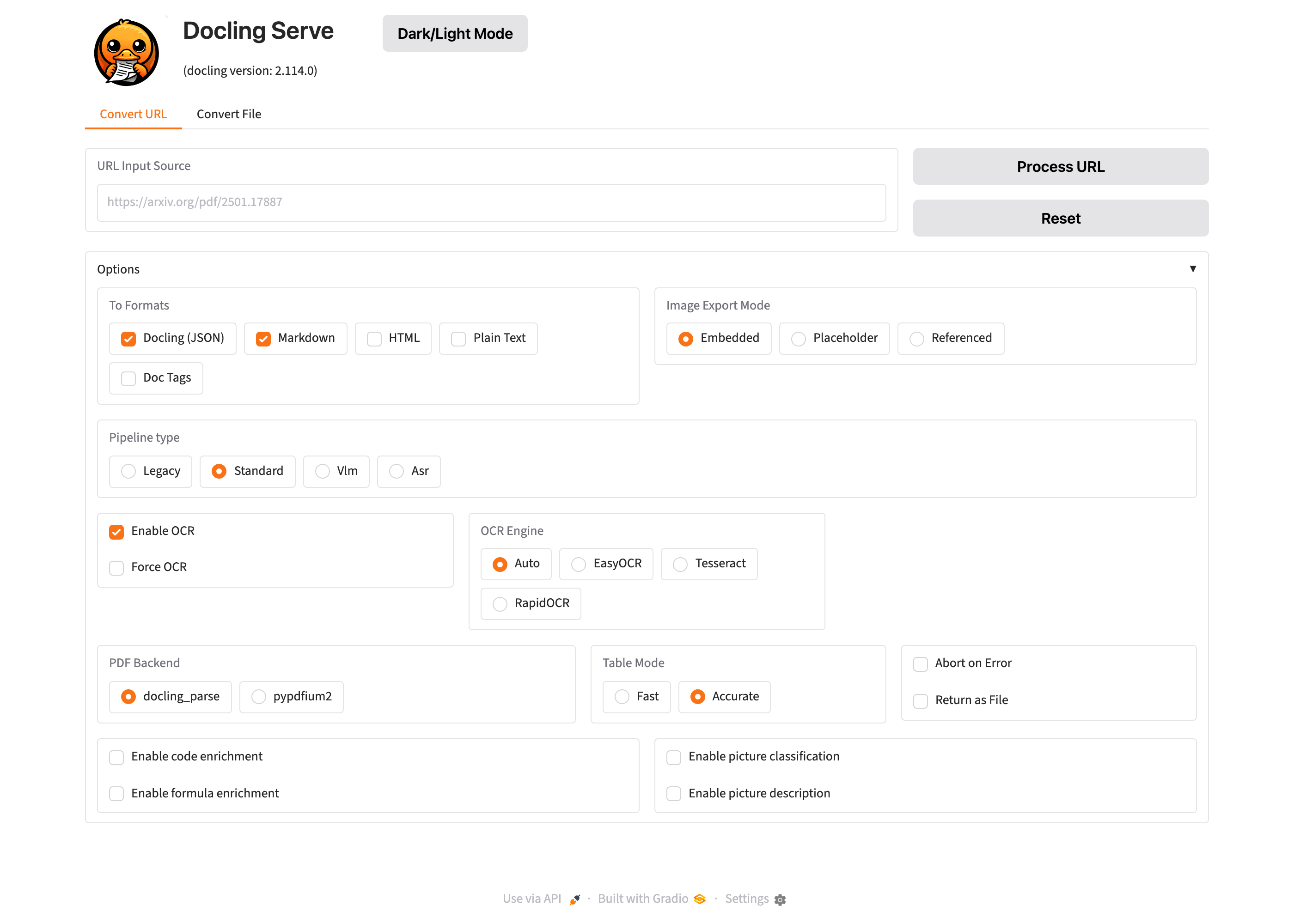
Docling Serve is the HTTP API service around Docling, an open source document conversion toolkit. It converts PDF, DOCX, PPTX, HTML and image documents into well structured Markdown or JSON, using machine learning models that understand page layout and reconstruct tables, so headings, paragraphs, lists and tabular data survive the conversion instead of collapsing into a wall of text. Applications POST a document to the API and receive back structured content ready to index, chunk for retrieval augmented generation, feed to a language model or store, and an interactive playground and OpenAPI docs are built in.
It suits teams building search, retrieval augmented generation and document processing pipelines who need a self hosted, private conversion service they run inside their own cloud account, so sensitive documents are parsed on infrastructure they control rather than sent to a third party service.
cloudimg delivers Docling Serve secure by default: the API ships with no authentication of its own, so the service is bound to loopback and fronted by a reverse proxy with HTTP Basic Auth whose password is generated uniquely on the first boot of every instance and written to a root only file, with no default login surviving into the image. The layout, table structure and OCR models are baked into the image with their licences verified against the artifacts themselves, so both text based documents and scanned or image only documents convert fully offline the moment the instance boots, with the service pinned to offline mode so it never reaches out during a conversion. It is CPU only with no GPU required, hardened and fully patched with unattended security upgrades enabled, and the build proves a real document conversion round trip end to end. Every deployment is paired with a step by step deploy guide and backed by 24/7 cloudimg support.
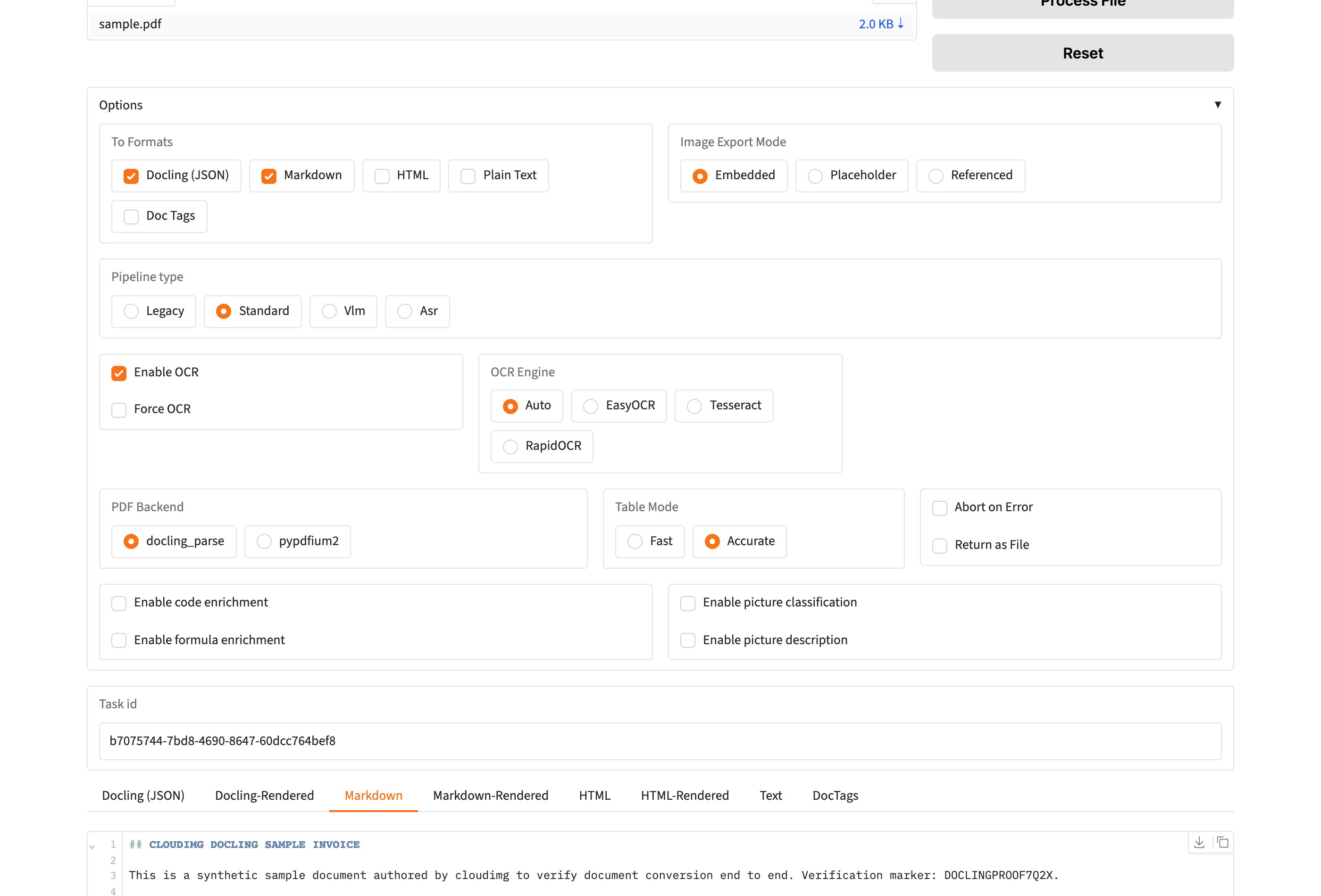
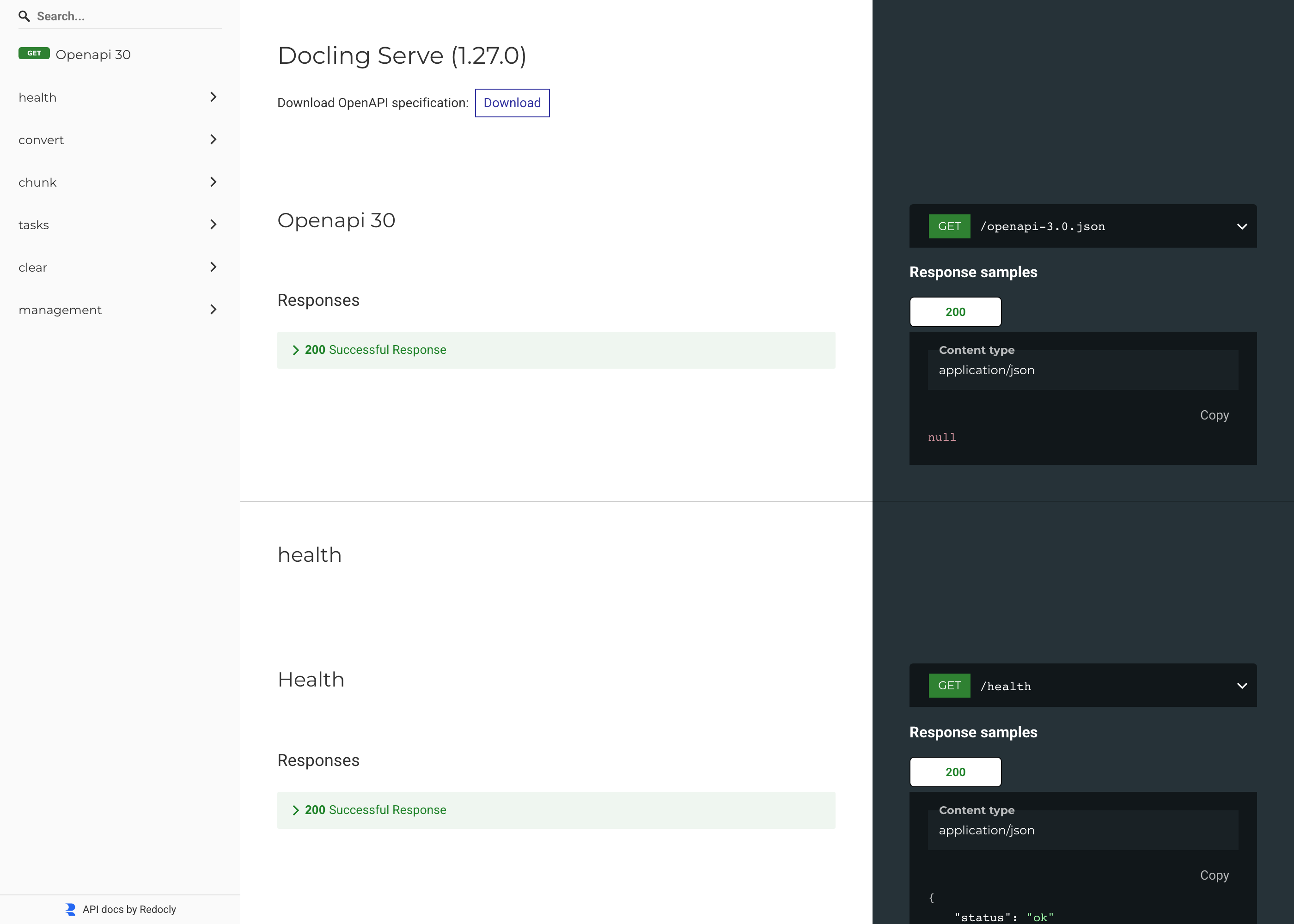
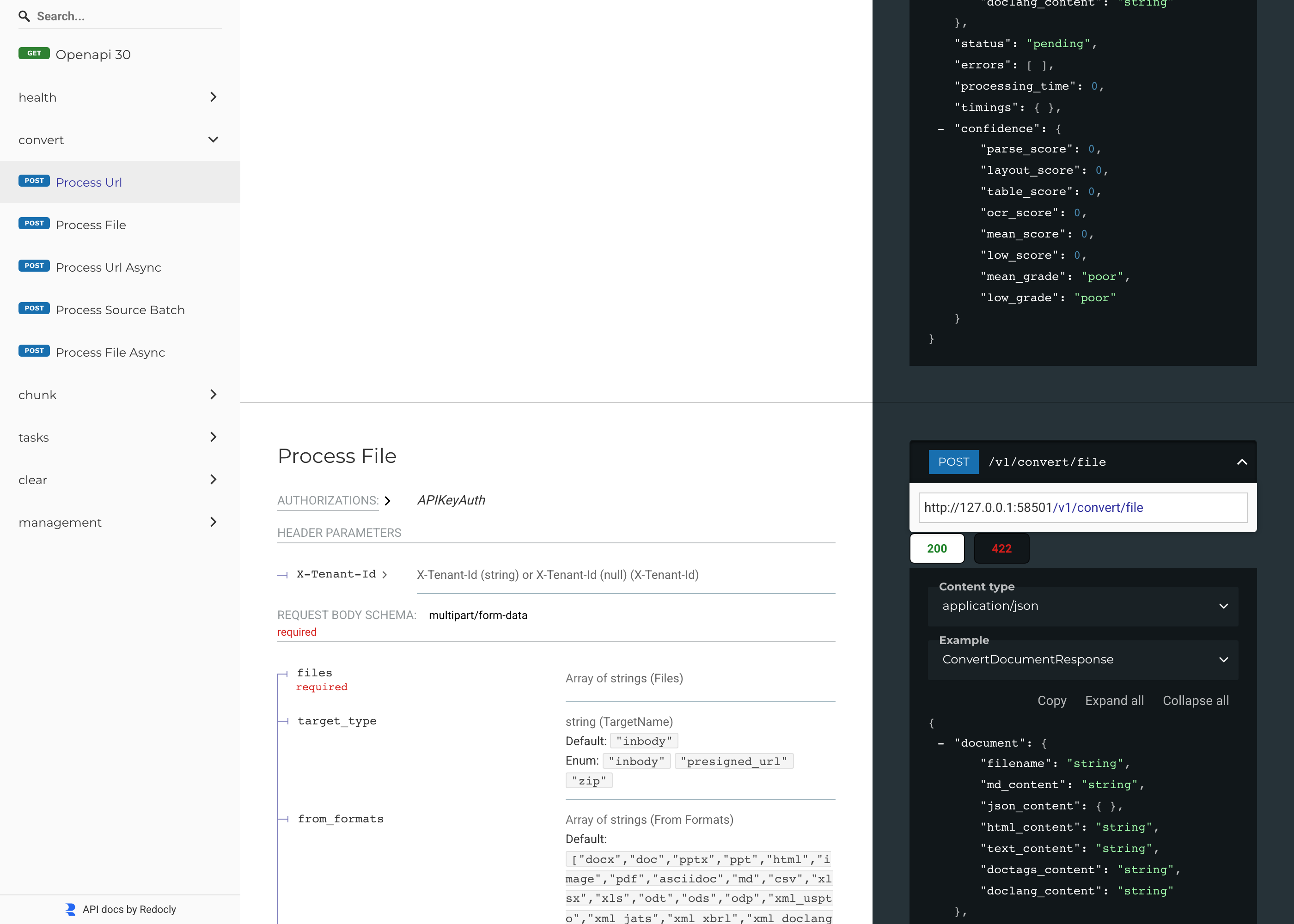
Real screenshots taken while testing this image against its deployment guide.
This is a repackaged open source software product wherein additional charges apply for cloudimg support services.
## Convert Documents to Structured Markdown or JSON - Entirely in Your AWS Account
Docling Serve is a self-hosted HTTP API that converts PDF, DOCX, PPTX, HTML and image files into clean, machine-readable Markdown or JSON with real layout and table understanding. Backed by the Linux Foundation AI and Data community, this AMI delivers a fully built, hardened conversion appliance that is operational within minutes of launch - no manual package installation, no documents leaving your network, and no third-party API dependencies.
## Why Buyers Choose This AMI Over a Manual Install
This image eliminates the manual work of building a Python environment, installing CPU-only PyTorch and docling-serve, downloading and licence-vetting machine-learning models, authoring systemd units, configuring an authenticated reverse proxy and hardening credentials. The layout, table-structure and OCR models are baked in at build time and verified against their licence, so document and scanned-image conversion works fully offline out of the box. Launch the instance, read your unique credential, and start converting documents immediately.
Evaluation path: Launch a small instance for a short session to test the API against your own documents at minimal infrastructure cost. No long-term commitment is required - terminate the instance when your evaluation is complete.
## Concrete Use Cases
## Application Stack
The docling-serve backend runs under systemd as an unprivileged system user and binds to the loopback interface only. It is fronted by an nginx reverse proxy on port 80 that requires HTTP Basic Auth on every path except a static, unauthenticated health probe for load balancers. The standard docling-serve client paths are preserved unchanged through the proxy, so existing clients, the interactive UI and Swagger docs all work by pointing at the instance with credentials. systemd starts the service and the web server on boot and restarts them on failure.
## Baked, Licence-Vetted Models
Document conversion is driven by machine-learning models that are separately licensed artifacts. This image bakes only permissively licensed models, each verified at build time against its own model card and recorded with a per-file checksum in an on-image provenance file:
All permit commercial use and redistribution. A fail-closed build-time scan aborts on any copyleft or non-commercial marker anywhere in the model download, and a whole-environment licence sweep rejects any restrictive transitive dependency.
## Security Hardening
Basic Auth rides over HTTP by default; terminate TLS on port 443 in front of the instance for production, as described in the deployment guide.
## AWS Integration
Deploy on any EC2 instance type. Front the instance with an Application Load Balancer terminating TLS with your own certificate, and use the unauthenticated health path as the target-group health check. Back up your configuration with EBS snapshots or AWS Backup.
## Get Started
Launch an instance from this AMI, retrieve your unique credential from the root-only file, and send your first document conversion request via curl or the built-in Swagger UI. For a guided deployment walkthrough or help integrating the API into your pipeline, contact cloudimg support at any time.

ContextForge MCP Gateway is IBM's open-source gateway, registry and proxy for the Model Context Protocol (MCP), the stan...

This image runs Dify, a source-available platform for building and operating LLM applications.
This image runs Infinity 0.0.77, the high-throughput, low-latency server for text embedding and reranking models (michae...
This image runs Label Studio 1.23, the open source data labeling and annotation platform for machine learning - label te...

LanguageTool is an open source proofreading engine that checks grammar, style and spelling in dozens of languages.

This image runs LibreChat, the open source AI chat platform - a self-hosted, ChatGPT-style web interface that connects t...