LibreChat AI Chat Platform - with
Overview
Launch a private, multi-provider AI chat platform in minutes - not hours. LibreChat pre-configured with MongoDB, nginx, and unique per-instance secrets, backed by 24/7 cloudimg support.
See it running
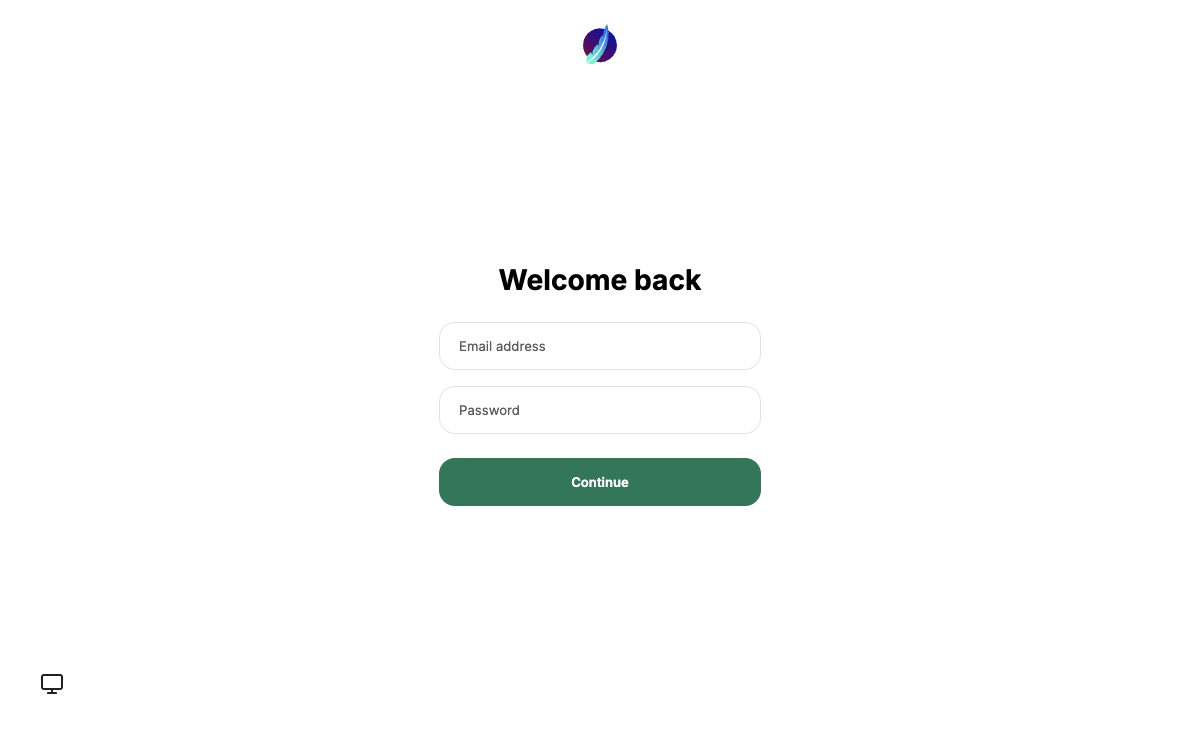
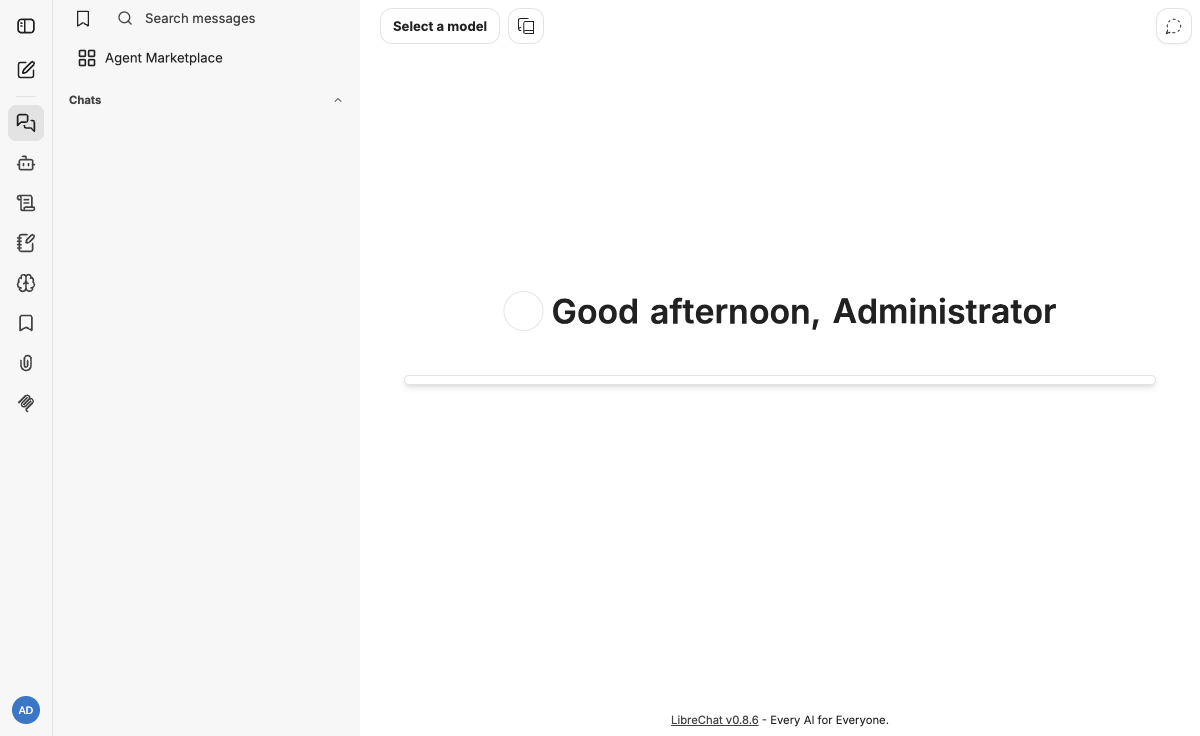
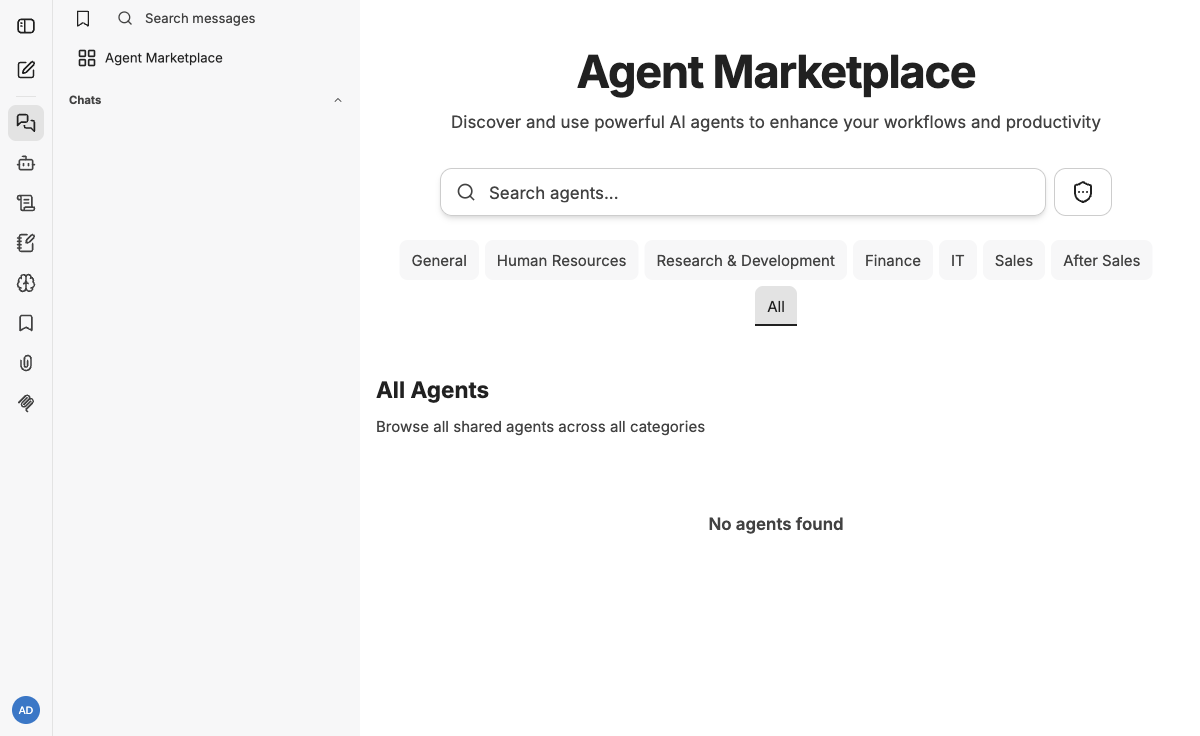
Real screenshots of this software running on the cloudimg image, taken while testing the deployment guide.
Description
This is a repackaged open source software product wherein additional charges apply for cloudimg support services.
## Overview
LibreChat is the popular open source AI chat platform - a self-hosted, ChatGPT-style web interface that connects to many model providers (OpenAI, Azure OpenAI, Anthropic, Google, AWS Bedrock, Ollama and any OpenAI-compatible endpoint) behind one UI, with conversation search, presets and multi-user accounts. This image delivers LibreChat fully installed and configured, so a private AI chat platform is running within minutes of launch rather than the hours required to manually wire dependencies. The current release available is LibreChat 0.8.
## Why This Image vs. Self-Install
Deploying LibreChat from source requires installing Node.js, MongoDB, Meilisearch, and nginx, configuring reverse-proxy rules, generating encryption secrets, and hardening default credentials. Many community quick-starts ship with static secrets shared across every deployment. This AMI eliminates that work and that risk - you launch one instance and get a production-ready stack with unique-per-instance security from the first boot.
## Application Stack
The LibreChat Node server runs behind nginx as a reverse proxy. MongoDB provides the datastore and Meilisearch powers conversation search. The server and databases bind to the loopback interface; customers reach the app through nginx.
## Secure By Default
On the first boot of your instance a one-shot service generates fresh encryption and session secrets - unique to that instance - so user-saved model keys are encrypted with a key no other deployment shares. Open registration is disabled and a single account with a per-instance password is created and written to a root-only file. No shared or default credentials ship in the image. Unlike default deployments where every instance may share the same secret, this approach means a compromise of one instance cannot decrypt data on another.
## Bring Your Own Model Keys
The image ships no provider API keys. Sign in, open settings, and connect an OpenAI, Anthropic, Bedrock or Ollama endpoint - or point LibreChat at a private model server in your own VPC so prompts never leave your account.
## Example Use Case: Regulated Teams Keeping Data In-VPC
Teams in regulated industries - legal, healthcare, financial services - can route sensitive queries through a private model endpoint within their own VPC. Prompts containing confidential data never traverse the public internet. Multi-user accounts with conversation search let team members share presets and standardize prompt patterns while maintaining individual audit trails.
## Getting Started
1. Launch the AMI on your chosen EC2 instance type.
2. Wait for the first-boot initialization to complete (typically under 5 minutes).
3. Retrieve your login credentials from the root-only file on the instance.
4. Sign in at the instance's public IP or DNS name.
5. Open Settings and add your preferred model provider API key.
6. Start your first conversation.
## cloudimg Support
24/7 technical support by email and chat for deployment, upgrades, provider configuration, TLS termination and database administration. Critical issues receive a one-hour average response time. To schedule a guided deployment walkthrough or ask pre-purchase questions, contact our team at support@cloudimg.co.uk.
LibreChat is a trademark of its respective owner. All product and company names are trademarks or registered trademarks of their respective holders. Use of them does not imply any affiliation with or endorsement by them.
Key Features
- LibreChat, the open source ChatGPT-style AI chat platform for OpenAI, Anthropic, Bedrock, Ollama and any OpenAI-compatible model, preinstalled with MongoDB, Meilisearch and nginx
- Secure by default: fresh per-instance encryption, session and search secrets are generated on first boot, registration is disabled, and a single login is stored in a root only file
- 24/7 technical support from cloudimg for deployment, provider configuration, upgrades and TLS termination
Related Technologies
Related Products
AnythingLLM
This image runs AnythingLLM, the all-in-one open source application for chatting with your documents using any large lan...
Infinity Embeddings Server
This image runs Infinity 0.0.77, the high-throughput, low-latency server for text embedding and reranking models (michae...
Label Studio
This image runs Label Studio 1.23, the open source data labeling and annotation platform for machine learning - label te...
LiteLLM
This image runs LiteLLM 1.88, the open source gateway that puts a single OpenAI-compatible API in front of more than 100...
LocalAI
This image runs LocalAI, the free, open source, self hosted alternative to the OpenAI API.

MLflow
This image runs MLflow 3.13, the open source platform for the machine learning lifecycle - experiment tracking, a model ...