Base
Hardened build
minimal ports, security patches applied at build time

Duplicati, free and open source backup software that encrypts and deduplicates your files before storing them on local or cloud storage, all scheduled and restored from a web UI.
Duplicati is free, open source backup software with a modern web interface. It makes secure, space efficient backups: your files are compressed, encrypted with AES 256 on the machine before they are uploaded, and deduplicated so that only the blocks that changed are stored on each run. Backups can be sent to a local folder, a network share or a wide range of cloud storage providers, and the scheduler, retention rules, backup jobs and a file by file restore browser are all driven from the web UI. Because encryption happens before upload, the storage provider only ever sees encrypted blocks.
cloudimg delivers Duplicati hardened and fully patched, secure by default. cloudimg generates a unique web UI password, a TLS certificate and a database encryption key on each instance's first boot, binds the Duplicati server to loopback, and serves it only over HTTPS through an nginx reverse proxy, with the configuration database and local backup destination on a dedicated resizable data volume. Every image is paired with a step by step deploy guide and backed by 24/7 support.
Real screenshots taken while testing this image against its deployment guide.
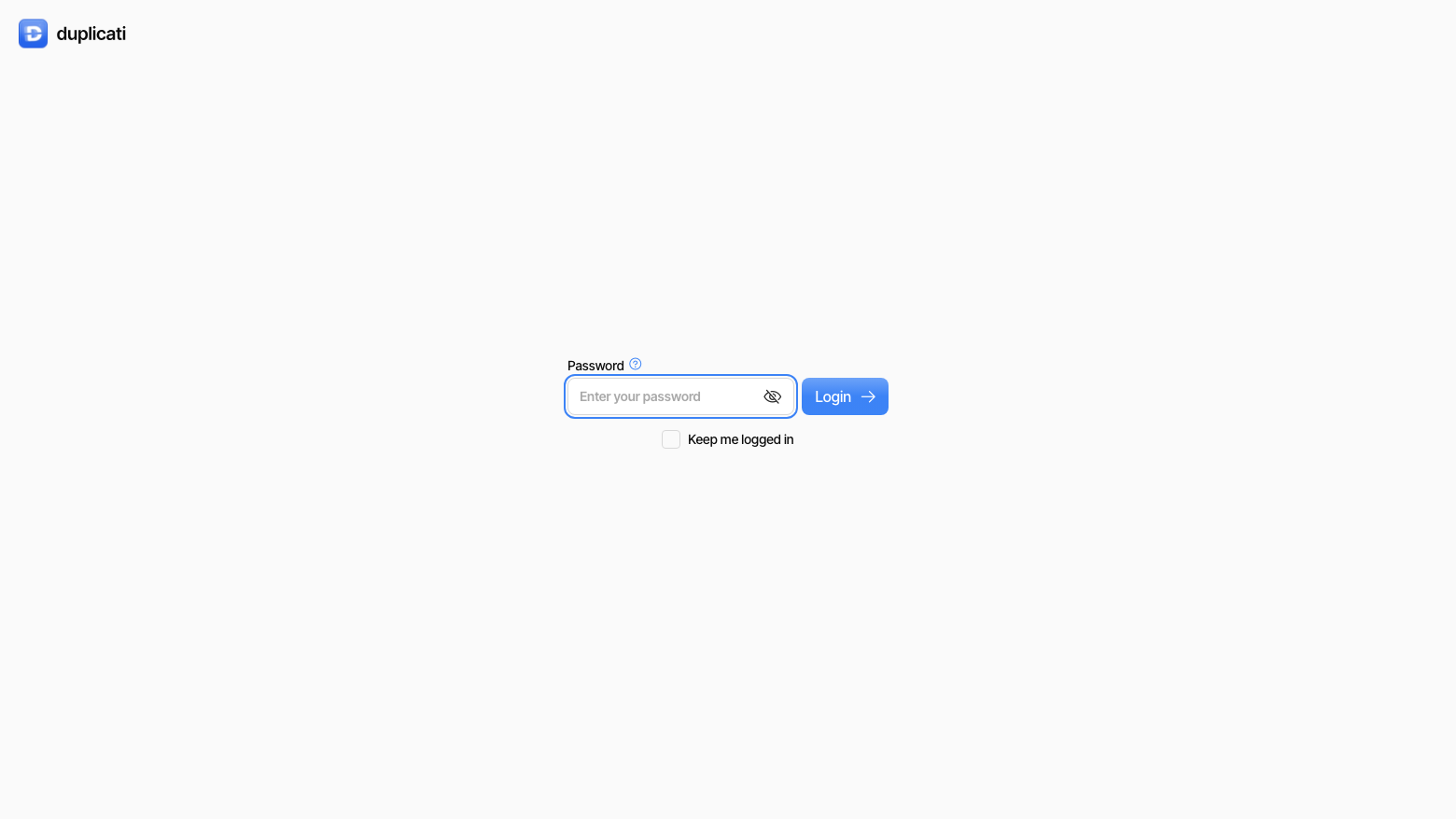
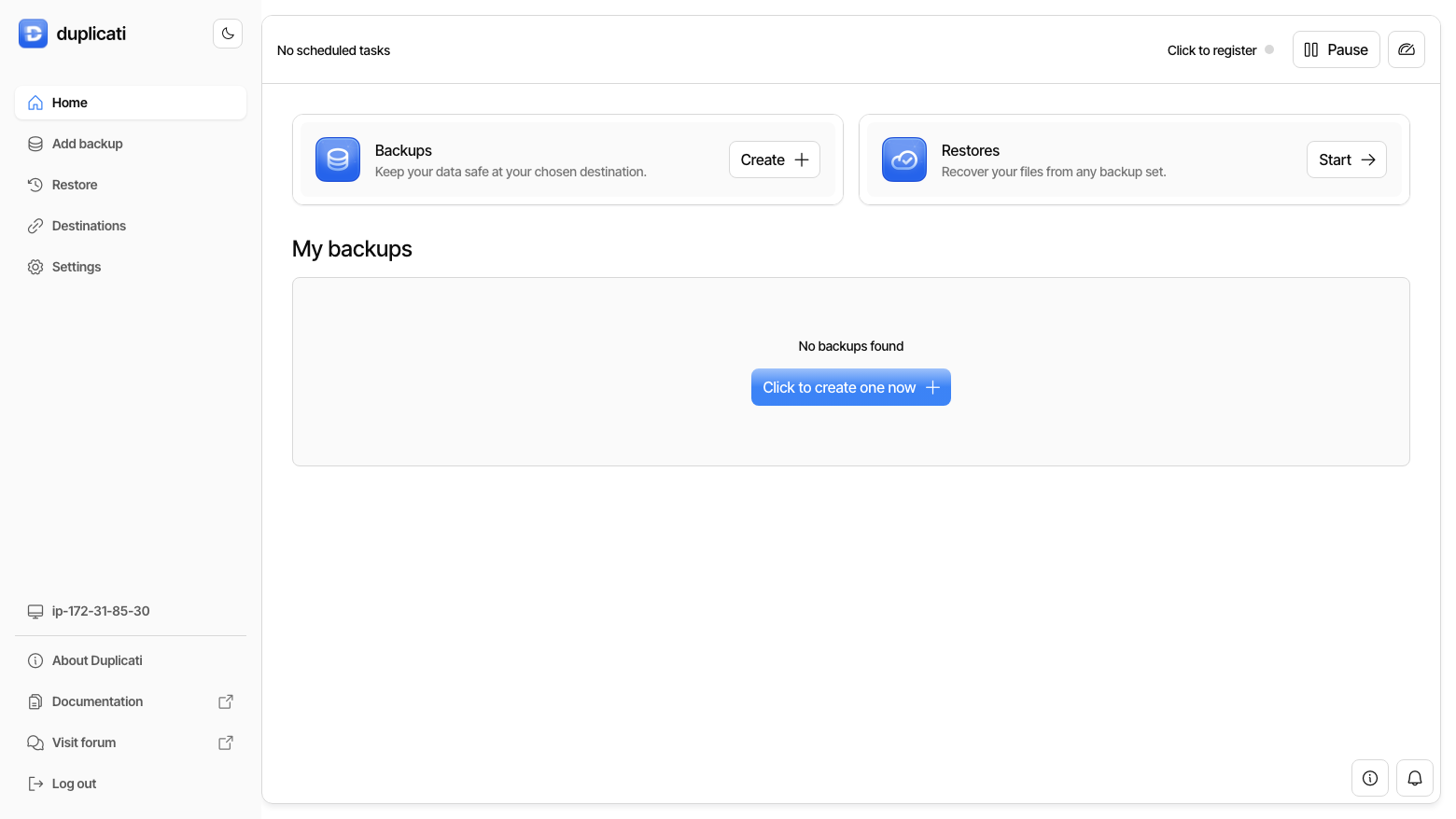
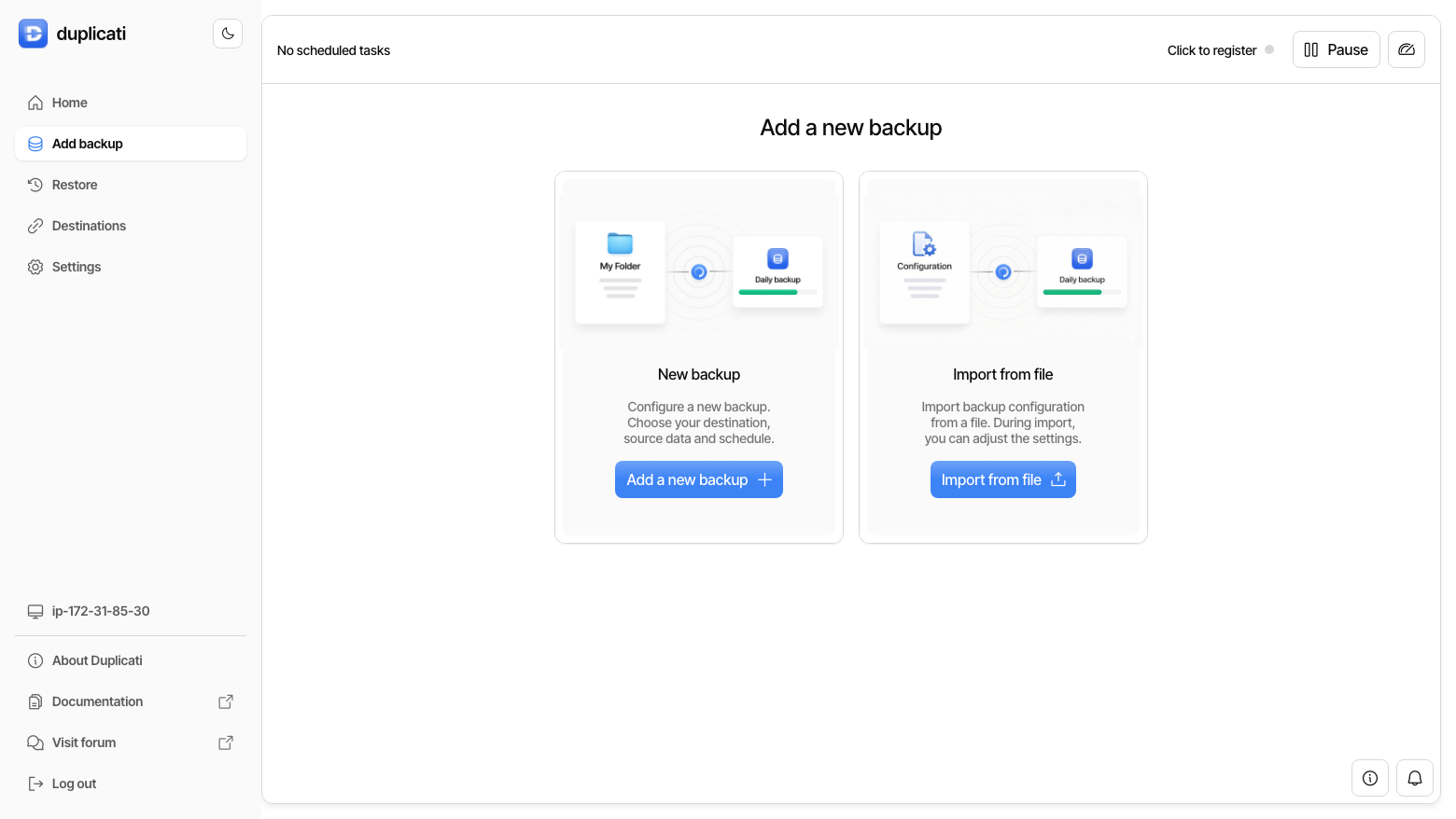
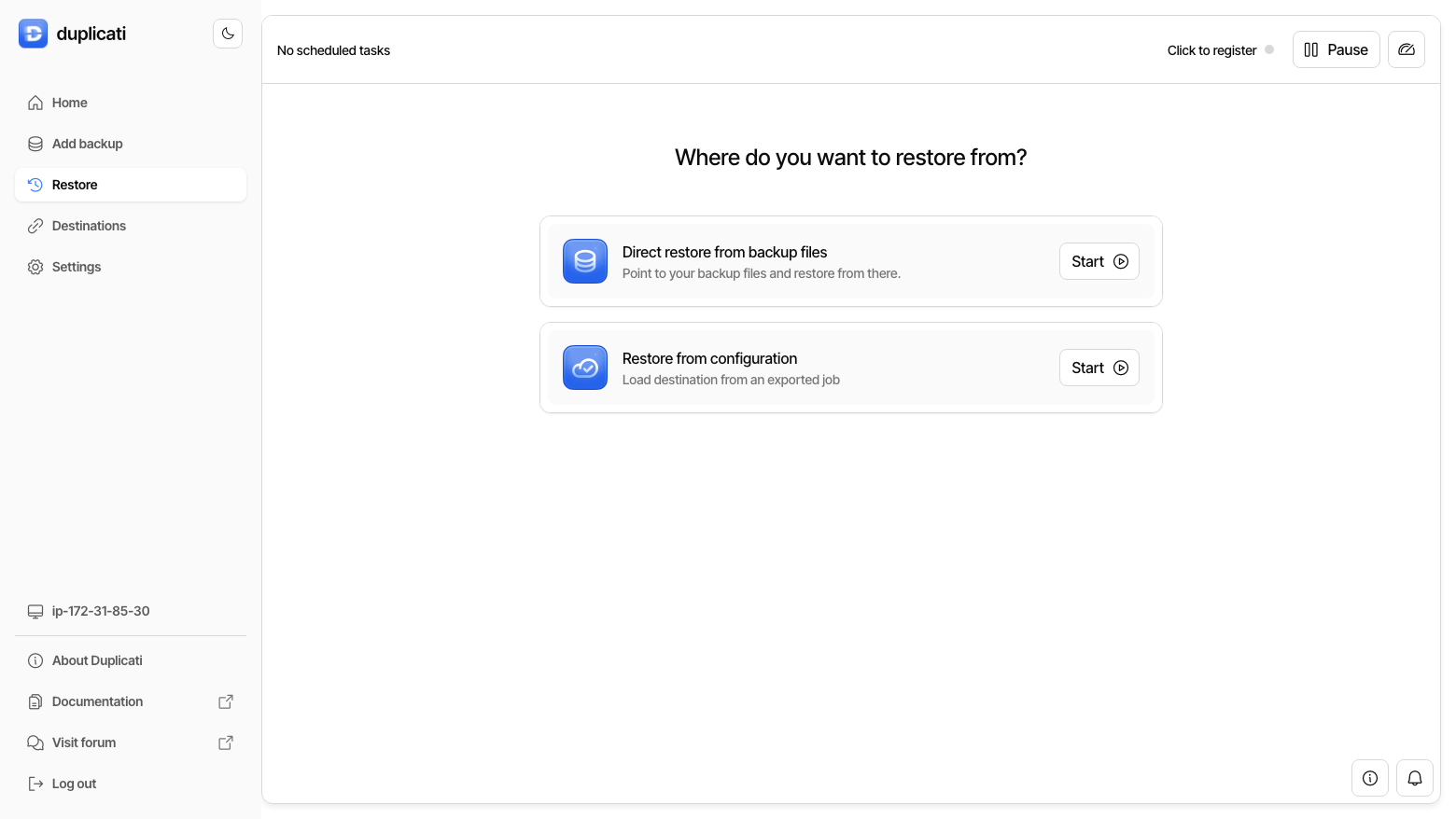
This is a repackaged open source software product wherein additional charges apply for cloudimg support services.
## Overview
Duplicati is free, open-source backup software that makes encrypted, deduplicated, incremental backups of your files and sends them to local folders, network shares, or a wide range of cloud storage providers. It encrypts every backup with AES-256 on the client before anything leaves the machine, then splits the data into deduplicated blocks so only changed blocks are ever uploaded. Everything is driven from a modern web UI: create backup jobs, schedule them, set retention, and browse and restore individual files or whole directories. This image delivers Duplicati fully installed and running behind an nginx TLS reverse proxy, so a backup console is serving within minutes of launch. The current release available is Duplicati 2.3.0.4.
## Why Choose This Image
## Application Stack
Duplicati runs as a systemd service serving its web UI and REST API on the loopback interface, fronted by nginx which terminates TLS on port 443 with a per-instance self-signed certificate and redirects plain HTTP on port 80. The web UI uses a websocket for live task and progress updates, already configured in the reverse proxy. The config database and the default local backup destination are stored on a dedicated data disk, separate from the operating system disk and independently resizable. A command-line engine drives a built-in self-test that proves a real backup and restore round-trip.
## Real-World Use Case
A DevOps team can run nightly incremental backups of application databases and configuration files to an S3-compatible bucket, each job configured through the web UI with its own retention policy. Because Duplicati deduplicates at the block level, only changed blocks are uploaded each night, keeping storage costs low. AES-256 client-side encryption keeps backup data unreadable without the passphrase even if the bucket is compromised, and the browsable restore UI recovers individual files or full database dumps from any point in the retention window.
## Back Up and Restore With Confidence
Sign in to the web UI and create a backup job in a few steps: pick the files and folders to protect, choose a destination (a local folder on the data disk, a network share, or a cloud provider such as S3-compatible object storage or Backblaze B2), set a passphrase, and choose a schedule and retention policy. Duplicati encrypts and deduplicates the data, uploads only what changed, and lets you browse any previous version to restore individual files or an entire set. Because encryption happens before upload, the destination only ever sees encrypted blocks.
## Secure First Boot
On the first boot a one-shot service generates a web password unique to that instance, a per-instance TLS certificate, and a per-instance database encryption key, then starts Duplicati with authentication required. It runs a self-test confirming unauthenticated API requests are refused, wrong passwords are refused, the generated password is accepted, and a real backup and restore round-trip matches byte for byte before writing the credentials file and marking first boot complete. No shared or default credentials ship in the image.
## Getting Started
1. Launch the image with a security group allowing inbound TCP on port 443 (HTTPS) and 22 (SSH) restricted to your network.
2. SSH in and read the generated password from the root-only credentials file.
3. Open the web UI over HTTPS and sign in.
4. Create your first backup job - choose files, destination, passphrase, schedule, and retention.
5. Re-run the built-in self-test at any time to verify a backup and restore round-trip.
For a detailed walkthrough, see the cloudimg deployment guide for this image.
## cloudimg Support
24/7 technical support by email and chat. Help with deployment, HTTPS and reverse-proxy configuration, backup destination and retention planning, and storage sizing and upgrades.
All product and company names are trademarks or registered trademarks of their respective holders. Use of them does not imply any affiliation with or endorsement by them.

Apache Ozone is the scalable, distributed object store for Hadoop and cloud-native workloads. It exposes both an S3-comp...

Backrest is a popular open source web interface and orchestrator for restic, the fast, secure, deduplicating backup prog...

This image runs Barman (Backup and Recovery Manager), the open source disaster-recovery manager for PostgreSQL from Ente...

This image runs Cloud Commander 19.19.1, the open source web based orthodox (two panel) file manager with a built in Edw...
Cyberduck is a libre file transfer client for FTP, SFTP, WebDAV, Amazon S3, Google Cloud Storage, Microsoft Azure, OpenS...

This image runs File Browser, the open source, self-hosted web file manager - browse, upload, download, edit, preview an...