Base
Hardened build
minimal ports, security patches applied at build time

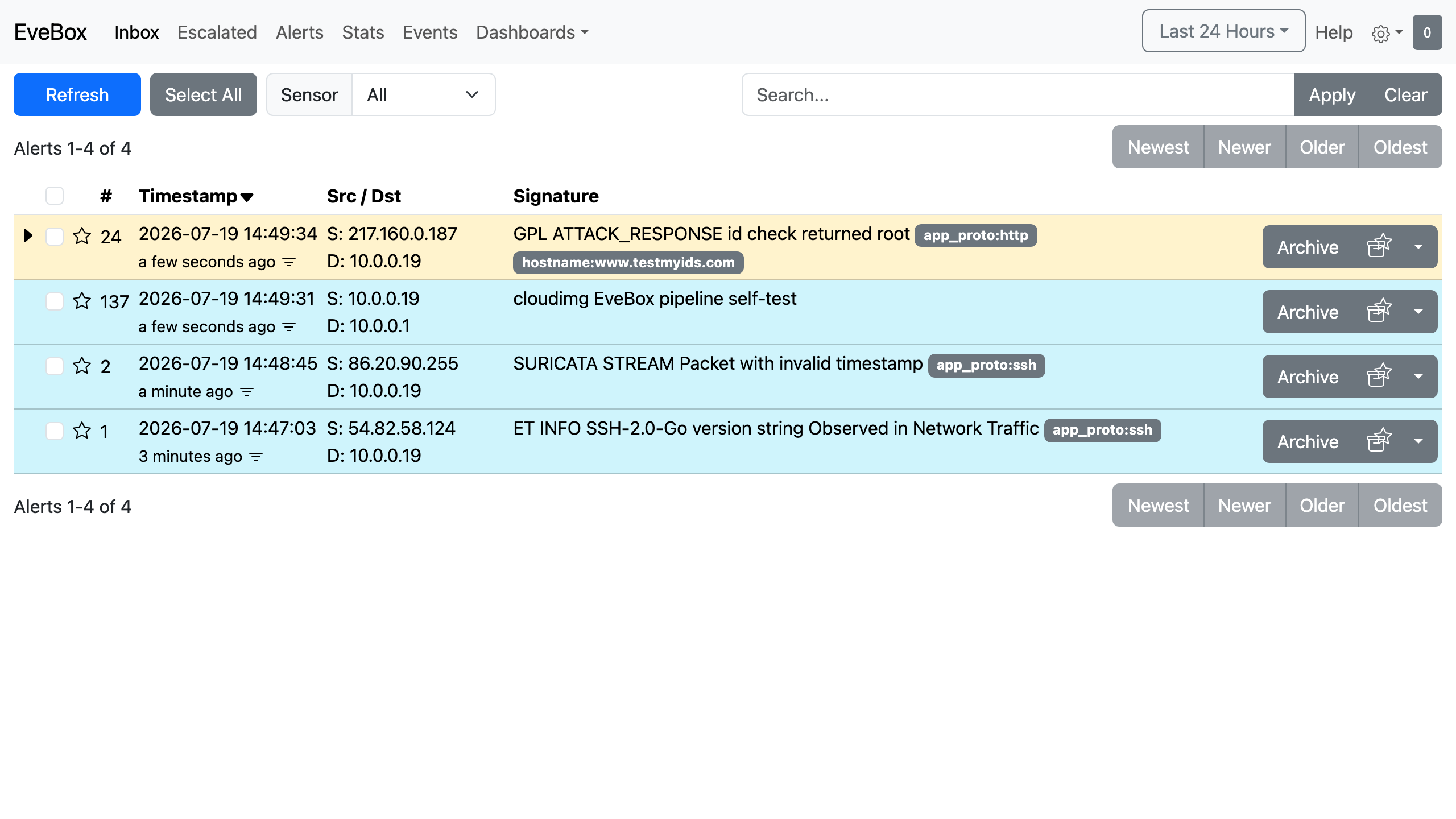
EveBox, the web console that turns a Suricata alert stream into a searchable, triageable inbox.
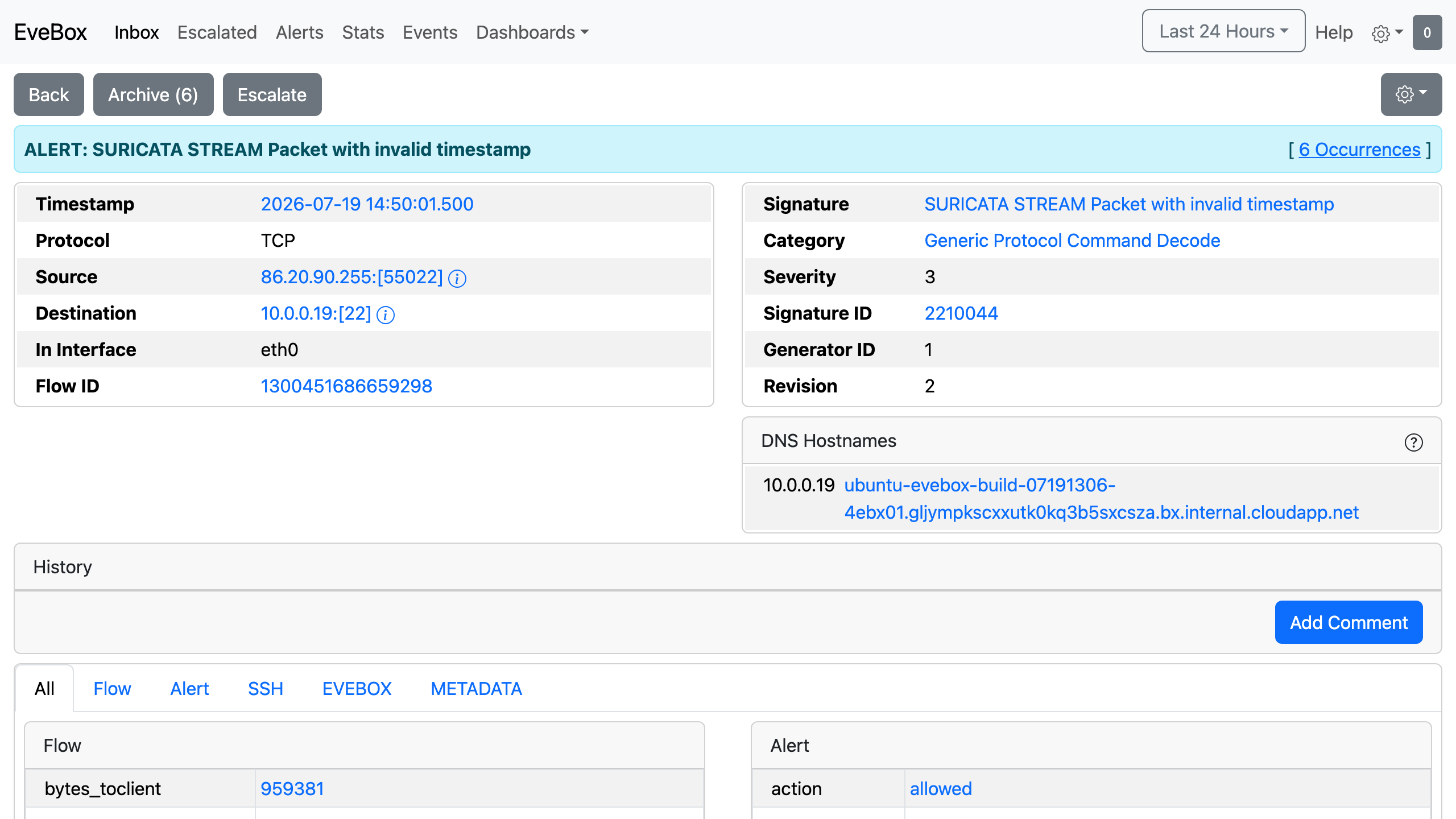
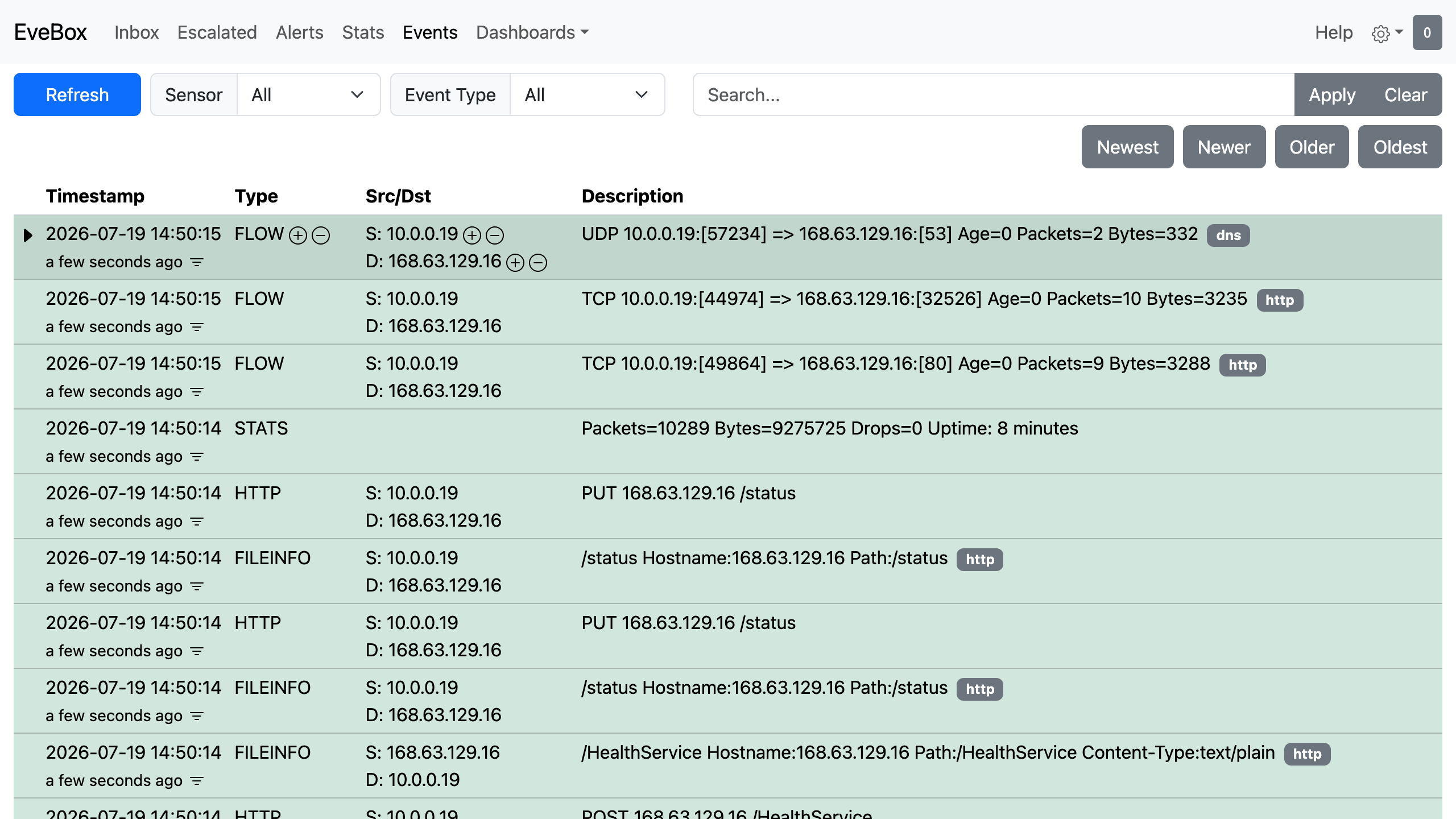
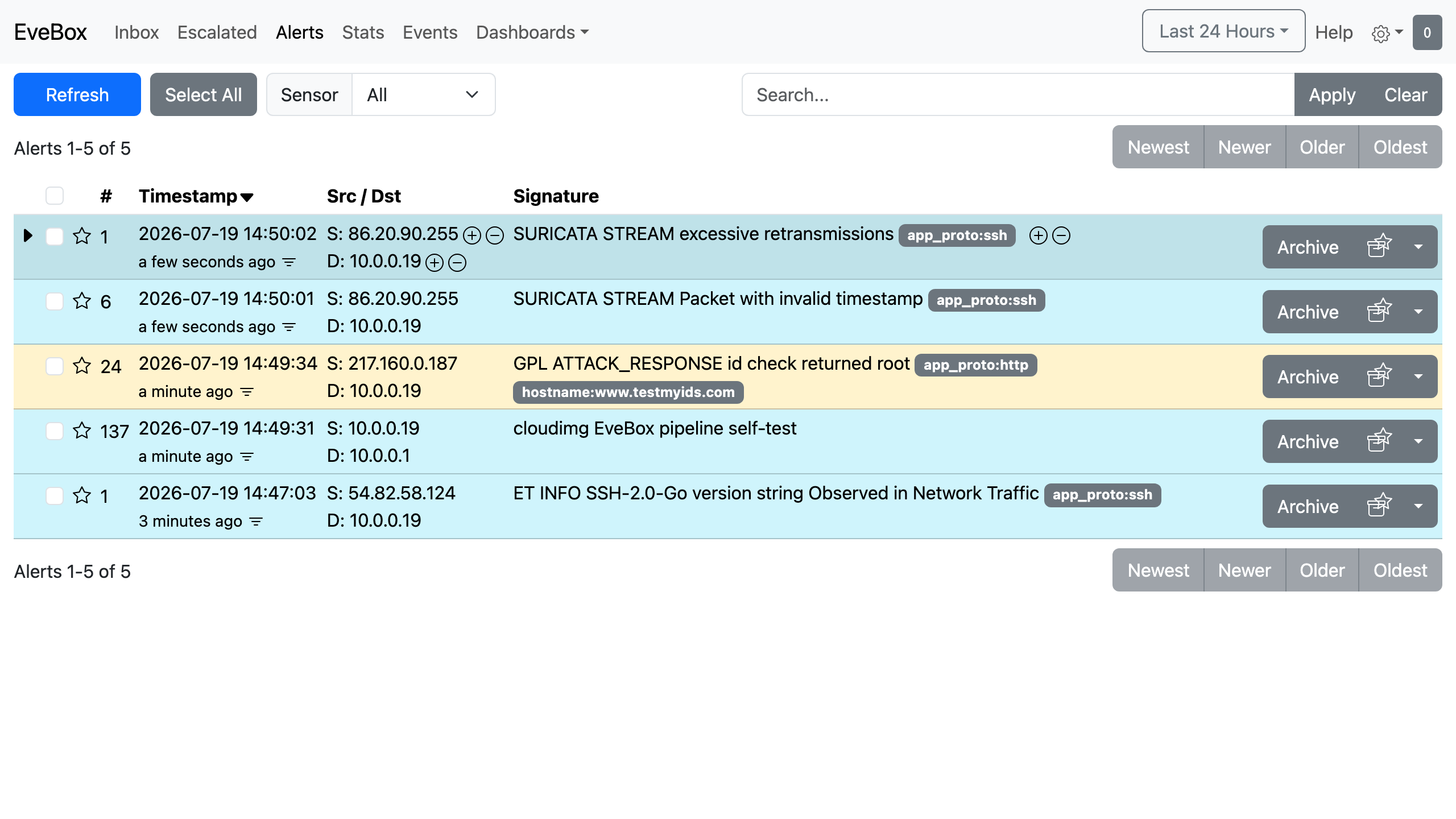
EveBox is an event viewer and alert management console for Suricata, the open source intrusion detection engine. Suricata watches network traffic and writes every alert, along with flow, DNS, TLS and HTTP metadata, to a JSON event stream; EveBox indexes that stream and presents it as a working analyst inbox in the browser. Alerts can be searched, filtered and grouped by signature, source or destination, then escalated, commented on, archived or opened in full to inspect the raw event behind them.
It suits teams who want visibility into what is actually crossing their network without standing up a full security information and event management platform, whether that is monitoring a sensitive subnet, investigating suspicious traffic, or keeping an auditable record of intrusion alerts on infrastructure they own.
EveBox is a viewer over an event stream it does not itself produce, so on its own it is an empty console. cloudimg ships the complete intrusion detection appliance instead: Suricata is installed, configured to capture on the instance's primary network interface, and loaded with the Emerging Threats open ruleset, so real alerts appear the moment traffic flows, and EveBox indexes them into a self contained local datastore with no external search cluster to run. It is secure by default: the console has no reachable path except through an authenticating front, and rather than any shipped login, a unique password is generated on each instance's first boot and written to a root only file, so no two instances share a credential. A built in self test signature lets you prove the whole capture, index and display chain with a single command. The base is fully patched with unattended security upgrades enabled, every deployment is paired with a step by step deploy guide, and 24/7 cloudimg support stands behind it.
Real screenshots taken while testing this image against its deployment guide.
2FAuth is a free, open source, self hosted web app for managing your two factor authentication accounts.
The image installs acme-dns 2.0.2 from the official upstream release (github.com/acme-dns/acme-dns, the project formerly...

Mail sent to an alias is forwarded to your real inbox, and you can reply from the alias so the other side never learns w...

AliasVault is an open source, end to end encrypted password manager combined with a private email alias service that you...

This image runs Apache SpamAssassin, the long established open source anti spam platform, fully configured and security ...

Apache Syncope is an open source identity management and identity governance platform.