Base
Hardened build
minimal ports, security patches applied at build time

FOG Project is a free, open source network imaging and cloning solution for capturing a disk image from a reference machine and deploying it to many machines over the network by PXE boot. This image runs a complete single-node FOG server, the web management console, REST API, database, TFTP boot service and NFS image store, hardened and secured out of the box. A unique administrator password and fresh API tokens are generated on each instance's first boot, so the default login is never reachable, and the appliance deliberately ships no DHCP server. Backed by 24/7 cloudimg support.
This image arrives installed, configured and hardened, so there is no manual setup before you can use it. It is built on a patched base, runs with credentials generated uniquely for your instance on first boot, and passes an automated health check before every release. Every deployment is backed by 24/7 support from cloudimg engineers.
Real screenshots taken while testing this image against its deployment guide.
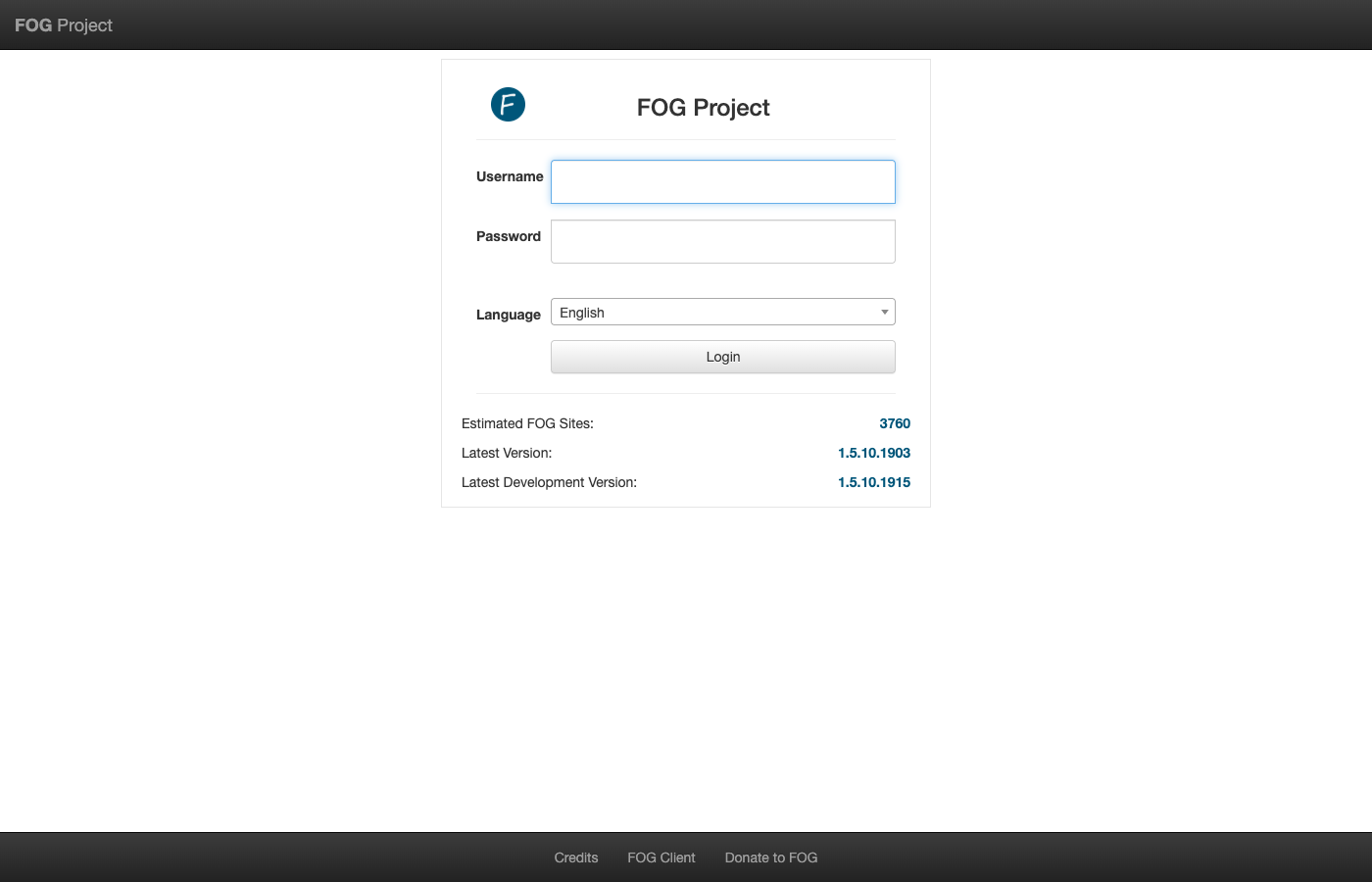
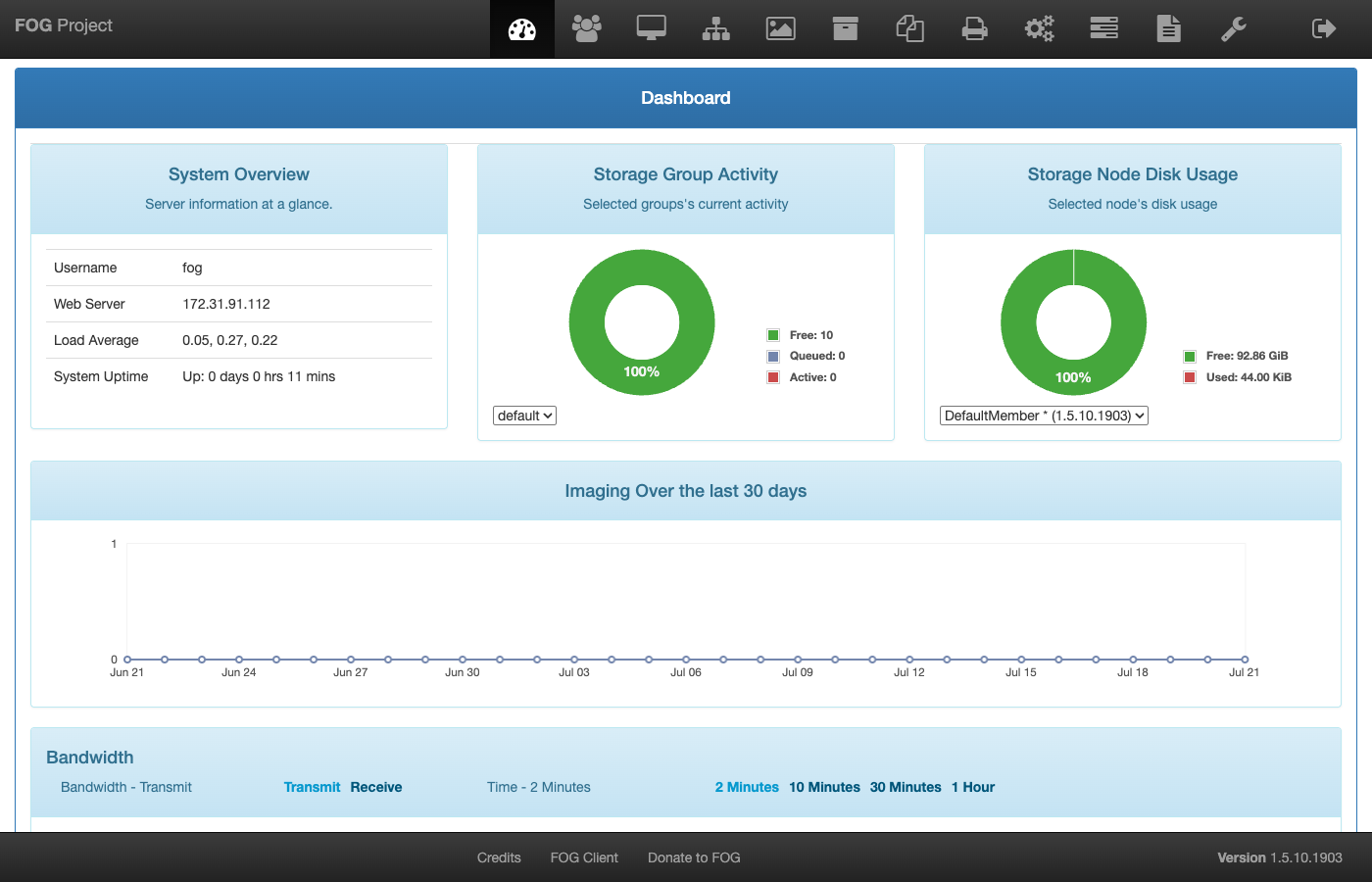
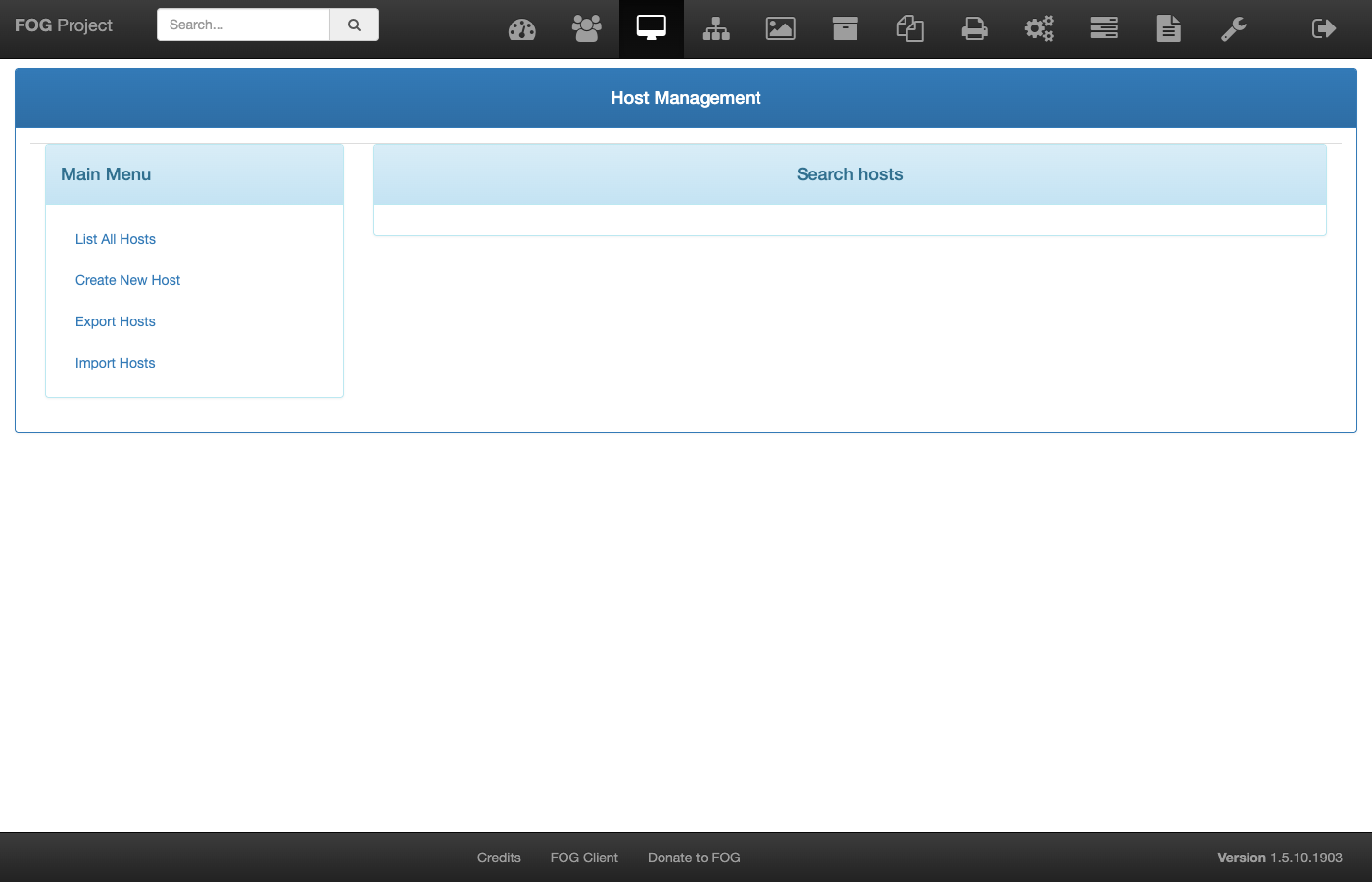
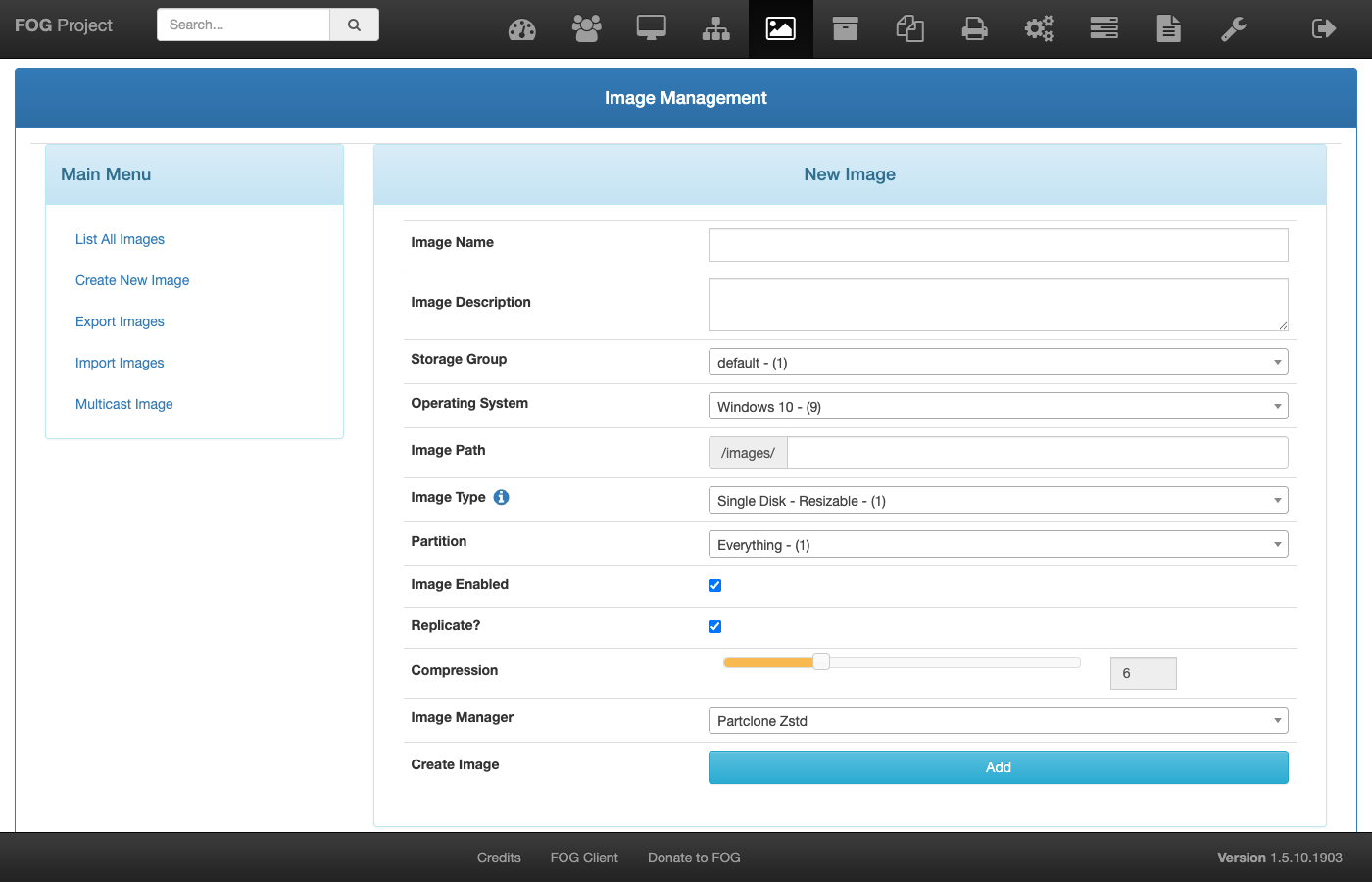
This is a repackaged open source software product wherein additional charges apply for cloudimg support services.
## Overview
FOG Project is a popular free and open source network computer imaging and cloning platform. It captures a golden disk image from a reference machine and deploys it to many machines over the network. Machines network-boot into the FOG client by PXE, and FOG captures or deploys their disks, manages an inventory of hosts, organises images and drives the whole workflow from a browser-based management console and a REST API. This image delivers a complete single-node FOG server, fully installed and hardened, so an imaging server is operational within minutes of launch.
## Why This Image vs a Manual Install
FOG's own installer is interactive by default and driving it correctly and unattended is the hardest part of packaging it; a subtly wrong answer produces a server that appears installed but is configured wrong. This image completes that install non-interactively at build time and then proves real function: the database schema is present, the web console answers, TFTP genuinely serves the iPXE bootloaders, and the NFS image store is exported. It also removes FOG's well known default web login and rotates every install-time secret. You launch the instance, read your unique credential, and start managing images.
## Application Stack
A single-node FOG server: Apache and PHP serve the web management console and REST API, MariaDB holds the FOG database bound to loopback only, tftpd-hpa serves the iPXE network bootloaders, the NFS server exports the image store, and vsftpd handles image file management. The FOG scheduler, image replicator and multicast manager services run under systemd. The image store lives on a dedicated, independently resizable data volume separate from the OS disk.
## Security Hardening
This image follows a defence-in-depth approach with the following hardening measures applied:
Buyers requiring formal compliance documentation should contact cloudimg to discuss specific requirements.
## How Network Imaging Works On AWS
FOG images machines that network-boot by PXE, an on-premises workflow: a client machine reaches this server over a routed network and is directed to it by DHCP options 66 and 67 set on your existing DHCP server. On AWS this server is typically reached from a routed imaging subnet over a VPN or Direct Connect link into your VPC. A VPC subnet does not carry broadcast or multicast, so FOG's multicast deployment and proxyDHCP modes do not operate on a cloud subnet; standard unicast capture and deploy to a routed subnet work normally. The user guide documents the supported topology in full.
## Ready to Use
Read your credential from the root-only file, open the web management console in your browser, sign in, and start registering hosts, defining images and driving captures. Point DHCP option 66 (next-server) at this server and option 67 (filename) at the FOG bootloader on your existing DHCP server to network-boot your client machines.
## AWS Integration
Deploy on any EC2 instance type. Reach the imaging subnet over a Site-to-Site VPN or Direct Connect. Back up the FOG database and image library with EBS snapshots or AWS Backup.
## Use Cases
## cloudimg Support
24/7 technical support by email and chat. Help with deployment, connecting a routed imaging subnet over VPN or Direct Connect, configuring DHCP options on your existing server, the FOG web console and API, and backup planning for your image library.
All product and company names are trademarks or registered trademarks of their respective holders. Use of them does not imply any affiliation with or endorsement by them.

This image runs AdGuard Home, the open source network-wide DNS server that blocks ads, trackers and malicious domains fo...
The image installs the latest stable Anubis release, resolved at build time from the official GitHub release package and...

This image runs Apache Guacamole, the open source clientless remote desktop gateway.
This image runs FOG Project 1.5.10.1903. FOG is a free, open source network cloning and imaging platform.

This image runs frp (Fast Reverse Proxy), the open source high performance reverse proxy that exposes a local service si...

This image runs GenieACS 1.2.16, the fast and powerful open source TR-069 (CWMP) Auto Configuration Server used by ISPs ...