Apache Guacamole
Overview
Apache Guacamole, the clientless remote-desktop gateway for RDP, SSH, VNC and Telnet in the browser, preinstalled with guacd, Tomcat, nginx and MariaDB. Per-instance administrator and database credentials are generated on first boot. Backed by 24/7 cloudimg support.
See it running
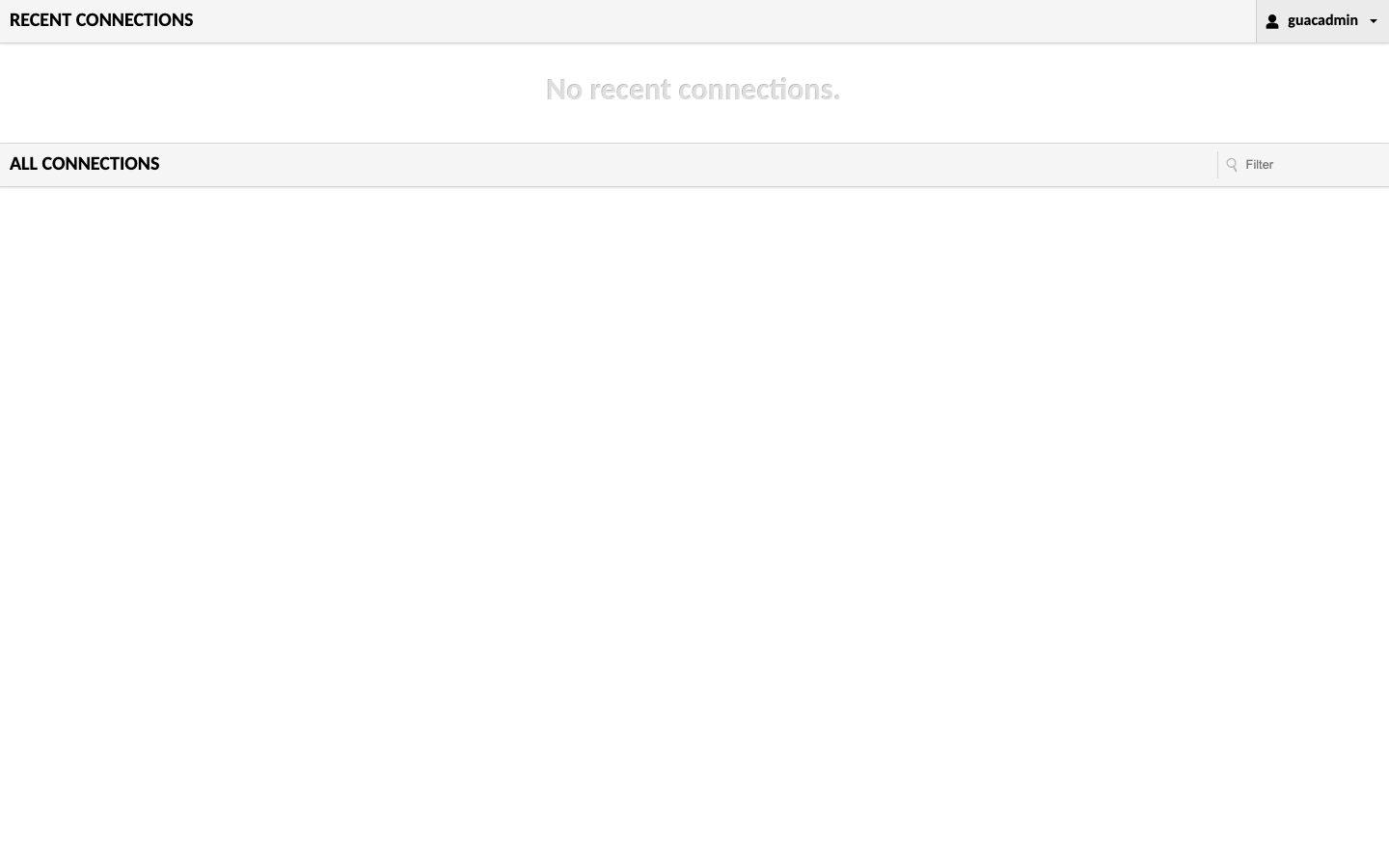
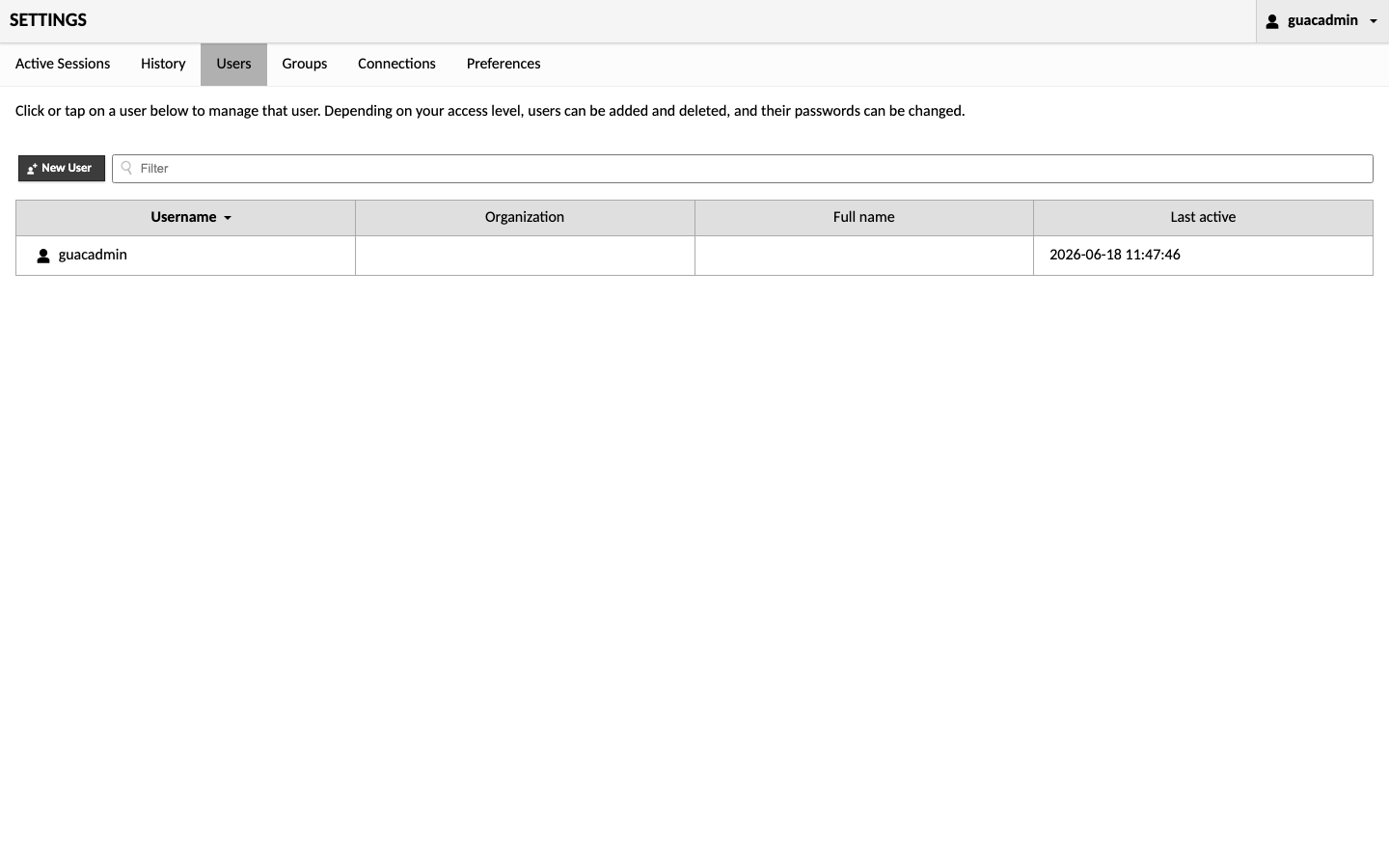
Real screenshots of this software running on the cloudimg image, taken while testing the deployment guide.
Description
This is a repackaged open source software product wherein additional charges apply for cloudimg support services.
Overview
Apache Guacamole is the popular free open source clientless remote-desktop gateway. It lets you access Windows machines over RDP, Linux and network devices over SSH or Telnet, and any desktop over VNC, entirely from a web browser with no client software or browser plugins to install. This image delivers Guacamole fully installed and configured, so a complete browser-based remote-access portal is running within minutes of launch. The current release available is Apache Guacamole 1.6.0.
Application Stack
Guacamole has two halves, both preconfigured here. The guacd native proxy daemon, which speaks RDP, VNC, SSH and Telnet, is built from the official source release. The Guacamole web application runs in Apache Tomcat, with database authentication backed by MariaDB through the official JDBC extension. An nginx reverse proxy serves the portal on the standard web port with the WebSocket support the remote-desktop tunnel requires.
Secure By Default
On the first boot of your instance a one-shot service generates a fresh administrator password and a fresh MariaDB password, unique to that instance, and writes the administrator user name and password to a root only file. No shared or default credentials ship in the image.
Ready To Use
The Guacamole web application, the guacd proxy, the web server and the database are all configured, with the Guacamole configuration tree and the database on dedicated, independently resizable storage volumes. Browse to the instance address, sign in as the administrator, add your first RDP, SSH, VNC or Telnet connection, and connect.
cloudimg Support
24/7 technical support by email and chat. Help with Guacamole deployment, upgrades, RDP, SSH, VNC and Telnet connection configuration, LDAP and SAML single sign-on, TOTP two-factor authentication, session recording, performance tuning and database administration.
Use Cases
Secure browser-based access to a fleet of servers and desktops, jump-host and bastion replacement, remote workforce access to internal Windows and Linux machines, lab and training environments, and a self-hosted alternative to commercial remote-access gateways, deployed in your own VPC for data residency or compliance.
All product and company names are trademarks or registered trademarks of their respective holders. Use of them does not imply any affiliation with or endorsement by them.
Key Features
- Apache Guacamole, the clientless remote-desktop gateway, preinstalled with the guacd proxy, Tomcat, nginx and MariaDB - access RDP, SSH, VNC and Telnet from the browser with no client or plugin
- Secure by default: a fresh administrator password and MariaDB password are generated for every instance on first boot and stored in a root only file, with config and database on dedicated storage volumes
- 24/7 technical support from cloudimg for deployment, connection configuration, LDAP/SAML SSO, two-factor authentication, session recording and database administration