Apache ActiveMQ Artemis Message Broker
Overview
Production-ready Apache ActiveMQ Artemis broker consolidating AMQP, MQTT, JMS and STOMP clients on one instance, with secure first-boot credentials and 24/7 cloudimg support.
See it running
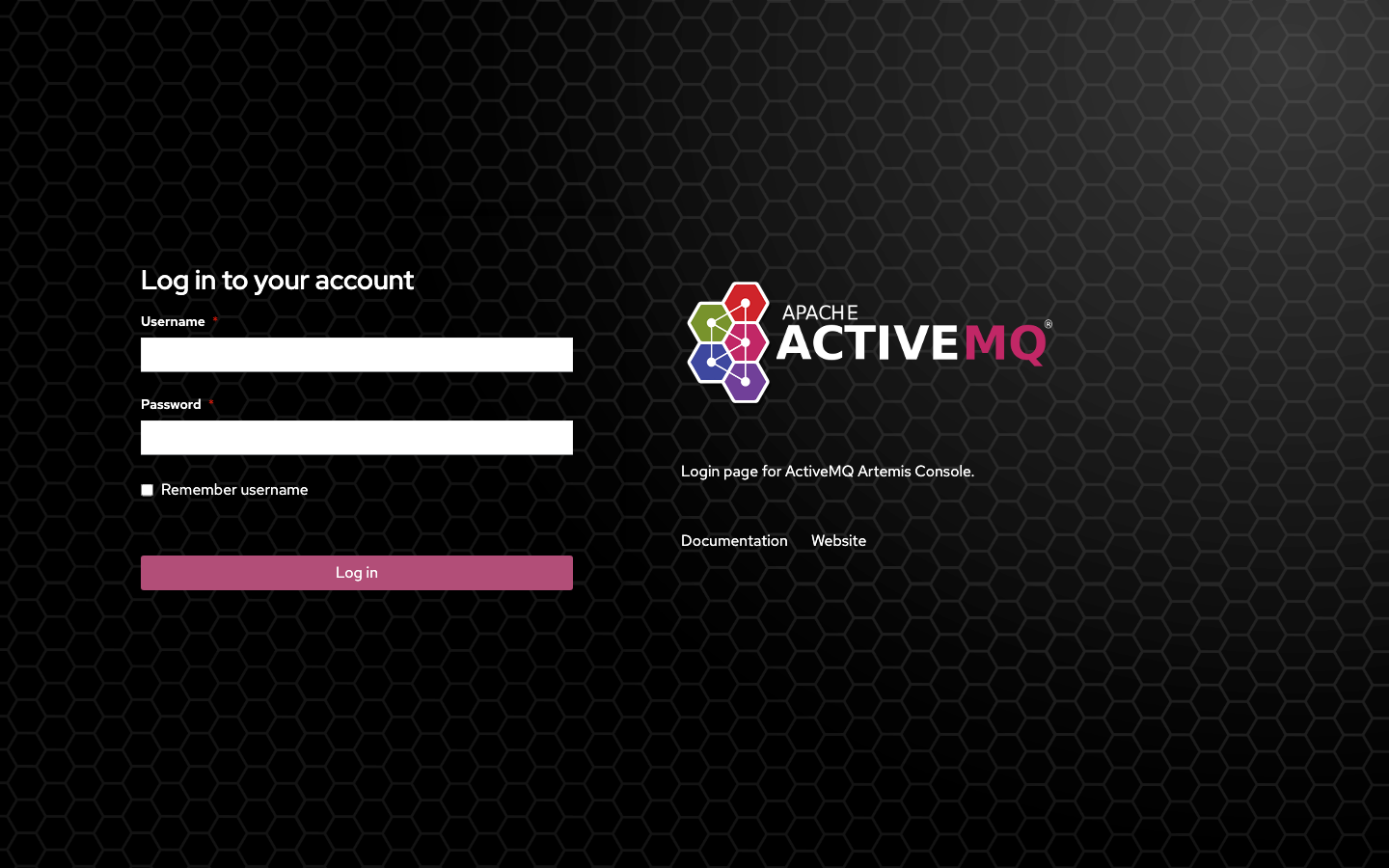
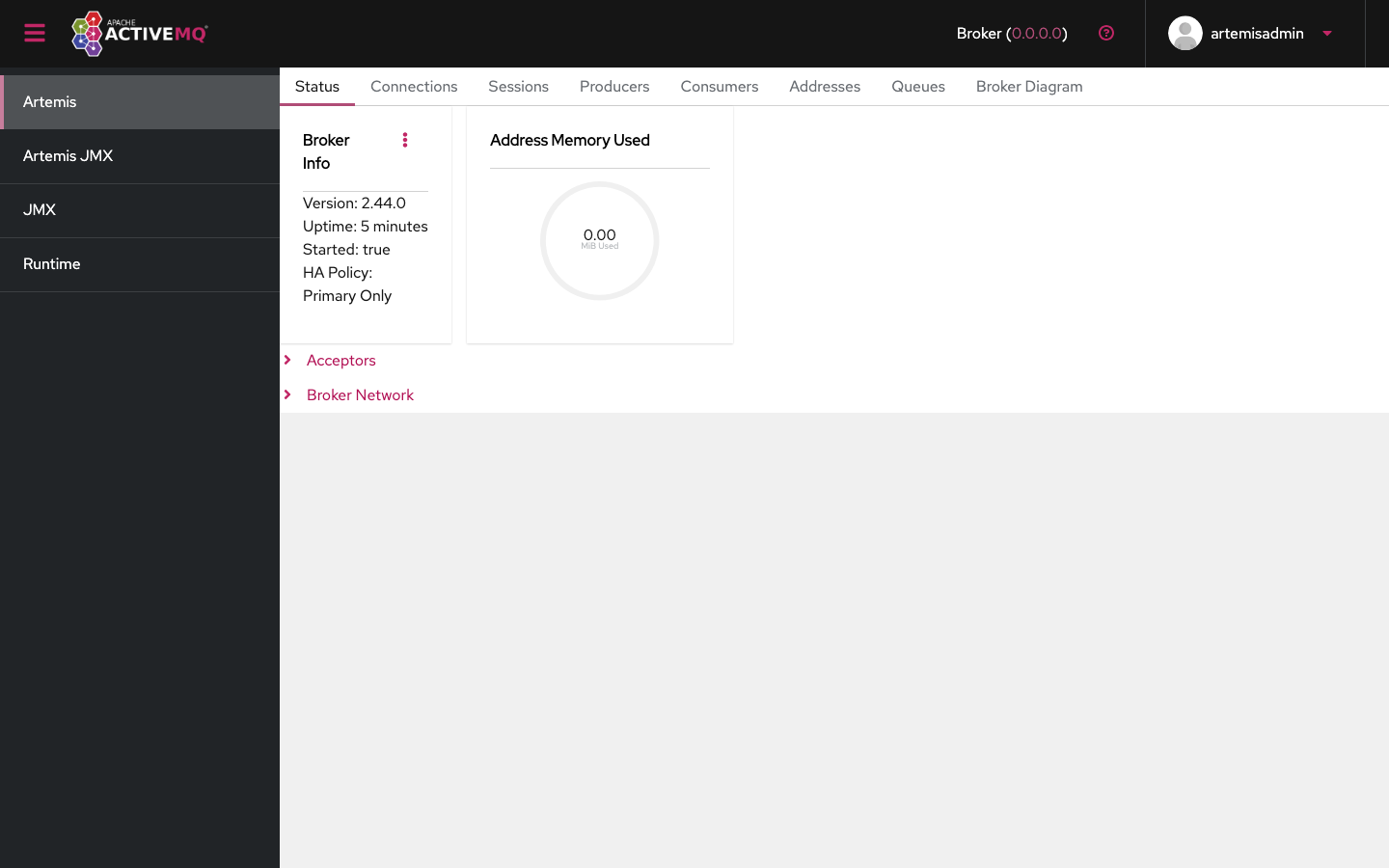
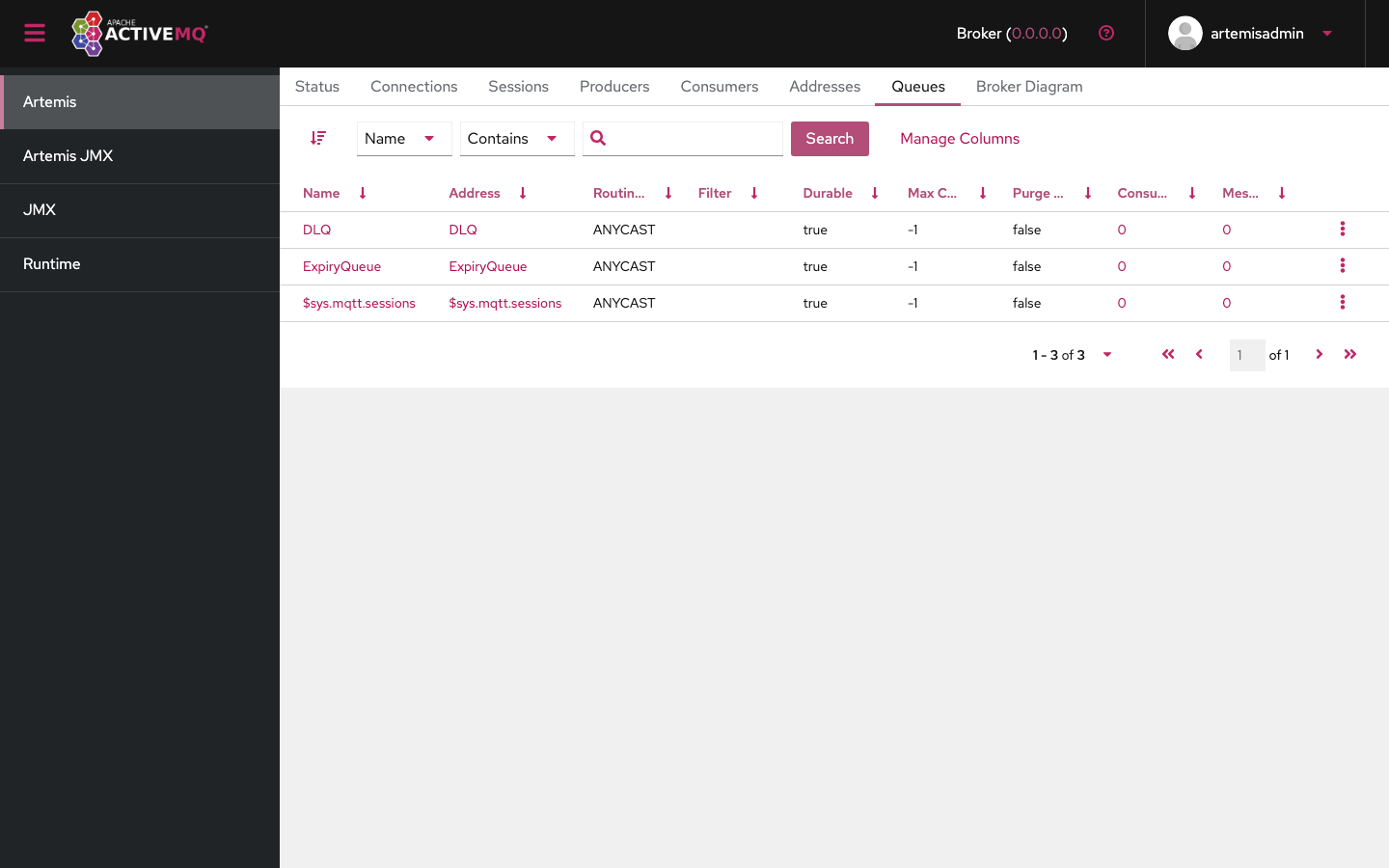
Real screenshots of this software running on the cloudimg image, taken while testing the deployment guide.
Description
This is a repackaged open source software product wherein additional charges apply for cloudimg support services.
## Apache ActiveMQ Artemis - Production-Ready Message Broker AMI
Deploy a fully configured, high-performance message broker on AWS in minutes - not hours. This AMI delivers Apache ActiveMQ Artemis preinstalled and running as a managed system service so you can start exchanging messages immediately after launch.
### Why This AMI Instead of a DIY Install or Managed Service
- Versus manual EC2 setup: Skip the hours of downloading, compiling, configuring systemd units, provisioning data disks, and hardening credentials. This image handles all of that at launch.
- Versus Amazon MQ: Retain full control over broker configuration, clustering topology, acceptor tuning, and JVM settings without managed-service constraints, while still getting a production-grade baseline out of the box.
- Versus other community AMIs: Benefit from a hardened first-boot process that generates a unique administrator password per instance (no shared or default credentials), a dedicated data disk for the message journal, and 24/7 professional support from cloudimg.
### Application Stack
- Apache ActiveMQ Artemis installed under /opt/artemis, run by a dedicated unprivileged service account
- Headless OpenJDK Java runtime
- Broker instance on a dedicated EBS data disk holding the message journal, paging store, and large message store - independently resizable for IOPS and capacity scaling
- systemd service that starts the broker on boot and restarts on failure
- nginx reverse proxy publishing the Hawtio web management console on port 80
### Multi-Protocol Messaging
The broker exposes a multiplexed acceptor on port 61616 handling CORE (JMS 2.0 and Jakarta Messaging), OpenWire, AMQP, STOMP, and MQTT protocols. Dedicated listeners are also available: AMQP on 5672, MQTT on 1883, and STOMP on 61613. Point your JMS, AMQP, MQTT, or STOMP clients at the broker and start publishing and consuming immediately.
### Security
Secure First Boot: A one-shot service generates a fresh broker administrator password unique to each instance, rewrites the broker user and role configuration, and stores the password in a root-only file. No shared or default credentials ship in the image.
Encryption in Transit: The broker acceptors support TLS configuration. Enable TLS on any protocol listener to encrypt client connections. The nginx reverse proxy can also be configured with your own certificate for HTTPS access to the web console.
Encryption at Rest: The dedicated data disk holding the message journal can leverage AWS EBS encryption to protect messages at rest. Enable EBS encryption when launching the instance or use encrypted snapshots.
Network Isolation: Deploy the broker in a private VPC subnet and use security groups to restrict access to only the protocol ports your clients require (61616, 5672, 1883, 61613, 80).
### Web Management Console
The Hawtio console is served on port 80 through nginx. Sign in with the generated administrator credentials to inspect addresses, queues, and topics, browse and send messages, and monitor broker health. Create queues and topics through the console, the management API, or your messaging clients.
### Use Cases
- Decoupling microservices with durable queues and publish-subscribe topics
- Bridging AMQP, MQTT, and JMS clients on a single broker
- IoT telemetry ingestion over MQTT
- Asynchronous task and event processing
- Lift and shift of on-premises JMS workloads to AWS
### Evaluation Path
Launch this AMI on a small instance type to evaluate the broker with minimal AWS infrastructure cost. The broker is fully functional on any supported instance size, allowing you to validate protocol connectivity, console access, and message flow before scaling up for production workloads.
### 24/7 cloudimg Support
Technical support by email and live chat covers broker deployment, protocol and acceptor configuration, TLS setup, clustering and high availability, persistence tuning, and JVM administration.
Book a free broker deployment review with our engineers to plan your production architecture before or after purchase.
All product and company names are trademarks or registered trademarks of their respective holders. Use of them does not imply any affiliation with or endorsement by them.
Key Features
- Zero-setup production broker: Apache ActiveMQ Artemis launches as a systemd-managed service with a ready-to-use broker instance and the Hawtio web console on port 80. Skip hours of manual installation, configuration, and hardening that a DIY EC2 deployment requires. The broker accepts client connections within minutes of instance launch, so your team can focus on application logic rather than infrastructure provisioning.
- Multi-protocol consolidation on a dedicated data disk: Consolidate AMQP, MQTT, STOMP, OpenWire, and JMS 2.0 CORE clients on one broker instead of running separate systems per protocol. The message journal and paging store reside on a dedicated EBS volume that you can resize independently for IOPS and capacity, enabling safer instance replacement and predictable storage scaling without risking message data.
- Hardened security from first boot: Every instance generates a unique broker administrator password stored in a root-only file - no shared or default credentials ever ship. TLS can be enabled on all protocol acceptors and the nginx proxy. Deploy in a private VPC subnet with security groups restricting access to only the ports your clients need. Backed by 24/7 cloudimg technical support via email and live chat.