Actual Budget Self-Hosted Sync Server
Overview
Launch a private, self-hosted Actual Budget server in your own VPC in minutes - no manual setup required. Keep full ownership of your financial data with24/7 expert support from cloudimg.
See it running
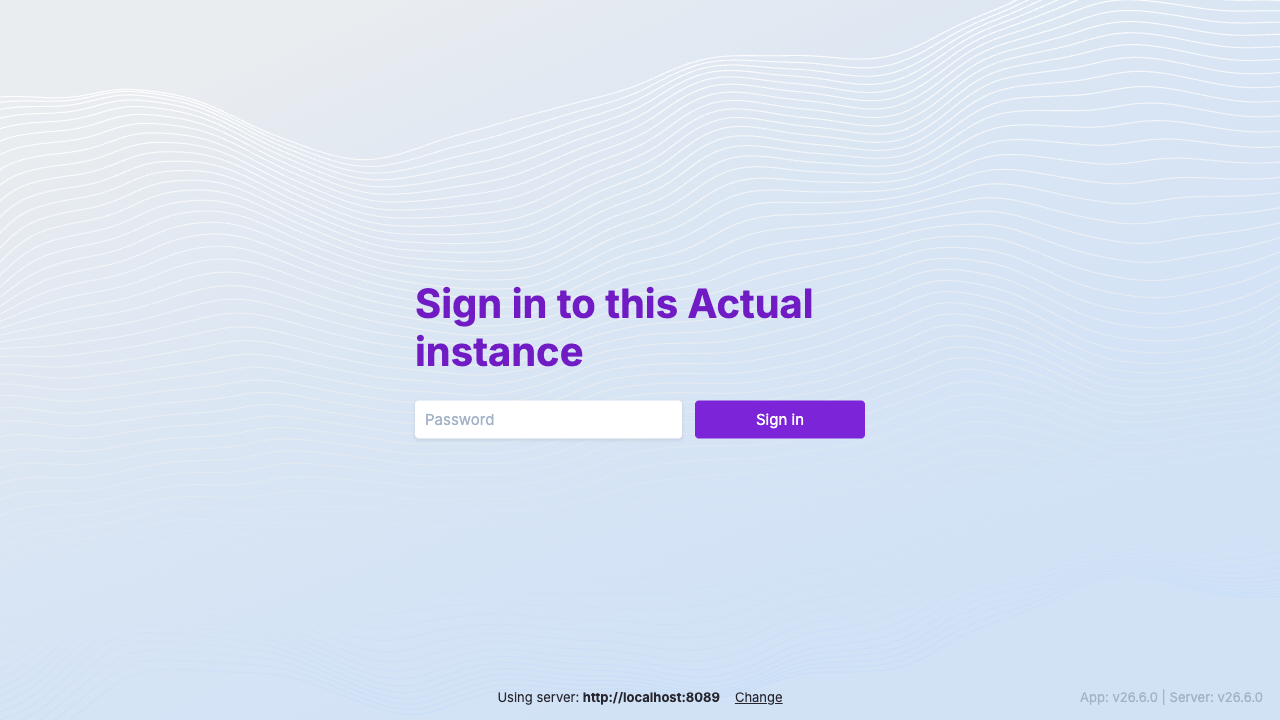
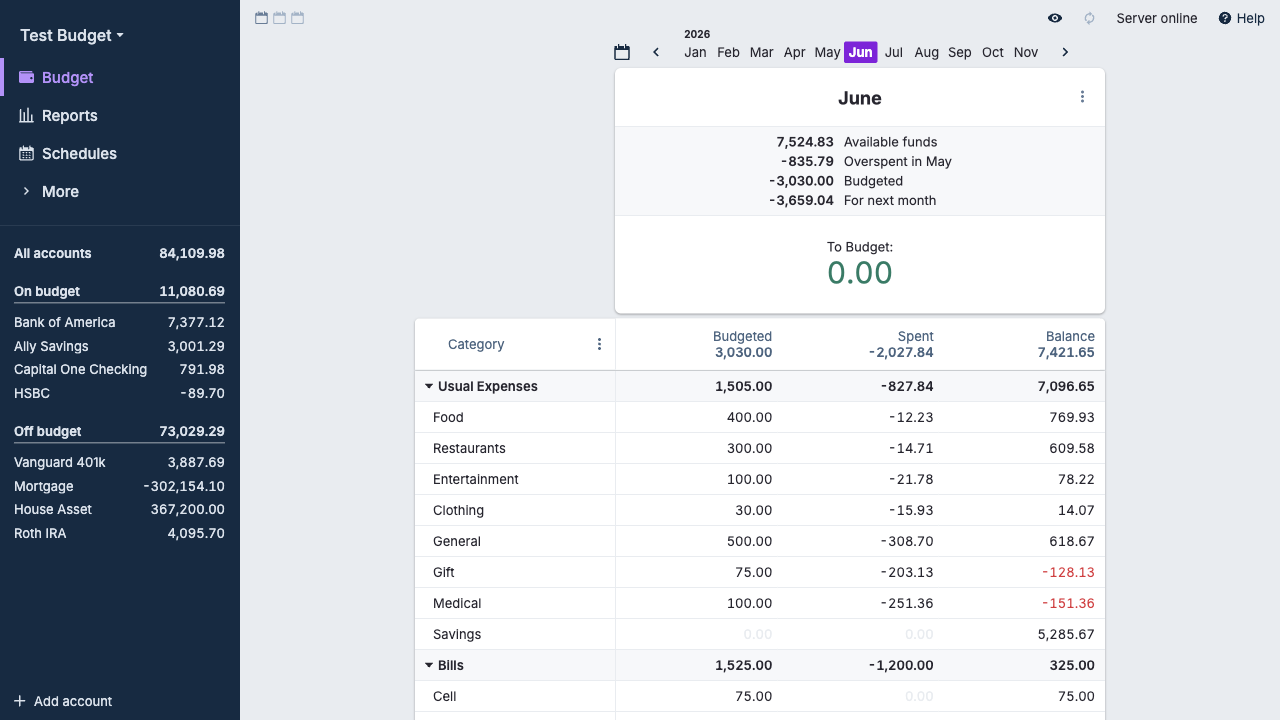
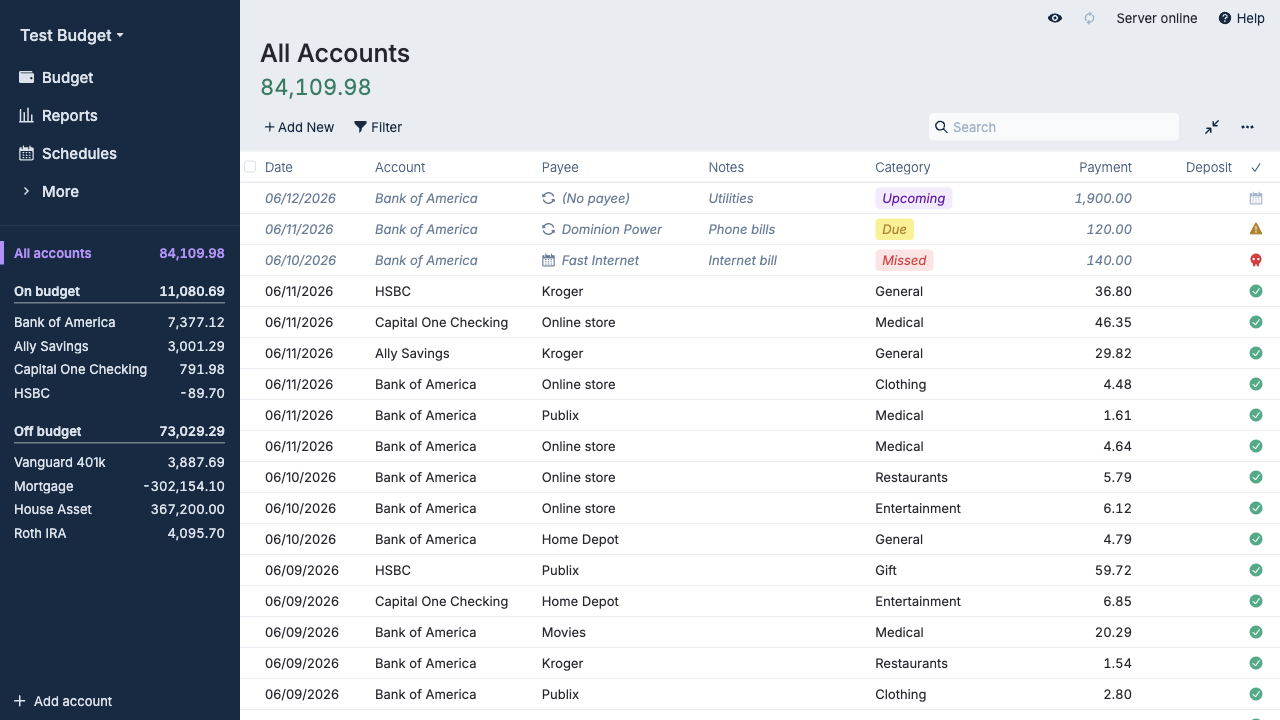
Real screenshots of this software running on the cloudimg image, taken while testing the deployment guide.
Description
This is a repackaged open source software product wherein additional charges apply for cloudimg support services.
## Why This AMI Instead of Self-Deploying?
Actual Budget is a popular open source, local-first personal finance application built around the proven envelope budgeting method. Deploying it yourself means installing Node.js, configuring npm globally, writing systemd units, hardening nginx, generating secure passwords, and maintaining the stack over time. This AMI eliminates that effort entirely - your self-hosted budget server with multi-device sync and the bundled web app is running within minutes of launch, not hours. You get a pre-hardened, tested configuration backed by 24/7 expert support with a one-hour average response for critical issues, something community forums cannot provide.
The current release available is Actual Budget 25.6.
## Application Stack
The Actual sync server is installed globally with npm on Node.js 22 LTS and run by an unprivileged service account. It listens on the loopback address and an nginx reverse proxy fronts the application on port 80, with a raised upload limit for budget file sync. A systemd service starts the server on boot and restarts it on failure. The bundled web client is served by the same process, so a browser is all your users need.
## Secure By Default
Many pre-built images ship with shared or default passwords - a common vulnerability that exposes instances immediately after launch. This image eliminates that risk entirely:
- A unique server password is generated for every instance on its first boot
- The password is applied through Actual's own bootstrap mechanism
- It is stored in a root-only file, inaccessible to unprivileged users
- No shared or default password ships in the image
- Build-time setup is wiped before capture so nothing sensitive is baked in
Your data lives in your browser and on your own server, never on a third party's cloud.
## Ready To Use
Browse to the instance on port 80, enter the generated server password, and create your budget - or import an existing one from Actual, YNAB, or a nYNAB export. Connect the desktop and mobile apps to the same server for end-to-end synced budgeting across your devices. Your database and budget files live on a dedicated, independently resizable storage volume kept separate from the operating system disk.
## What You Avoid By Using This AMI
- Manual Node.js and npm installation and version management
- Writing and debugging systemd service units
- Configuring nginx as a reverse proxy with correct upload limits
- Generating and securely storing instance passwords
- Ongoing maintenance and security patching without expert guidance
- Troubleshooting sync, encryption, and backup issues alone
## cloudimg Support
24/7 technical support by email and chat with a one-hour average response for critical issues. Our engineers help with Actual Budget deployment, multi-device sync, importing existing budgets, end-to-end encryption, TLS termination, backups, and scaling.
## Use Cases
- Self-hosted personal and household budgeting with full data ownership
- A private, in-your-own-VPC alternative to SaaS budgeting services for people with data residency or privacy requirements
- Shared family budgets synced across devices
- Small business envelope budgeting
All product and company names are trademarks or registered trademarks of their respective holders. Use of them does not imply any affiliation with or endorsement by them.
Key Features
- Actual Budget, the open source local-first envelope budgeting and personal finance app, preinstalled as a sync server (Node.js 22 LTS) behind an nginx reverse proxy on port 80, with the bundled web app served and ready with no manual setup
- Secure by default: the whole instance is protected by a single server password that is generated for every instance on first boot, applied through the server's own bootstrap mechanism and stored in a root only file
- 24/7 technical support from cloudimg, with expert help on multi device sync, importing existing budgets, end to end encryption, TLS termination, backups and scaling