Apache Answer
Overview
Apache Answer, the open source question and answer knowledge base platform for teams, communities and help centres, preinstalled as a system service with the Q&A web interface and REST API published on port 80 behind an nginx proxy. A unique admin password is generated on first boot. Backed by 24/7 cloudimg support.
See it running
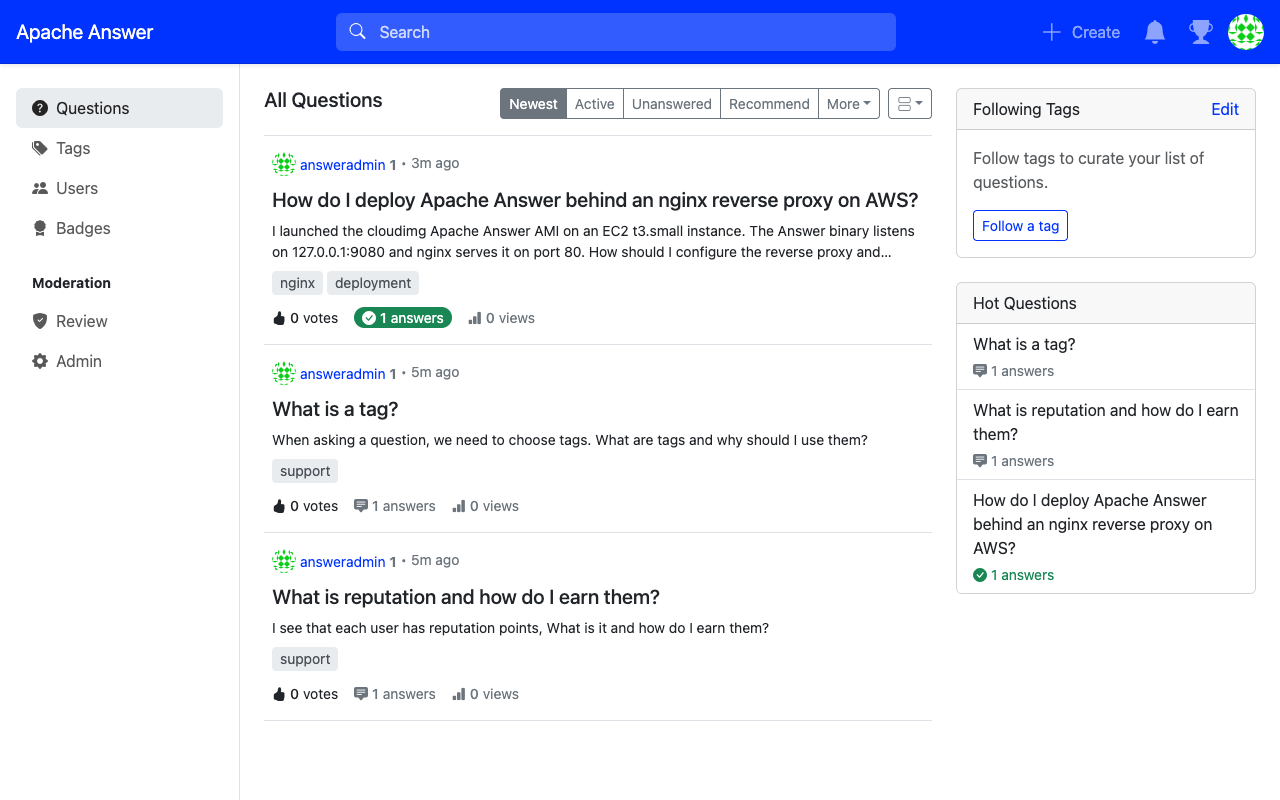
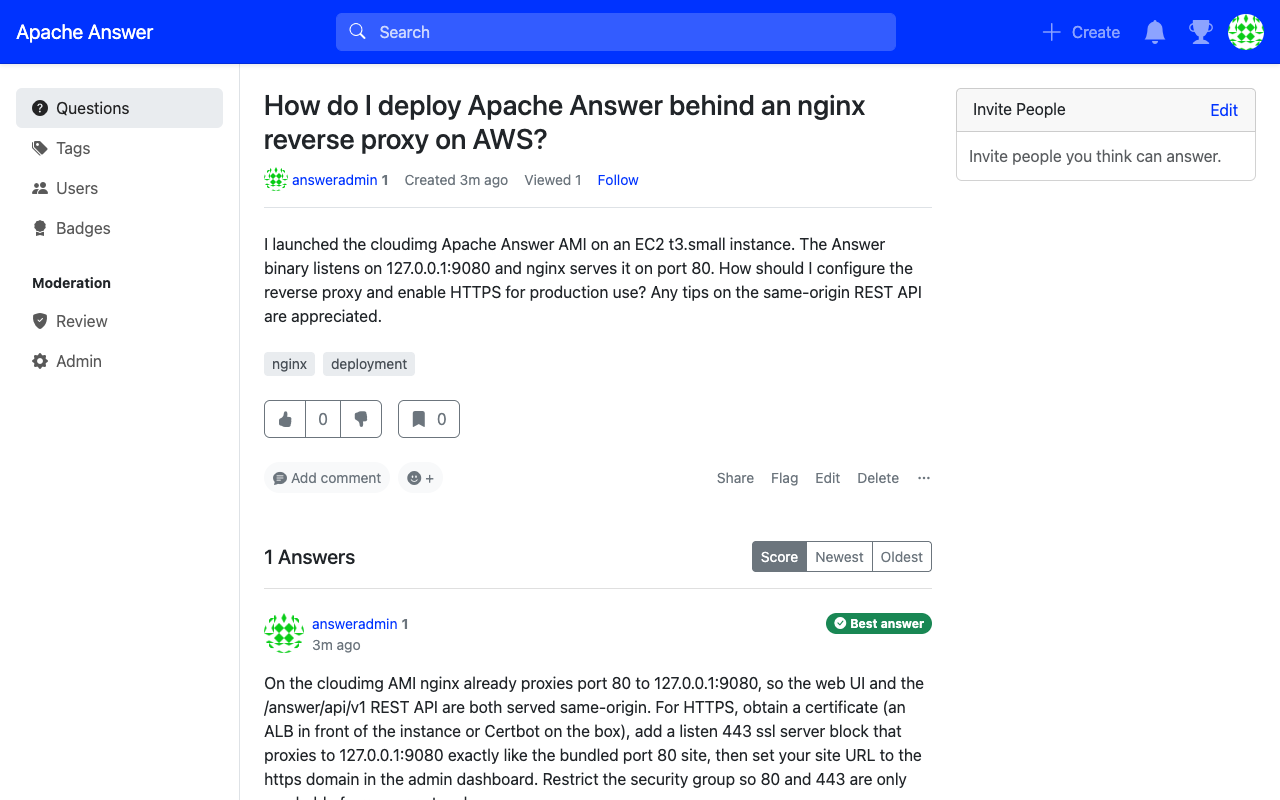
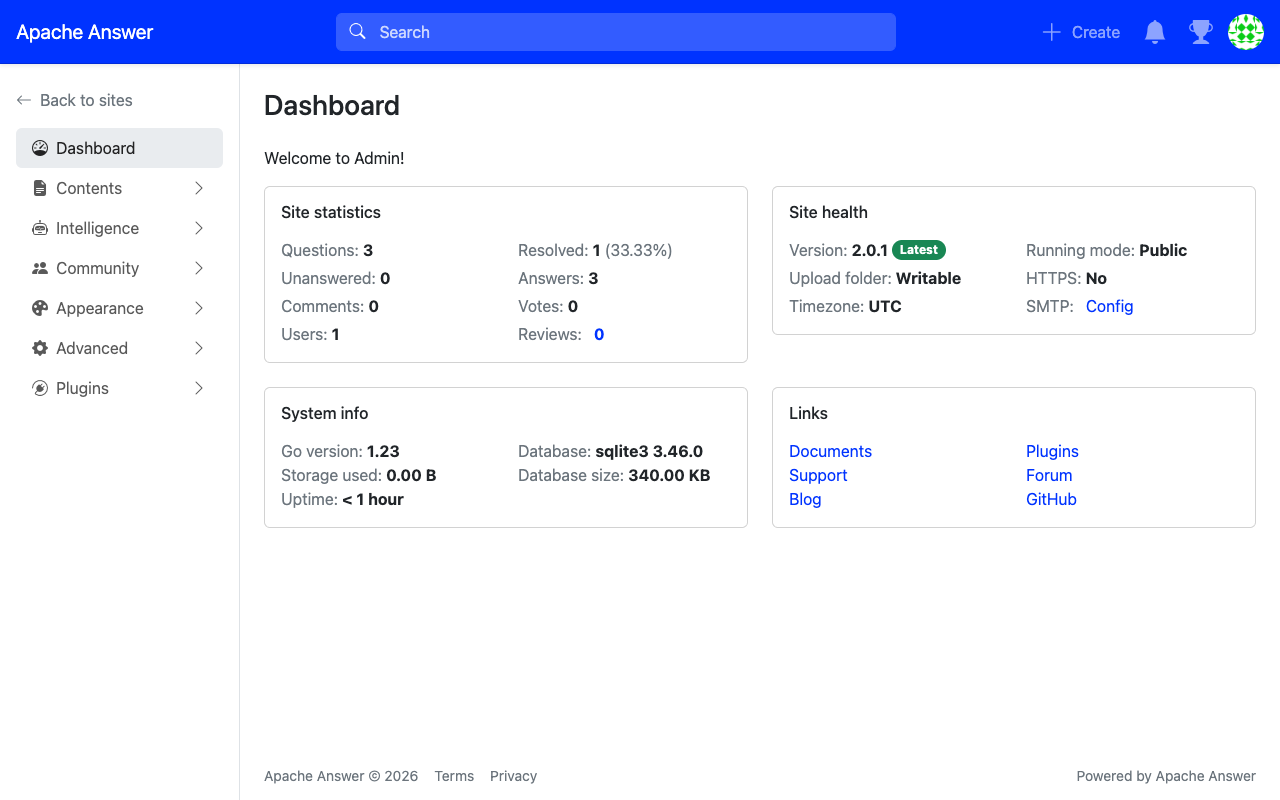
Real screenshots of this software running on the cloudimg image, taken while testing the deployment guide.
Description
This is a repackaged open source software product wherein additional charges apply for cloudimg support services.
Overview
Apache Answer is an open source question and answer platform for teams at any scale. Whether you are running a community forum, a help centre or an internal knowledge management platform, Answer gives you a fast, searchable Q&A experience with questions, answers, accepted solutions, tags, voting, reputation and a full moderation and administration suite. This image delivers Apache Answer fully installed and configured as a system service, so a production grade knowledge base is running within minutes of launch, with no first-run setup wizard to complete.
Application Stack
The single Apache Answer Go binary installed under /opt/answer and run by a dedicated unprivileged service account. The SQLite database, the uploads directory and the configuration stored on a dedicated data disk so the knowledge base is independently resizable and survives instance replacement. A systemd service that starts Answer on boot and restarts it on failure. An nginx reverse proxy that publishes the Q&A web interface and the REST API on port 80.
No Setup Wizard
Apache Answer normally presents an interactive web install wizard on first run, asking for the database, site details and an administrator account. This image completes that setup automatically during the build using Answer's built-in non-interactive install path, so your instance comes up already initialised on a SQLite database with the schema migrated and an administrator account ready. There is no wizard to click through.
Question And Answer Platform
Ask and answer questions in Markdown, accept the best answer, vote content up and down, organise questions with tags, build reputation and badges, search the whole knowledge base, and moderate content through the built-in admin dashboard. Configure the site name, themes, login policy, users, roles and plugins from the administration area.
Secure First Boot
On the first boot of your instance a one shot service generates a fresh administrator password, unique to that instance, applies it to the seeded admin account in the database and writes the password to a root only file. The Answer binary itself binds to loopback only and is published solely through the nginx proxy. No shared or default credentials ship in the image and the build-time knowledge base is wiped, so every instance starts clean.
Ready To Use
The Q&A web interface is served on port 80 through nginx. Browse to the instance, sign in with the generated administrator credentials and start building your knowledge base. The same-origin REST API under /answer/api/v1 is available for automation and integration.
cloudimg Support
24/7 technical support by email and chat. Help with deployment, site configuration, user and role management, tags and categories, theming, plugins, SMTP and email, backup of the SQLite database and uploads, TLS and reverse proxy tuning.
Use Cases
Internal team knowledge bases and engineering wikis. Community support forums. Customer help centres and self-service FAQ. Developer Q&A portals. Documentation and tribal-knowledge capture.
All product and company names are trademarks or registered trademarks of their respective holders. Use of them does not imply any affiliation with or endorsement by them.
Key Features
- Apache Answer question and answer knowledge base preinstalled as a systemd service with the Q&A web interface and the REST API published on port 80, fully initialised on SQLite with no first-run setup wizard to complete
- Ask, answer, accept, vote, tag, search and moderate content with reputation and badges and a full admin dashboard, with the SQLite database and uploads on a dedicated independently resizable data disk
- Hardened first boot generates a fresh admin password for every instance, wipes the build-time knowledge base and stores the password in a file only the root user can read, with 24/7 technical support from cloudimg