Base
Hardened build
minimal ports, security patches applied at build time

Ghostwriter, the open source engagement and project management platform that gives offensive security teams one home for clients, projects, findings and reports.
Ghostwriter is an engagement and project management platform built for offensive security and red teams. It replaces scattered spreadsheets and documents with one place to plan assessments, track clients and projects, check infrastructure such as domains and servers in and out, build a reusable library of findings and observations, and generate polished Word and PowerPoint deliverables from templates. A GraphQL API and a real time collaboration service let multiple operators work together and wire Ghostwriter into the rest of their tooling.
Consultancies use it to schedule projects and assign operators, keep a consistent findings library across engagements, and turn assessment work into repeatable, well formatted reports. Internal security teams use the same workflow to run and document their own programme of testing.
cloudimg ships Ghostwriter as a complete, secure by default appliance running the official upstream production stack behind a single TLS front door, so there is no compose file to assemble or registry to reach. Every secret and a unique administrator password are generated on first boot and written to a root only file, so no two instances share a credential and nothing is baked into the image. The application learns its own public address on every boot so the console works over HTTPS without hand editing, a self signed certificate is ready to be swapped for your own, the base is fully patched with unattended security upgrades and provisioned with swap headroom for the multi container stack, and every deployment comes with a paired deploy guide and 24/7 support.
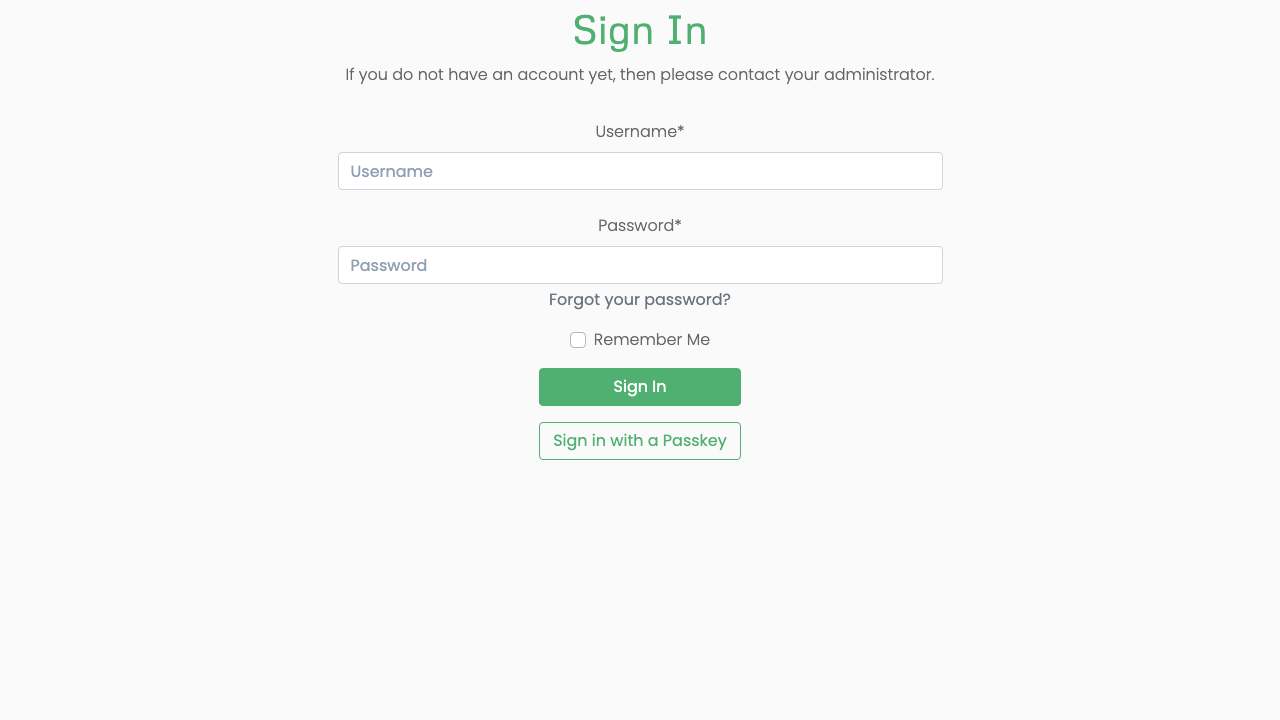
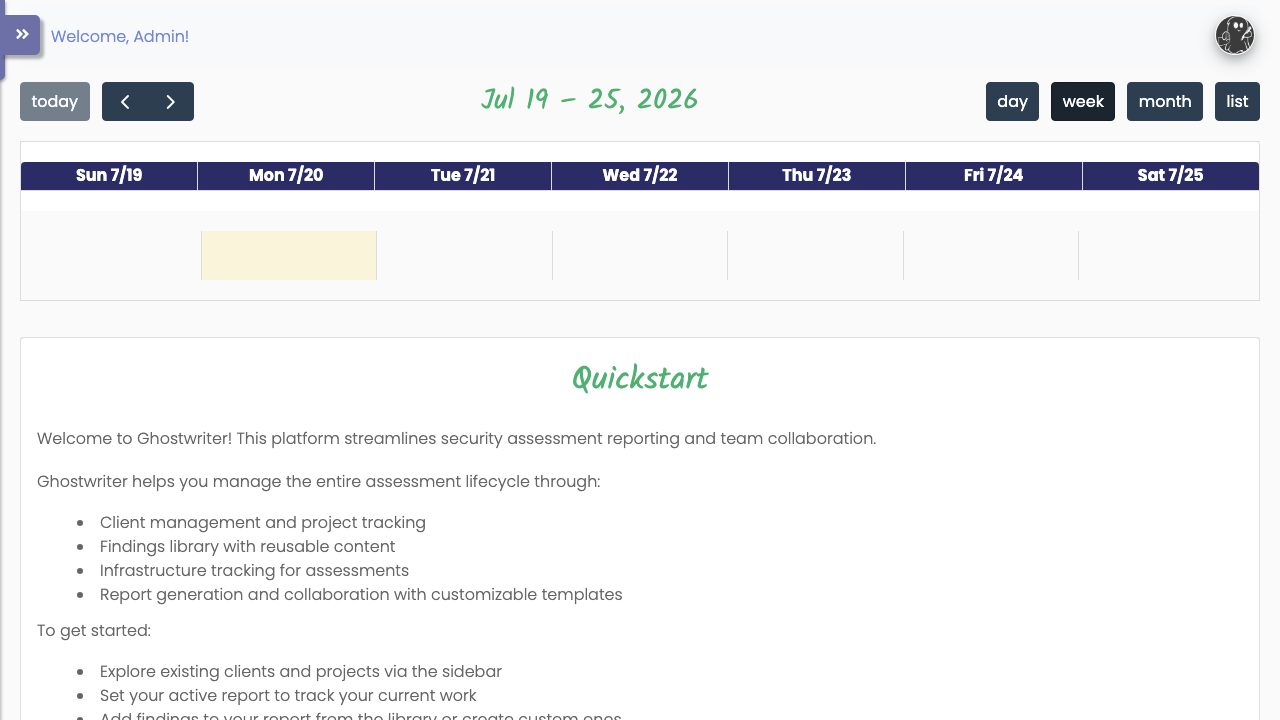
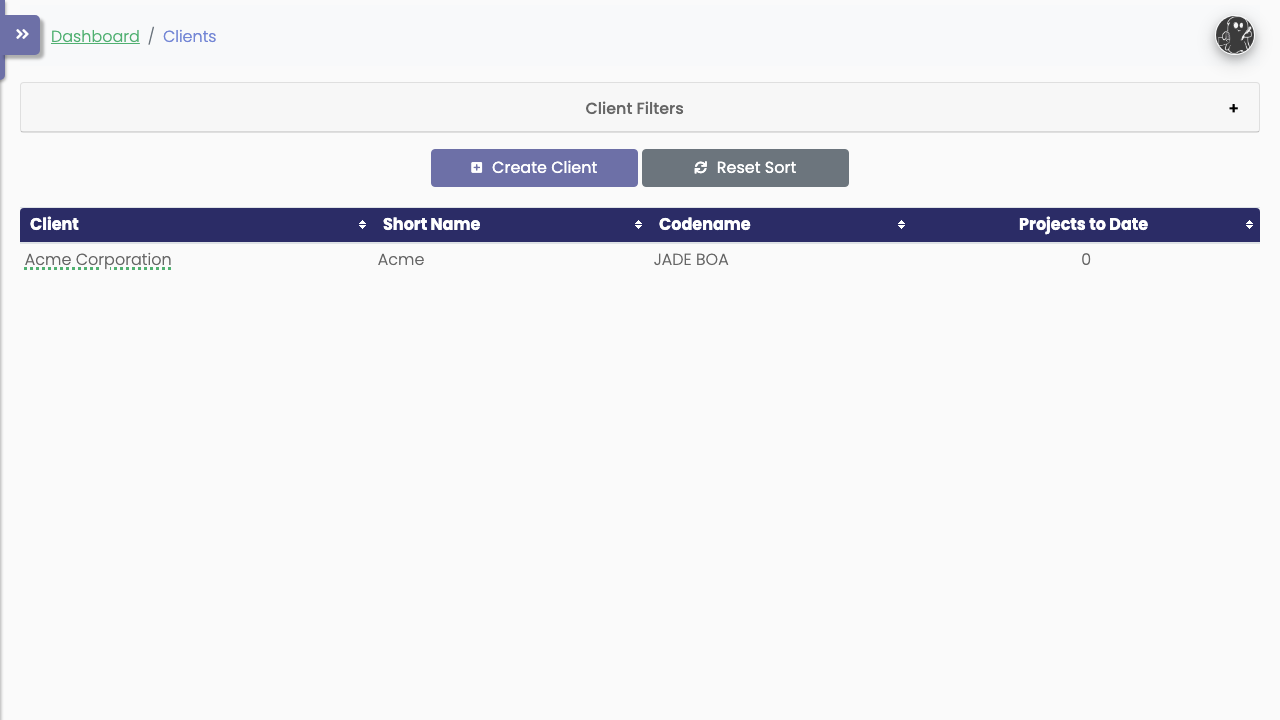
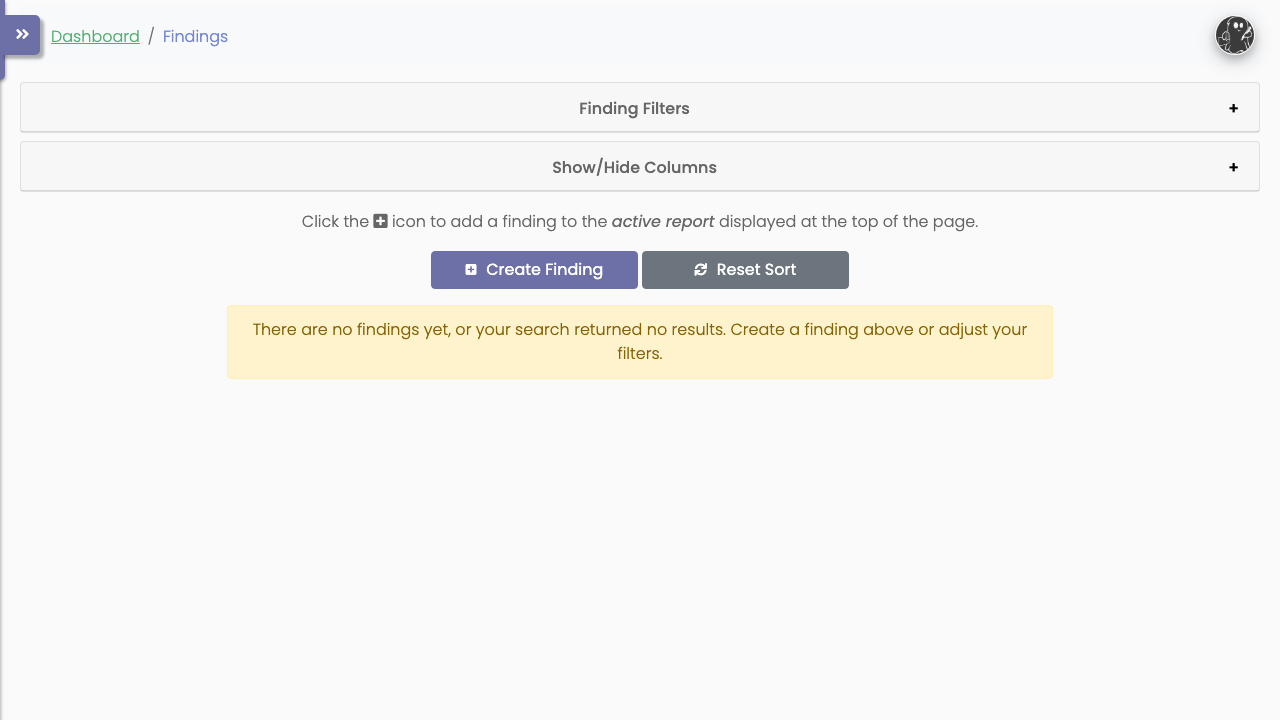
Real screenshots taken while testing this image against its deployment guide.
2FAuth is a free, open source, self hosted web app for managing your two factor authentication accounts.
The image installs acme-dns 2.0.2 from the official upstream release (github.com/acme-dns/acme-dns, the project formerly...

Mail sent to an alias is forwarded to your real inbox, and you can reply from the alias so the other side never learns w...

AliasVault is an open source, end to end encrypted password manager combined with a private email alias service that you...

This image runs Apache SpamAssassin, the long established open source anti spam platform, fully configured and security ...

Apache Syncope is an open source identity management and identity governance platform.